
Classic Cantabile DP-230
Classic Cantabile DP-230 Digital Piano Instruction Manual
Model: DP-230
1. Introduction
This manual provides essential information for the safe and efficient use of your Classic Cantabile DP-230 Digital Piano. Please read these instructions thoroughly before operating the instrument and retain them for future reference. This digital piano offers a realistic playing experience with its hammer-action keyboard and a wide range of features suitable for both beginners and experienced musicians.
2. Safety Instructions
- Power Supply: Use only the specified power adapter. Ensure the voltage matches your local power supply. Disconnect the power cord during thunderstorms or when not in use for extended periods.
- Placement: Place the piano on a stable, level surface. Avoid direct sunlight, heat sources, and excessive humidity. Keep away from strong electromagnetic fields.
- Moisture: Do not expose the instrument to rain or moisture. Do not place objects containing liquids on the piano.
- Ventilation: Ensure proper ventilation around the instrument. Do not block ventilation openings.
- Cleaning: Use a soft, dry cloth for cleaning. Avoid abrasive cleaners, waxes, or solvents.
- Children: Keep small parts and packaging materials away from children to prevent choking hazards.
3. Package Contents
Please check that all items are present in your package:
- Classic Cantabile DP-230 Digital Piano
- Power Adapter
- Adjustable Piano Bench (Solid wood, matte white, black corduroy cover, height adjustable 47-56 cm, max. load 120 kg)
- Headphones (Frequency range 20-20,000 Hz, padded, ear-enclosing, 4m cable)
- Piano School Book for Beginners (DIN A4, 44 pages, with access to training videos, PlayAlongs, and MIDI files)
- Music Stand

Figure 3.1: Included accessories: piano bench, headphones, and piano school book.
4. Setup
4.1 Assembly
The Classic Cantabile DP-230 requires some assembly. Follow the instructions provided in the separate assembly guide for detailed steps. Ensure all screws are tightened securely before use. It is recommended to have two people for assembly due to the instrument's weight.
4.2 Connecting the Pedals
Connect the pedal unit cable to the corresponding port on the underside of the piano. Ensure a firm connection.

Figure 4.1: The three integrated pedals for dynamic and expressive playing.
4.3 Power Connection
Connect the power adapter to the DC IN port on the rear of the piano, then plug it into a suitable power outlet.
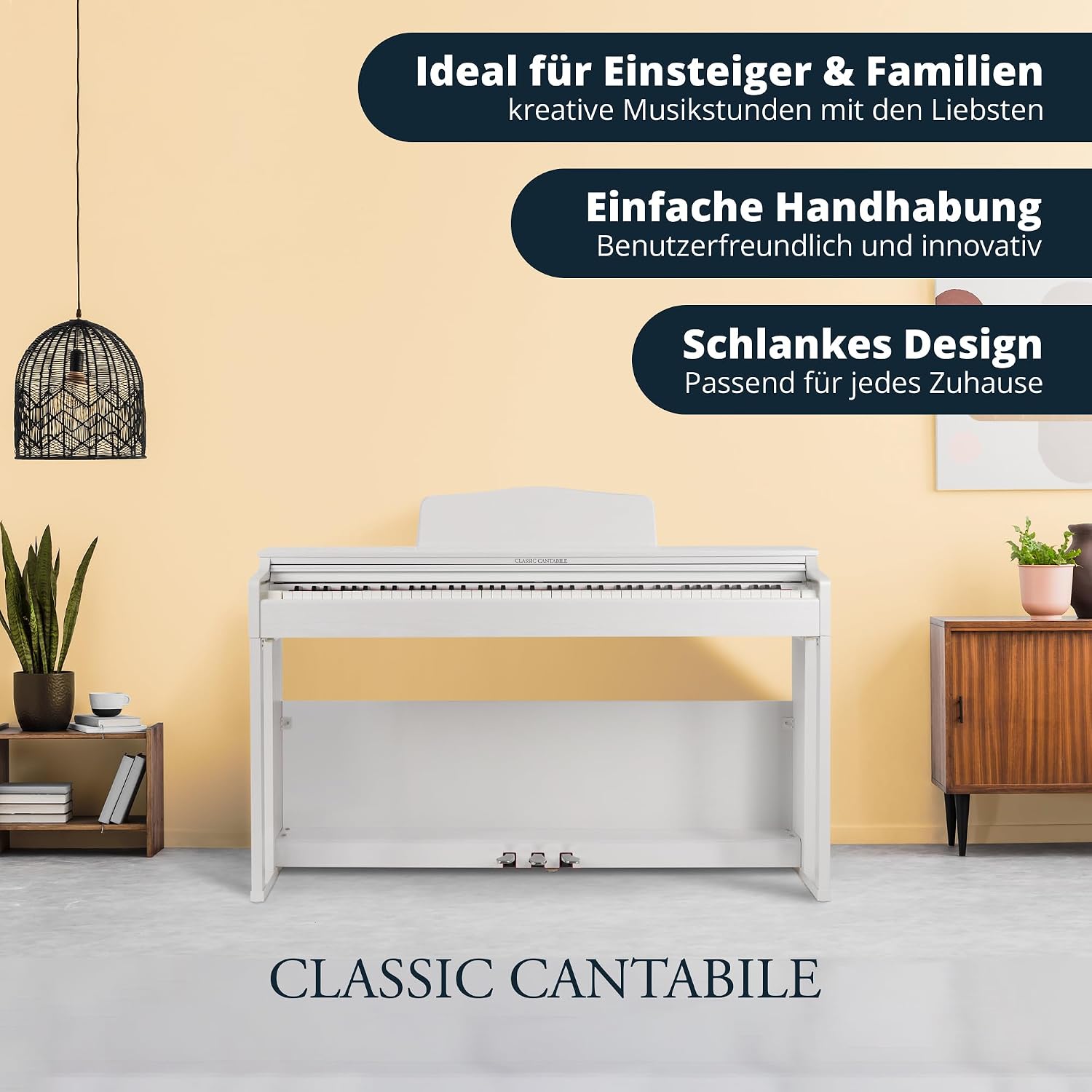
Figure 4.2: The Classic Cantabile DP-230 Digital Piano fully assembled.
5. Operating Instructions
5.1 Power On/Off
Press the POWER button located on the control panel to turn the piano on or off.
5.2 Volume Control
Adjust the overall volume using the MASTER VOL knob or buttons on the control panel.
5.3 Voice Selection
The DP-230 features 40 different voices. Refer to the detailed voice list in the separate user manual for specific instructions on how to select and combine voices.
5.4 Rhythm Selection
Access the 200 accompaniment rhythms. Use the RHYTHM VOL control to adjust the rhythm volume independently.
5.5 Metronome
Activate the built-in metronome to assist with timing. The tempo can be adjusted from 20 to 280 beats per minute (bpm).

Figure 5.1: Integrated metronome for practice and retractable keyboard cover for protection.
5.6 Touch Response
The 88-key hammer-action keyboard includes touch response, allowing for dynamic expression based on how hard or soft you play the keys.

Figure 5.2: The 88 weighted keys with hammer mechanism provide a realistic playing feel.
5.7 Layer and Split Functions
The piano supports Layer and Split functions, allowing you to combine different sounds or divide the keyboard into two sections with separate voices.
6. Connections
The DP-230 offers various connectivity options:
- Headphone Jacks (2x 6.3 mm stereo): Connect up to two pairs of headphones for silent practice.
- Audio IN/OUT (RCA): Connect external audio devices for playback or output the piano's sound to an amplifier or recording device.
- MIDI IN/OUT: Connect to other MIDI-compatible instruments or devices.
- USB to Host: Connect the piano to a computer for MIDI data transfer, allowing use with music software.

Figure 6.1: Overview of the rear panel connections.

Figure 6.2: Two headphone jacks for silent practice and USB-to-Host for computer connectivity.
7. Key Features
- 88-Key Hammer Mechanism: Provides a realistic piano feel with graded hammer action.
- 128-Note Polyphony: Allows up to 128 notes to sound simultaneously, ensuring complex pieces are played without note drop-out.
- 40 Voices & 200 Rhythms: A versatile selection of instrument sounds and accompaniment styles.
- 3 Pedals: Sustain, Soft, and Sostenuto pedals for expressive control.
- Integrated Speakers: Two 15-watt speakers deliver clear and powerful sound.
- Retractable Keyboard Cover: Protects the keys from dust and damage when not in use.
- Adjustable Music Stand: Conveniently holds sheet music.

Figure 7.1: Features including 128-note polyphony, 40 voices, and 200 rhythms.
8. Maintenance
8.1 Cleaning
Wipe the piano's surface with a soft, dry, lint-free cloth. For stubborn dirt, slightly dampen the cloth with water and a mild soap solution, then wipe dry immediately. Avoid using chemical cleaners, solvents, or abrasive materials, as these can damage the finish.
8.2 Keyboard Care
Regularly wipe the keys with a soft, dry cloth. If keys become sticky, use a slightly damp cloth with a very mild soap solution, then dry thoroughly. Do not allow liquids to seep between the keys.
8.3 Storage
When not in use, ensure the keyboard cover is closed to protect the keys from dust. Store the piano in a stable environment, away from extreme temperatures and humidity fluctuations.
9. Troubleshooting
| Problem | Possible Cause | Solution |
|---|---|---|
| No sound | Power off, volume too low, headphones connected, speaker issue. | Ensure power is on. Increase MASTER VOL. Disconnect headphones if sound is desired from speakers. Check speaker connections. |
| Distorted sound | Volume too high, faulty connection, external interference. | Lower volume. Check all audio cable connections. Move away from other electronic devices. |
| Keys unresponsive | Instrument malfunction, specific setting. | Turn the piano off and on again. Consult the full user manual for advanced settings that might disable keys. If problem persists, contact support. |
| Pedals not working | Pedal unit not connected properly. | Check the pedal unit cable connection to the piano. |
10. Specifications
| Feature | Detail |
|---|---|
| Brand | Classic Cantabile |
| Model | DP-230 |
| Color | Matte White |
| Number of Keys | 88 |
| Keyboard Type | Hammer Mechanism, Touch Response |
| Polyphony | 128-note |
| Voices | 40 |
| Rhythms | 200 |
| Metronome Tempo Range | 20-280 bpm |
| Pedals | 3 (Sustain, Soft, Sostenuto) |
| Speakers | 2 x 15 Watt |
| Connections | Audio IN/OUT (RCA), MIDI IN/OUT, USB to Host, 2x Headphone (6.3 mm stereo), Power Supply |
| Item Dimensions (L x W x H) | 138 x 41.5 x 83 cm |
| Item Weight | 41.5 kg |
| Skill Level | Student |
11. Warranty and Support
For warranty information, please refer to the documentation provided at the time of purchase or contact your retailer. If you encounter any issues not covered in this manual or require technical assistance, please contact Classic Cantabile customer support or your authorized dealer. Keep your proof of purchase for warranty claims.
Related documentsDP-230


Ask a question about this manual
Ask about setup, troubleshooting, compatibility, parts, safety, or missing instructions. Manuals+ will review the question and use this page’s manual context to help answer it.