
Introduction
This user manual provides detailed instructions for the installation, operation, and maintenance of your WOLILIWO 9-inch Wired Video Intercom System. This system is designed to enhance security and convenience for your home, office, or apartment by providing clear dual-way communication, remote unlocking, and monitoring capabilities.

The WOLILIWO 9-inch Wired Video Intercom System, featuring a sleek indoor monitor and a durable outdoor camera.
Product Features
- Stability and Durability: Wired connection, 9-inch touch screen display, and metal camera doorbell ensure high stability and long-term durability.
- Safety and Convenience: Allows easy communication with visitors and remote unlocking, enhancing security and convenience, especially for elderly individuals.
- Monitoring Functionality: Monitor the situation outside by pressing the monitoring button on the indoor unit. Monitoring time is 90 seconds.
- Outdoor Camera: Waterproof outdoor camera with infrared night vision and a high-definition camera for clear visibility in low light. Rain and explosion-proof aluminum alloy body and casing.
- Easy Installation: Doorbell camera and monitor connect via a 4-core cable (up to 328 feet). Suitable for apartments, villas, banks, hotels, offices, and homes.
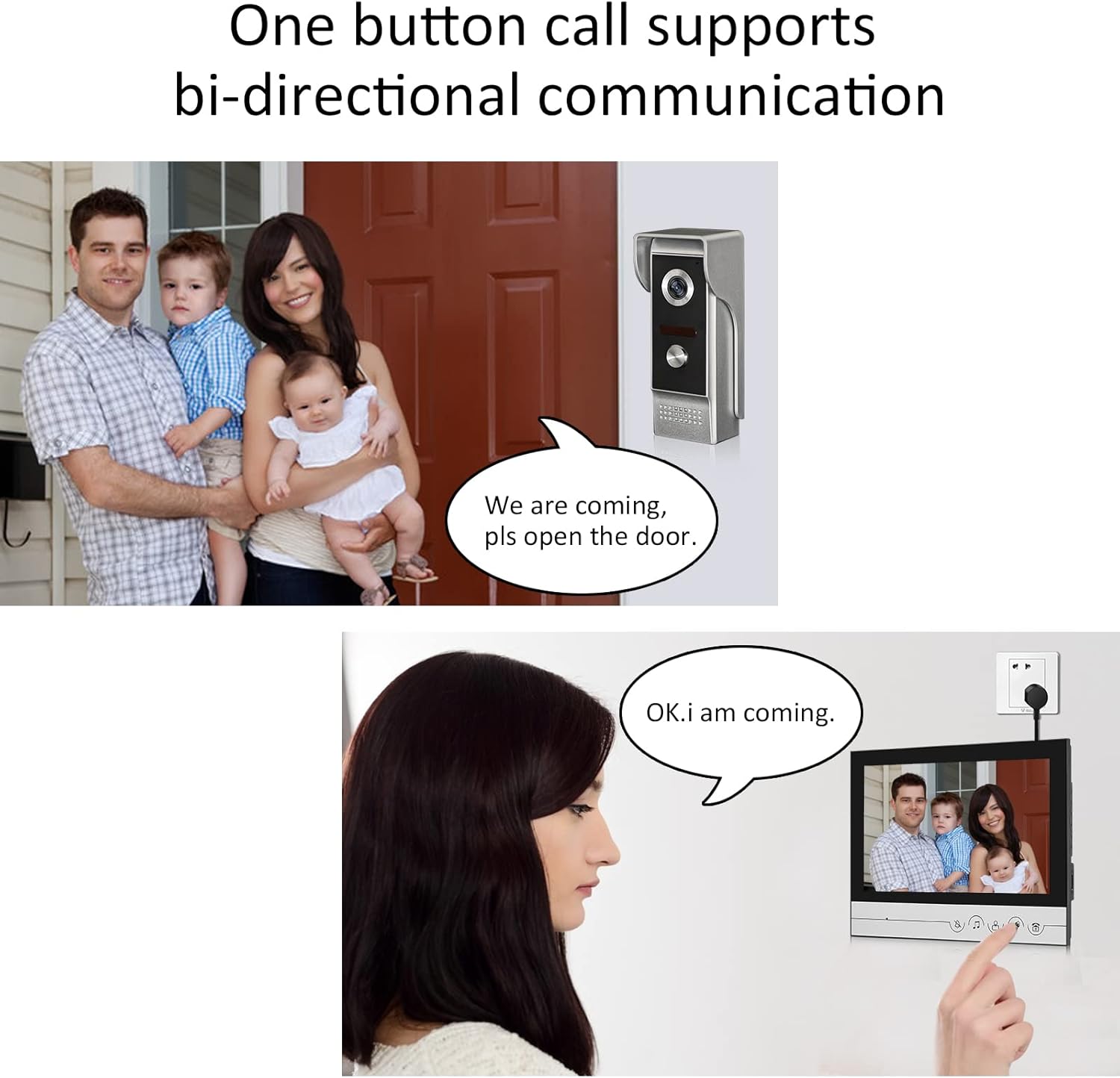
The system supports bi-directional communication, allowing clear conversations with visitors.
What's in the Box
The package includes the following components:
- Indoor unit (Monitor)
- Outdoor unit (Camera)
- Power supply adapter
- 4-core/5-core short connection wire
- Test cable
- Screws

All components included in the product package for a complete setup.
Safety Information
Caution: Do not directly connect 220V voltage, or the unit will be burned off.
Setup and Installation
The WOLILIWO video intercom system is designed for easy installation. The indoor monitor and outdoor camera are connected via a 4-core cable. For optimal performance, Cat6 network cable is recommended for extension cables, which need to be purchased separately.
Wiring Requirements:
Based on various distances, the wiring and wire diameter requirements are different. Refer to the table below for wire requirements:
| Distance | Wire Type |
|---|---|
| 1-30m | RVV4*0.30 |
| 31-50m | RVV4*0.50 |
| 51-100m | RVV4*1.0 |
Colors and functions of wiring terminals:
- Yellow---Video
- Blue---Audio
- Black---Ground wire
- Red---VCC
- Black-Intercom between the screens (Multiple screens can use)

Detailed wiring diagram for connecting the outdoor camera, electronic lock, and indoor monitor.
Important Note: Upon receiving the wired video doorbell, it is recommended to test it with two people before permanent installation. It is not recommended to extend the power cord, as this may affect the doorbell's functional transmission.

The outdoor unit is designed for surface mount installation.
Operating Instructions
Indoor Monitor Controls:

The 9-inch indoor monitor features touch buttons for various functions, including intercom, monitor, unlock, and ringtone adjustment.
- Answering a Call: When a visitor presses the doorbell, the indoor monitor will display their image. Press the intercom button to communicate.
- Unlocking the Door: After confirming the visitor's identity, you can press the unlock button on the monitor to open the door directly without having to go to the door.
- Monitoring: To view the outdoor area without a doorbell press, press the monitoring button on the indoor unit. The monitoring duration is 90 seconds.
- Ringtone Adjustment: The monitor offers 25 ringtone options. Adjust the ringtone volume using the dedicated controls.
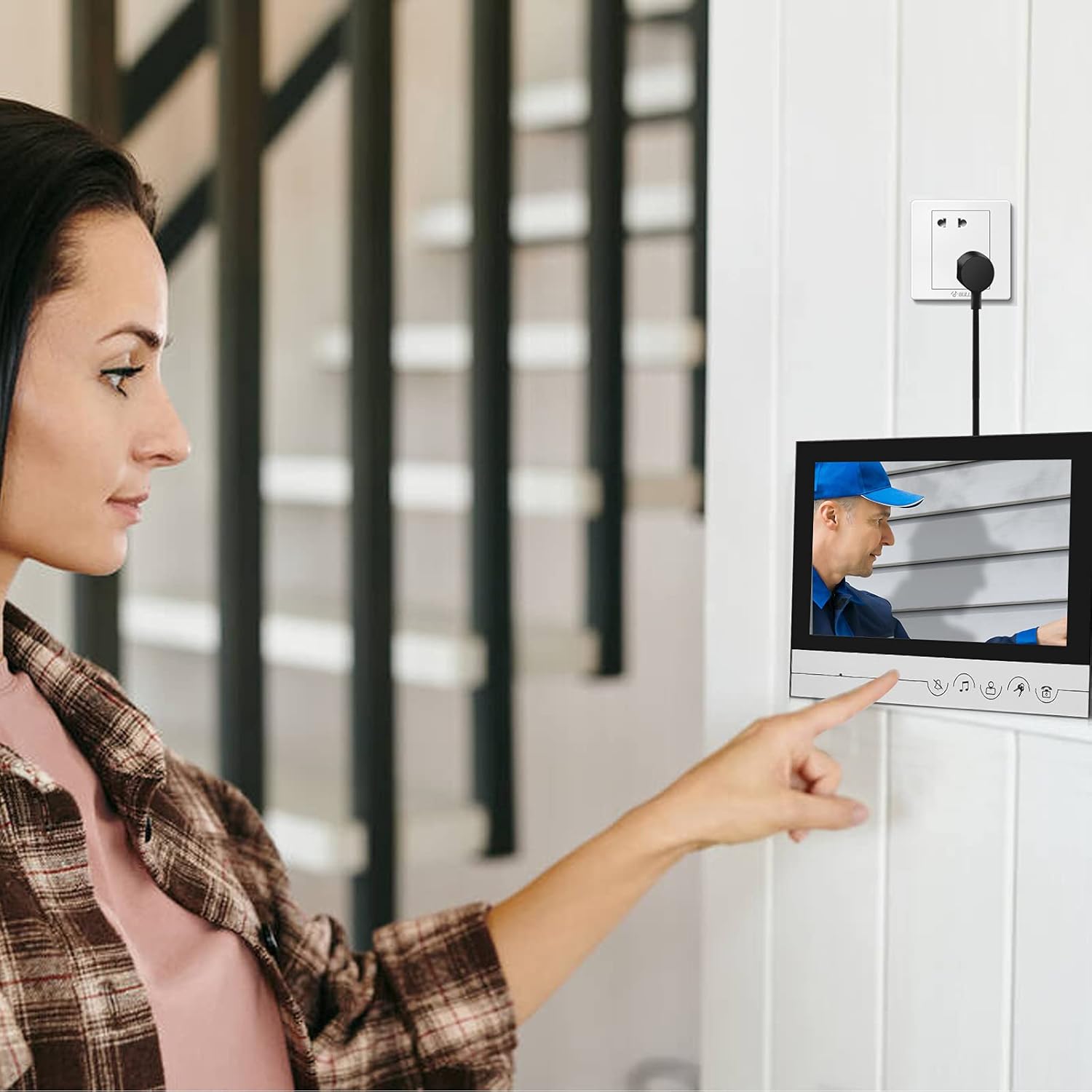
A user interacting with the indoor monitor to view and communicate with a visitor.
Outdoor Camera Features:

The outdoor camera unit features a high-definition camera, LED for night vision, and a call button.
- Infrared Night Vision: Enables clear visibility of people even in low light conditions.
- Weather Resistance: The camera is rain and explosion-proof, with an aluminum alloy body and casing, ensuring durability in various weather conditions.

The outdoor unit is designed with a rainproof cover for enhanced durability.
Official Product Video:
Official video demonstrating the features and operation of the WOLILIWO Wired Video Doorbell with Monitor.
Maintenance
To ensure the longevity and optimal performance of your WOLILIWO Video Intercom System, follow these maintenance guidelines:
- Cleaning: Regularly wipe the indoor monitor screen and outdoor camera lens with a soft, dry cloth. Avoid using abrasive cleaners or solvents that could damage the surfaces.
- Cable Inspection: Periodically check all wired connections for any signs of wear, damage, or loose connections. Ensure cables are securely fastened and protected from environmental elements.
- Environmental Protection: While the outdoor unit is rain-proof, avoid direct exposure to extreme weather conditions or prolonged submersion in water. Ensure proper drainage around the outdoor unit.
- Power Supply: Ensure the power supply adapter is free from damage and is connected to a stable power source.
Troubleshooting
If you encounter issues with your WOLILIWO Video Intercom System, refer to the following common troubleshooting steps:
- No Image on Monitor:
- Check if the monitor is powered on.
- Verify all cable connections between the outdoor camera and indoor monitor are secure.
- Ensure the power supply is correctly connected and providing power.
- No Audio/Poor Audio Quality:
- Check the volume settings on the indoor monitor.
- Inspect the audio wire connection (blue wire) for looseness or damage.
- Ensure the microphone and speaker on both units are not obstructed.
- Door Unlock Function Not Working:
- Verify the electronic lock is properly connected to the outdoor unit.
- Check the unlock wire connection for any issues.
- Ensure the electronic lock itself is functioning correctly.
- Night Vision Not Working:
- Ensure there are no obstructions blocking the infrared LEDs on the outdoor camera.
- Verify the camera is receiving adequate power.
- Intermittent Operation:
- Check for any loose wiring connections.
- Ensure the cable length and type meet the specified requirements (refer to Wiring Requirements section).
- Avoid extending the power cord excessively, as this can affect signal transmission.
If problems persist after following these steps, please contact WOLILIWO customer support for further assistance.
Specifications
| Feature | Detail |
|---|---|
| Model Number | 3216552914 |
| Screen Size | 9-inch |
| Power Source | 15V 1.2A power supply |
| Connectivity Protocol | 4-core cable or Cat5/6 connection |
| Mounting Type | Surface Mount |
| Video Capture Resolution | 720p |
| Color | Silver |
| Number of Channels | 4 |
| Wireless Communication Technology | wired video intercom |
| Viewing Angle | 82 Degrees |
| Installation Type | Wall mount |
| Night Vision Range | 2 Feet |
| Upper Temperature Rating | 50 Degrees Celsius |
| Material | Aluminum, Plastic |
| Voltage | 220 Volts (DC) |
| Wattage | 2 watts |
| Item dimensions L x W x H | 9.06 x 6.5 x 2 inches |
| Item Weight | 2 Pounds |
| Photo Sensor Technology | CMOS |
| Effective Still Resolution | 1 MP |
| International Protection Rating | IP54 |
| Manufacturer | WOLILIWO |

Technical specifications and dimensions for the indoor monitor and outdoor camera.
Warranty and Support
The WOLILIWO doorbell has a 1-year warranty from the date of purchase. For technical support, troubleshooting assistance, or warranty claims, please contact WOLILIWO customer support.
Seller: WOLILIWO SMARTHOME
For additional resources, you may refer to the official User Manual (PDF).