
1. Introduction
This user manual provides detailed instructions for the installation, operation, and maintenance of your COOAU Wireless Outdoor Security Camera (Model Z5-GX5S). Please read this manual thoroughly before using the product to ensure proper function and safety. Keep this manual for future reference.
The COOAU Wireless Outdoor Security Camera is designed for outdoor surveillance, featuring a 15000mAh rechargeable battery, 1080P video resolution, night vision capabilities, IP66 waterproof rating, and human motion detection. It connects via WiFi and is compatible with iOS and Android devices.
2. Packing List
Please check the contents of your package upon opening. If any items are missing or damaged, contact customer support.
- COOAU Wireless Outdoor Security Camera (Model Z5-GX5S)
- Mounting Bracket
- USB Charging Cable
- Mounting Screws and Wall Anchors
- User Manual
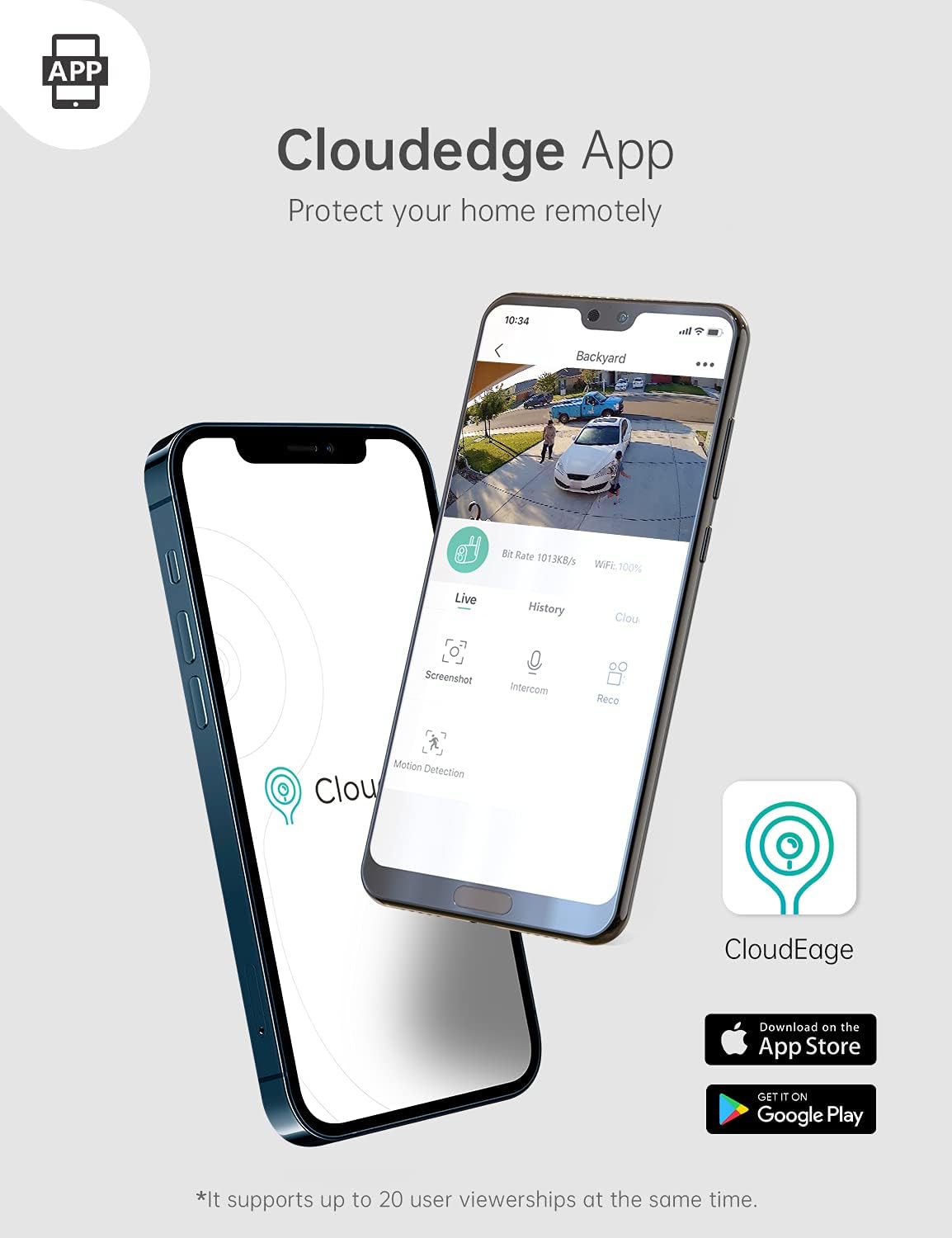
Image: Contents of the COOAU Wireless Outdoor Security Camera package, including the camera, mounting bracket, USB cable, screws, and user manual.
3. Product Overview
Familiarize yourself with the components of your security camera.

Image: Front view of the COOAU Wireless Outdoor Security Camera, showing the lens, infrared lights, and motion sensor.
Key Components:
- Camera Lens: Captures 1080P video.
- Infrared LEDs: Provide night vision capabilities.
- PIR Motion Sensor: Detects human motion.
- Microphone: For audio input.
- Speaker: For two-way audio communication.
- USB Charging Port: For recharging the internal battery.
- SD Card Slot: For local video storage (supports up to 128GB, card not included).
- Reset Button: To reset the camera to factory settings.
- Antennas: For WiFi connectivity.
4. Setup Guide
4.1 Charging the Camera
Before initial use, fully charge the camera's built-in 15000mAh battery. This may take several hours.
- Connect the provided USB charging cable to the camera's charging port.
- Connect the other end of the cable to a 5V/2A USB power adapter (not included).
- The indicator light will show charging status (e.g., red for charging, blue for fully charged).

Image: An internal diagram of the COOAU camera highlighting the 15000mAh rechargeable battery compartment.
4.2 App Download and Account Creation
The camera operates with the CloudEdge app. Download it from your device's app store.
- Search for "CloudEdge" in the Apple App Store (for iOS) or Google Play Store (for Android).
- Download and install the app.
- Open the app and register a new account using your email address. Follow the on-screen prompts to complete registration.

Image: A smartphone displaying the CloudEdge app interface, showing live camera feed and control options.
4.3 Connecting the Camera to WiFi
Ensure your camera is fully charged and your smartphone is connected to a 2.4GHz WiFi network.
- Open the CloudEdge app and tap the "+" icon to add a new device.
- Select "Battery Camera" or the appropriate camera type.
- Power on the camera. Listen for a prompt indicating it's ready for pairing.
- Follow the in-app instructions to connect the camera to your WiFi network. This typically involves scanning a QR code generated by the app with the camera's lens.
- Once connected, name your camera and complete the setup process.
4.4 Mounting the Camera
Choose a suitable outdoor location for optimal coverage and WiFi signal strength. The camera is 100% wire-free for flexible placement.
- Mark the drilling spots using the mounting bracket as a template.
- Drill holes and insert wall anchors if mounting on masonry or stucco.
- Secure the mounting bracket to the wall using the provided screws.
- Attach the camera to the mounting bracket and adjust the angle for desired viewing.
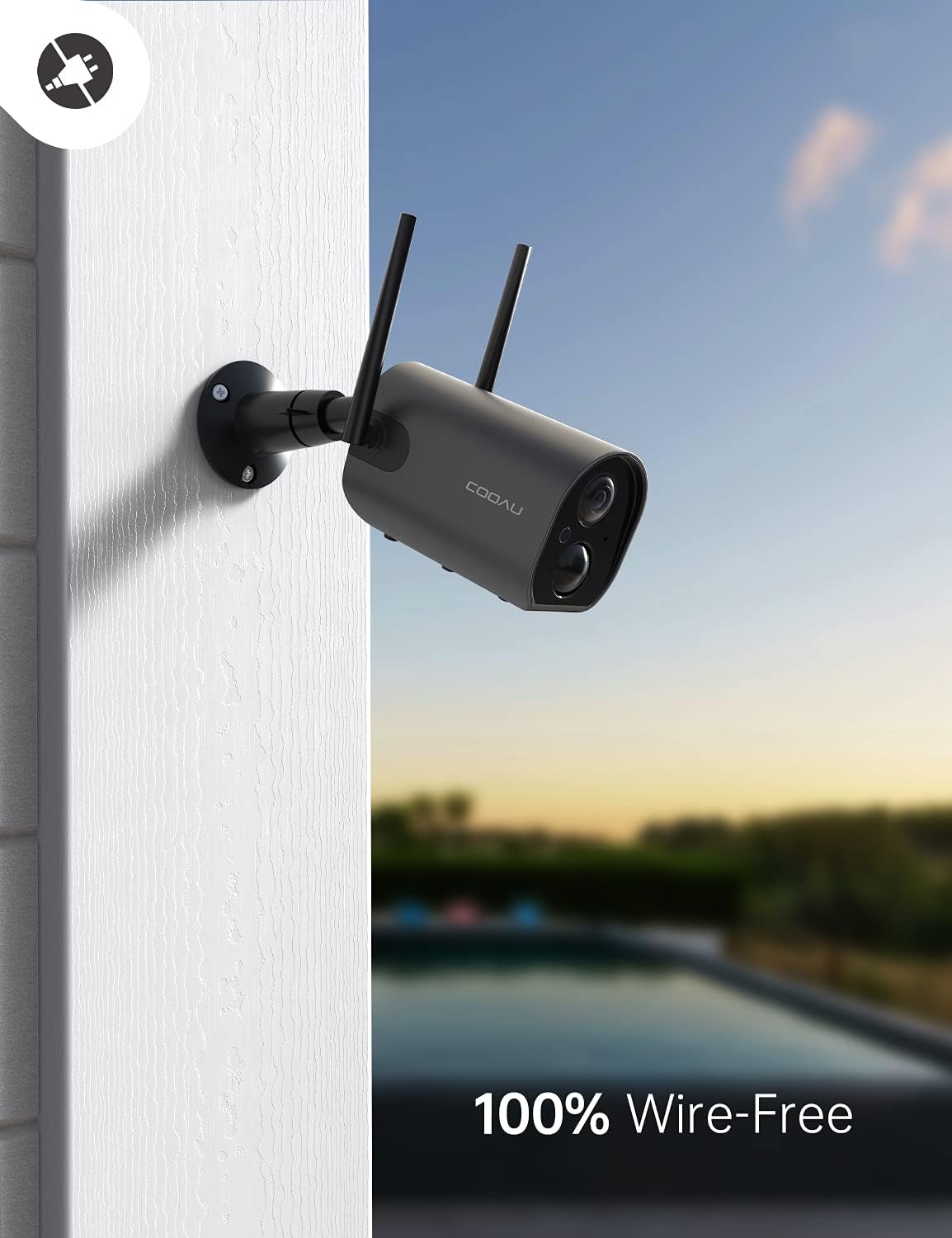
Image: The COOAU Wireless Outdoor Security Camera mounted on an exterior wall, demonstrating its wire-free installation.
5. Operating Instructions
5.1 Live View and Two-Way Audio
Access the live feed and communicate through the camera using the CloudEdge app.
- Open the CloudEdge app and select your camera from the device list.
- The live video feed will appear.
- Tap the microphone icon to speak through the camera's speaker. Tap again to end.
- Tap the speaker icon to listen to audio from the camera's microphone.
5.2 Motion Detection and Alerts
The camera uses PIR (Passive Infrared) technology for human motion detection.
- In the app, navigate to the camera settings.
- Find "Motion Detection" or "PIR Sensitivity" settings.
- Adjust the sensitivity level as needed to minimize false alerts.
- Enable "Alarm Push" or "Notification" to receive alerts on your smartphone when motion is detected.
5.3 Night Vision
The camera automatically switches to infrared night vision in low-light conditions, providing clear images up to 20 meters.

Image: The COOAU camera demonstrating its 20M infrared night vision capability, showing a clear view in a dark environment.
5.4 Video Recording and Playback
Recordings are triggered by motion detection and stored locally on an SD card (if installed) or in cloud storage (subscription may be required).
- Local Storage: Insert a microSD card (up to 128GB, Class 10 or higher) into the camera's SD card slot. Recordings will automatically save to the card upon motion detection.
- Cloud Storage: Refer to the CloudEdge app for available cloud storage plans and activation instructions.
- Playback: In the app, go to the "History" or "Playback" section to view recorded events. You can filter by date and time.
6. Maintenance
6.1 Battery Management
The 15000mAh battery provides extended usage. Monitor battery levels via the app and recharge when necessary.
- Recharge the camera using the provided USB cable and a 5V/2A power adapter.
- Avoid fully draining the battery frequently to prolong its lifespan.
- In cold weather, battery performance may be reduced.
6.2 Cleaning and Care
Regular cleaning helps maintain optimal performance.
- Wipe the camera lens and body with a soft, damp cloth.
- Do not use harsh chemicals or abrasive cleaners.
- Ensure the charging port cover is securely closed to prevent water ingress.
6.3 Weather Resistance (IP66)
The camera is rated IP66 waterproof, meaning it is protected against dust and powerful water jets. It is suitable for outdoor use in various weather conditions.
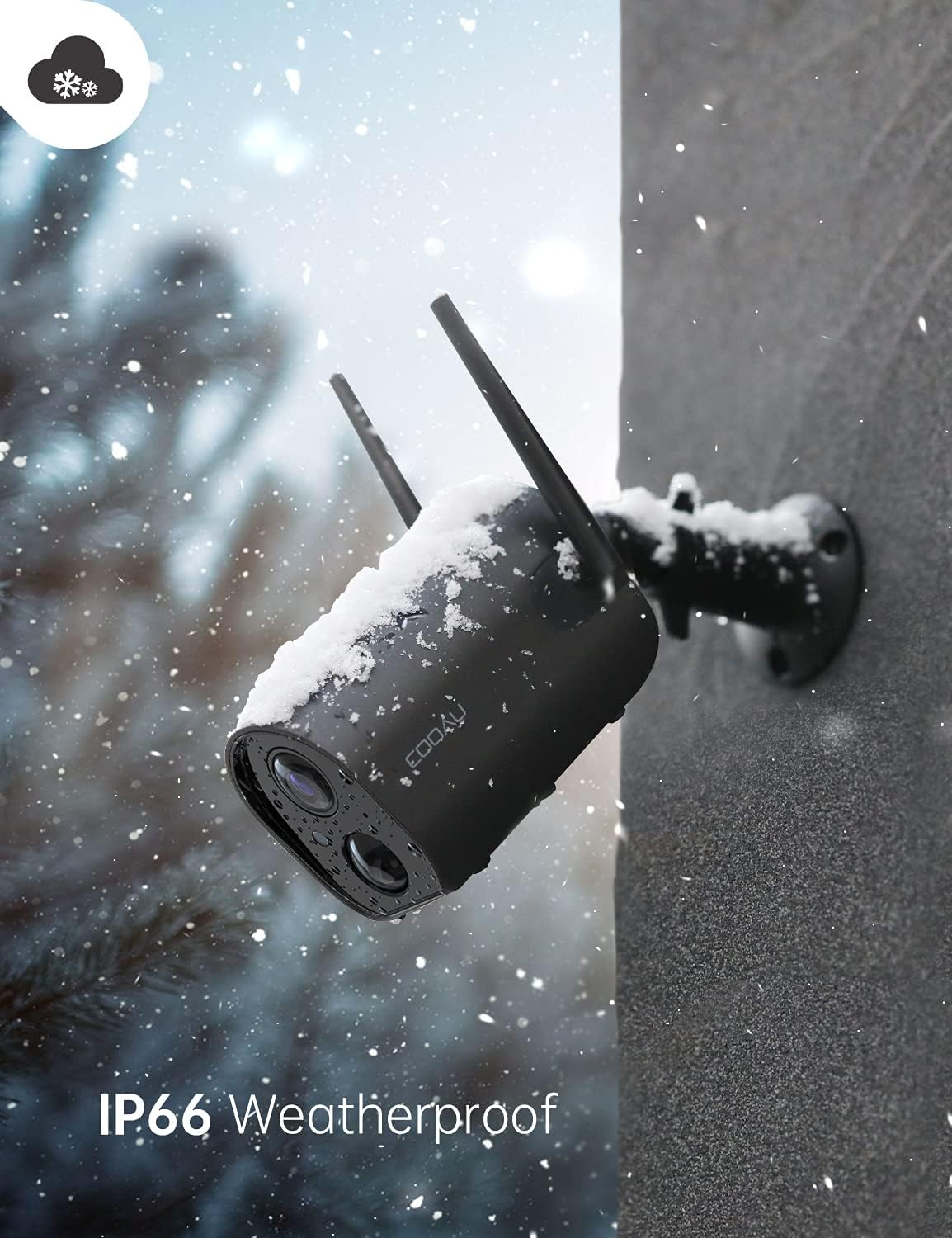
Image: The COOAU Wireless Outdoor Security Camera covered in snow, illustrating its IP66 weatherproof design suitable for harsh outdoor conditions.
7. Specifications
| Model | Z5-GX5S |
| Resolution | 1080P Full HD |
| Battery Capacity | 15000mAh Rechargeable |
| Connectivity | 2.4GHz WiFi |
| Night Vision Range | Up to 20 meters (65 feet) |
| Weatherproof Rating | IP66 |
| Motion Detection | PIR Human Motion Detection |
| Storage Options | MicroSD Card (up to 128GB), Cloud Storage (subscription) |
| Compatible Devices | iOS, Android |
8. Troubleshooting
Common Issues and Solutions:
- Camera won't power on: Ensure the battery is fully charged. Connect to a power source and check the indicator light.
- Cannot connect to WiFi:
- Ensure your WiFi is 2.4GHz. This camera does not support 5GHz WiFi.
- Check WiFi signal strength at the camera's location.
- Verify the WiFi password entered in the app is correct.
- Reset the camera using the reset button and try pairing again.
- Frequent false alarms:
- Adjust the PIR sensitivity setting in the app to a lower level.
- Ensure the camera is not pointed directly at busy roads or areas with constant movement (e.g., swaying trees).
- Night vision is blurry/dark:
- Ensure the camera lens is clean and free of obstructions.
- Check for any reflective surfaces close to the camera that might interfere with infrared light.
- No recordings saved:
- Verify a compatible microSD card is inserted correctly and formatted within the app.
- Check if motion detection is enabled and sensitivity is set appropriately.
- Ensure cloud storage subscription is active if relying on cloud.
For further assistance, refer to the FAQ section within the CloudEdge app or contact customer support.
9. Warranty and Customer Support
COOAU products typically come with a limited warranty. Please refer to the warranty card included in your package or visit the official COOAU website for detailed warranty terms and conditions.
For technical support, troubleshooting assistance, or warranty claims, please contact COOAU customer service through the following channels:
- Email: Refer to your product packaging or the COOAU official website for the most current support email address.
- Online Support: Visit the COOAU support page on their official website.
- Amazon Store: You can also reach out through the Amazon messaging system via your order history.
When contacting support, please provide your product model (Z5-GX5S) and purchase details (e.g., Amazon order ID) for faster service.