
Introduction
This manual provides essential instructions for the safe and efficient operation, maintenance, and troubleshooting of your Orion Motor Tech 4.5 CFM Single Stage HVAC Vacuum Pump. Please read this manual thoroughly before initial use and retain it for future reference.

Figure 1: Orion Motor Tech 4.5 CFM Single Stage HVAC Vacuum Pump.
1. Setup
1.1 Unboxing and Initial Inspection
Carefully remove all components from the packaging. Inspect the pump for any signs of damage during transit. Ensure all listed accessories are present:
- 1x 4.5 CFM Vacuum Pump
- 1x 1/4" to 3/8" Adapter
- 1x Vacuum Pump Oil (0.26 qt.)
- 1x Teflon Tape
- 1x Pair of Gloves
- 1x Instruction Manual
1.2 Adding Vacuum Pump Oil
The vacuum pump is shipped without oil in the reservoir. It is crucial to add the provided vacuum pump oil before first use to prevent damage.
- Locate the oil fill cap on top of the pump.
- Unscrew and remove the oil fill cap.
- Carefully pour the provided vacuum pump oil into the oil reservoir.
- Monitor the oil level through the sight glass on the side of the pump. The oil level should be between the "MIN" and "MAX" marks.
- Replace the oil fill cap securely.
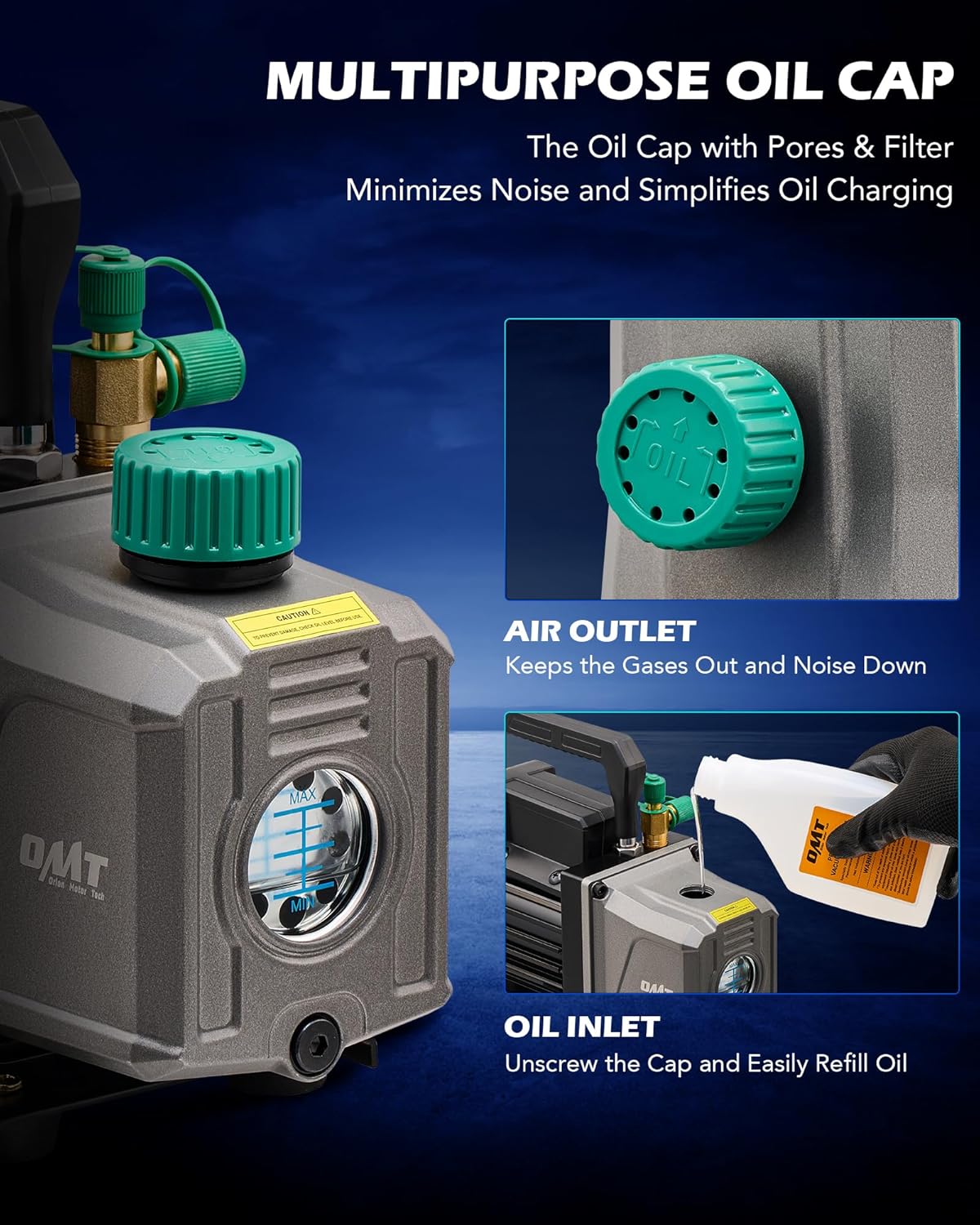
Figure 2: Oil fill port and sight glass for monitoring oil level.
1.3 Connecting Hoses
The pump is compatible with 1/4", 1/2", and 3/8" hoses. Use the appropriate adapter if necessary.
- Ensure the pump is turned off and unplugged.
- Remove the protective caps from the intake ports.
- Attach your HVAC manifold gauge set hoses to the appropriate intake ports on the vacuum pump. Ensure connections are tight to prevent leaks. Use Teflon tape on threaded connections for a secure seal.

Figure 3: Hose connection points on the vacuum pump, including the 1/4" to 3/8" adapter.
2. Operating Instructions
2.1 Powering On and Off
Before powering on, ensure all connections are secure and the oil level is correct. The pump features a simple ON/OFF switch.
- Plug the power cord into a suitable electrical outlet (110V/60Hz).
- Flip the ON/OFF switch to the 'ON' position to start the pump.
- To turn off the pump, flip the ON/OFF switch to the 'OFF' position.
2.2 Vacuuming Process
This 4.5 CFM single stage vacuum pump is designed for efficient evacuation of HVAC and automotive AC systems, achieving a vacuum down to 37.5 microns (5 Pa).
- Connect the vacuum pump to the system requiring evacuation using appropriate hoses and manifold gauges.
- Ensure all valves on the manifold gauge set are closed before starting the pump.
- Start the vacuum pump.
- Slowly open the manifold gauge valves to begin evacuating the system.
- Monitor the vacuum level using a micron gauge. Continue pumping until the desired vacuum level is reached and held stable.
- Once the desired vacuum is achieved, close the manifold gauge valves, then turn off the vacuum pump.
- Allow the system to sit for a period to check for leaks. If the vacuum holds, the system is ready for charging.
Note: A small amount of smoke from the air outlet during operation is normal and not indicative of a problem. Cold conditions can make it appear more prominent.
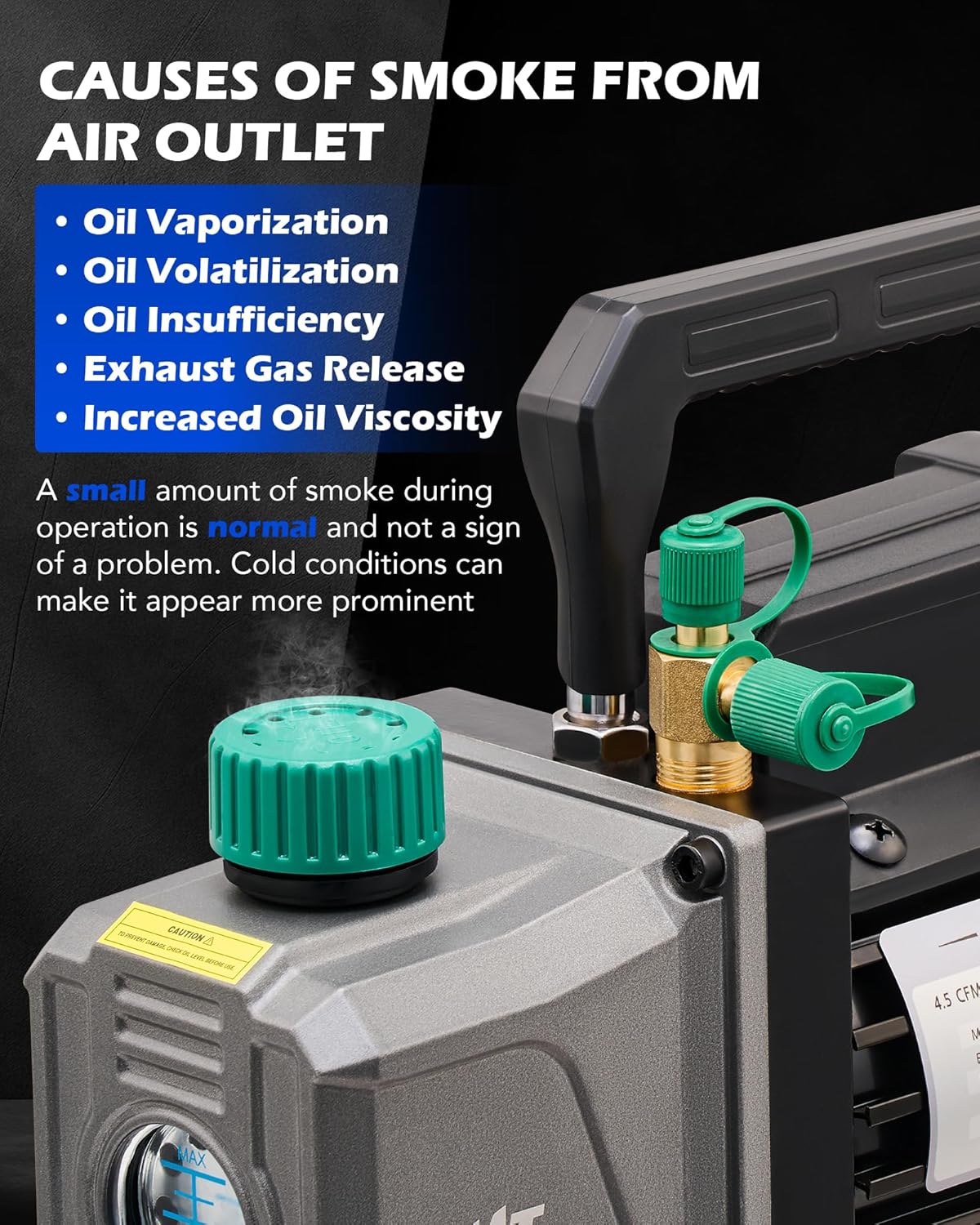
Figure 4: Normal smoke emission from the air outlet during operation.
2.3 Applications
The Orion Motor Tech vacuum pump is versatile and suitable for various applications:
- Automotive HVAC servicing (R12, R22, R134a, R410a, R502 refrigerants)
- Resin degassing
- Vacuum packaging
- Wine degassing
- Thermoforming
- Laboratory settings
- Industrial applications

Figure 5: Wide range of applications for the vacuum pump.
2.4 Product Overview Video
Watch this video for a quick overview of the Orion Motor Tech 4.5 CFM Single Stage Vacuum Pump, demonstrating its features and operation.
Video 1: Orion Motor Tech 4.5 CFM Single Stage Vacuum Pump Overview.
3. Maintenance
3.1 Oil Level Check
Regularly check the oil level through the sight glass. The oil should always be between the "MIN" and "MAX" indicators. Low oil levels can lead to pump damage and reduced performance.
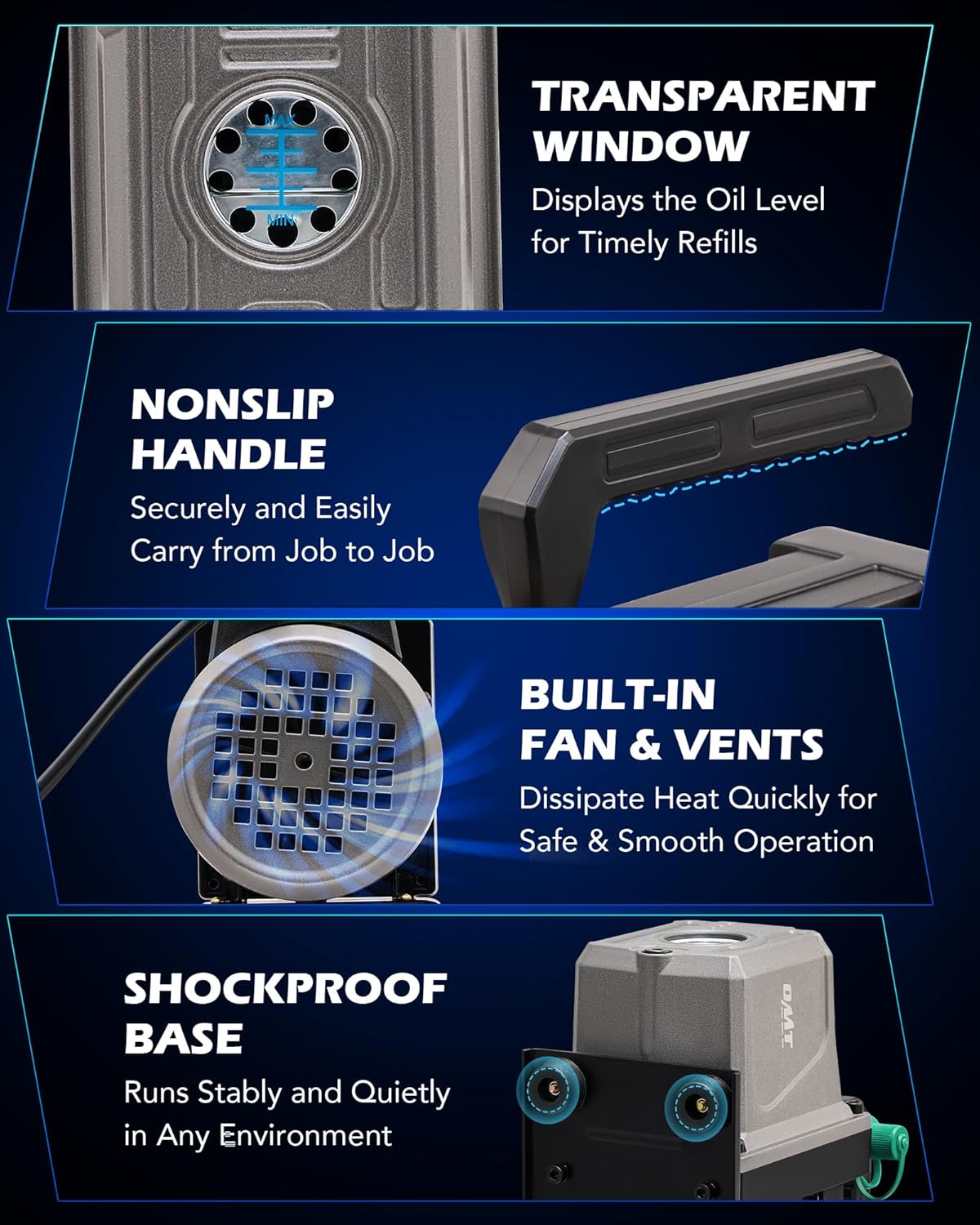
Figure 6: Visible oil window for easy oil level monitoring.
3.2 Oil Change
Change the vacuum pump oil after every 10-20 hours of operation or if the oil appears cloudy or discolored. Fresh oil ensures optimal pump performance and longevity.
- Ensure the pump is turned off and cool.
- Place a suitable container beneath the oil drain plug.
- Remove the oil drain plug and allow all old oil to drain completely.
- Replace the oil drain plug securely.
- Refill with new vacuum pump oil as described in Section 1.2.
3.3 Cleaning
Keep the exterior of the pump clean and free from dust and debris. Regularly check and clean the intake filter to prevent impurities from entering the pump.
4. Troubleshooting
| Problem | Possible Cause | Solution |
|---|---|---|
| Pump does not start or motor runs unstably |
|
|
| Low vacuum performance |
|
|
| Excessive noise or vibration |
|
|
5. Specifications
Detailed technical specifications for the Orion Motor Tech 4.5 CFM Single Stage HVAC Vacuum Pump.

Figure 7: Key specifications and dimensions of the vacuum pump.
| Feature | Detail |
|---|---|
| Model | VPHCN01GE |
| Flow Rate (FAD) | 4.5 CFM (7.6 m³/h) |
| Ultimate Vacuum | 37.5 Microns (5 Pa) |
| Rated Power | 1/3 HP (248W) |
| Voltage | 110V/60Hz |
| Oil Capacity | 0.26 qt. (225 mL) |
| Item Weight | 10.78 pounds |
| Product Dimensions | 10.8 x 4.3 x 8.5 inches |
| Compatible Refrigerants | R12, R22, R134a, R410a, R502 |
6. Warranty
Orion Motor Tech products are manufactured to high-quality standards. For specific warranty details and terms, please refer to the warranty information provided with your purchase or visit the official Orion Motor Tech website. Keep your proof of purchase for any warranty claims.
7. Customer Support
If you encounter any issues or have questions regarding your Orion Motor Tech vacuum pump, please contact our customer support team. You can find contact information on our official website or through your purchase platform.
For more information and additional products, visit the Orion Motor Tech Store.


