
1. Product Overview
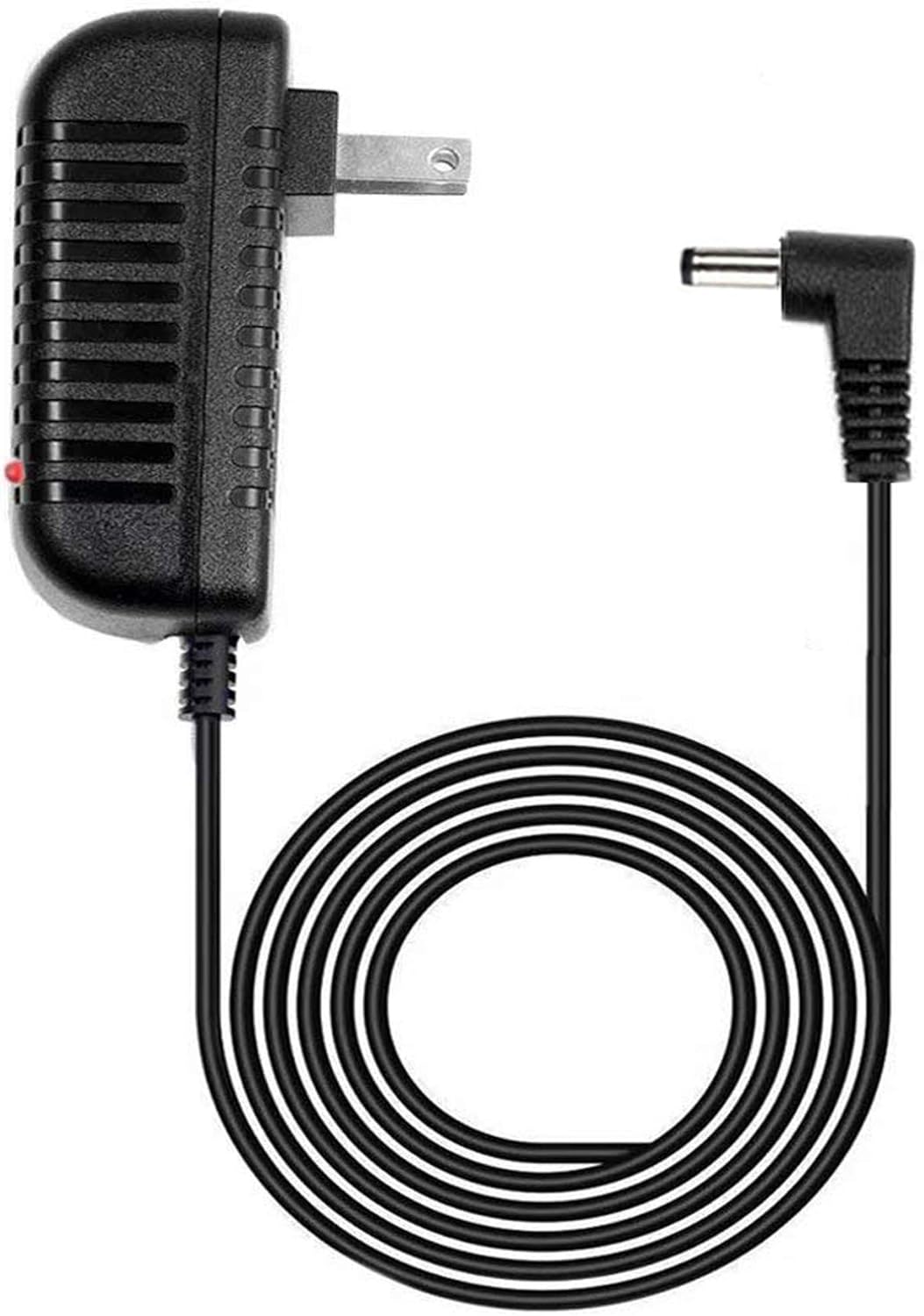
This GUY-TECH AC Adapter is a compatible power supply designed to provide reliable direct current (DC) power to your Magnavox MPD845 or MPD720 Portable DVD Player. It ensures consistent performance and includes essential safety features.
Key Features:
- Input Voltage: 100V - 240V AC (worldwide compatibility)
- Output Protection: Over Voltage, Over Current, and Short Circuit protection
- Cable Length: Approximately 5 feet (1.5 meters) for convenient reach
- LED Indicator: Illuminates when power is supplied
Compatibility:
This adapter is specifically engineered for Magnavox Portable DVD Player models MPD845 and MPD720. Please verify your device's model number to ensure proper compatibility.
2. Setup Instructions
Follow these steps to correctly connect your AC adapter to your portable DVD player:
- Identify the DC Input Port: Locate the DC input port on your Magnavox MPD845 or MPD720 Portable DVD Player. This port is typically labeled 'DC IN' or similar.
- Connect the Adapter to the DVD Player: Carefully insert the DC output plug of the GUY-TECH AC Adapter into the DVD player's DC input port. Ensure the connection is firm and secure.
- Connect to Power Outlet: Plug the AC input prongs of the adapter into a standard 100V-240V AC wall outlet. The LED indicator on the adapter will illuminate, confirming that power is being supplied.
- Power On Device: Once connected, power on your Magnavox Portable DVD Player. The device should now receive power from the adapter.

3. Operating Guidelines
The GUY-TECH AC Adapter operates automatically once connected. Observe the following guidelines for optimal performance:
- Ventilation: Ensure the adapter is placed in a well-ventilated area to prevent overheating. Do not cover the adapter during use.
- LED Indicator: The illuminated LED indicates that the adapter is receiving power and is ready to supply power to your device. If the LED does not light up, refer to the Troubleshooting section.
- Unplug When Not in Use: For energy conservation and safety, unplug the adapter from the wall outlet when not in use for extended periods.
4. Maintenance and Care
Proper care will extend the life of your AC adapter:
- Cleaning: Keep the adapter clean and free from dust. Use a dry, soft cloth for cleaning. Do not use liquid cleaners or solvents.
- Moisture: Do not expose the adapter to water, rain, or excessive moisture.
- Cable Handling: Avoid bending, twisting, or crimping the power cord excessively, as this can damage internal wiring. Do not place heavy objects on the cord.
- Storage: Store the adapter in a cool, dry place when not in use.
5. Troubleshooting
If you encounter issues with your GUY-TECH AC Adapter, refer to the table below:
| Problem | Possible Cause | Solution |
|---|---|---|
| No power to DVD player | Adapter not securely plugged in | Ensure adapter is securely plugged into both the wall outlet and the DVD player. |
| No power to DVD player | Wall outlet is not active | Test the wall outlet with another device or try a different outlet. |
| No power to DVD player | Damaged adapter or cable | Inspect the adapter and cable for visible damage. If damaged, discontinue use and replace. |
| LED indicator not lit | No power input to adapter | Check the wall outlet and the connection of the adapter to the outlet. |
6. Specifications
- Input: 100V-240V AC, 50/60Hz
- Output: Compatible with Magnavox MPD845 and MPD720 Portable DVD Player power requirements
- Cable Length: 5 Feet (approximately 1.5 meters)
- Protection Features: Over Voltage Output Protection, Over Current Output Protection, Short Circuit Output Protection
- Manufacturer: Guy-Tech
- Compatible Models: Magnavox MPD845, Magnavox MPD720
- UPC: 724049933388
7. Warranty and Support
For warranty information or technical support regarding your GUY-TECH AC Adapter, please refer to the contact details provided by your retailer or the manufacturer. It is recommended to retain your purchase receipt for any warranty claims.
For further assistance, please visit the official GUY-TECH support website or contact their customer service directly.
8. Safety Information
Please read and follow these safety precautions:
- Do not disassemble the adapter. There are no user-serviceable parts inside.
- Do not use the adapter if it has been physically damaged (e.g., cracked casing, frayed cable).
- Keep the adapter out of reach of children and pets.
- Use this adapter only with the specified Magnavox MPD845 and MPD720 Portable DVD Players.
- Avoid using the adapter in extreme temperatures or high humidity environments.

