
1. Introduction
Thank you for choosing the Car and Driver Bluetooth 5.0 FM Transmitter Charger. This device allows you to stream audio from your Bluetooth-enabled devices to your car's FM radio, make hands-free calls, and charge multiple devices simultaneously with its fast-charging USB-A and USB-C ports. It is designed to enhance your driving experience by providing modern connectivity and charging capabilities in vehicles with a standard 12V/24V socket.
2. Package Contents
Please ensure all items are present in the package:
- Car and Driver Bluetooth 5.0 FM Transmitter Charger
- User Manual
3. Product Overview
The Car and Driver FM Transmitter Charger features a compact design with multiple ports and intuitive controls. Familiarize yourself with the device's components:
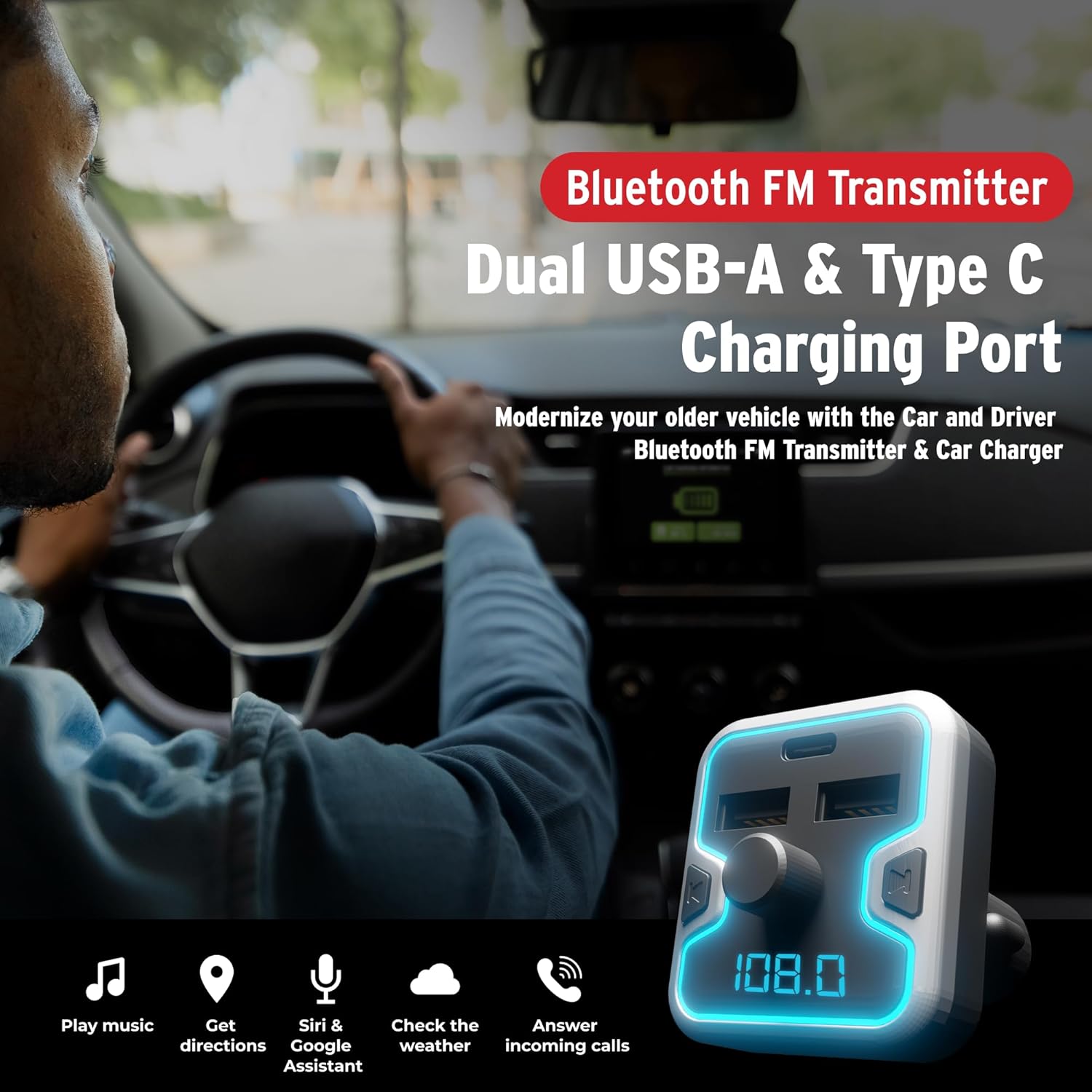
Image 3.1: Front view of the Car and Driver Bluetooth FM Transmitter Charger. This image shows the device with its dual USB-A ports, one USB-C port, central control knob, and LED display.
Key Features:
- Bluetooth 5.0: For stable wireless connection and audio streaming.
- Triple-Port Charging: Includes two USB-A ports (5V-2.4A and 5V-1A) and one USB-C PD 18W port for fast charging.
- Hands-Free Calling: Built-in microphone with Noise Suppression (CVC) technology.
- Multiple Music Sources: Supports Bluetooth, USB flash drive, and microSD card.
- Voice Assistant Compatibility: Access Mobile Alexa, Siri, or Google Assistant.
- Illuminated LED Accent & Display: 7 neon-color backlit options and an LED display for FM frequency and car battery voltage.
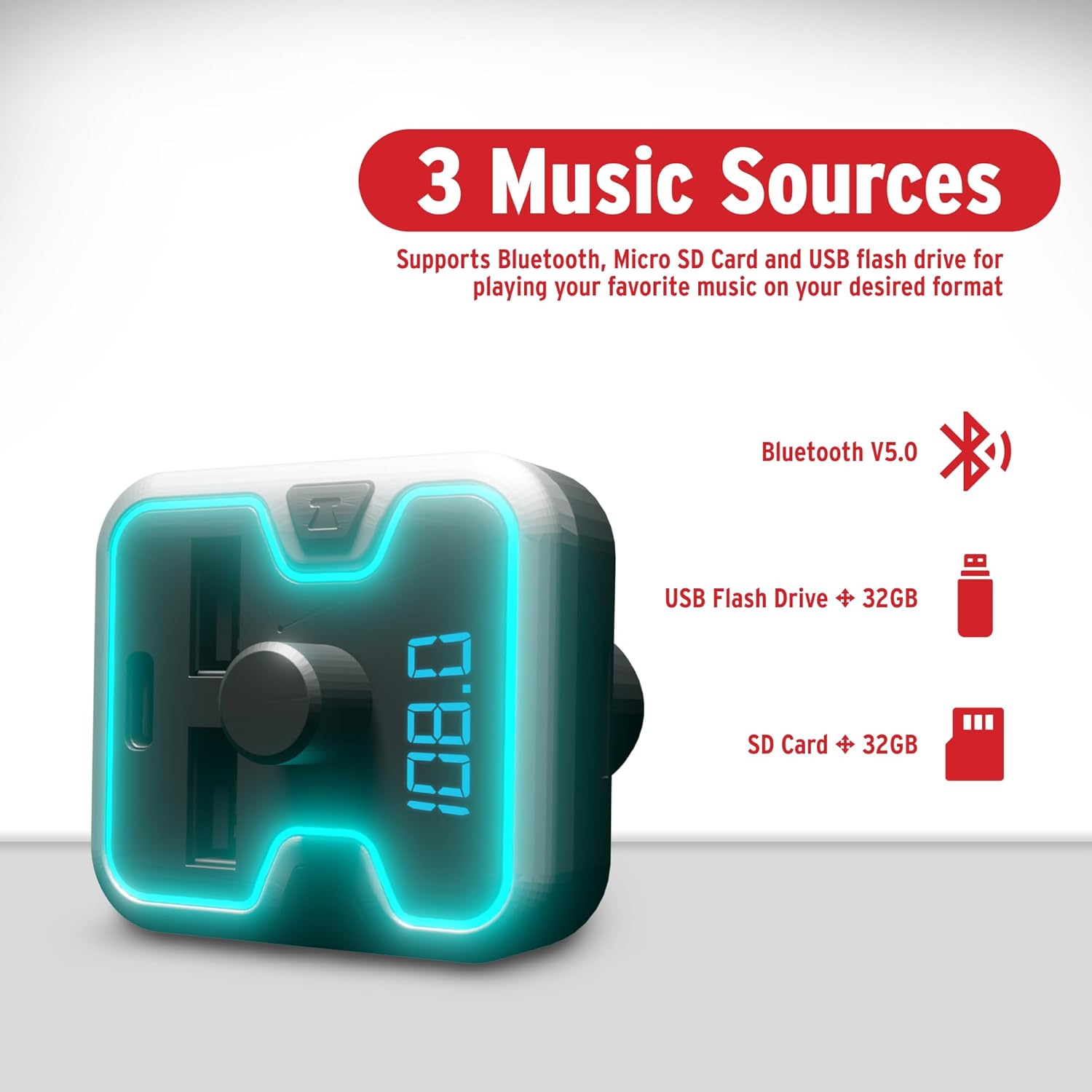
Image 3.2: The FM Transmitter highlighting its three music sources: Bluetooth V5.0, USB Flash Drive (up to 32GB), and SD Card (up to 32GB).
Controls and Indicators:
- Multi-function Knob: Used for adjusting FM frequency, volume, and answering/ending calls.
- LED Display: Shows current FM frequency and car battery voltage.
- USB-A Ports: For charging devices and playing music from USB flash drives.
- USB-C PD Port: For fast charging compatible devices.
- MicroSD Card Slot: For playing music from microSD cards.
4. Setup
Follow these steps to set up your FM Transmitter Charger:
- Insert into Car Socket: Plug the FM transmitter into your vehicle's 12V/24V cigarette lighter socket. The device will power on automatically, and the LED display will light up.

Image 4.1: The FM Transmitter being plugged into a car's cigarette lighter outlet, illustrating its "Plug and Play" functionality.
- Tune FM Frequency:
- Press the "CH" button (or similar button near the knob) to enter FM tuning mode. The frequency on the LED display will flash.
- Rotate the multi-function knob left or right to select an empty FM frequency (one with no active radio station) on your car radio.
- Match this empty frequency on your car's FM radio. For best audio quality, choose a frequency that is not occupied by a strong local radio station.
- Pair Bluetooth:
- On your mobile device, enable Bluetooth and search for available devices.
- Select "Car and Driver" (or similar name displayed on the device) from the list to pair.
- Once paired, you will hear a confirmation sound, and the device will be ready for audio streaming and hands-free calls.
5. Operating Instructions
5.1. Music Playback
You can play music from your Bluetooth-enabled device, a USB flash drive, or a microSD card.
- Bluetooth Streaming: After successful pairing, open your music player on your phone and start playback. Audio will be transmitted to your car's stereo via the selected FM frequency.
- USB Flash Drive/MicroSD Card: Insert a USB flash drive or microSD card (up to 32GB, supporting APE, WMA, MP3, WAV, and FLAC formats) into the corresponding slot. The device will automatically detect and play music files. Use the multi-function knob to navigate tracks (short press for next/previous, long press for folder selection).
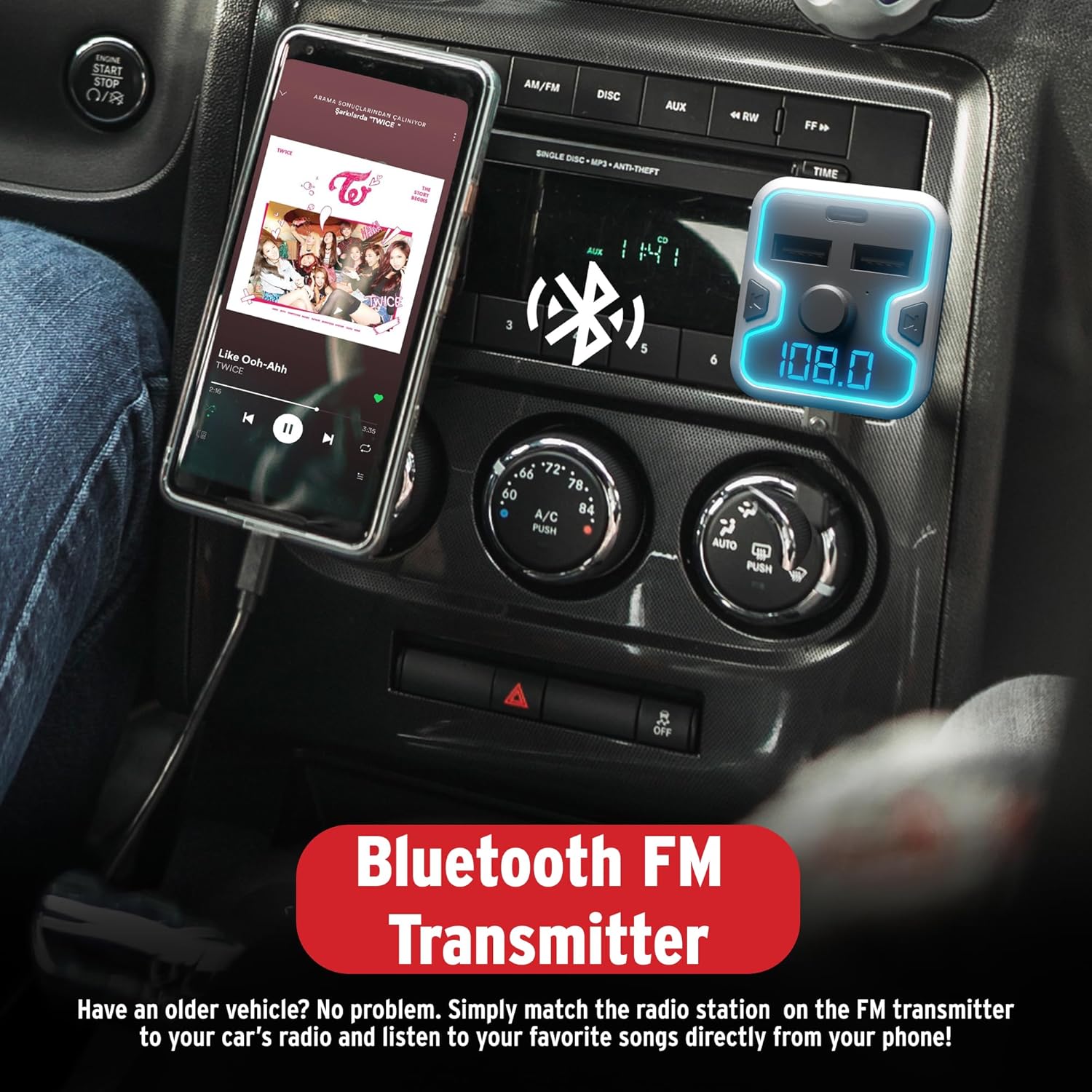
Image 5.1: A smartphone mounted in a car, displaying a music player, connected to the Bluetooth FM Transmitter for audio playback through the car's stereo.
5.2. Hands-Free Calling
The device supports hands-free calling for safer driving.
- Answer Call: When an incoming call rings, short press the multi-function knob to answer.
- End Call: During a call, short press the multi-function knob to end the call.
- Reject Call: When an incoming call rings, long press the multi-function knob to reject the call.
- Redial: Double-press the multi-function knob to redial the last number.
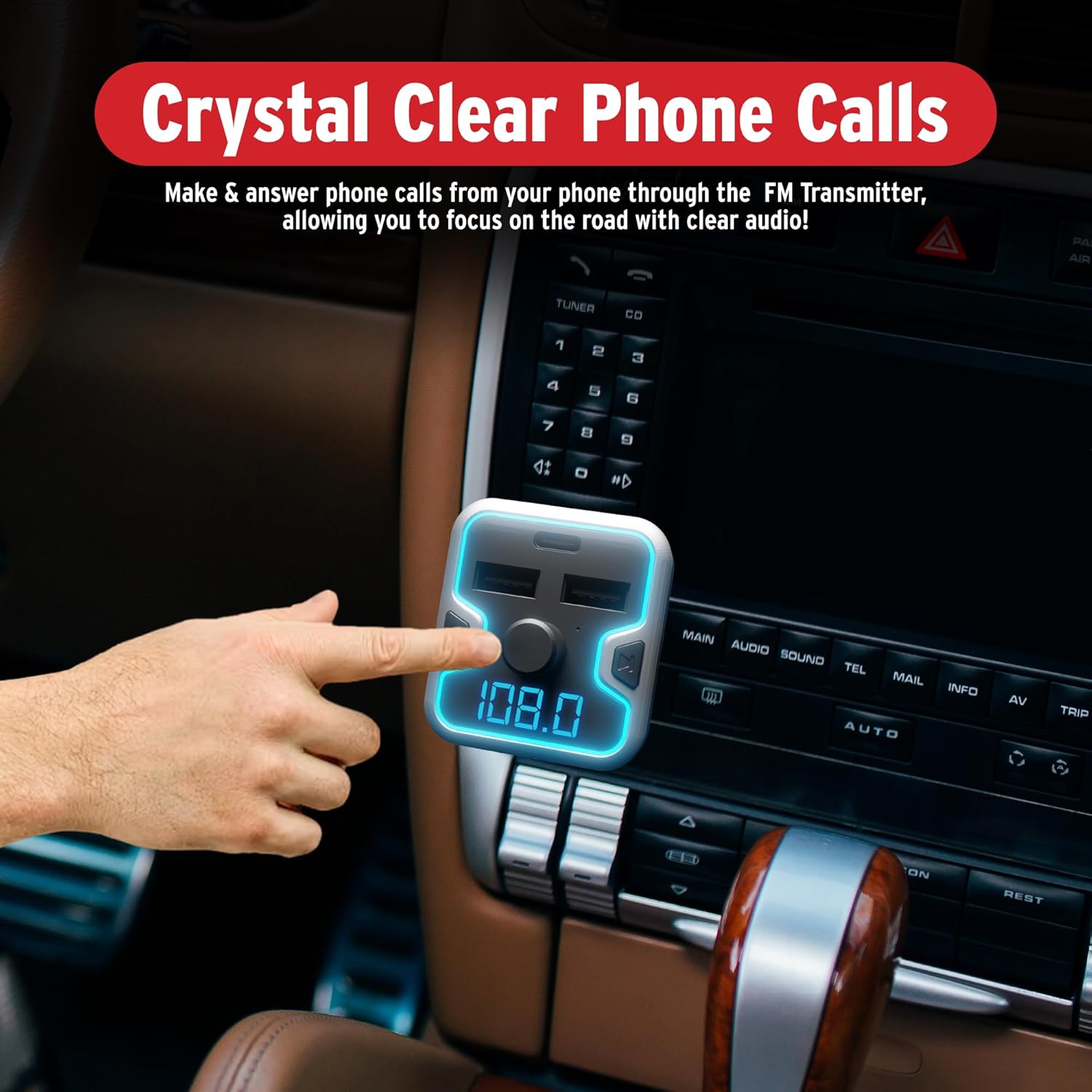
Image 5.2: A hand interacting with the FM Transmitter's control knob, indicating its use for making and answering phone calls with clear audio.
5.3. Voice Assistant Activation
Access your mobile device's voice assistant (Siri, Google Assistant, Alexa) through the transmitter.
- Activate: Long press the multi-function knob to activate your phone's voice assistant. You can then issue commands through the transmitter's microphone.
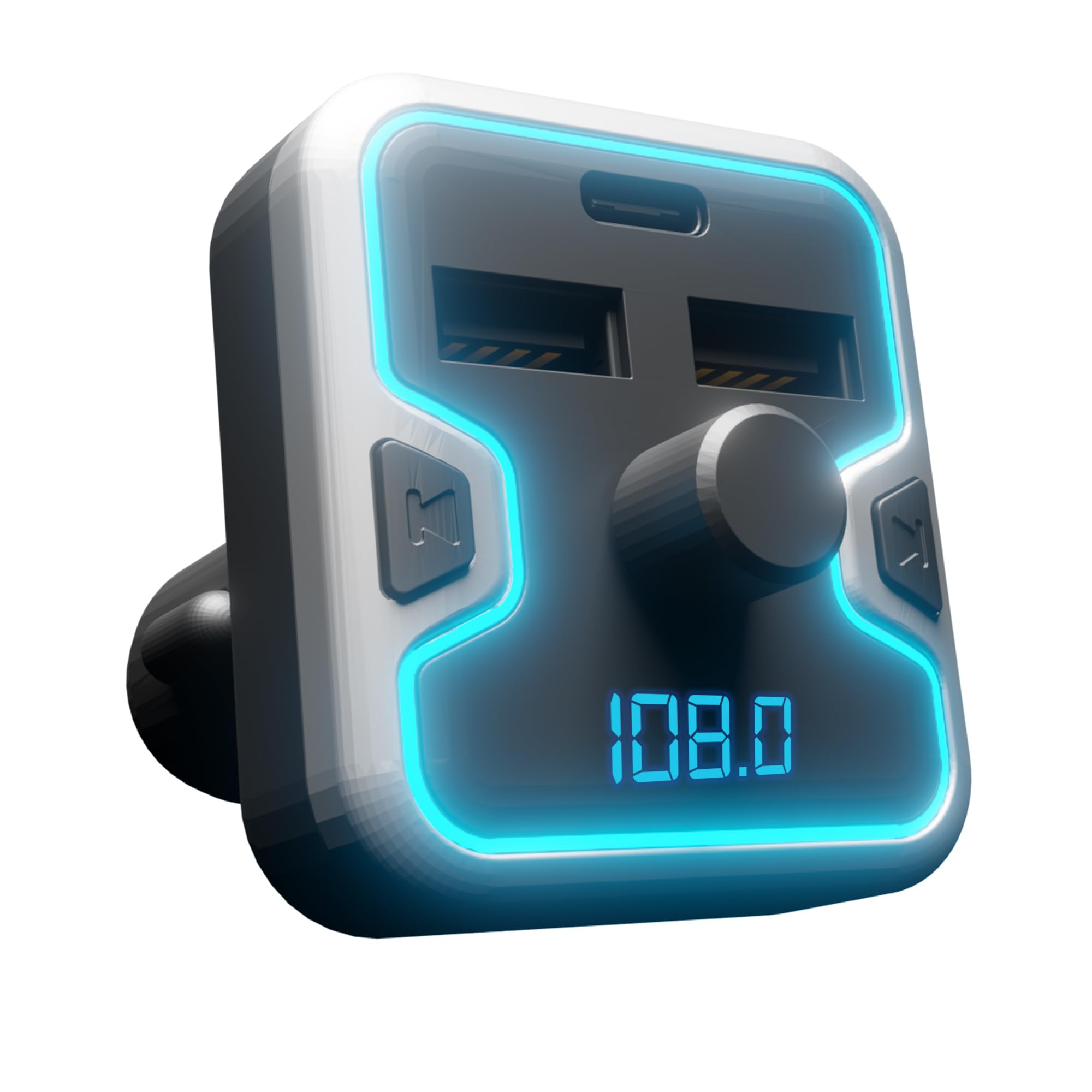
Image 5.3: The FM Transmitter shown with icons for Google Assistant, Siri, and Alexa, indicating compatibility with these voice assistants.
Video 5.1: Demonstration of the Car and Driver Bluetooth 5.0 FM Transmitter's features, including setup, hands-free calling, and voice assistant integration. This video shows the device in use within a vehicle, highlighting its functionality for modernizing older car audio systems.
5.4. Charging Devices
The transmitter provides three charging ports:
- USB-A (2.4A): Standard charging for most devices.
- USB-A (1A): Standard charging, also suitable for USB flash drives.
- USB-C PD (18W): Power Delivery port for rapid charging of compatible devices.
Simply connect your device's charging cable to the appropriate USB port on the transmitter.
5.5. LED Display and Ambient Light
- The LED display shows the current FM frequency and the car's battery voltage upon startup.
- The device features a multicolor light border with 7 neon-color backlit options (Red, Blue, Turquoise, Yellow, Green, Purple, White). These can be cycled or set to a preferred color (refer to device specific controls, usually a dedicated button or long press on the CH button).
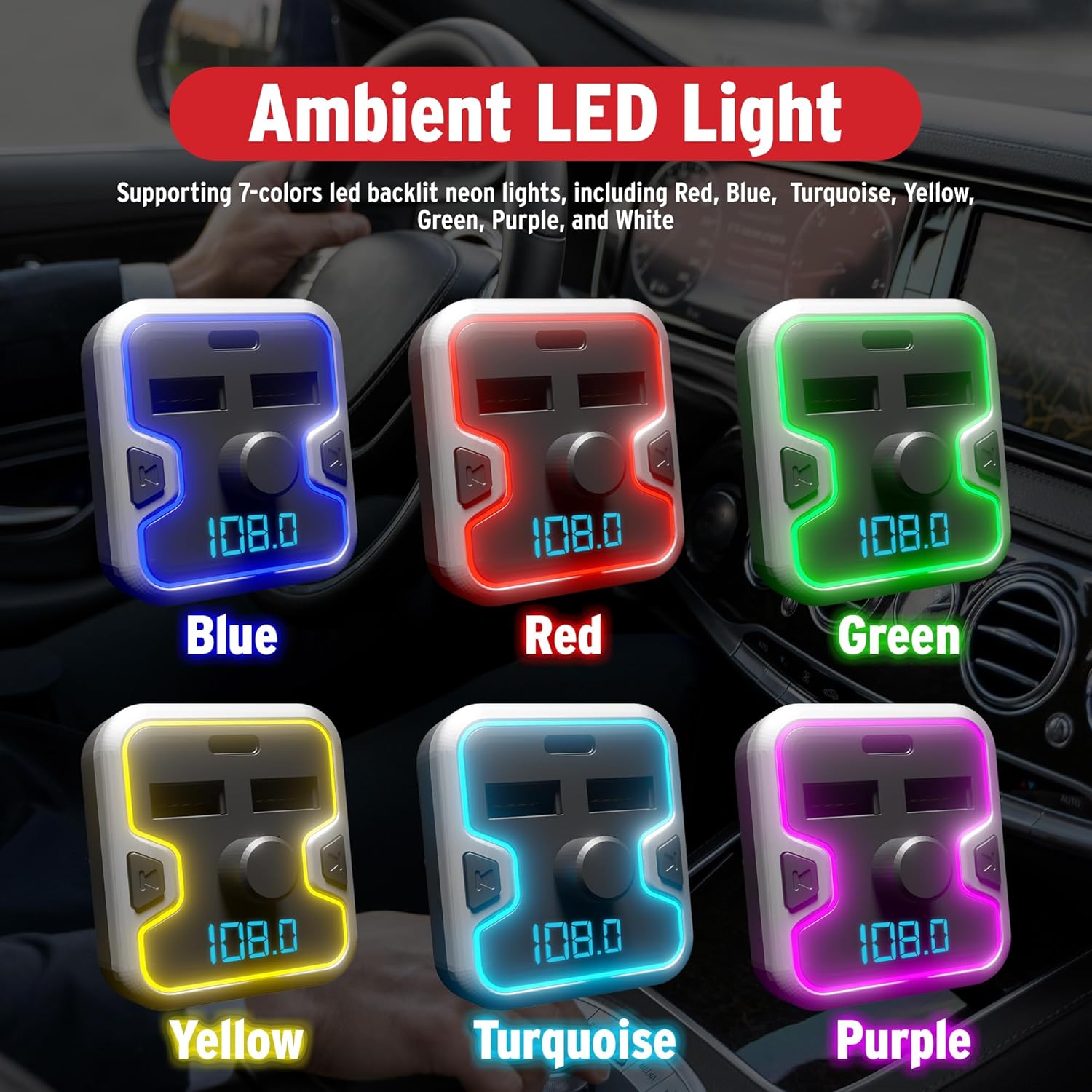
Image 5.4: A collage showing the FM Transmitter with its ambient LED light border illuminated in various colors: Blue, Red, Green, Yellow, Turquoise, and Purple.
6. Safety Information
Please read and adhere to the following safety guidelines:
- Use the device only when it is safe and legal to do so.
- Ensure the device is securely plugged in to prevent it from becoming a distraction while driving.
- Be aware of and comply with all local laws and regulations regarding the use of wireless devices and mobile phones while operating a vehicle.
- Regularly check your car battery voltage using the device's display to monitor your vehicle's electrical system.
- Do not disassemble, modify, or repair the device yourself. Contact qualified service personnel for assistance.
- Avoid exposing the device to extreme temperatures, direct sunlight, or moisture.
7. Maintenance
To ensure optimal performance and longevity of your FM Transmitter Charger:
- Keep the device clean by wiping it with a soft, dry cloth.
- Avoid using harsh chemicals or abrasive cleaners.
- Store the device in a cool, dry place when not in use for extended periods.
- Ensure the cigarette lighter socket is free of debris before inserting the transmitter.
8. Troubleshooting
If you encounter issues with your FM Transmitter Charger, refer to the following common problems and solutions:
| Problem | Possible Cause | Solution |
|---|---|---|
| No power/Device not turning on. | Loose connection; vehicle socket issue; blown fuse. | Ensure the device is firmly inserted into the cigarette lighter socket. Check if the vehicle's cigarette lighter socket is functional. Inspect vehicle's fuse box for a blown fuse related to the power outlet. |
| Static or poor audio quality. | FM frequency interference; volume too low/high; weak Bluetooth connection. | Change to a different, unoccupied FM frequency on both the transmitter and your car radio. Adjust the volume on both the transmitter and your car stereo. Ensure your phone is close to the transmitter for a strong Bluetooth signal. |
| Bluetooth not pairing. | Bluetooth not enabled on phone; device not in pairing mode; too many paired devices. | Ensure Bluetooth is enabled on your mobile device. Restart the transmitter and your phone. Forget previous Bluetooth connections on your phone and try pairing again. |
| Fast charging not working. | Device not compatible with fast charging; cable issue; port issue. | Ensure your device supports USB Power Delivery (PD) for the USB-C port. Use a high-quality, compatible charging cable. Try a different charging port or cable. |
| Voice assistant not responding. | Not activated correctly; phone settings. | Long press the multi-function knob to activate the voice assistant. Ensure your phone's voice assistant is enabled and configured correctly. |
9. Specifications
| Feature | Detail |
|---|---|
| Model Number | CAD-6005 |
| Bluetooth Version | 5.0 |
| FM Frequency Range | 87.5 MHz – 108.0 MHz |
| Input Voltage | 12V/24V DC |
| USB-A Output 1 | 5V-2.4A |
| USB-A Output 2 | 5V-1A (also for USB flash drive) |
| USB-C PD Output | 18W Power Delivery |
| Music Formats Supported | APE, WMA, MP3, WAV, FLAC |
| MicroSD/USB Flash Drive Capacity | Up to 32GB |
| Item Weight | 5.6 ounces (0.16 Kilograms) |
| Package Dimensions | 6.85 x 3.58 x 2.8 inches |
10. Warranty and Support
For warranty information or technical support, please refer to the contact details provided with your purchase or visit the official Car and Driver website. Keep your proof of purchase for any warranty claims.


