
Introduction
This manual provides detailed instructions for the JSL JDTDC 256GB MFi Certified 3-in-1 USB Flash Drive. This device is designed to expand storage and facilitate data transfer between various devices, including iPhones, iPads, Android phones, and computers (Mac/PC). It features Lightning, USB-C, and USB 3.0 connectors for broad compatibility.

Image: The JSL JDTDC 256GB 3-in-1 USB Flash Drive, featuring its three distinct connectors for versatile use.
Setup
Before using your JSL JDTDC 3-in-1 USB Flash Drive, please follow these setup instructions:
- For iPhone/iPad Users:
- Download and install the "JD Memory" application from the Apple App Store. This app is required for the device to function correctly with iOS devices.
- Connect the Lightning connector of the flash drive to your iPhone or iPad. The app should prompt you to open it or guide you through initial setup.
- For Android (Type-C) Users:
- No specific app installation is required. Ensure your Android device supports OTG (On-The-Go) functionality.
- Connect the USB-C connector of the flash drive to your Android phone. You can typically access the drive through your device's file manager.
- For PC/Mac Users:
- No specific software installation is required.
- Connect the USB 3.0 connector (or USB-C for compatible Mac models) to your computer. The drive will appear as a removable storage device.

Image: The flash drive highlighting its Apple MFi certification and the three integrated connectors: Lightning, USB-C, and USB 3.0, enabling broad device compatibility.

Image: A detailed compatibility chart illustrating supported iPhone, iPad, PC/Mac, and Android models for the JSL JDTDC flash drive.
Operating Instructions
The JSL JDTDC 3-in-1 USB Flash Drive offers several functions for managing your data:
- File Transfer:
- Use the "JD Memory" app on iOS or the file manager on Android/PC to copy, move, or delete photos, videos, music, and documents between your device and the flash drive.
- Supported file types include:
- Photos: BMP, GIF, JPG, JPEG, TIF, PNG
- Videos: AVI, DIVX, FLV, M4V, MKV, MOV, MP4, MPG, RM, RMVB, TS, VOB, WMV, 3GP
- Documents: DOC, DOCX, PPT, PPTX, XLS, XLSX, KEY, NUMBERS, PAGES, PDF, HTML, TXT, RTF
- Music: AAC, AIFF, CAF, MP3, WAV
- One-Click Backup:
- Within the "JD Memory" app (for iOS), utilize the one-click backup function to quickly save the latest photos and videos from your device to the flash drive.
- Encryption Function:
- The "JD Memory" app supports file encryption to protect your data. Refer to the app's settings for detailed instructions on enabling and managing encryption.
- Direct Media Playback:
- Play videos and music directly from the flash drive without needing to transfer them to your device, saving internal storage space. This function does not require an internet or Wi-Fi connection.
- Shoot & Save Photos:
- When using the in-app camera within "JD Memory," all photos and videos taken are automatically saved directly to the USB flash drive in real-time, bypassing your device's internal storage.

Image: Diagram illustrating the high-speed data transfer capabilities of the flash drive, showing read and write speeds for Lightning and USB 3.0/Type-C connectors.

Image: Visual representation of the various file types supported by the flash drive, including photos, videos, documents, and music.
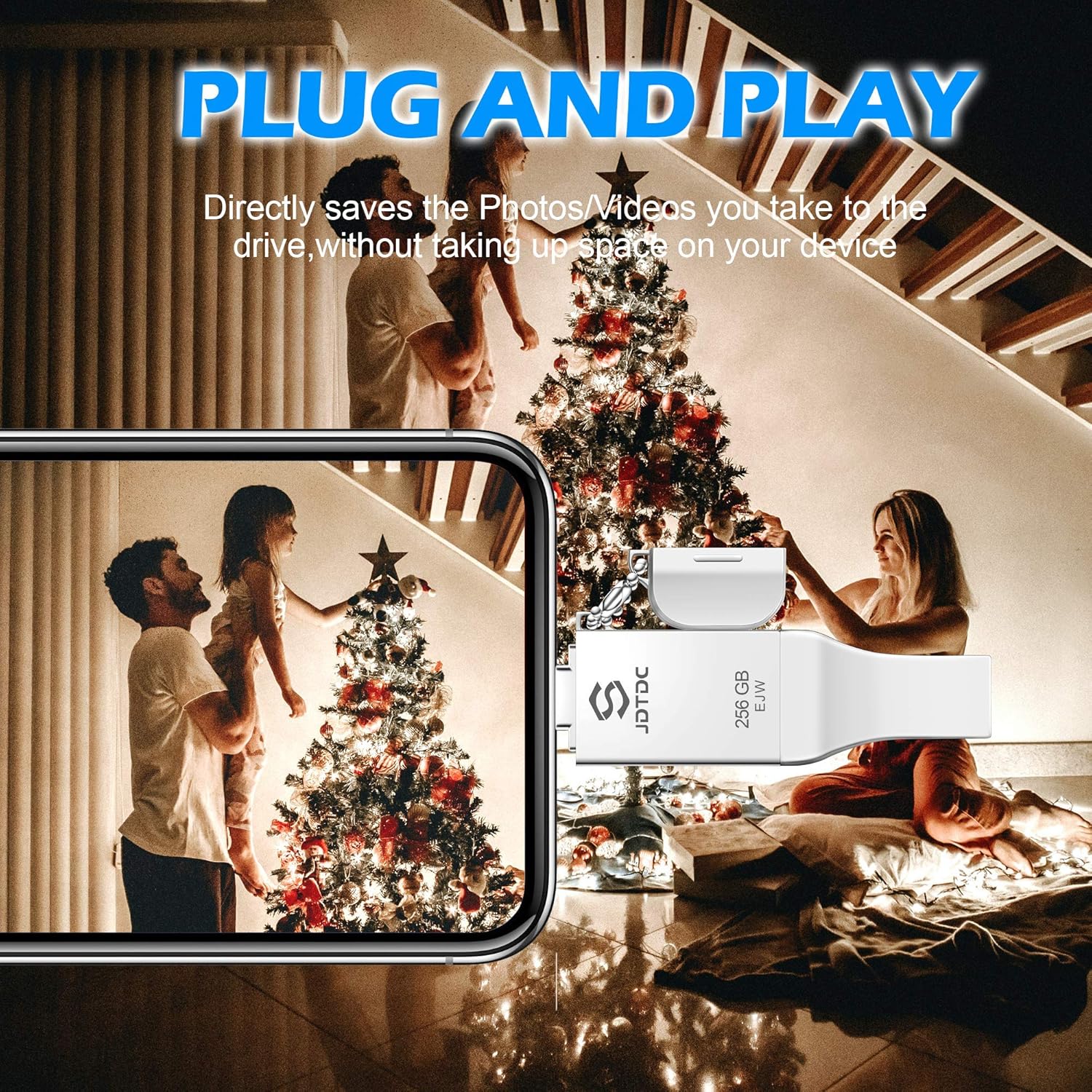
Image: Depiction of the plug-and-play feature, showing the flash drive being used to directly save photos and videos from a smartphone.
Maintenance
To ensure the longevity and optimal performance of your JSL JDTDC 3-in-1 USB Flash Drive, please observe the following maintenance guidelines:
- Keep the device dry and away from moisture.
- Avoid exposing the device to extreme temperatures (hot or cold).
- Protect the connectors from dust and physical damage. Use the provided caps when not in use.
- Do not attempt to disassemble the device.
- Safely eject the flash drive from your computer or mobile device before removing it to prevent data corruption.
Troubleshooting
If you encounter issues with your JSL JDTDC 3-in-1 USB Flash Drive, consider the following:
- Device Not Recognized (iOS):
- Ensure the "JD Memory" app is installed and updated to the latest version.
- Verify the Lightning connector is fully inserted into your iPhone/iPad.
- Try unplugging and re-plugging the device.
- Device Not Recognized (Android/PC/Mac):
- Ensure the USB-C or USB 3.0 connector is fully inserted.
- For Android, confirm your device supports OTG.
- Try connecting to a different USB port or device.
- Slow Transfer Speeds:
- Transfer speeds can vary based on file size, device, and operating system. Ensure you are using a USB 3.0 port on your computer for optimal performance.
- Device Becomes Warm During Use:
- It is normal for the flash drive to generate some heat during prolonged data transfer or heavy use. If the device becomes excessively hot, disconnect it and allow it to cool down before further use.
- Compatibility Issues:
- The beta version of iOS 16 is not supported. Ensure your iOS device is running a stable, officially released version of iOS 9.0 or above.
- Data Corruption:
- Always safely eject the drive from your computer or mobile device before physical removal to prevent data loss or corruption.
Specifications
| Feature | Detail |
|---|---|
| Brand | JSL JDTDC |
| Model Name | iPhone-Photo-Stick (JD005) |
| Memory Storage Capacity | 256 GB |
| Connectivity Technology | USB (Lightning, USB Type A, USB Type C) |
| Hardware Interface | USB 3.0 |
| Read Speed (USB 3.0) | 80 MB/s |
| Write Speed (USB 3.0) | 40 MB/s |
| Read Speed (Lightning) | 15 MB/s |
| Write Speed (Lightning) | 10 MB/s |
| Product Dimensions | 2.72"D x 0.79"W x 0.2"H (approx. 2.83 x 0.79 x 0.31 inches) |
| Item Weight | 0.705 ounces |
| Color | Silver |
| Hardware Platform | Mac, PC |
| Special Feature | Apple MFi Certified (Chipset and Lightning Connector supplied by Apple MFi) |
Warranty and Support
The JSL JDTDC 3-in-1 USB Flash Drive comes with an 18-month after-sales service (A/S) period. For any product-related inquiries, technical assistance, or warranty claims, please contact JSL JDTDC customer support.
For additional information or to download the official user manual in PDF format, please refer to the following link: JSL JDTDC User Manual (PDF)