
Introduction
This manual provides essential information for the safe and efficient operation of your BoomToneDJ Maxi Spot 30 LED Moving Head Light. Please read it thoroughly before installation and use, and retain it for future reference.

Image: The BoomToneDJ Maxi Spot 30 LED Moving Head Light, a compact stage lighting fixture.
Safety Instructions
- Ensure proper grounding to prevent electric shock.
- Do not expose the device to rain or moisture.
- Avoid direct eye exposure to the light source.
- Operate only in well-ventilated areas.
- Disconnect from power before cleaning or servicing.
- Keep away from flammable materials.
Product Features
- 30W high-brightness CREE LED source.
- Advanced optical system for vivid projections.
- PAN movement up to 540° and TILT movement up to 270°.
- 7-gobo wheel with various patterns and gobo shake effect.
- Stroboscope effect with variable speed.
- 0-100% linear dimmer.
- Multiple control modes: DMX (10 or 12 channels), Automatic programs, Sound detection.
- Compact, lightweight, and energy-efficient design.
Setup
Unpacking
Carefully unpack the fixture and check for any damage during transport. Ensure all components listed in the packing list are present. If any damage or missing parts are found, contact your dealer immediately.
Mounting
The Maxi Spot 30 can be mounted in various positions (floor, truss, wall) using appropriate clamps and safety cables (not included). Ensure the mounting surface or structure can support the weight of the fixture. Always use a safety cable as a secondary attachment.
Power Connection
Connect the power cable to a grounded 240V AC power outlet. The device is designed for low power consumption.

Image: Rear panel connections including DMX IN/OUT and power input.
Operating Instructions
Control Panel Overview

Image: Front control panel with digital display and four control buttons (Menu, Up, Down, Enter).
- Display: Shows current mode and parameter values.
- MENU: Accesses the main menu and navigates through options.
- UP: Increases parameter values or moves up in menu.
- DOWN: Decreases parameter values or moves down in menu.
- ENTER: Confirms selection or enters a submenu.
Operating Modes
- DMX Control Mode:
Connect a DMX controller to the DMX IN port. Use the control panel to set the DMX address and select either 10 or 12 DMX channels. Refer to the DMX channel chart (not provided in this manual, consult full product documentation) for specific functions.
- Automatic Mode:
The fixture runs through pre-programmed light shows. Select this mode via the control panel. Various automatic programs are built-in.
- Sound Detection Mode:
The light effects react to ambient sound via the built-in microphone. Select this mode via the control panel. Adjust microphone sensitivity if available.

Image: Example of light patterns projected by the Maxi Spot 30, showing blue and yellow gobos.

Image: The Maxi Spot 30 projecting multiple blue light beams in a dynamic circular formation.
Maintenance
Cleaning
Regular cleaning of the lens and housing is recommended to maintain optimal light output and prevent overheating. Use a soft, lint-free cloth and a mild glass cleaner. Ensure the device is unplugged before cleaning.
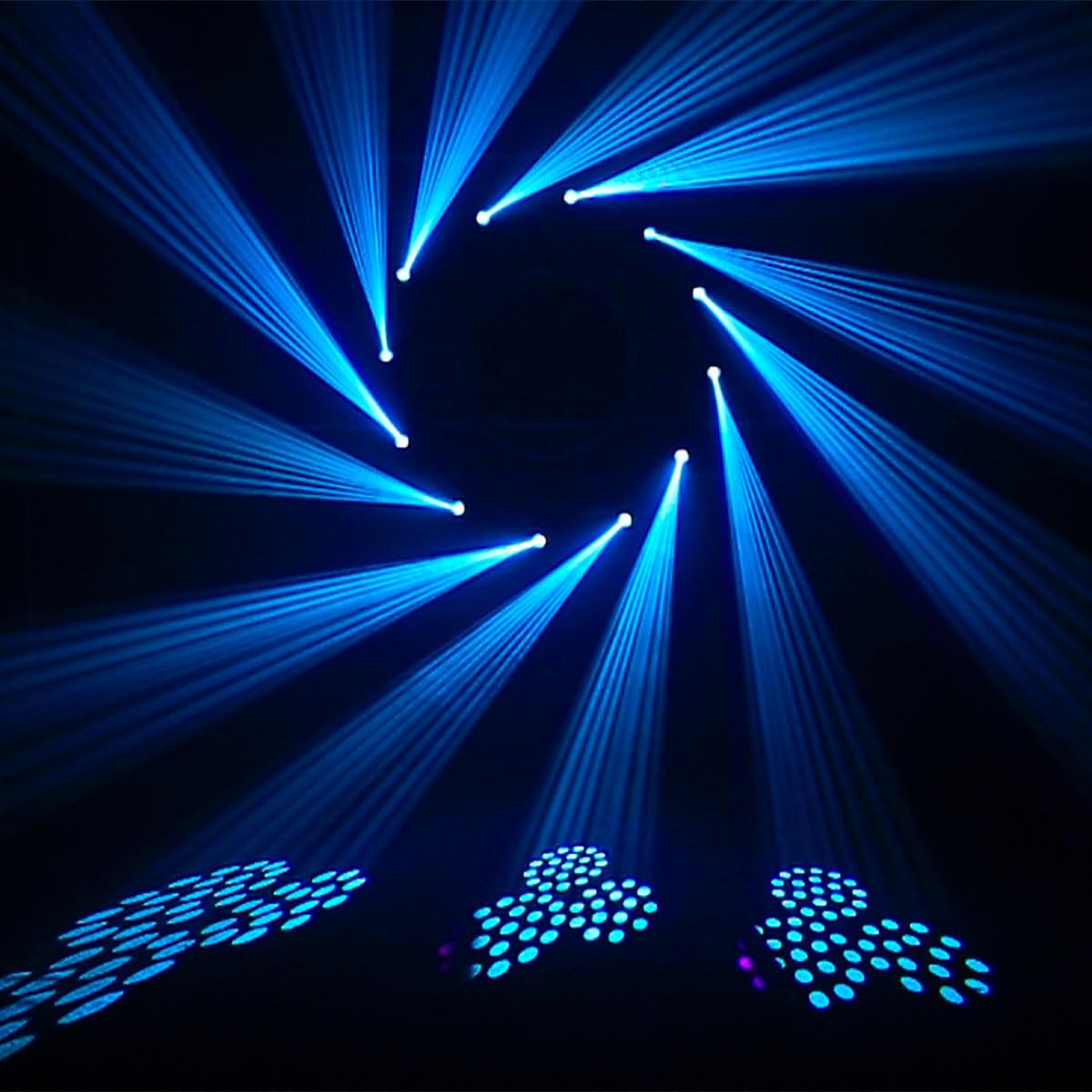
Image: Close-up view of the Maxi Spot 30's optical lens, which requires regular cleaning.
Storage
When not in use, store the fixture in a dry, dust-free environment. It is recommended to use the original packaging for protection during storage and transport.
Troubleshooting
| Problem | Possible Cause | Solution |
|---|---|---|
| No power | Power cable disconnected; no power from outlet. | Check power cable connection; test outlet with another device. |
| No light output | Dimmer at 0%; fixture in blackout mode; LED failure. | Increase dimmer level; check DMX signal; contact service if LED is faulty. |
| No DMX control | Incorrect DMX address; faulty DMX cable; DMX controller issue. | Verify DMX address; check DMX cable connections; test with another DMX controller. |
| Movement issues (PAN/TILT) | Mechanical obstruction; DMX signal error; motor fault. | Clear any obstructions; check DMX signal; contact service if motor is faulty. |
Specifications
| Feature | Detail |
|---|---|
| Brand | BoomToneDJ |
| Model | Maxi Spot 30 |
| Light Source | 30W LED (CREE) |
| Light Color | RGB |
| Gobo Wheel | 7 Gobos + Open |
| Movement | PAN 540°, TILT 270° |
| Dimmer | 0-100% Linear |
| Strobe | Variable Speed |
| Control Modes | DMX (10/12 channels), Auto, Sound-activated |
| Power Supply | 240 Volts AC |
| Power Consumption | 30 Watts |
| Dimensions (L x W x H) | 16 x 0.03 x 28.5 cm |
| Weight | 2.8 Kilograms |
| Material | Plastic |
| Usage | Indoor |
Warranty and Support
For warranty information and technical support, please refer to the official BoomToneDJ website or contact your authorized dealer. Keep your proof of purchase for any warranty claims.
Manufacturer: BOOMTONE DJ
ASIN: B08N1DN4SX
