
1. Product Overview
The STARTRC Tablet Stand is designed to securely hold smartphones and tablets ranging from 4 to 12 inches in width, attaching to various DJI drone remote controllers. This accessory enhances the viewing experience during drone operation by allowing the use of a larger screen. The stand features a 360-degree adjustable design for optimal viewing angles and includes a lanyard for added security and comfort during extended use.
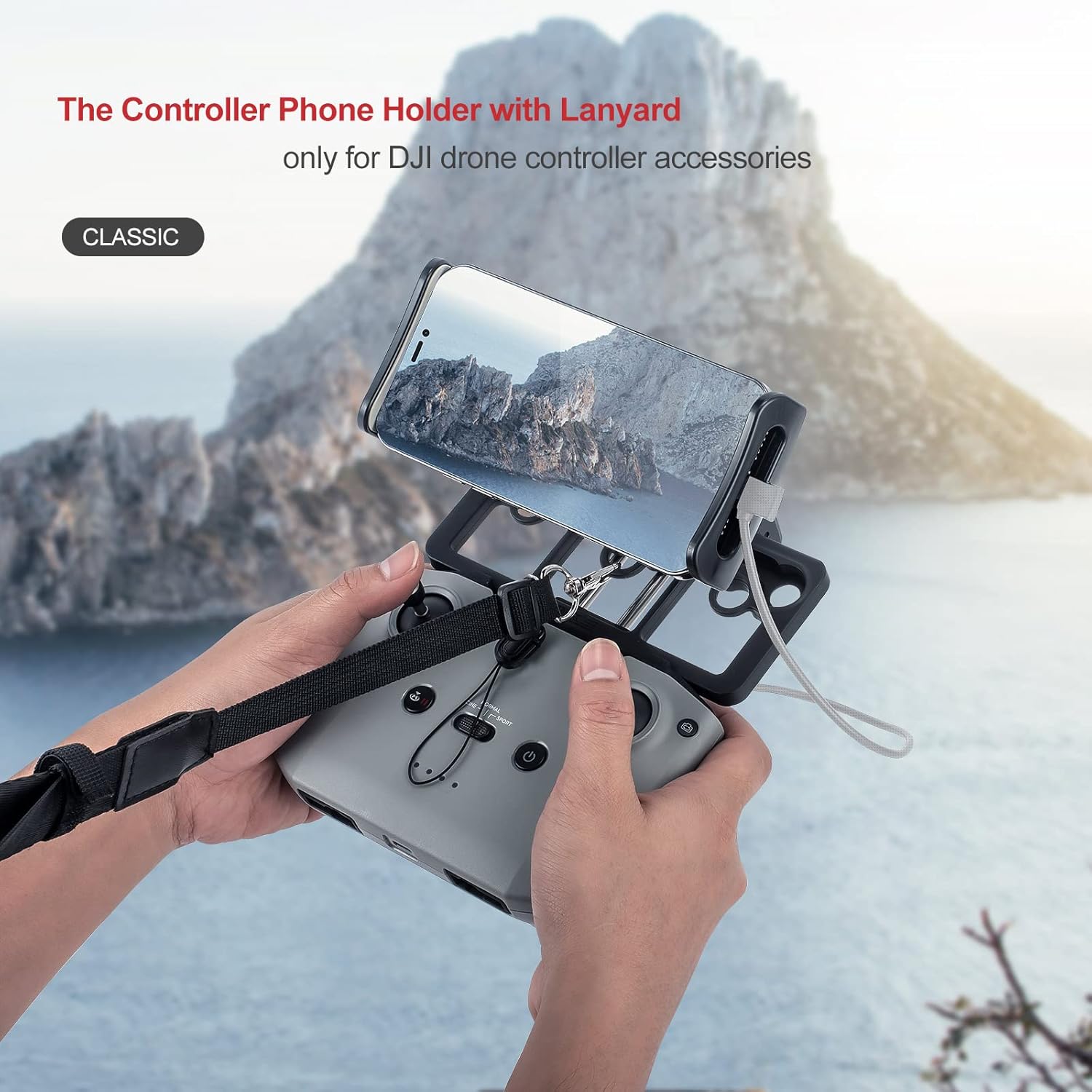
Image: The STARTRC Tablet Stand securely holding a smartphone on a DJI remote controller, with the included lanyard attached for hands-free operation.
2. Compatibility
This tablet stand is compatible with the following DJI drone remote controllers:
- DJI Mavic 3
- DJI Mavic Air 2S
- DJI Mini 2
- DJI Mavic Air 2
- DJI Mavic Mini
- DJI Mini SE
- DJI Mavic 2 Pro
- DJI Mavic 2 Zoom
- DJI Spark
It supports mobile phones and tablets with a width between 4 and 12 inches.

Image: Visual representation of the tablet stand's compatibility with multiple DJI drone remote controllers.
3. Setup and Installation
Follow these steps to install the STARTRC Tablet Stand onto your DJI remote controller:
- Prepare the Stand: Pull up the phone holder pillar and ensure it is merged correctly.
- Insert the Bolt: Place the bolt into the designated pillar slot.
- Attach Phone Clip: Securely attach the phone clip component to the pillar.
- Tighten: Rotate the bolts clockwise to tighten and secure the assembly.
- Mount to Controller: Install the assembled phone holder onto your drone remote controller.
- Adjust Angle: Adjust the viewing angle of the tablet holder to your preference.
- Connect Device: Place your smartphone or tablet into the holder and connect it to the remote controller using the appropriate cable (not included).
- Attach Lanyard: For added security and comfort, attach the included lanyard to the designated attachment points on the stand.

Image: Step-by-step installation guide for the tablet stand.
4. Operating Instructions
Once installed, the tablet stand allows for flexible positioning of your viewing device. The 360-degree adjustable design enables you to set the screen at any desired angle for optimal visibility and comfort during drone operation. The secure fit ensures stability, preventing accidental dislodgement of your device.
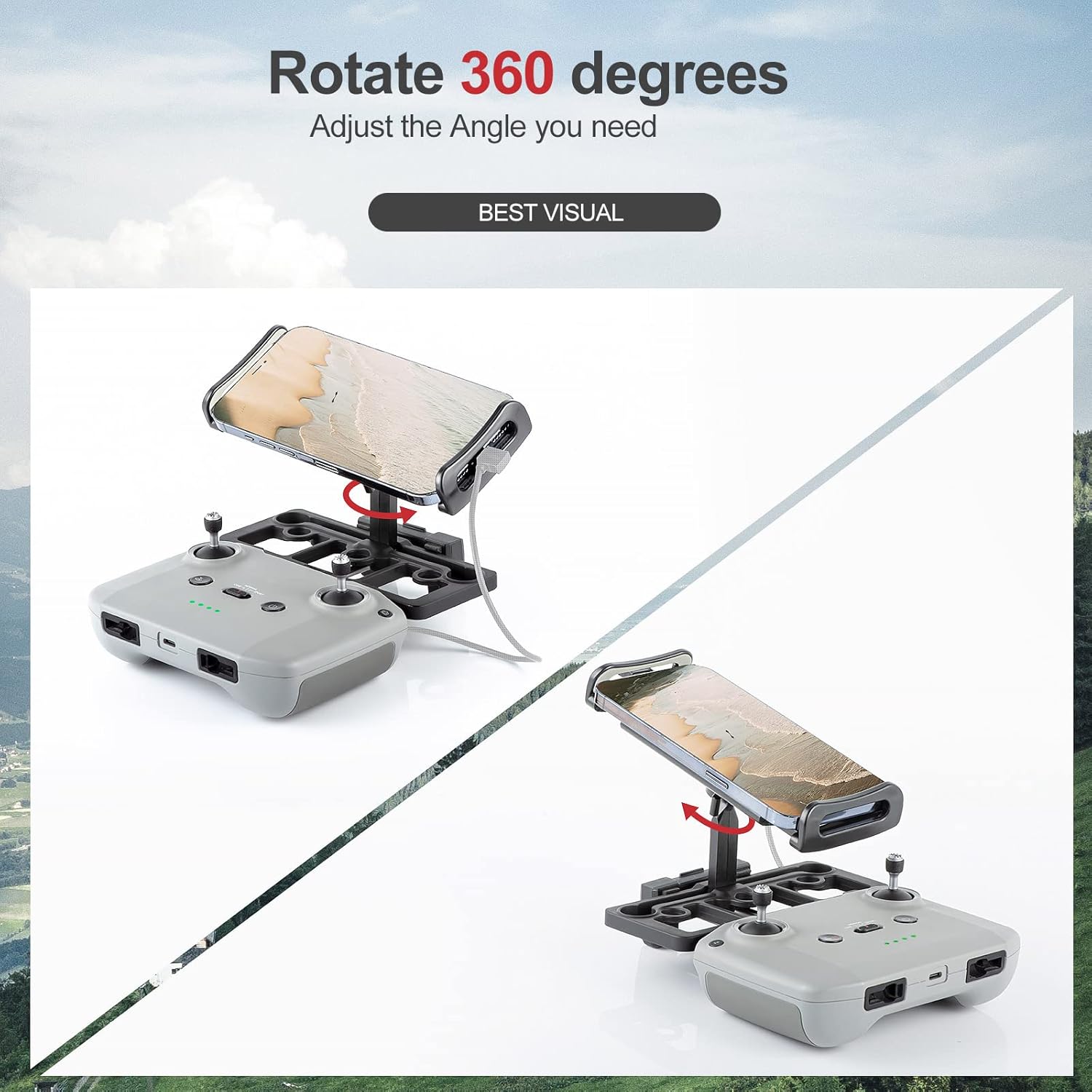
Image: Demonstration of the 360-degree adjustable viewing angle.
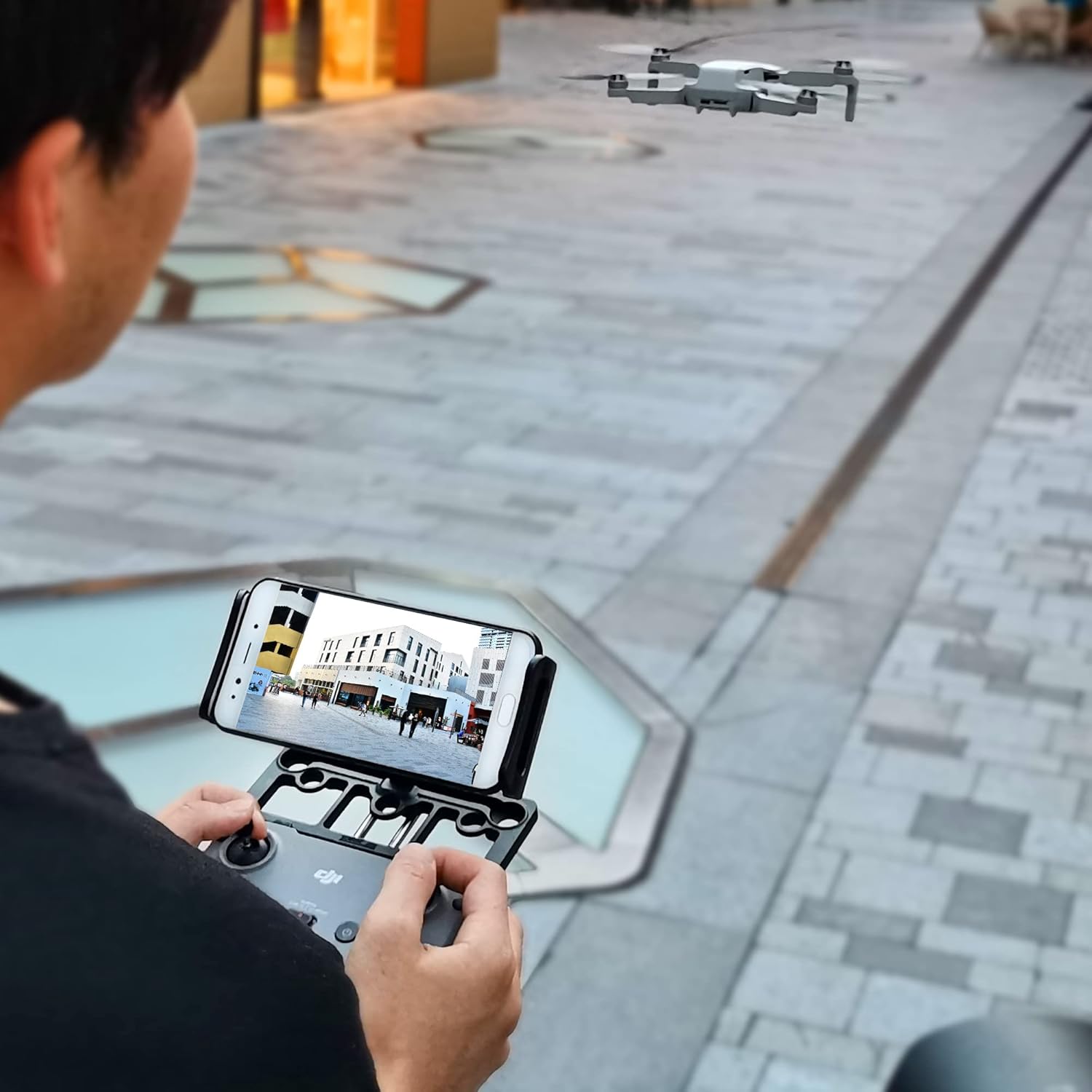
Image: User operating a drone with the tablet stand and remote controller.
5. Maintenance
To ensure the longevity and proper function of your STARTRC Tablet Stand, follow these simple maintenance guidelines:
- Cleaning: Wipe the stand with a soft, dry cloth to remove dust and debris. For stubborn dirt, a slightly damp cloth can be used, followed by immediate drying.
- Storage: Store the stand in a cool, dry place away from direct sunlight and extreme temperatures when not in use.
- Inspection: Periodically check all connection points and screws to ensure they remain tight and secure.
6. Troubleshooting
If you encounter any issues with your tablet stand, consider the following:
- Device Instability: Ensure that your smartphone or tablet is correctly seated within the holder and that the clamps are securely tightened. Verify that the stand's connection to the remote controller is firm.
- Difficulty Adjusting Angle: Check if the adjustable joints are free from obstruction. If stiff, gently rotate to loosen. Do not force adjustments.
- Lanyard Issues: Ensure the lanyard is properly attached to the stand's designated loops and that the clips are securely fastened.
For further assistance, please refer to the Warranty and Support section.
7. Specifications
| Brand | STARTRC |
| Model | Mavic Mini 2 Tablet Stand |
| Color | Black |
| Product Dimensions | 5.91 x 2.76 x 2.36 inches (15 x 7 x 6 cm) |
| Item Weight | 7 ounces (198 grams) |
| Compatible Devices | Smartphones, Tablets |
| Compatible Device Width | 4 - 12 inches |
| Mounting Type | Phone Mount |

Image: Product dimensions and compatible device size range.
8. Warranty and Support
STARTRC offers a friendly after-sales service for this product. Customers are eligible for a free refund within 12 months of purchase. For any questions or support needs, assistance is available within 24 hours.
Please retain your proof of purchase for warranty claims.