1. Introduction
Thank you for choosing the SESERN Mini Trail Game Camera M1. This compact and robust camera is designed for capturing high-quality photos and videos of wildlife, for surveillance, or for general outdoor monitoring. With its advanced features like night vision, rapid trigger speed, and waterproof design, it is an ideal tool for observing nature in various conditions. Please read this manual carefully to ensure proper setup and operation of your camera.
2. Product Features
- Compact Design: Measuring approximately 4.78 x 3.78 x 2.3 inches and weighing 183g, this camera is easy to conceal, carry, install, and disassemble.
- High-Resolution Imaging: Captures 20MP clear photos and Full HD 1080P videos. Photo resolutions include 16MP/12MP, and video resolutions support 1080P/720P.
- Advanced Night Vision: Equipped with 940nm (No Glow) infrared LEDs for clear and audible recordings even in complete darkness.
- Rapid Trigger Speed: Features a lightning-fast trigger speed of less than 0.2 seconds with 1 to 3 shots choice, ensuring quick capture of detected motion.
- 2.0-inch IPS LCD Screen: Provides a clear display for previewing photos and videos, camera targeting, and easy menu navigation.
- Low Power Consumption: Offers extended standby time of up to 6 months, requiring only 4 x 1.5V AA alkaline batteries.
- Durable & Waterproof: IP66 rated design ensures suitability for all climates and resistance against rain and snow.
- Wide-Angle Motion Sensor: 120-degree field of view for comprehensive coverage.
3. Package Contents
Upon opening your SESERN Mini Trail Game Camera M1 package, please verify that all the following items are included:
- SESERN Mini Trail Game Camera M1
- User Manual
- Mounting Strap
- USB Cable
- Mounting Bracket
- Screws for Mounting
- 4 x 1.5V AA Alkaline Batteries

Image: The SESERN Mini Trail Game Camera M1 shown with its included accessories: user manual, mounting strap, USB cable, mounting bracket, screws, and batteries.
4. Setup
4.1 Battery Installation
- Open the camera housing by unlatching the side clips.
- Locate the battery compartment.
- Insert 4 x 1.5V AA alkaline batteries, ensuring correct polarity (+/-).
- Close the battery compartment securely.
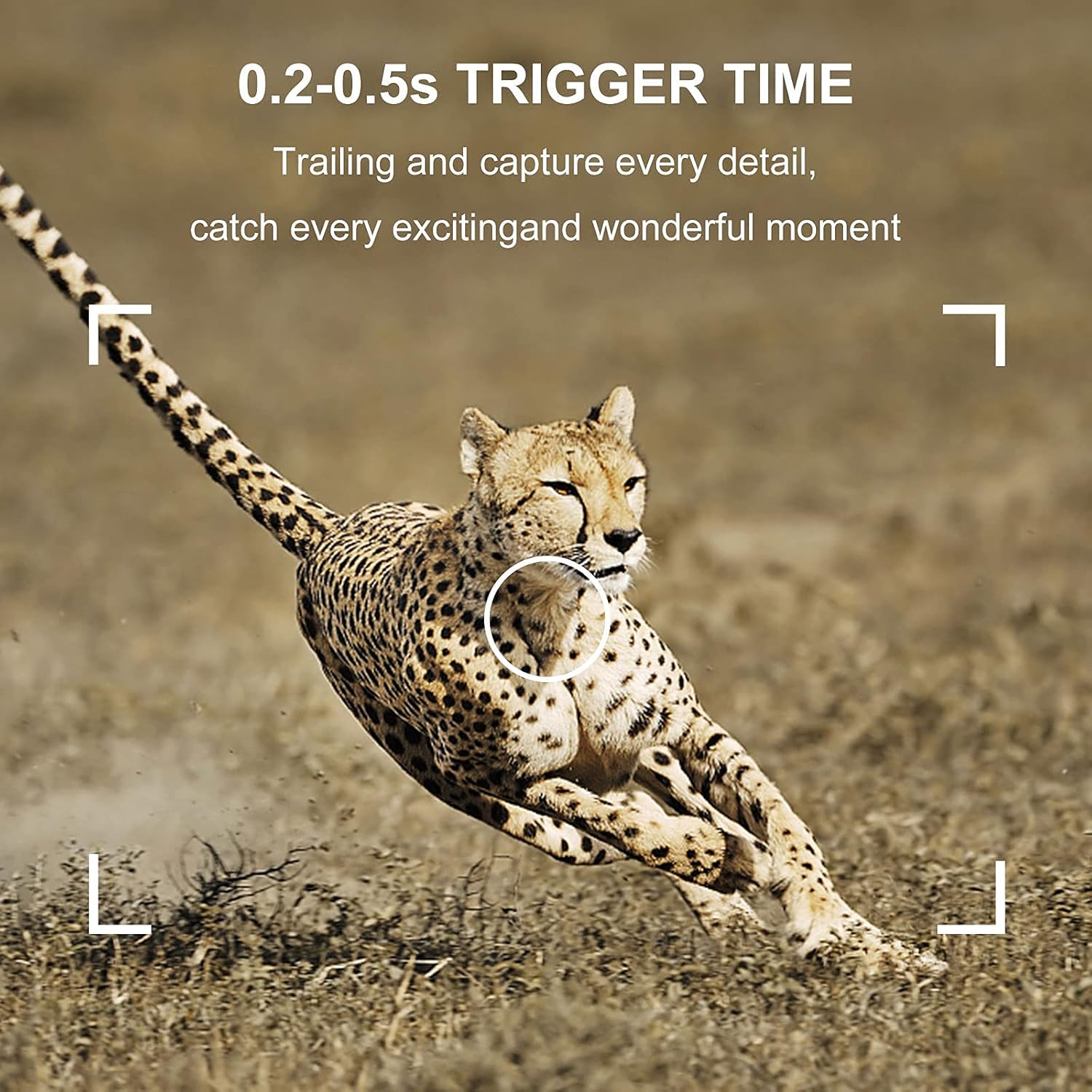
Image: The camera with its front cover open, revealing the 2.0-inch LCD screen and the battery compartment loaded with four AA batteries.
4.2 SD Card Installation
- Ensure the camera is powered off.
- Locate the SD card slot, typically on the side or bottom of the camera.
- Insert a Class 10 or higher SD card (up to 32GB recommended) into the slot until it clicks into place.
- To remove, push the card in gently until it springs out.
4.3 Mounting the Camera
The camera can be mounted using the included strap or the mounting bracket.
- Using the Strap: Thread the strap through the slots on the back of the camera and secure it around a tree or pole.
- Using the Mounting Bracket: Attach the bracket to a wall or tree using the provided screws. Then, secure the camera to the bracket.
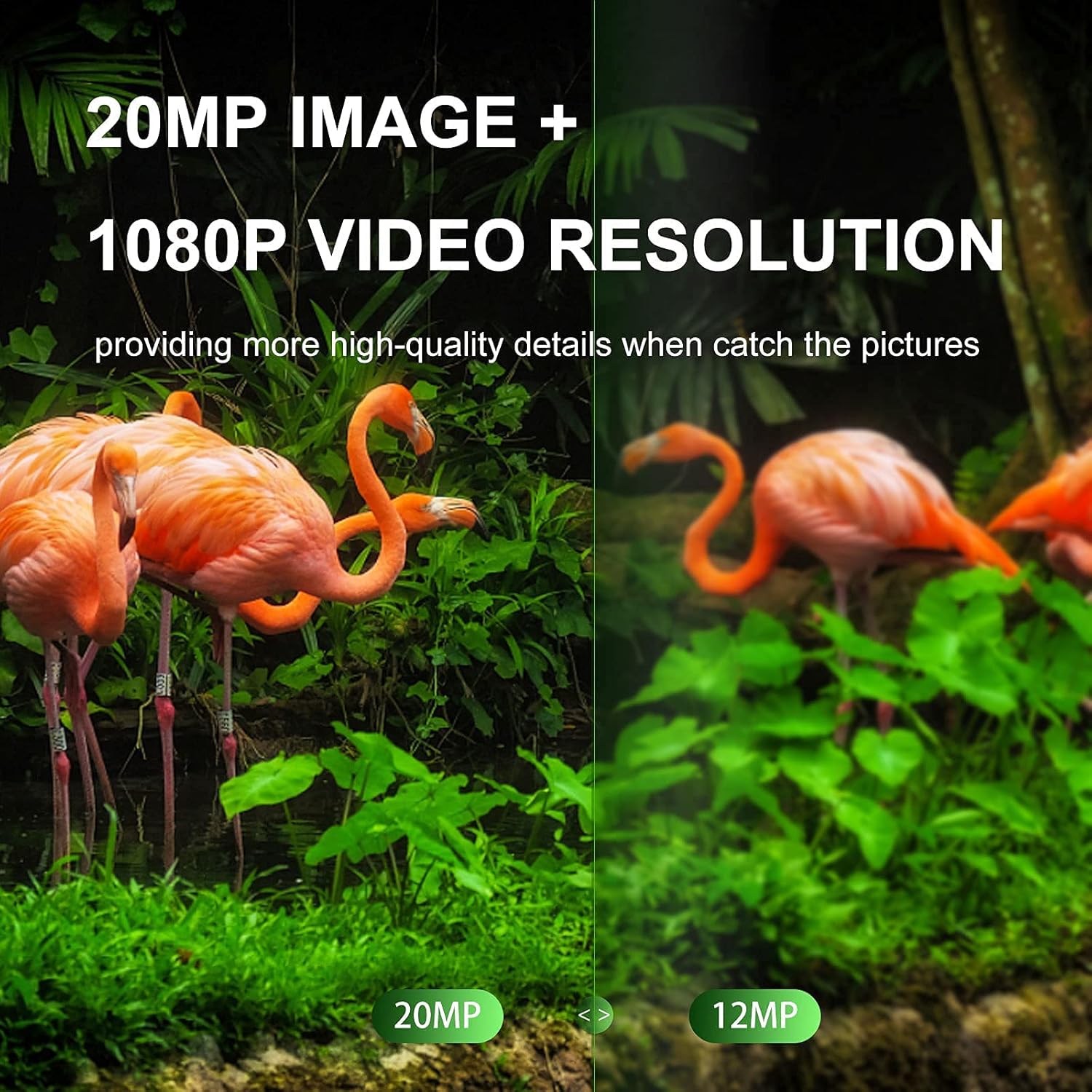
Image: The SESERN Mini Trail Game Camera M1 mounted on a tree trunk, demonstrating its waterproof design in a rainy forest environment.
5. Operating Instructions
5.1 Powering On/Off
- To power on, slide the mode switch from OFF to TEST or ON.
- To power off, slide the mode switch to OFF.
5.2 Mode Selection
The camera has three modes: OFF, TEST, and ON.
- OFF: The camera is powered off.
- TEST: Allows you to adjust camera settings, view photos/videos, and manually trigger captures. The LCD screen is active in this mode.
- ON: The camera is in active monitoring mode. The LCD screen will turn off after a few seconds, and the camera will capture photos/videos automatically when motion is detected.
5.3 Menu Navigation and Settings
In TEST mode, use the control buttons (MENU, UP, DOWN, LEFT, RIGHT, OK) to navigate the settings menu on the 2.0-inch LCD screen.
- MENU: Enters/exits the menu.
- UP/DOWN: Navigates through menu options.
- LEFT/RIGHT: Changes values for selected options.
- OK: Confirms selection.
Key settings to configure include:
- Mode: Select Photo, Video, or Photo+Video.
- Photo Resolution: Choose between 20MP, 16MP, or 12MP.
- Video Resolution: Choose between 1080P or 720P.
- PIR Sensitivity: Adjust motion sensor sensitivity (Low, Medium, High).
- Trigger Interval: Set the delay between consecutive triggers.
- Date & Time: Set the current date and time for accurate timestamps on your captures.
5.4 Capturing Photos and Videos
- In ON mode, the camera will automatically detect motion and capture images or videos according to your settings.
- The camera's 0.2-second trigger speed ensures that fast-moving subjects are captured effectively.

Image: A side-by-side comparison demonstrating the higher detail and clarity of a 20MP image versus a 12MP image, captured by the camera.

Image: A deer grazing in a forest at night, illustrating the camera's advanced night vision capabilities with 940nm infrared LEDs.
5.5 Playback
In TEST mode, press the PLAY button to enter playback mode. Use the UP/DOWN buttons to browse through captured photos and videos. Press OK to play a video. Press PLAY again to exit playback mode.
6. Maintenance
6.1 Battery Management
- Replace batteries when the low battery indicator appears on the screen.
- Always use fresh, high-quality AA alkaline batteries for optimal performance and to achieve the advertised 6-month standby time.
- Do not mix old and new batteries, or different types of batteries.
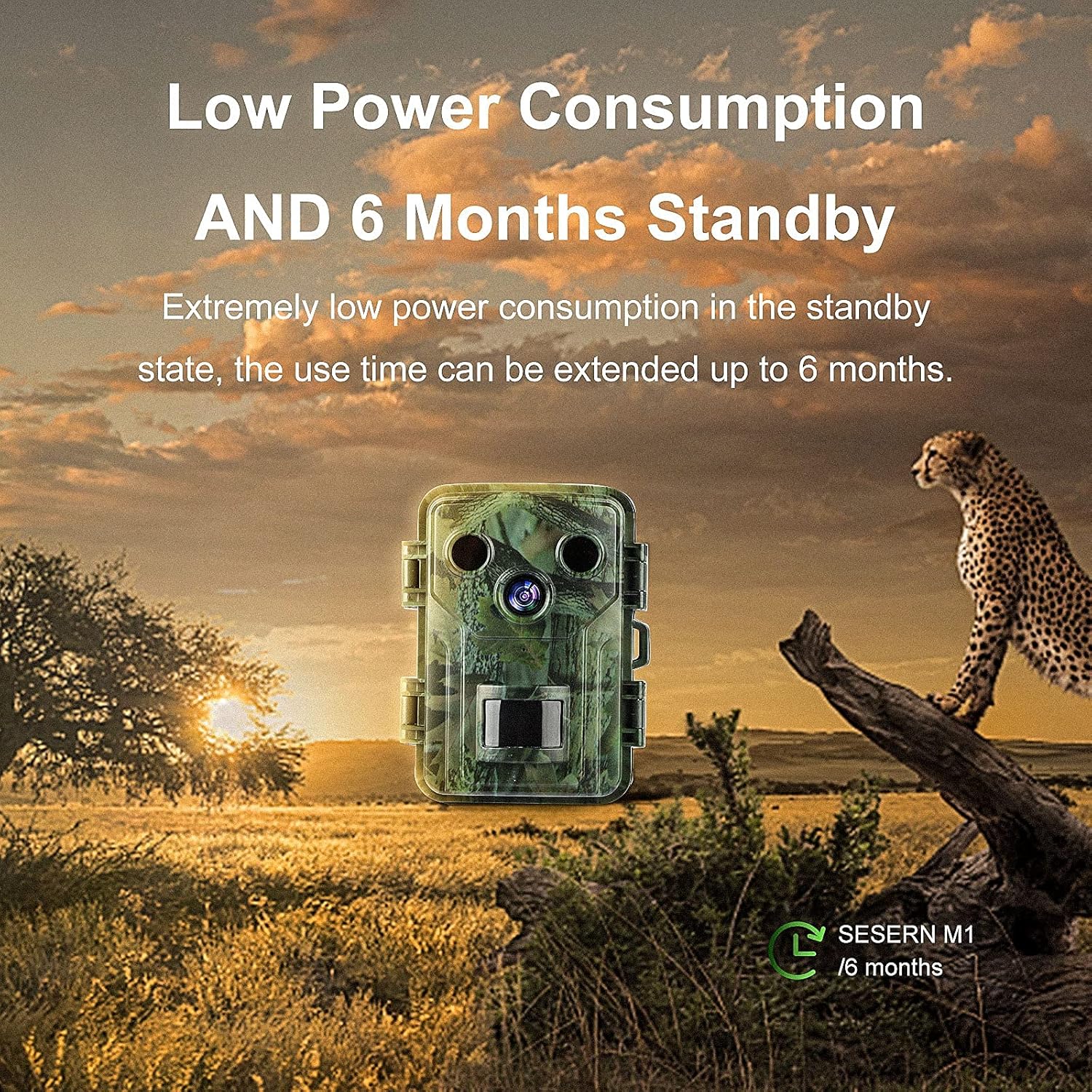
Image: The SESERN Mini Trail Game Camera M1 positioned in a natural outdoor setting, highlighting its low power consumption and extended 6-month standby capability.
6.2 SD Card Care
- Format the SD card regularly (e.g., monthly) using the camera's menu function to ensure optimal performance and prevent data corruption.
- Use a dedicated SD card reader to transfer files to your computer. Avoid frequently inserting and removing the card directly from the camera if possible.
6.3 Cleaning and Storage
- Wipe the camera lens and PIR sensor window with a soft, lint-free cloth to remove dirt or smudges.
- Clean the camera's exterior with a damp cloth. Do not use harsh chemicals or abrasive cleaners.
- When not in use for extended periods, remove the batteries and store the camera in a cool, dry place.
7. Troubleshooting
- Camera not turning on: Check battery polarity and ensure batteries are fully charged.
- "No Card" or "Card Error" message: Ensure the SD card is inserted correctly. Try reformatting the SD card in the camera's menu. If the issue persists, try a different SD card.
- No photos/videos captured: Verify the camera is in ON mode. Check PIR sensitivity settings and ensure the trigger interval is appropriate. Ensure the SD card has sufficient space.
- Poor image/video quality: Clean the camera lens. Ensure the camera is mounted securely to prevent movement. Check resolution settings.
- Excessive battery drain: This can be caused by frequent triggers in high-traffic areas or using low-quality batteries. Reduce PIR sensitivity or trigger interval if necessary.
- Incorrect Date/Time: Reset the date and time in the camera's settings menu.
8. Specifications
| Feature | Specification |
|---|---|
| Effective Still Resolution | 20 MP (also 16 MP, 12 MP options) |
| Video Capture Resolution | 1080p, 720p |
| Trigger Speed | Less than 0.2 seconds |
| Screen Size | 2.0 Inches (IPS LCD) |
| Field Of View | 120 Degrees |
| Night Vision Technology | 940nm No Glow Infrared LEDs |
| Water Resistance Level | IP66 (Waterproof) |
| Power Source | 4 x 1.5V AA Alkaline Batteries |
| Standby Time | Up to 6 months |
| Connectivity Protocol | USB |
| Product Dimensions | 4.7 x 3.1 x 2.2 inches |
| Item Weight | 15.5 ounces |
9. Warranty and Support
For warranty information or technical support, please refer to the contact details provided with your purchase or visit the official SESERN website. Keep your purchase receipt as proof of purchase for any warranty claims.