1. Introduction
Thank you for choosing Joanbro IR-1 Infrared Wireless Car Headphones. These headphones are designed to provide a personal audio experience for passengers in vehicles equipped with an infrared (IR) entertainment system. They offer both wireless and wired connectivity options, ensuring versatile use. Please read this manual thoroughly to understand the features, setup, and operation of your new headphones.

This image displays two Joanbro IR-1 Infrared Wireless Car Headphones, showcasing their design and compact form factor.
2. Safety Information
- Do not expose the headphones to extreme temperatures, moisture, or direct sunlight.
- Keep out of reach of small children to prevent choking hazards from small parts.
- Use only AAA alkaline batteries. Do not mix old and new batteries, or different types of batteries.
- Remove batteries if the headphones will not be used for an extended period.
- Avoid listening at high volume levels for prolonged periods to prevent hearing damage.
3. Package Contents
Ensure all items are present in the package:
- Joanbro IR-1 Wireless Car Headphones (Quantity as purchased)
- 3.5mm Audio Cable
- User Manual
4. Product Overview
Familiarize yourself with the various parts and controls of your Joanbro IR-1 headphones:

A detailed diagram illustrating the components of the Joanbro IR-1 headphone, including the elasticated headband, working indicator, power switch (ON/OFF), volume control knob, audio in jack/share port, A/B channel switch, and battery compartment for 2 AAA batteries.
- Elasticated Headband: Adjustable for comfortable fit.
- Working Indicator: Lights up when the headphones are powered on and receiving a signal.
- Power ON/OFF Switch: To turn the headphones on or off.
- Volume Control Knob: Adjusts the audio output level.
- Audio In Jack/Share Port: For wired connection or sharing audio with another wired headset.
- A/B Channel Switch: Selects between two infrared audio channels.
- Battery Compartment: Holds 2 AAA batteries (not included).
5. Setup
5.1 Battery Installation
- Locate the battery compartment cover on one of the earpieces.
- Gently slide or open the cover.
- Insert 2 AAA alkaline batteries, ensuring correct polarity (+/-).
- Close the battery compartment cover securely.
5.2 Initial Connection (Wireless Mode)
- Ensure your vehicle's DVD/video system is turned on and transmitting an infrared audio signal.
- Slide the Power ON/OFF switch on the headphones to the 'ON' position.
- The working indicator light should illuminate.
- Select the appropriate channel (A or B) using the A/B Channel Switch to match your vehicle's IR transmitter.
- Adjust the volume using the Volume Control Knob to a comfortable listening level.
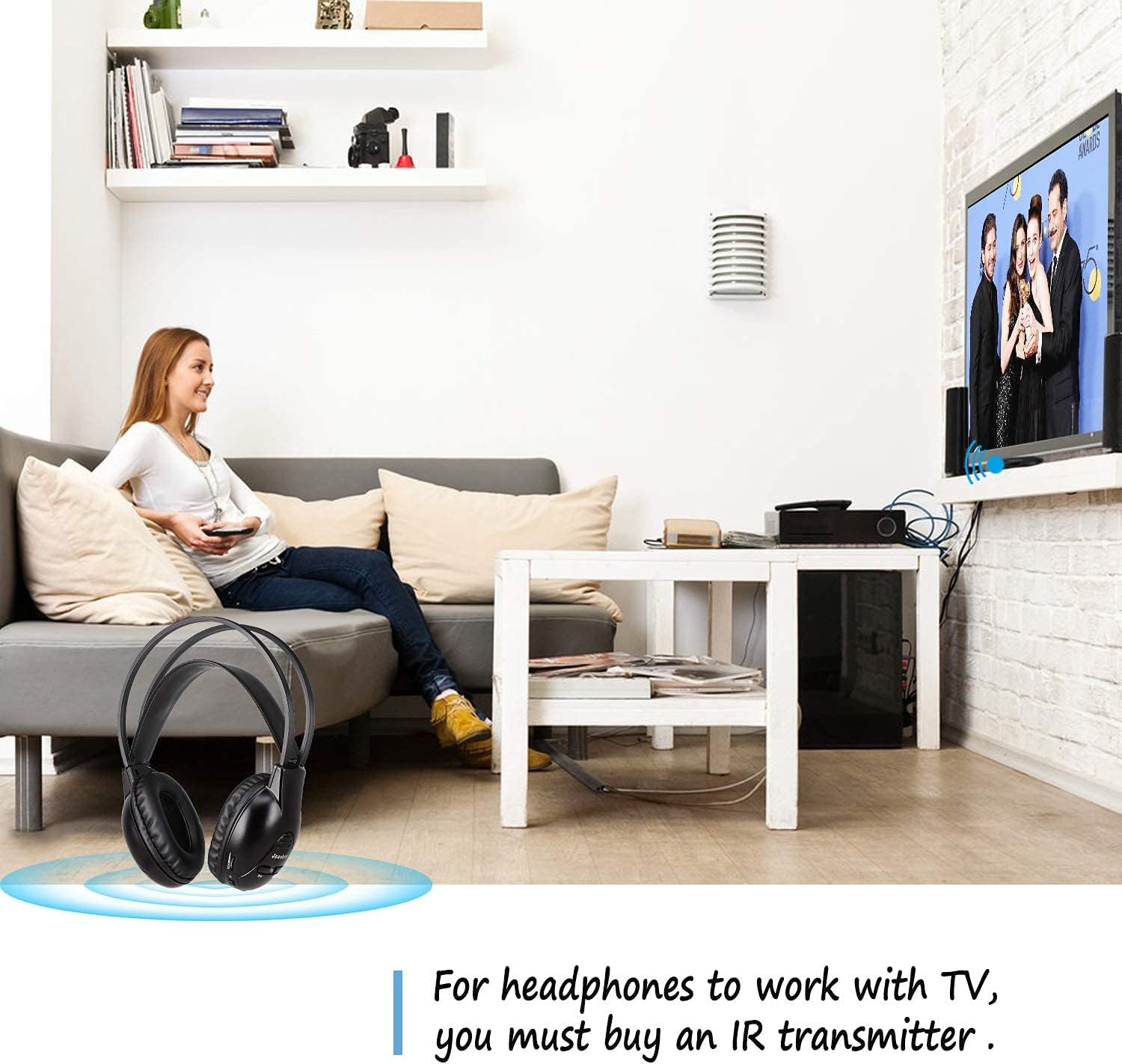
- Ensure a clear line-of-sight between the headphones and the vehicle's IR transmitter for optimal signal reception. The optimum receiving distance is approximately 6 feet.
A diagram illustrating the optimum infrared receiving distance for the headphones in a car, showing a ceiling-mounted DVD player transmitting a signal to a headphone user, with an optimal range of 6 feet.
6. Operating Instructions
6.1 Wireless Mode
Once connected wirelessly, you can enjoy audio from your vehicle's entertainment system. The headphones support two channels (A and B), allowing different audio sources if your vehicle supports it.

This image depicts two headphones, one labeled 'Channel A' and the other 'Channel B', indicating the ability to switch between two infrared audio channels for different entertainment sources.
6.2 Wired Mode
The headphones can also be used in wired mode with any device featuring a standard 3.5mm audio jack. This mode does not require batteries.
- Connect one end of the included 3.5mm audio cable to the Audio In Jack/Share Port on the headphones.
- Connect the other end to the audio output jack of your desired device (e.g., smartphone, tablet, portable DVD player).
- Ensure the headphones are turned OFF when using wired mode to conserve battery life, though they will function without power.

The image shows the Joanbro IR-1 headphone connected via a 3.5mm audio cable for wired use, highlighting its compatibility with various devices like computers, laptops, tablets, and smartphones.
6.3 Audio Sharing Mode
You can share audio from your Joanbro IR-1 headphones with another wired headset using the Audio In Jack/Share Port.
- Ensure your Joanbro headphones are receiving audio (either wirelessly or via wired connection).
- Connect a second wired headset with a 3.5mm plug to the Audio In Jack/Share Port of the Joanbro headphones.
- Both headsets will now receive the same audio.

This image demonstrates the sharing mode, where a wired headset can connect to the Joanbro IR-1 headphone's share port using a 3.5mm plug to share audio.
6.4 Automatic Shut-Off
The headphones feature an automatic shut-off function. If no wireless signal is received for approximately 10 minutes, the headphones will power off automatically to conserve battery life.
7. Compatibility
The Joanbro IR-1 headphones are compatible with most vehicles equipped with a factory or aftermarket DVD/Video System that uses IR (infrared) technology. Please note the following:
- DO NOT SUPPORT DIGITAL IR systems.
- Users must be sitting in the rear seat of the vehicle with a clear line-of-sight to the DVD player/IR transmitter.
Refer to the compatibility chart below for specific vehicle models and years:

This chart lists compatible vehicle models and years for the Joanbro IR-1 headphones, including Honda, Chrysler, Dodge, Toyota, Chevy, Jeep, Lexus, Nissan, GMC, Infiniti, Hyundai, Pontiac, Cadillac, Buick, Audi, Ford, Volkswagen, Saturn, and Kia.
| Brand | Compatible Models & Years |
|---|---|
| Honda | Odyssey 2003-2023, Accord 2003-2023, Ridgeline 2006-2023, Acura MDX 2003-2023, Pilot 2002-2023, CR-V 2003-2023, Acura RDX 2006-2023 |
| Chrysler | Town & Country 2006-2018 (compatible with 2013-2018 BLURAY, NOT DVD systems), Voyager 2008-2020, Aspen 2007-2009, 300 2006-2021, 200 2011-2014, Pacifica 2004-2008 (compatible with 2017-2021 Chrysler Pacifica Ceiling Mounted Screens, NOT compatible with Pacifica Dual Seatback Screens) |
| Dodge | Grand Caravan 2002-2020, Charger 2006-2022, Journey 2006-2020, Avenger 2002-2016, Challenger 2002-2016, Magnum 2002-2018, Durango 2006-2022, Ram 1500 2002-2022, Caliber 2002-2016, Dakota 2002-2016 |
| Toyota | 4Runner 2005-2021, Land Cruiser 2006-2021, Sequoia 2005-2021, Tundra 2006-2021, Venza 2009-2017, Highlander 2006-2021, Rav4 2006-2021, Sienna 2004-2021, Tacoma 2004-2021 |
| Chevy | Suburban 2002-2016, Avalanche 2002-2013, Silverado 2002-2016, Equinox 2002-2020, Tahoe (Trim) 2000-2016, Uplander 2002-2016, Traverse 2002-2020 |
| Jeep | Commander 2002-2016, Grand Cherokee 2002-2022, Renegade 2014-2022, Gladiator 2020-2022, Compass 2002-2022, Patriot 2007-2017, Wrangler 2006-2022 |
| Lexus | LX 2004-2021, RX 2004-2021, LS 2006-2021, NX 2014-2021 |
| Nissan | Armada 2004-2021, Pathfinder 2005-2021, Quest 2004-2021, Murano 2005-2021, Titan 2006-2021 |
| GMC | Yukon (XL) 2002-2016, Denali (Trim) 2002-2017, Canyon & Colorado 2004-2017, Envoy 2004-2009, Terrain 2009-2017, Acadia 2002-2017, Sierra 2003-2017, Savana 2002-2017 |
| Infiniti | JX 2012-2021, M 2006-2020, FX 2003-2021, QX 2004-2021 |
| Hyundai | Entourage 2006-2009, Tucson 2009-2017, Genesis 2009-2017, Santa Fe 2000-2021, Veracruz 2007-2021 |
| Pontiac | Montana SV6 2002-2016, Terrazza 2002-2016 |
| Cadillac | Escalade 2002-2016, Escalade ESV & EXT 2004-2016, SRX 2004-2016 |
| Buick | Enclave 2002-2017, Rendezvous 2004-2017, Encore 2016-2017, Rainier 2002-2017, Envision 2016-2017 |
| Audi | A3 2005-2017, Q5 2005-2017, Q7 2005-2017 |
| Ford | Flex 2009-2020, Freestar 2004-2008, Escape 2001-2022, Bronco 2021-2022, Taurus & Taurus X 2008-2017, Excursion 2002-2005, F-150, F-250, F-350 2001-2022, Expedition 2001-2023, Explorer 2001-2022, Edge 2006-2022, Freestyle 2005-2007 |
| Volkswagen | Routan 2008-2014, Touareg 2006-2017, Tiguan 2007-2017 |
| Saturn | Relay 2002-2016, Outlook 2002-2016 |
| Kia | Borrego 2007-2021, Sorento 2006-2021, Frontier 2015, Sedona 2006-2021, Sportage 2006-2021 |
8. Maintenance
8.1 Cleaning
Wipe the headphones with a soft, dry cloth. Do not use abrasive cleaners or solvents.
8.2 Ear Cushion Replacement
If the ear cushions become worn or damaged, they can be replaced. Follow these steps:

A step-by-step visual guide demonstrating how to replace the ear cushions on the Joanbro IR-1 headphones, involving finding the U-shaped groove, pulling the inner lip, hooking it, and rotating to secure.
- Find the U-shaped groove in the outer rim of the ear cup.
- Pull the inner lip of the ear cushion to expand it.
- Hook the inner lip to the middle of the U-shaped groove.
- Press the ear cushion firmly with your fingers and rotate it counterclockwise until it attaches firmly and uniformly onto the entire ear cup.
- Repeat for the other side.
9. Troubleshooting
- No Sound in Wireless Mode:
- Ensure batteries are correctly installed and not depleted.
- Check if the headphones are powered ON.
- Verify the A/B channel switch matches your vehicle's IR transmitter.
- Ensure a clear line-of-sight to the IR transmitter. Obstructions can block the signal.
- Increase the volume on both the headphones and the vehicle's entertainment system.
- Confirm your vehicle's system is transmitting an analog IR signal (not digital IR).
- Poor Sound Quality/Static:
- Move closer to the IR transmitter or adjust your seating position for better line-of-sight.
- Check for any strong light sources or electronic devices that might interfere with the IR signal.
- Ensure batteries are not low.
- No Sound in Wired Mode:
- Ensure the 3.5mm audio cable is fully inserted into both the headphones and the audio source device.
- Check the volume on the audio source device.
- Test the cable with another device if possible to rule out a faulty cable.
10. Specifications
| Feature | Detail |
|---|---|
| Model Name | IR1 |
| Connectivity Technology | Wireless (Infrared), Wired (3.5mm Jack) |
| Wireless Communication Technology | Infrared |
| Frequency Range | 20Hz - 20,000Hz |
| Power Source | 2 x AAA Alkaline Batteries (not included) |
| Control Type | Volume Control, Channel Switch |
| Special Feature | Lightweight, Auto Shut-off |
| Item Weight | 0.634 ounces (approx. 18g) |
| Ear Placement | Over Ear |
| Color | Black+White |
11. Warranty and Support
Joanbro products are manufactured to high-quality standards. For any issues or support inquiries, please refer to your purchase documentation or contact the retailer. Specific warranty details may vary by region and retailer.
12. Disposal Information
Please dispose of this product and its batteries responsibly according to local environmental regulations. Do not dispose of with general household waste.


