
1. Introduction
The BenQ MH560 is a Full HD (1920x1080) DLP projector designed for business and educational environments. It delivers bright, clear images with 3800 ANSI lumens and a high native contrast ratio of 20,000:1, ensuring excellent readability even in well-lit rooms. This model supports approximately 1.07 billion colors and includes a built-in 10W speaker for comprehensive audio-visual presentations. It features dual HDMI ports for flexible connectivity and offers a long lamp life of up to 15,000 hours.
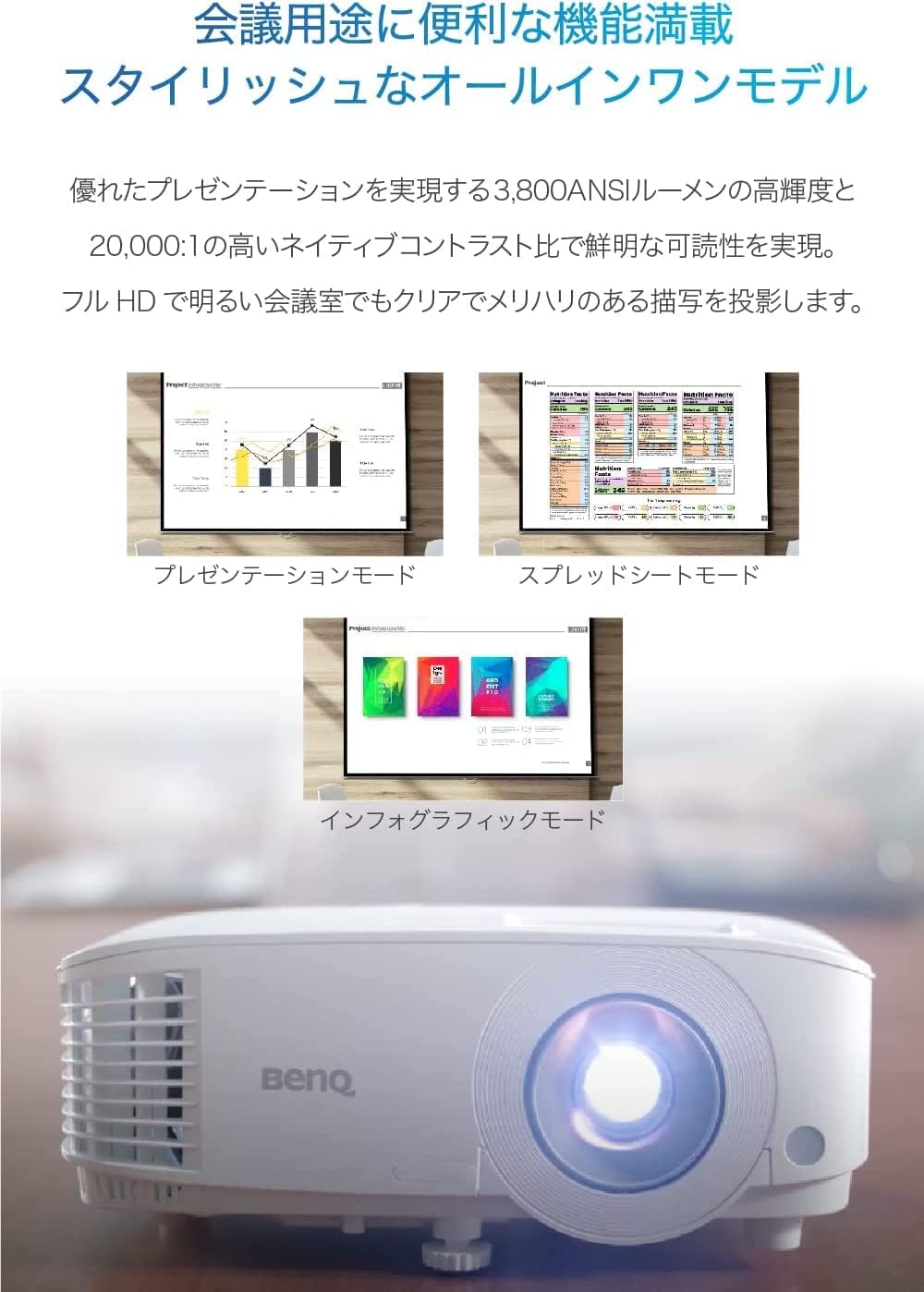
Figure 1: Front view of the BenQ MH560 Full HD DLP Projector.
2. Setup
2.1 Initial Placement and Power On
Place the projector on a stable, flat surface. The BenQ MH560 features a quick power-on function; it automatically turns on when an HDMI connection is detected. If the power is turned on again within 90 seconds of being turned off, it will start immediately.
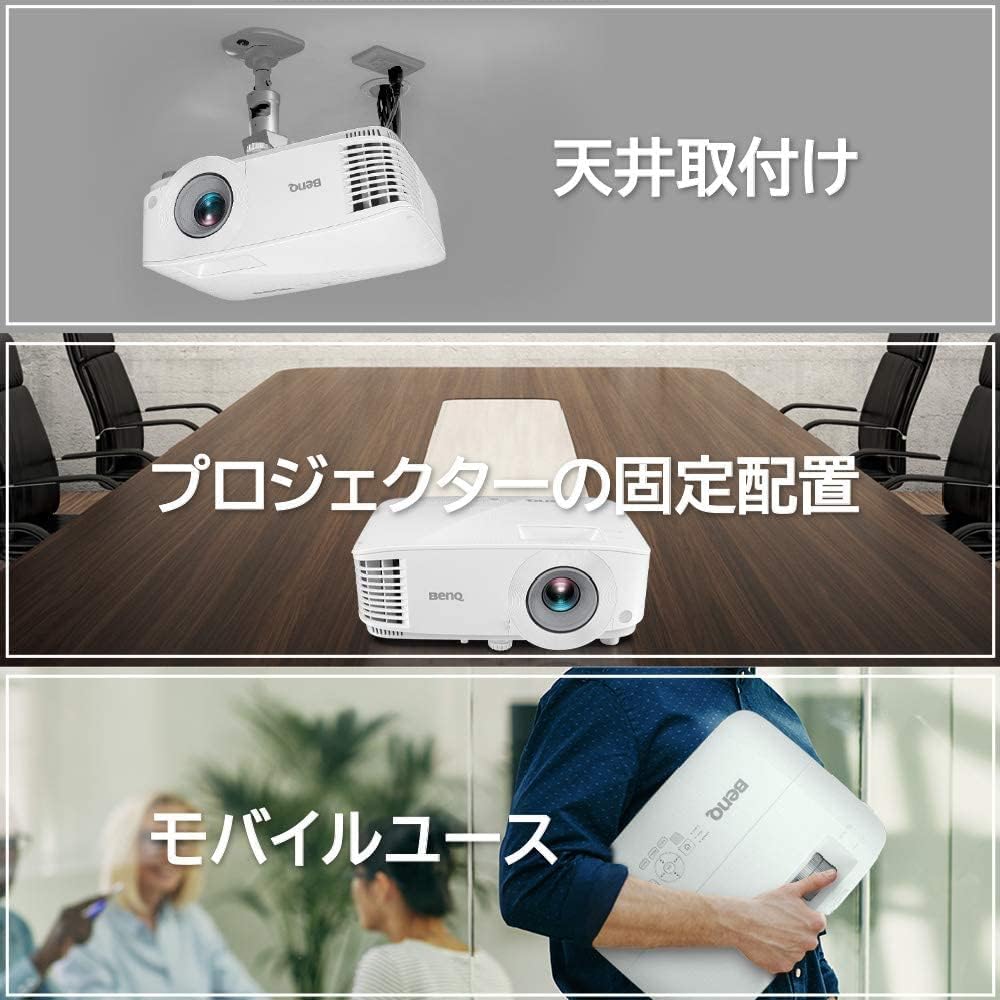
Figure 2: Various setup options for the projector, including ceiling mounting, fixed placement, and mobile use.
2.2 Adjusting Image Shape (Keystone Correction)
The projector is equipped with automatic vertical keystone correction to adjust the projected image to a perfect rectangle, even if the projector is placed at an angle. For detailed information on projection angles, please refer to the specifications section on the BenQ official homepage.

Figure 3: Visual representation of automatic keystone correction, adjusting a distorted image to a rectangular shape.
2.3 Adjustable Feet
The projector includes three retractable adjustable feet, allowing for easy setup and height adjustment in various meeting room environments.

Figure 4: Illustration of the projector's adjustable feet and automatic keystone correction feature.
3. Operating Instructions
3.1 Connectivity
The BenQ MH560 offers versatile connectivity options:
- Dual HDMI Ports: Two HDMI ports provide flexible connection to multiple devices and support high-speed data transfer for digital equipment.
- USB Type-A: Can be used for charging smartphones or tablets, and powering wireless dongles.
- RS-232: For transmitting control commands to the projector.
- USB Mini-B: For firmware upgrades.

Figure 5: Rear view of the projector highlighting the HDMI, USB, RS-232, and USB Mini-B ports.
3.2 Picture Modes
The projector offers specialized picture modes to enhance clarity for different content types:
- Spreadsheet Mode: Ensures clear visibility of text and numbers.
- Infographic Mode: Clearly displays detailed text and graphics.

Figure 6: Examples of Presentation Mode, Spreadsheet Mode, and Infographic Mode for optimized content display.
3.3 Temporary Mute Function
To temporarily stop projection without turning off the projector, simply slide the lens cover closed. Sliding it back open will resume projection immediately.
4. Maintenance and Power Management
4.1 Lamp Life
The projector lamp has a long lifespan of up to 15,000 hours. Smart Eco mode can save up to 70% of lamp power, extending its operational life.
4.2 Power Saving Features
The projector includes energy-saving features:
- Automatic Power Off: If no activity is detected for 20 minutes, the projector will automatically power off to save energy. This feature can be disabled if desired.
5. Troubleshooting
If you encounter any issues with your BenQ MH560 projector, please refer to the following general troubleshooting steps:
- No Image: Ensure all cables (HDMI, power) are securely connected. Check the input source selection on the projector.
- Distorted Image: Verify that the projector is placed on a flat surface. The automatic vertical keystone correction should adjust the image, but manual adjustment might be needed if available.
- No Sound: Check the audio cable connection (if using an external audio source) and the volume settings on both the projector and the source device.
- Overheating: Ensure proper ventilation around the projector. Clear any obstructions from the air vents.
For more specific issues, please consult the detailed user manual provided with the product or visit the official BenQ support website.
6. Specifications
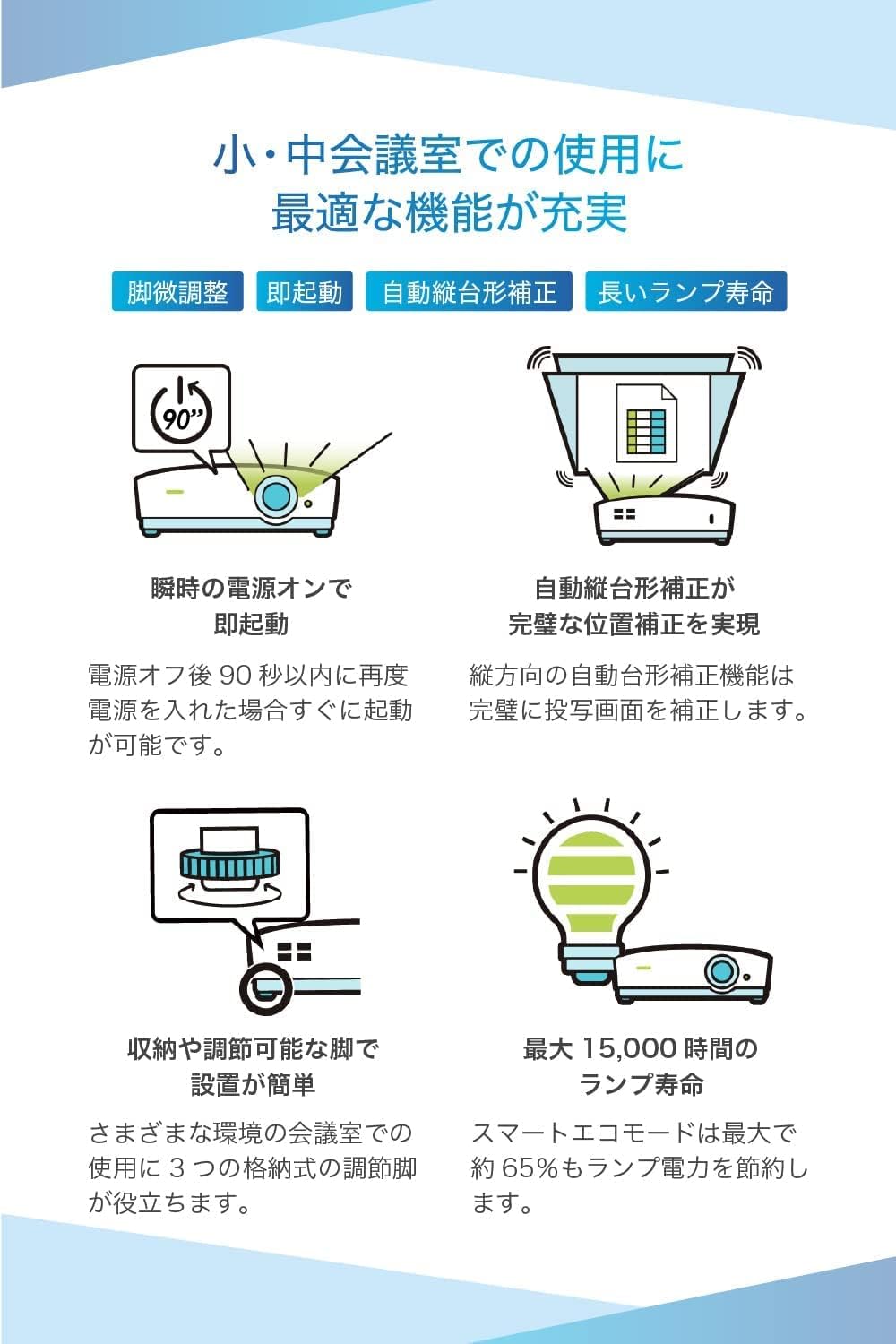
Figure 7: Dimensions of the BenQ MH560 Projector.
| Feature | Value |
|---|---|
| Display Type | DLP |
| Contrast Ratio | 20000:1 |
| Max/Min Projection Distance | 2.31 m - 5.45 m |
| Supported Media | Projector |
| Brand | BenQ |
| Color | Pearl White |
| Included Accessories | D-Sub Cable (approx. 1.5m), Warranty Card, User Manual, Remote Control, Power Cord |
| Manufacturer | BenQ Japan |
| Model Number | MH560 |
| Network | HDMI |
| Wall Mount Compatible | Tabletop Mount |
| Power Consumption | 10 W |
| Display Features | DLP |
| Display Resolution | 1920 x 1080 |
| Refresh Rate | 60 Hz |
| Battery Included | Yes |
| Product Dimensions | 22.1 x 29.6 x 12 cm |
| Product Features | 3D Compatible, Speaker |
| Product Weight | 2.3 kg |
| Recommended Use | Gaming |
| Connectivity Technology | HDMI |
7. Warranty and Support
The BenQ MH560 projector comes with a warranty card included in the package. Please retain your proof of purchase for warranty claims.
For detailed warranty terms, technical support, and additional resources, please visit the official BenQ website or contact their customer service. You can find more information on the BenQ Official Homepage.


