
GUY-TECH AQ85000G
GUY-TECH AC Adapter Instruction Manual
For Hyper Tough AQ85000G Cordless Rotary Tool
Introduction
Thank you for choosing the GUY-TECH AC Adapter. This adapter is specifically designed to provide reliable power supply and charging for your Hyper Tough AQ85000G Cordless Rotary Tool. Please read this manual carefully before use to ensure proper operation, safety, and longevity of your product.
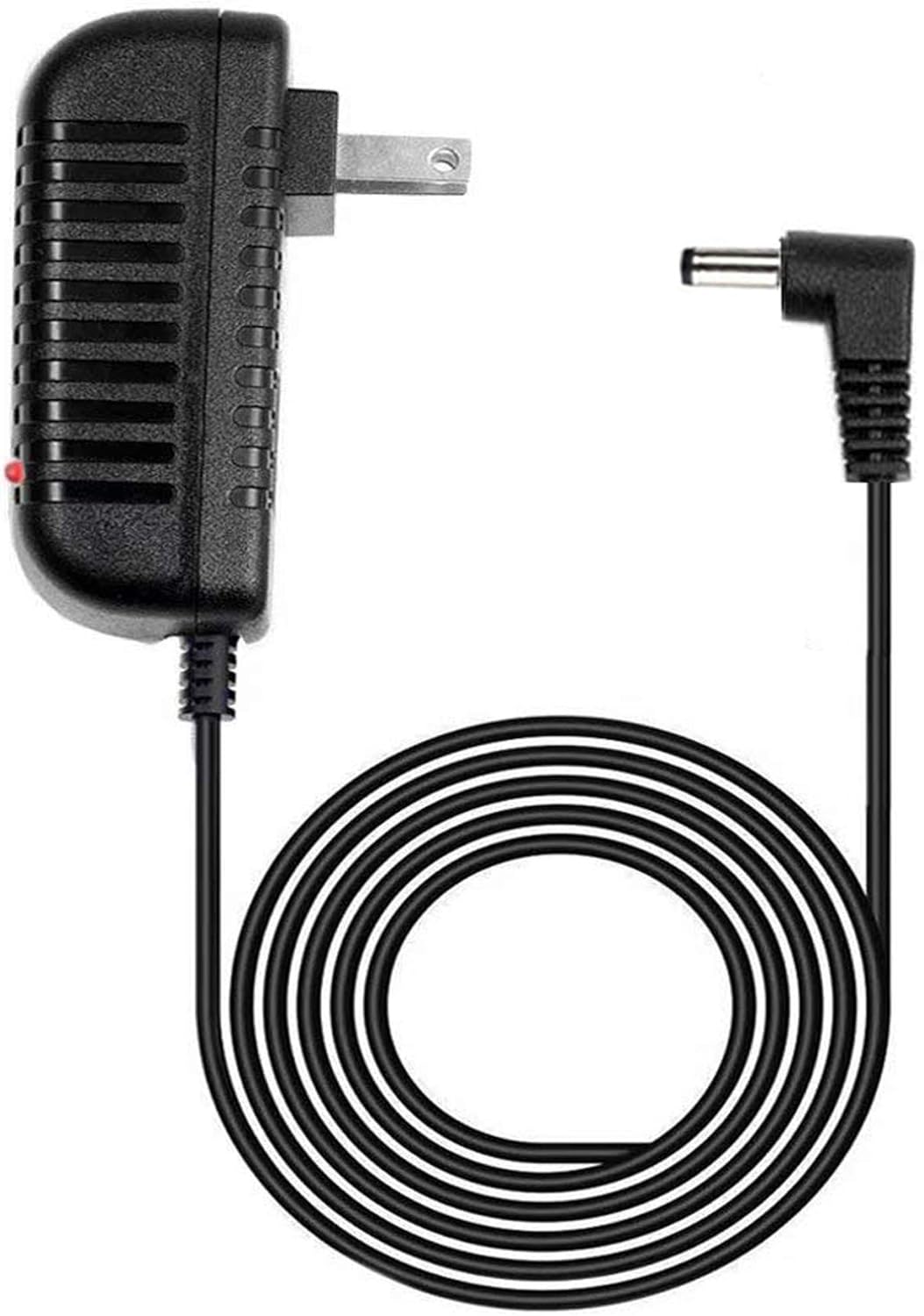
Figure 1: Overview of the GUY-TECH AC Adapter and its DC barrel connector.
Important Safety Information
- Compatibility: This adapter is designed only for the Hyper Tough AQ85000G Cordless Rotary Tool. Do not attempt to use it with other devices or models, as this may cause damage to the adapter or the device.
- Voltage: Ensure the wall outlet voltage matches the input voltage requirements of the adapter (240 Volts as listed, but typically compatible with standard household outlets in regions where sold). If unsure, consult a qualified electrician.
- Indoor Use Only: This adapter is intended for indoor use in dry conditions. Do not expose it to water, moisture, or extreme temperatures.
- Cable Care: Do not pull the cable to disconnect the adapter from the outlet. Always grasp the plug firmly. Avoid bending, twisting, or crimping the cable excessively.
- Inspection: Before each use, inspect the adapter and cable for any signs of damage. Do not use if damaged.
- Children: Keep the adapter out of reach of children.
Setup
- Unpack: Carefully remove the AC adapter from its packaging.
- Connect to Tool: Locate the charging port on your Hyper Tough AQ85000G Cordless Rotary Tool. Insert the DC barrel connector of the GUY-TECH adapter firmly into the tool's charging port.
- Plug into Power Outlet: Insert the AC plug of the adapter into a standard wall power outlet. Ensure the connection is secure.
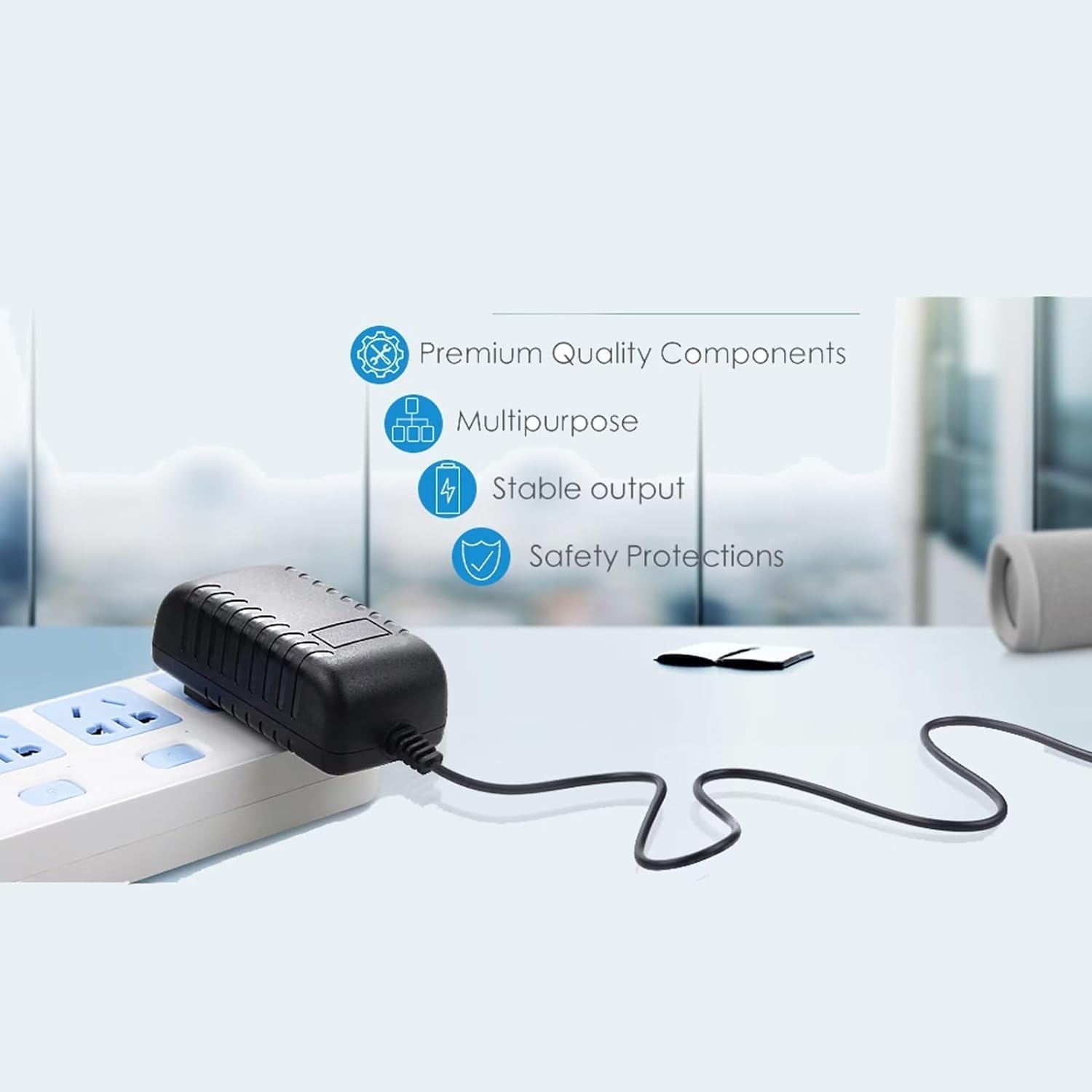
Figure 2: The AC adapter connected to a power source, ready for use.
Operating Instructions
Once the adapter is properly connected to both the tool and the power outlet, the charging process will begin. The adapter features an LED indicator to show its operational status.
- LED Indicator: The small LED light on the adapter will illuminate when it is receiving power and functioning correctly. Refer to your Hyper Tough AQ85000G tool's manual for specific charging indicator behavior (e.g., solid red for charging, solid green for charged).
- Charging Time: Charging times will vary depending on the battery level of your rotary tool. Always refer to the Hyper Tough AQ85000G user manual for recommended charging durations and practices.
- Disconnecting: Once charging is complete, first unplug the adapter from the wall outlet, then disconnect the DC barrel connector from your rotary tool.

Figure 3: Key features of the adapter, including its 5-foot cable and LED indicator.
Maintenance
- Cleaning: Disconnect the adapter from all power sources and devices before cleaning. Use a soft, dry cloth to wipe the surface. Do not use liquid cleaners or abrasive materials.
- Storage: Store the adapter in a cool, dry place away from direct sunlight and extreme temperatures. Avoid tightly coiling the cable to prevent damage.
- Cable Inspection: Periodically check the cable for any cuts, fraying, or kinks. If any damage is observed, discontinue use immediately and replace the adapter.
Troubleshooting
| Problem | Possible Cause | Solution |
|---|---|---|
| Adapter LED does not light up. | No power from outlet; adapter not fully plugged in; faulty outlet; damaged adapter. | Check if the outlet is working by plugging in another device. Ensure the adapter is fully inserted into the outlet. Try a different outlet. If still no light, the adapter may be faulty. |
| Tool is not charging. | Adapter not connected to tool properly; tool's battery issue; adapter not compatible (though this adapter is specific); adapter faulty. | Ensure the DC barrel connector is fully inserted into the tool's charging port. Verify the adapter's LED is on. Consult your Hyper Tough AQ85000G manual for tool-specific charging issues. |
| Adapter feels unusually hot. | Overload; poor ventilation; internal fault. | Immediately unplug the adapter. Ensure it is not covered or in an enclosed space. If it continues to overheat, discontinue use. |
If troubleshooting steps do not resolve the issue, please contact customer support.
Specifications
- Brand: GUY-TECH
- Compatible Model: Hyper Tough AQ85000G Cordless Rotary Tool
- Input Voltage: 240 Volts (Please verify compatibility with your local power supply)
- Connectivity Technology: DC Barrel
- Connector Type: Barrel Connector
- Cable Length: Approximately 5 Feet
- Special Feature: LED Indicator
- Color: Black
- Item Weight: 5 ounces
- Package Dimensions: 4 x 2 x 2 inches
- Included Components: AC Adapter with Cord Cable
Warranty and Support
GUY-TECH stands behind the quality of its products. While specific warranty details are not provided in this manual, please retain your proof of purchase for any warranty claims. For technical support, troubleshooting assistance, or inquiries regarding your GUY-TECH AC Adapter, please refer to the seller's contact information or the platform where the product was purchased.
For further assistance, you may visit the product page on Amazon or contact the seller directly via the Amazon platform.
Ask a question about this manual
Ask about setup, troubleshooting, compatibility, parts, safety, or missing instructions. Manuals+ will review the question and use this page’s manual context to help answer it.