
Introduction
This manual provides essential information for the safe and efficient operation of your iFFALCON 55K2A 55-inch 4K Ultra HD Smart Android LED TV. Please read this manual thoroughly before using the television and retain it for future reference.
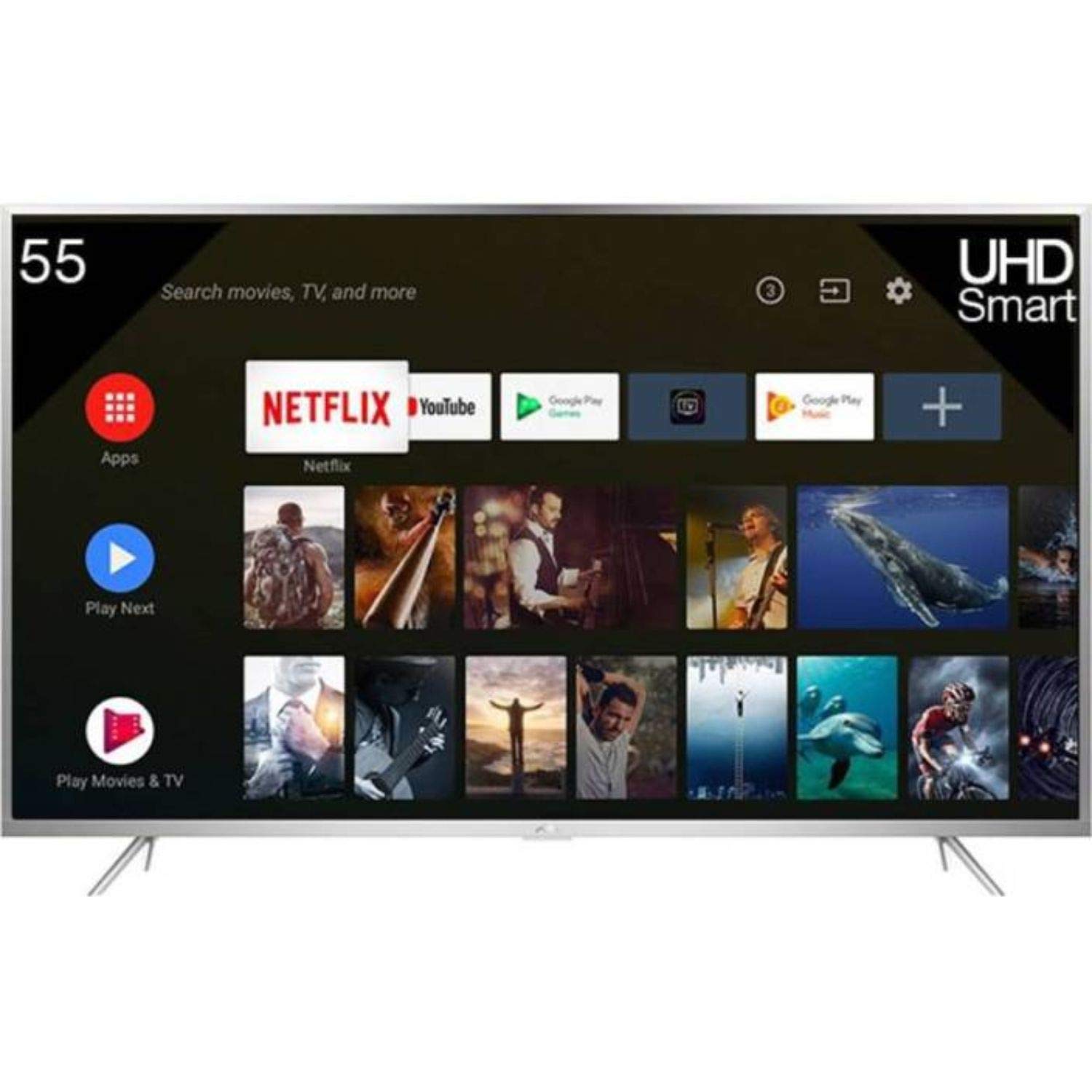
Figure 1: Front view of the iFFALCON 55K2A 55-inch 4K Ultra HD Smart Android LED TV.
Safety Information
Observe the following safety precautions to prevent fire, electric shock, or injury:
- Power Source: Connect the TV only to an AC 100-240V, 50/60Hz power supply.
- Ventilation: Ensure adequate ventilation. Do not block ventilation openings. Maintain a minimum distance from walls and other objects.
- Placement: Place the TV on a stable, level surface. Avoid placing it in direct sunlight, near heat sources, or in areas with high humidity or dust.
- Liquid and Moisture: Do not expose the TV to rain or moisture. Do not place objects filled with liquids, such as vases, on the TV.
- Cleaning: Unplug the TV before cleaning. Use a soft, dry cloth. Do not use liquid cleaners or aerosol cleaners.
- Servicing: Do not attempt to service this product yourself. Refer all servicing to qualified service personnel.
What's in the Box
Carefully unpack the box and ensure all items are present:
- 1 x iFFALCON 55K2A TV Unit
- 1 x Standard Remote Controller
- 1 x Smart Remote
- 1 x User Manual (this document)
- 1 x Wall Mount Kit
- 1 x Warranty Card
- 2 x Base Stands
Setup
1. Stand Installation (Optional)
If you are not wall-mounting the TV, attach the base stands:
- Place the TV face down on a soft, flat surface to prevent screen damage.
- Align each base stand with the corresponding slots on the bottom of the TV.
- Secure the stands using the provided screws.
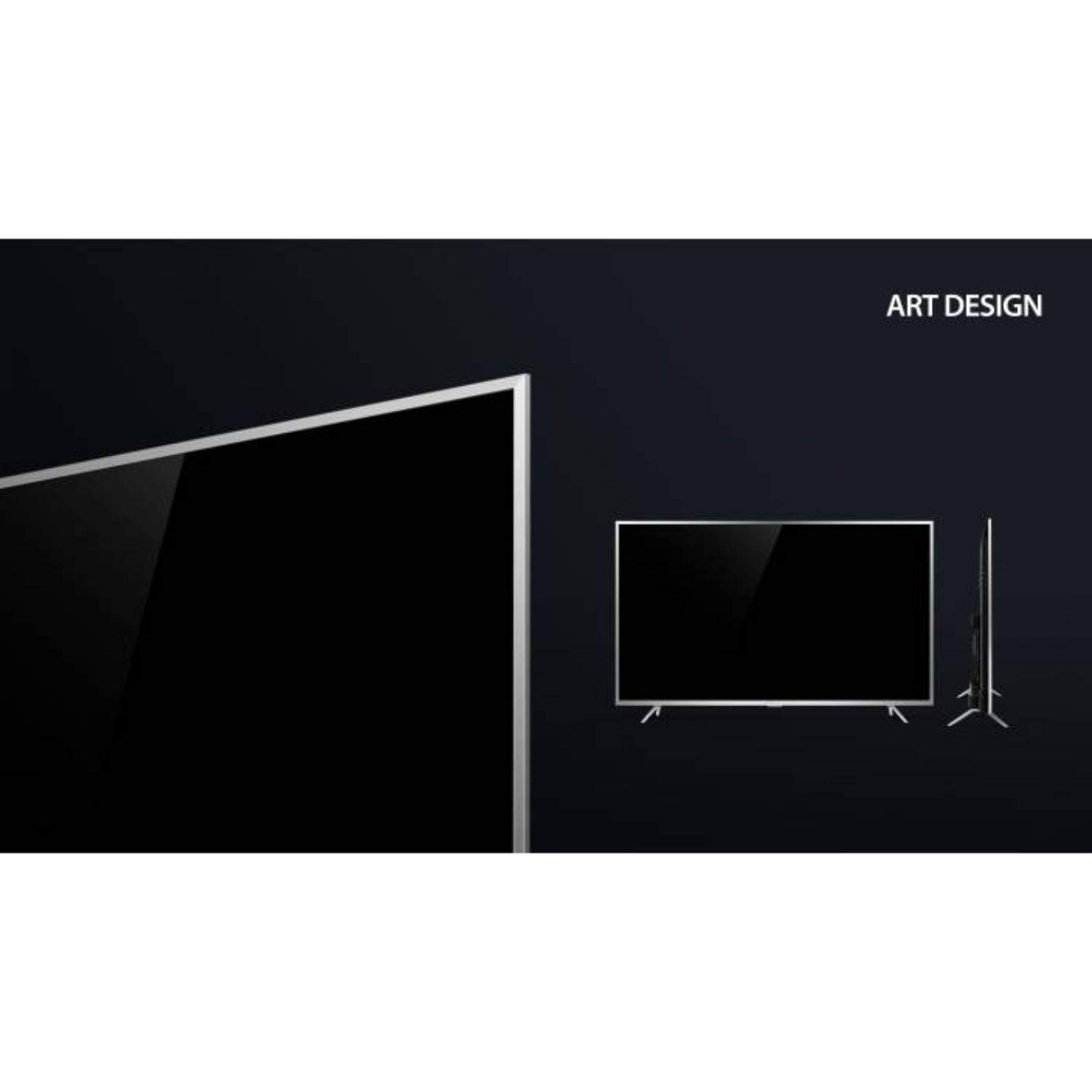
Figure 2: Detail of the TV's lower bezel, where the base stands attach.
2. Wall Mounting (Optional)
If wall-mounting, use the included wall mount kit. The TV supports VESA 200 x 200 mm mounting standard. Follow the instructions provided with the wall mount kit for safe installation.
3. Connecting Devices
Connect your external devices to the TV's ports:
- HDMI: Connect Blu-ray players, game consoles, or set-top boxes to the HDMI ports. This TV has 2 HDMI ports.
- USB: Connect USB storage devices for media playback to the 2 USB ports.
- VGA: Connect a computer via the VGA port.
- Headphone: Connect headphones for private listening.
- Wi-Fi: Connect to your home network wirelessly for internet services.
4. Power On and Initial Setup
- Plug the power cord into the TV and then into a wall outlet.
- Press the power button on the TV or remote control to turn it on.
- Follow the on-screen instructions to complete the initial setup, including language selection, network connection, and channel scanning.
Operating the TV
Remote Controls
Your iFFALCON 55K2A TV comes with two remote controls: a standard remote and a smart remote. The smart remote offers enhanced features like voice control.

Figure 3: Standard and Smart Remote Controls for the iFFALCON 55K2A TV.
- Power Button: Turns the TV on or off.
- Volume Buttons: Adjust the sound level.
- Channel Buttons: Change TV channels.
- Navigation Buttons: Navigate through menus and options.
- Google Assistant (Smart Remote): Press the dedicated button to activate voice control for searching content, controlling smart home devices, and more.
Smart TV Features (Android OS)
The iFFALCON 55K2A runs on Android OS, providing access to a wide range of applications and services.

Figure 4: The TV displaying the Netflix application interface.
- Supported Services: Access popular streaming platforms like Amazon Video, Hotstar, Netflix, and YouTube directly from your TV.
- Google Play Store: Download additional apps and games.
- Voice Control: Use the Google Assistant via the smart remote to search for content, get information, and control your TV hands-free.
Picture and Sound Settings
Access the TV's settings menu to customize picture and sound preferences. This TV features 4K resolution, HDR, True Color, Micro Dimming, and Dolby Audio for an enhanced viewing experience.
Maintenance
Cleaning the TV
- Always unplug the TV from the power outlet before cleaning.
- Use a soft, dry, lint-free cloth to wipe the screen and cabinet.
- For stubborn marks, lightly dampen the cloth with water or a mild, non-abrasive screen cleaner. Do not spray cleaner directly onto the screen.
- Avoid using alcohol, benzene, thinners, or other volatile substances, as they may damage the TV's surface.
Troubleshooting
If you encounter issues with your TV, refer to the following common solutions:
- No Power: Ensure the power cord is securely plugged into both the TV and the wall outlet. Check if the power outlet is functioning.
- No Picture/Sound: Verify that the correct input source is selected. Check all cable connections (HDMI, AV).
- Remote Control Not Working: Check the batteries in the remote control. Ensure there are no obstructions between the remote and the TV's IR sensor.
- Poor Picture Quality: Adjust picture settings (brightness, contrast, sharpness). Ensure the input source is providing a high-quality signal.
- No Internet Connection: Check your Wi-Fi router and network settings. Reconnect the TV to the Wi-Fi network.
For persistent issues, consult the full troubleshooting guide available on the iFFALCON support website or contact customer service.
Specifications
| Model Name | iFFALCON 55K2A |
| Screen Size | 55 Inches (138.71 cm) |
| Display Technology | LED |
| Resolution | 4K Ultra HD (3840 x 2160) |
| Refresh Rate | 60 Hz |
| Operating System | Android |
| Connectivity | Wi-Fi, 2 x HDMI, 2 x USB, VGA, Headphone |
| Audio Output | Stereo speakers with Dolby Audio |
| Mounting Type | Wall Mount (VESA 200 x 200 mm) |
| Power Consumption | 130 Watts |
| Item Weight | 13.8 Kilograms |
| Model Year | 2018 |
Warranty and Support
Warranty Information
Your iFFALCON 55K2A TV comes with a 1 Year Standard Warranty provided by the manufacturer from the date of purchase. Please retain your purchase receipt for warranty claims.
Customer Support
For technical assistance, warranty service, or further inquiries, please contact iFFALCON customer support. Refer to the warranty card or the official iFFALCON website for contact details.
