
Aigostar BID_20199
Aigostar 3-in-1 Evaporative Air Cooler User Manual
Model: BID_20199
1. Introduction
Thank you for choosing the Aigostar 3-in-1 Evaporative Air Cooler. This versatile appliance combines the functions of an air cooler, fan, and humidifier to provide a comfortable indoor environment. Designed for ease of use and portability, it features multiple fan speeds, oscillation, and a large water tank for extended operation. Please read this manual thoroughly before use to ensure proper operation and maintenance.
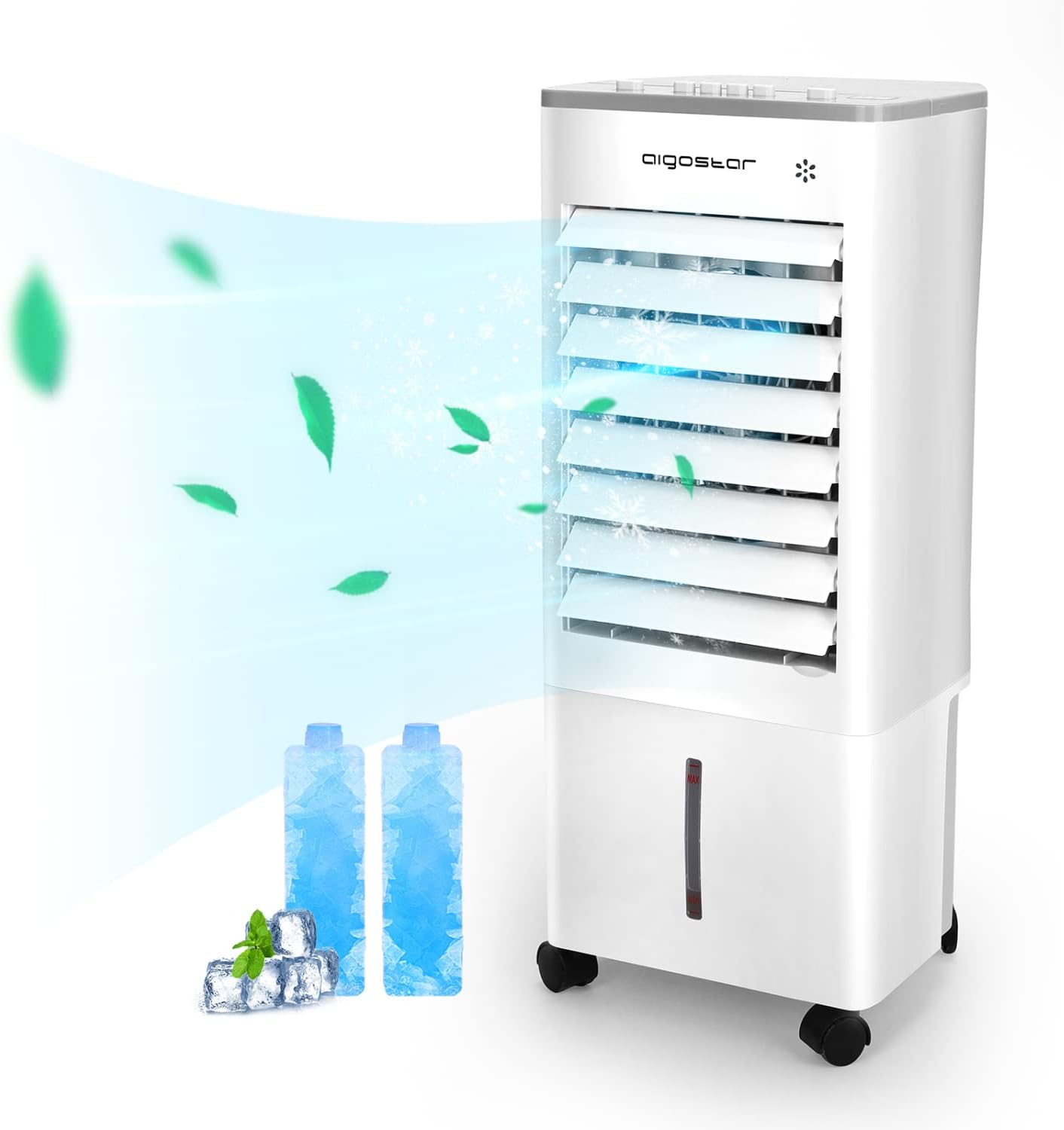
Image: The Aigostar 3-in-1 Evaporative Air Cooler, a white tower unit with air flowing from its vents, indicating its cooling function.
2. Important Safety Information
Always follow basic safety precautions when using electrical appliances to reduce the risk of fire, electric shock, and injury.
- Ensure the power supply voltage matches the rating label on the appliance.
- Do not immerse the appliance, plug, or cord in water or other liquids.
- Unplug from the outlet when not in use, before moving, and before cleaning.
- Do not operate any appliance with a damaged cord or plug, or after the appliance malfunctions or has been damaged in any manner.
- Keep the appliance out of reach of children.
- Do not block air inlets or outlets.
- Use only on a flat, stable surface.
- Do not use outdoors.
- Do not use near flammable materials or open flames.
3. Product Components
Familiarize yourself with the parts of your Aigostar Evaporative Air Cooler:
- Control Panel (Top)
- Air Outlet Louvers (Front)
- Water Tank (Bottom, visible indicator)
- Caster Wheels (Base)
- Ice Packs (Included)
- Power Cord

Image: Close-up view of the top control panel of the Aigostar air cooler, showing buttons for Swing, Off, Low, Middle, High, and Cold settings.
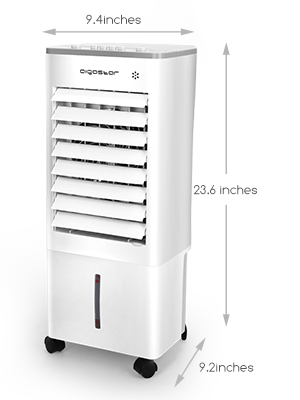
Image: A hand pouring water into the top opening of the air cooler, illustrating the water tank filling process.
4. Setup Instructions
- Unpacking: Carefully remove the air cooler from its packaging. Ensure all components are present and undamaged.
- Positioning: Place the unit on a flat, stable surface. The 360-degree swivel caster wheels allow for easy movement.
- Filling the Water Tank:
- Open the water tank cover located on the top of the unit.
- Fill the tank with clean water. The unit has a 1.85-gallon (7L) visualized dual water tank. Do not exceed the "MAX" fill line.
- For enhanced cooling, place the included ice packs into the water tank after filling.
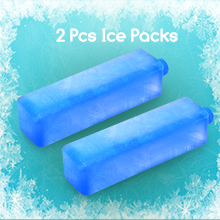
Image: Two blue ice packs, indicating their use with the air cooler for enhanced cooling.
- Power Connection: Plug the power cord into a suitable electrical outlet (120 Volts DC).
5. Operating Instructions
The Aigostar Air Cooler offers three operating modes and adjustable settings:
5.1 Control Panel Functions
- ON/OFF: Press to turn the unit on or off.
- Speed Settings: Select from Low, Middle, or High fan speeds.
- Cooling/Humidifier Mode: Activate the cooling and humidifying function by pressing the "COLD" button. This utilizes the water in the tank to cool and humidify the air.
- Oscillation (Swing): Press the "SWING" button to activate the 72° wide oscillation feature, distributing air evenly across the room.

Image: Visual representation of the three functions: Fan, Humidify, and Air Cooler, with icons and text.
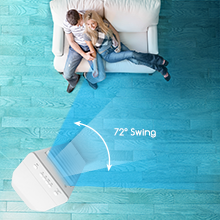
Image: An arrow indicating a 72-degree swing, demonstrating the oscillation feature of the air cooler.
5.2 Remote Control (if included)
Some models may include a remote control for convenient operation from a distance. Refer to the remote control's specific buttons for corresponding functions as described above.
5.3 Sleep-Friendly Operation
The unit is designed for low sound operation, making it suitable for use in bedrooms. With up to 10 hours of running time and cooling/humidification functions, it helps ensure a comfortable night's sleep.
5.4 Official Product Video
Video: An official product video from Aigostar US demonstrating the features and operation of the Aigostar Air Cooler. This video highlights the water tank, ice packs, fan speeds, oscillation, and portability of the unit.
6. Maintenance
Regular maintenance ensures optimal performance and longevity of your air cooler.
- Cleaning the Exterior: Wipe the exterior surfaces with a soft, damp cloth. Do not use abrasive cleaners or solvents.
- Water Tank Cleaning: Regularly drain and clean the water tank to prevent mold and mildew buildup. Unplug the unit before cleaning.
- Fan Blades: The manual fan blades can be adjusted for cleaning. Gently wipe them to remove dust.
- Storage: If storing the unit for an extended period, ensure the water tank is completely empty and dry. Store in a cool, dry place.
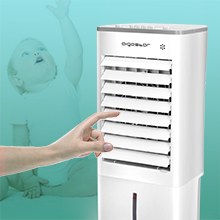
Image: A hand adjusting the manual fan blades of the air cooler, demonstrating how they can be moved for cleaning.
7. Troubleshooting
| Problem | Possible Cause | Solution |
|---|---|---|
| Unit does not turn on. | No power supply; Power cord not properly plugged in. | Check power outlet; Ensure power cord is securely plugged in. |
| No cooling effect. | Water tank empty; Cooling function not activated. | Fill water tank; Press the "COLD" button to activate cooling. |
| Weak airflow. | Fan speed set too low; Air inlets/outlets blocked. | Increase fan speed; Clear any obstructions from air inlets/outlets. |
| Unusual noise. | Unit not on a flat surface; Internal component issue. | Place on a flat surface; If noise persists, contact customer support. |
| Water leakage. | Water tank overfilled or improperly seated. | Do not overfill past MAX line; Ensure water tank is correctly seated. |
If the problem persists after attempting these solutions, please contact Aigostar customer support.
8. Product Specifications
| Feature | Detail |
|---|---|
| Brand | Aigostar |
| Model Name | BID_20199 |
| Type | 3-in-1 Evaporative Air Cooler (Cooling, Fan, Humidifier) |
| Mounting Type | Freestanding |
| Color | White Grey |
| Controls Type | Remote, Manual Buttons |
| Reservoir Capacity | 1.85 Gallons (7 Liters) |
| Number of Speeds | 3 (Low, Middle, High) |
| Oscillation | 72° Wide Oscillation |
| Noise Level | 80 dB (Max) |
| Power Source | Corded Electric |
| Voltage | 120 Volts (DC) |
| Product Dimensions | 9.4"D x 9.2"W x 23.6"H |
| Item Weight | 8.58 pounds |
| Included Components | 2 x ice packs, Charger |
9. Warranty and Support
For warranty information or technical support, please contact Aigostar customer service. Keep your purchase receipt as proof of purchase.
Visit the official Aigostar store for more information: Aigostar Store
Related documentsBID_20199


Ask a question about this manual
Ask about setup, troubleshooting, compatibility, parts, safety, or missing instructions. Manuals+ will review the question and use this page’s manual context to help answer it.