
1. Product Overview
This GUY-TECH AC adapter is designed as a compatible replacement power supply for the Hyper Tough 7047 LED Rechargeable 5000 lumens Work Light. It provides reliable power for charging and operating your work light.
Key features include:
- Input: 100V - 240V worldwide compatibility.
- Built-in protection against over voltage, over current, and short circuit output.
- Equipped with an LED indicator for power status.
- Cable length of 5 feet.
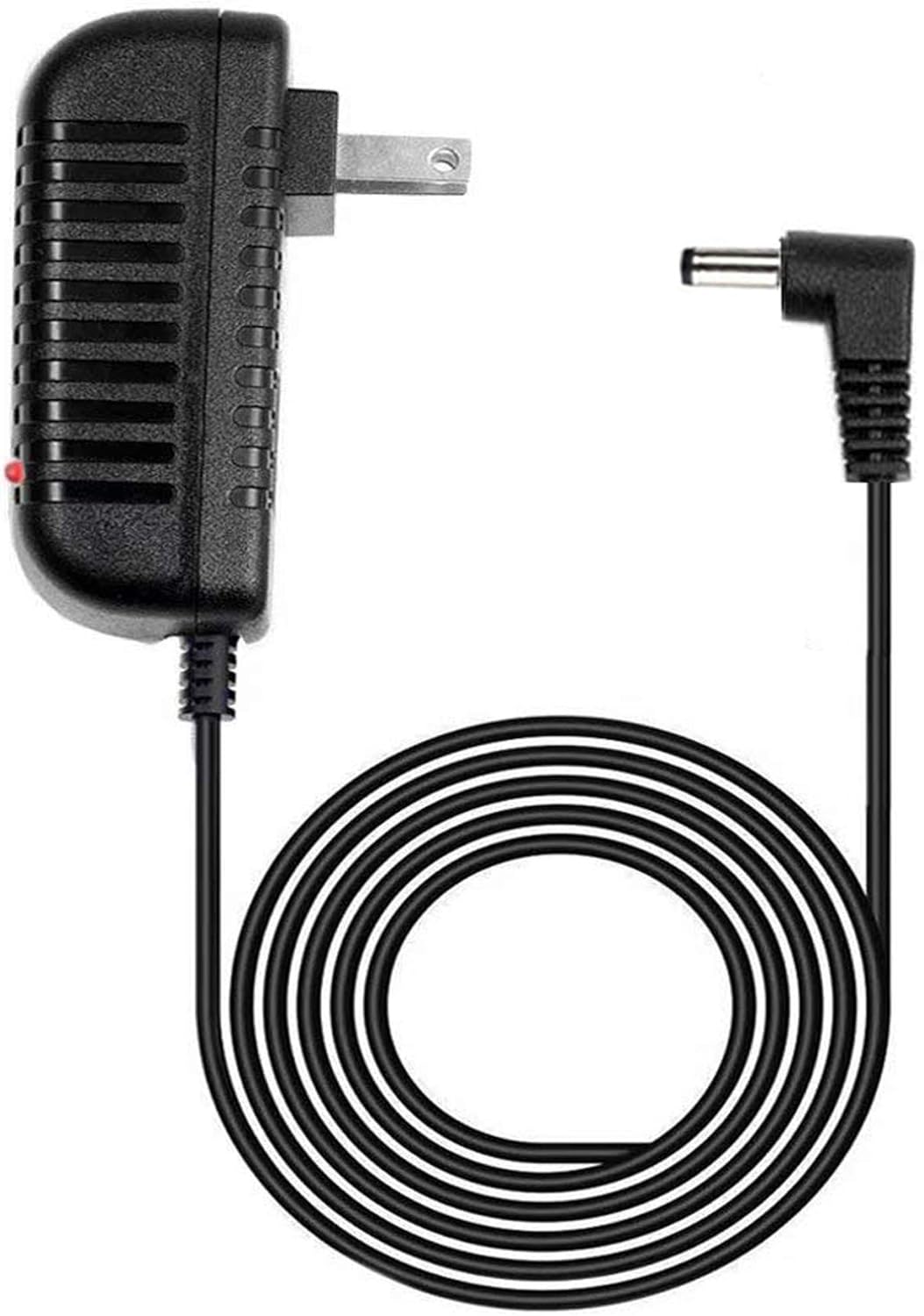
Figure 1: The GUY-TECH AC Adapter, showing the wall plug on one end and the barrel connector on the other, with the coiled 5-foot cable.
2. Safety Information
- Ensure the adapter is used with compatible devices only. This adapter is specifically designed for the Hyper Tough 7047 Work Light.
- Do not expose the adapter to water, moisture, or extreme temperatures.
- Avoid dropping or subjecting the adapter to strong impacts.
- Do not attempt to disassemble or modify the adapter. Refer servicing to qualified personnel.
- Unplug the adapter from the power outlet when not in use or during electrical storms.
- Keep out of reach of children.
3. Setup
- Verify Compatibility: Before connecting, confirm that your device is the Hyper Tough 7047 LED Rechargeable Work Light. This adapter is not designed for other models.
- Connect to Device: Insert the barrel connector end of the adapter firmly into the DC input port of your Hyper Tough 7047 Work Light.
- Connect to Power Outlet: Plug the AC prongs of the adapter into a standard 100V-240V wall power outlet.
- Power Indicator: The LED indicator on the adapter will illuminate when it is properly connected to a power source and supplying power.
4. Operating Instructions
Once connected, the adapter will begin supplying power to your Hyper Tough 7047 Work Light. If the work light is rechargeable, the adapter will facilitate the charging process. The integrated LED indicator on the adapter provides a visual confirmation that power is being supplied.

Figure 2: Visual representation highlighting the 5-foot cable length and the presence of an LED indicator on the adapter.
5. Maintenance
- Cleaning: Disconnect the adapter from both the power outlet and the device before cleaning. Use a soft, dry cloth to wipe the surface. Do not use liquid cleaners or aerosols.
- Storage: Store the adapter in a cool, dry place away from direct sunlight and extreme temperatures. Avoid tightly coiling the cable to prevent damage.
- Inspection: Periodically inspect the adapter and cable for any signs of damage, such as frayed wires, cracks, or bent prongs. If damage is observed, discontinue use immediately.
6. Troubleshooting
| Problem | Possible Cause | Solution |
|---|---|---|
| Adapter LED indicator does not light up. | No power from outlet; adapter not fully plugged in; faulty outlet; damaged adapter. | Check if the wall outlet is active by plugging in another device. Ensure the adapter is fully inserted into the outlet. Try a different outlet. If the issue persists, the adapter may be faulty. |
| Work light is not charging/powering on. | Incorrect device model; loose connection; work light issue. |
Crucial Note: This adapter is specifically designed for the Hyper Tough 7047 model. There have been reports of the barrel connector not fitting other versions or specific production runs of the 7047 model (e.g., with date code 062021) due to variations in the charging port size. Please verify the fit of the barrel connector into your work light's charging port. If the connector does not fit securely or is too small, this adapter is incompatible with your specific unit. Ensure the barrel connector is fully inserted into the work light's DC input port. Check the work light's own power status or battery level. If the adapter's LED is on but the light is not responding, the issue may be with the work light itself. |
| Adapter feels unusually hot. | Overload; poor ventilation; internal fault. | Disconnect the adapter immediately. Ensure it is not covered or in an enclosed space. If it continues to overheat, discontinue use. |
7. Specifications
| Feature | Detail |
|---|---|
| Brand | GUY-TECH |
| Compatible Device | Hyper Tough 7047 LED Rechargeable Work Light |
| Input Voltage | 100V - 240V (Worldwide) |
| Output Amperage | 0.5 Amps |
| Wattage | 120 watts |
| Connectivity Technology | DC Barrel Connector |
| Cable Length | 5 feet |
| Special Features | Over Voltage Protection, Over Current Protection, Short Circuit Protection, LED Indicator |
| Item Weight | 2.89 ounces |
| Package Dimensions | 6.5 x 4.09 x 1.06 inches |
8. Warranty and Support
This product is covered by a standard manufacturer's warranty against defects in materials and workmanship. For specific warranty terms and conditions, please refer to the documentation provided with your purchase or contact the seller directly.
For technical support or inquiries regarding this product, please contact your retailer or the manufacturer, GUY-TECH, through their official support channels. When contacting support, please have your product model information and purchase details ready.
Note: As highlighted in the troubleshooting section, please ensure the physical compatibility of the barrel connector with your specific Hyper Tough 7047 unit's charging port. Incompatibility due to port variations is a known issue for some users.