Introduction
This manual provides essential information for the safe and efficient use of your MI 10000mAh Lithium Ion, Lithium Polymer Power Bank Pocket Pro. Please read this manual thoroughly before using the product and retain it for future reference.
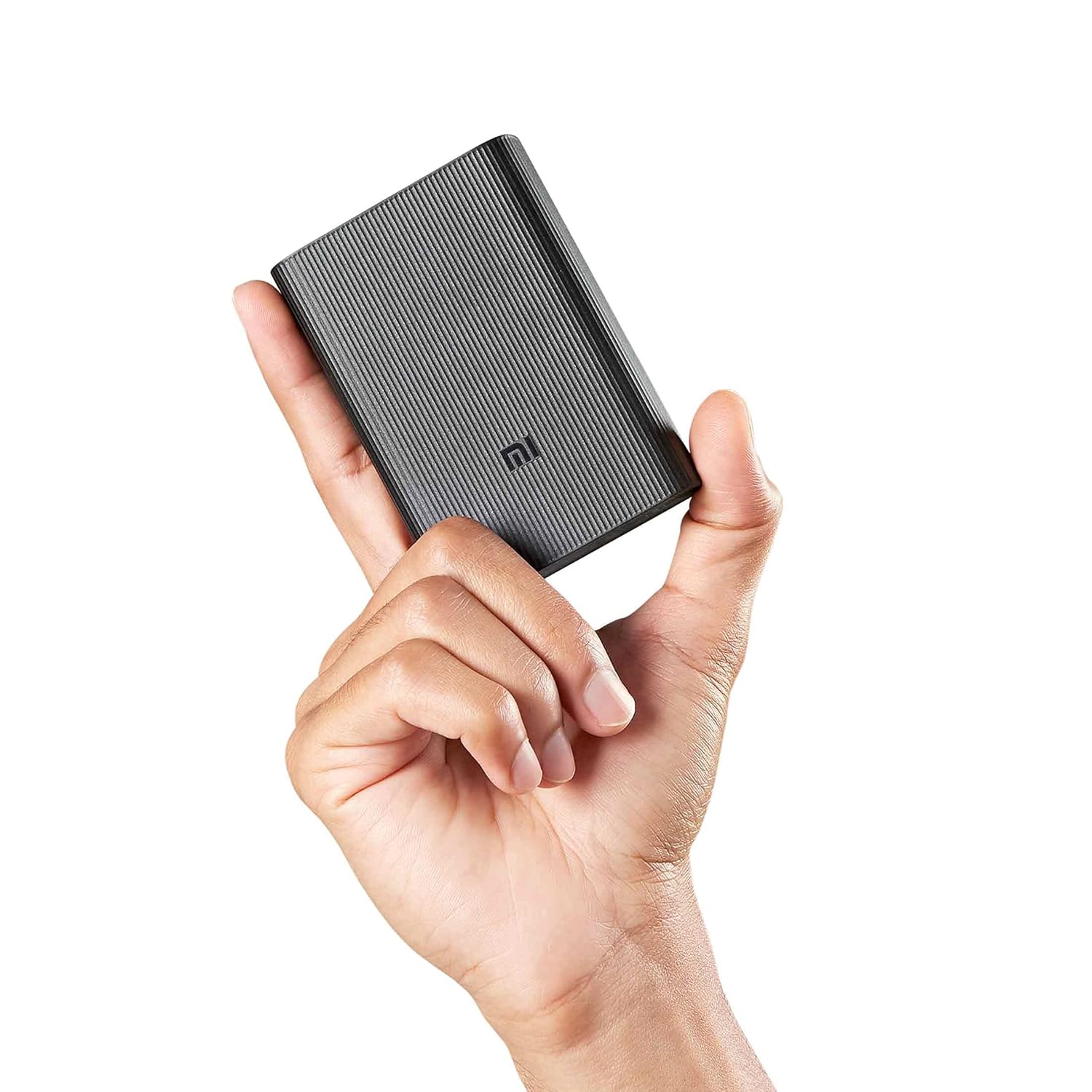
Image: The MI 10000mAh Power Bank Pocket Pro, a compact black device with a textured finish.
Product Overview
The MI 10000mAh Power Bank Pocket Pro is designed for portable charging of your electronic devices. It features a high-capacity battery, fast charging capabilities, and multiple output ports for versatile use.
Key Features:
- 22.5W Ultra Fast Charging: Provides rapid power delivery to compatible devices.
- Super light-weight and Pocket sized: Designed for maximum portability.
- Power Delivery 3.0: Supports advanced charging protocols.
- Triple Output Port: Allows charging of multiple devices simultaneously.
- Dual Input Ports (Micro-USB and Type-C): Offers flexibility for recharging the power bank.
- Advanced 12-Layer Circuit Protection: Ensures safety against overcharging, short-circuiting, and overheating.

Image: A hand holding the compact MI Power Bank, illustrating its pocket-sized design.

Image: The MI Power Bank highlighting its 22.5W Ultra-fast Charging capability.

Image: Two MI Power Banks, one showing the triple output ports (2 USB-A & 1 Type-C).

Image: The MI Power Bank connected via its dual input ports (Micro-USB and Type-C).

Image: The MI Power Bank emphasizing its Advanced 12-Layer Circuit Protection.
Setup and First Use
Package Contents:
- 1 x MI 10000mAh Power Bank Pocket Pro
- 1 x User Manual (this document)
- (Note: Charging cable may or may not be included, please check product packaging.)
Initial Charging of the Power Bank:
- Connect the power bank to a power source (e.g., wall adapter, computer USB port) using a compatible USB-C or Micro-USB cable.
- The LED indicators on the power bank will illuminate to show the charging progress.
- Charge the power bank fully before first use. This typically takes several hours depending on the power source.
Operating Instructions
Charging Your Devices:
- Connect your device to one of the power bank's output ports (USB-A or USB-C) using your device's charging cable.
- The power bank will automatically begin charging your device.
- The LED indicators on the power bank will show the remaining battery level.
- To stop charging, simply disconnect your device.
Checking Battery Level:
Press the power button (if available) or simply connect a device to see the current battery level indicated by the LEDs.
Maintenance and Care
- Keep the power bank dry. Do not expose it to moisture or liquids.
- Avoid extreme temperatures. Do not store in very hot or cold environments.
- Clean the power bank with a soft, dry cloth. Do not use harsh chemicals or abrasive cleaners.
- Store the power bank with approximately 50% charge if not used for extended periods to prolong battery life.
- Do not disassemble, puncture, or modify the power bank.
Troubleshooting
| Problem | Possible Cause | Solution |
|---|---|---|
| Power bank not charging |
|
|
| Device not charging from power bank |
|
|
| Slow charging |
|
|
Specifications
| Feature | Detail |
|---|---|
| Model Number | PB1022ZM |
| Battery Type | Lithium Polymer |
| Battery Capacity | 10000 mAh |
| Input Ports | Micro-USB, USB Type-C |
| Output Ports | 2 x USB-A, 1 x USB Type-C |
| Fast Charging Output | Up to 22.5W |
| Dimensions (LxWxH) | 9 x 6.4 x 2.4 cm |
| Weight | 200 g |
| Color | Classic Black |
| Special Features | Short Circuit Protection, Fast Charging, Pocket Size |
Warranty and Support
Warranty Information:
This MI Power Bank Pocket Pro comes with a 6-month warranty from the date of purchase. Please retain your purchase receipt as proof of warranty.
Customer Support:
For any assistance, technical support, or warranty claims, please contact Xiaomi Customer Care:
- Helpline: 1800 103 6286
- Operating Hours: 9 AM to 9 PM (Local Time)

Image: Xiaomi Care information, including helpline number and operating hours.


