
OttLite CSRD300W-SHPR
OttLite ClearSun LED Travel Task Lamp
Model: CSRD300W-SHPR
Instruction Manual
1. Product Overview
The OttLite ClearSun LED Travel Task Lamp is a versatile and portable lighting solution designed for various tasks, from reading to crafting. It features OttLite's exclusive ClearSun LED technology, which provides balanced, smooth lighting that reduces eyestrain. The lamp is cordless, powered by a rechargeable battery, and includes a digital display with time, date, and temperature, along with touch-activated controls for brightness adjustment.

The OttLite ClearSun LED Travel Task Lamp, showcasing its digital display and compact design.
2. Key Features
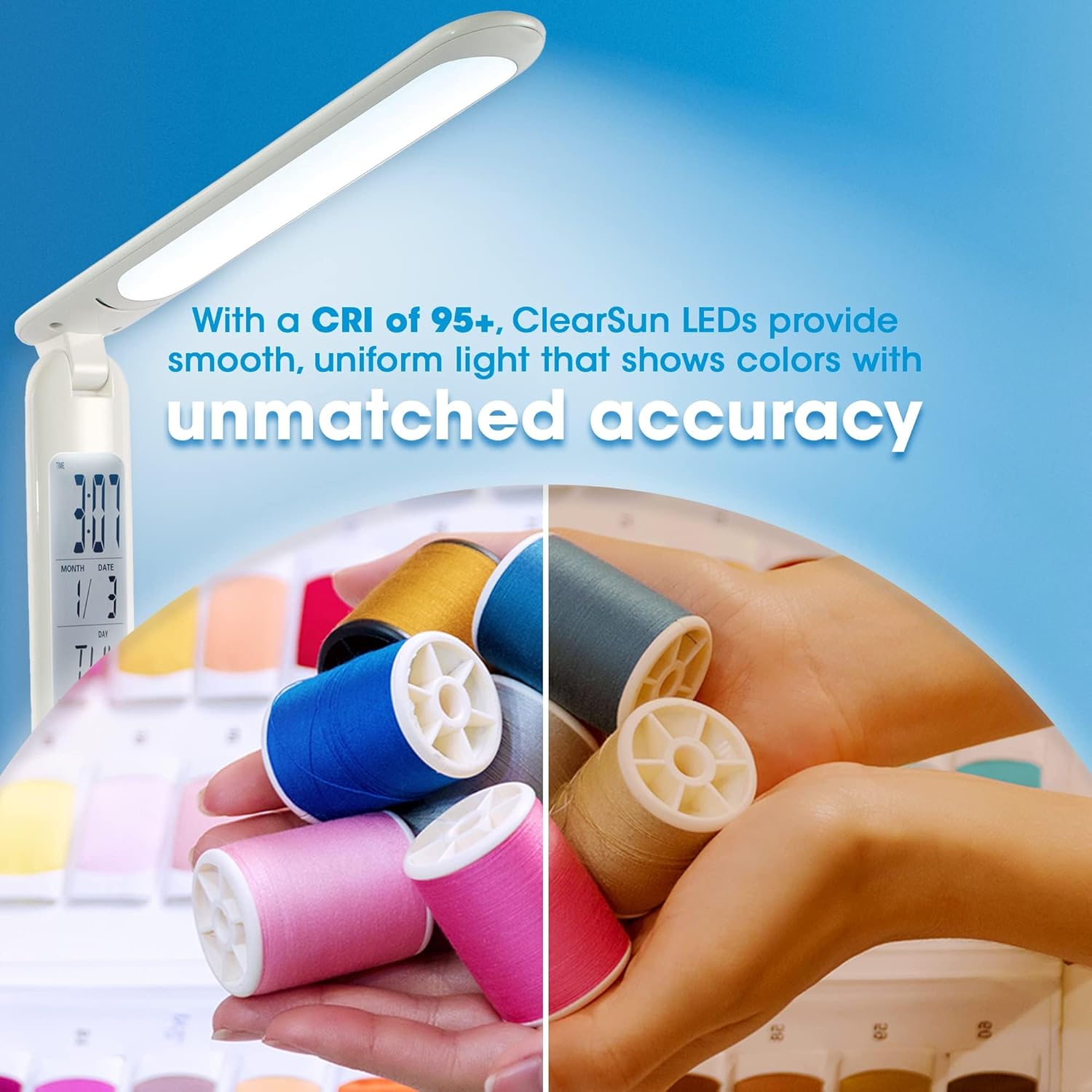
- ClearSun LED Technology: Provides natural daylight illumination, reducing eyestrain by up to 51% and showing colors with unmatched accuracy (CRI of 95+).
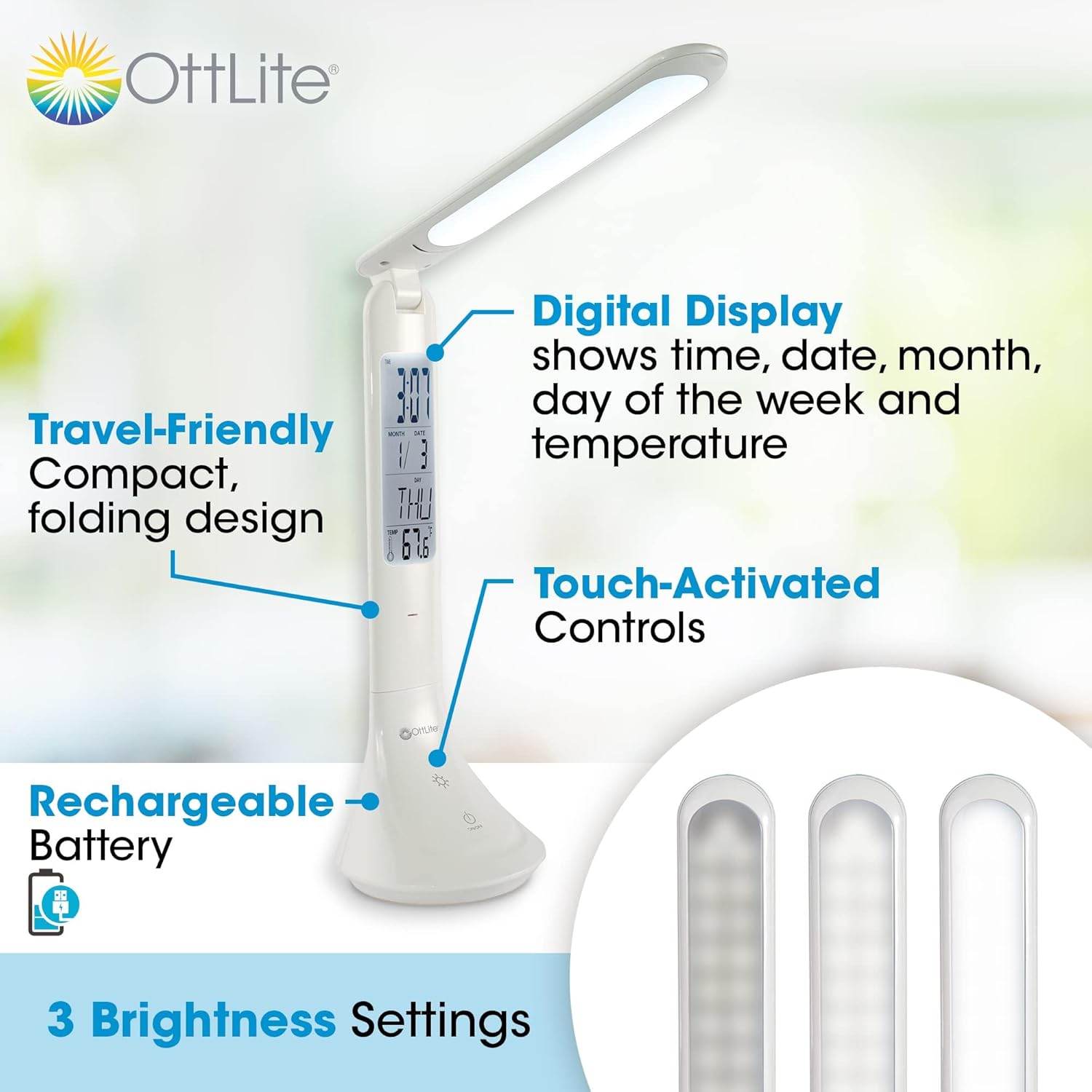
- Digital Display: Integrated display shows current time, date, month, day of the week, and ambient temperature.
- Touch-Activated Controls: Easily adjust brightness with three distinct settings.
- Rechargeable Battery: Cordless operation for ultimate portability.
- Travel-Friendly Design: Compact and foldable, adjusting in height from 10.75 to 15 inches, making it ideal for travel.
- USB Charging: Conveniently recharge the lamp via a standard USB connection.
Detailed view of the lamp's features, including its digital display, touch controls, and brightness settings.

Comparison of light spectrums, illustrating how ClearSun LED technology mimics natural daylight for reduced eyestrain.
3. Setup
- Unpack the Lamp: Carefully remove the lamp and all components from the packaging. Ensure all parts are present: the lamp unit and a USB charging cable.
- Initial Charge: Before first use, fully charge the lamp. Connect the small end of the USB charging cable to the charging port on the lamp's base and the larger end to a USB power source (e.g., computer USB port, USB wall adapter). The charging indicator light will illuminate during charging and turn off when fully charged. A full charge typically takes several hours.
- Setting the Digital Display:
- Locate the small buttons near the digital display, usually labeled 'MODE' and 'SET'.
- Press 'MODE' to cycle through time, date, and alarm settings.
- When the desired setting (e.g., time) is blinking, press 'SET' to adjust the value. Continue pressing 'SET' to increment the value, or hold it down for faster adjustment.
- Press 'MODE' again to confirm the setting and move to the next adjustable parameter.
- The temperature display is automatic and does not require setting.
The lamp can be conveniently charged via a USB connection, such as to a laptop.
4. Operating Instructions
- Power On/Off: Lightly touch the power icon (⏻) on the lamp's base to turn the light on or off.
- Adjusting Brightness: With the lamp on, repeatedly touch the brightness icon (☀) to cycle through the three available brightness settings (low, medium, high).
- Adjusting Lamp Position: The lamp features an adjustable arm and head. Gently pivot the lamp head and arm to direct the light as needed. The lamp can be folded down for compact storage and transport.
- Monitoring Battery: The lamp is designed for portable use. For extended periods of use, it is recommended to keep the lamp plugged into a USB power source.

The compact and portable design makes the lamp suitable for use in various settings, including travel.

The lamp's adjustable height and folding mechanism allow for versatile positioning and easy storage.
5. Maintenance
- Cleaning: To clean the lamp, ensure it is turned off and unplugged. Use a soft, dry cloth to wipe down the surfaces. Do not use abrasive cleaners or solvents, as they may damage the finish.
- Battery Care: To prolong the life of the rechargeable battery, avoid completely draining it frequently. Recharge the lamp regularly, especially if it will not be used for an extended period.
- Storage: When not in use, fold the lamp into its compact form and store it in a cool, dry place away from direct sunlight and extreme temperatures.
6. Troubleshooting
| Problem | Possible Cause | Solution |
|---|---|---|
| Lamp does not turn on. | Battery is depleted. | Connect the lamp to a USB power source and allow it to charge. |
| Lamp turns off shortly after being unplugged. | Battery charge is low or battery capacity has diminished over time. | Ensure the lamp is fully charged before use. For extended use, keep the lamp plugged in. |
| Digital display is incorrect or not working. | Display settings need adjustment or internal battery for display is low. | Refer to 'Setting the Digital Display' in the Setup section. Ensure the main lamp battery is charged, as it powers the display. |
| Light flickers or is dim. | Low battery. | Recharge the lamp. |
7. Specifications
| Specification | Value |
|---|---|
| Model Number | CSRD300W-SHPR |
| Brand | OttLite |
| Light Source Type | LED (ClearSun) |
| Color Temperature | 5000 Kelvin |
| Brightness | 263 Lumen |
| Wattage | 3.3 watts |
| Power Source | Rechargeable Battery / Corded Electric (USB) |
| Product Dimensions (folded) | 3.5"D x 10.75"W x 3.5"H |
| Adjustable Height | 10.75" to 15" |
| Item Weight | 11.4 ounces |
| Material | Plastic |
| Connectivity Technology | USB |
| UPC | 761712024653 |
8. Warranty and Support
For warranty information or technical support regarding your OttLite ClearSun LED Travel Task Lamp, please contact OttLite Technologies directly. You can typically find contact details on the OttLite official website or through the retailer where the product was purchased.
Please retain your proof of purchase for any warranty claims.
Related documentsCSRD300W-SHPR


Ask a question about this manual
Ask about setup, troubleshooting, compatibility, parts, safety, or missing instructions. Manuals+ will review the question and use this page’s manual context to help answer it.