
OtterBox 78-80691
Contents
OtterBox Fast Charge Power Bank 15,000 mAh User Manual
Model: 78-80691
Introduction
The OtterBox Fast Charge Power Bank 15,000 mAh is designed to provide portable power for your mobile devices, including Apple and Samsung smartphones, and more. With its high capacity and fast-charging capabilities, it ensures your devices stay powered throughout the day. This manual provides essential information for the proper setup, operation, and maintenance of your power bank.
Package Contents
- OtterBox Fast Charge Power Bank 15,000 mAh
- User Manual (this document)
Note: Charging cables for your devices are sold separately.
Product Overview
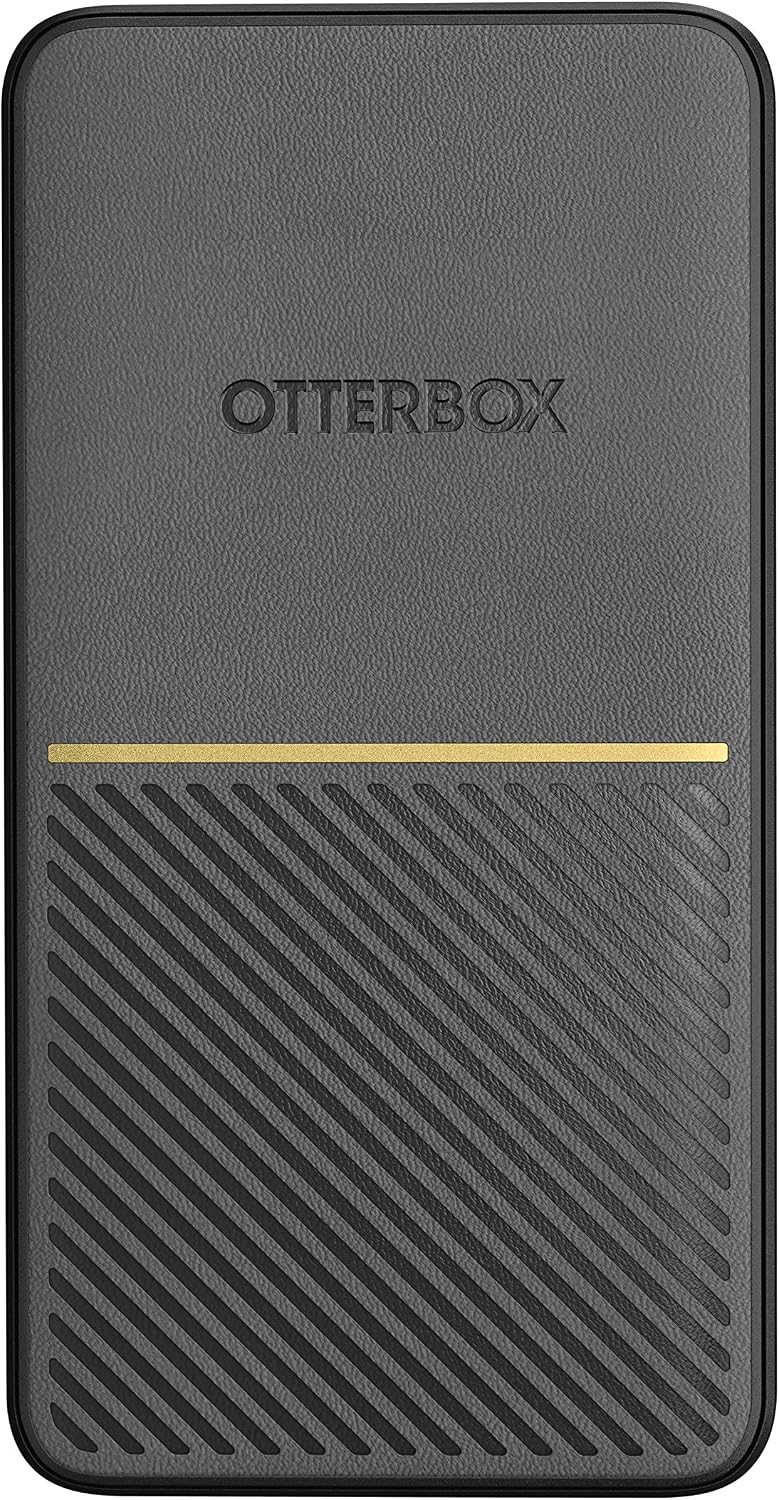
Figure 1: Top view of the OtterBox Fast Charge Power Bank, showing the OtterBox logo and textured surface.

Figure 2: Angled view of the power bank, highlighting the USB-A and USB-C ports on the side.

Figure 3: Side view of the power bank, showing the power button and LED battery level indicators.

Figure 4: Close-up view of the 18W USB-C and 18W USB-A output ports on the power bank.
Setup
Initial Charging of the Power Bank
Before first use, fully charge your OtterBox Fast Charge Power Bank. This ensures optimal battery performance and longevity.
- Connect a USB-C charging cable (not included) to the USB-C port on the power bank.
- Connect the other end of the USB-C cable to a compatible USB wall adapter (not included).
- The LED power indicator lights on the side of the power bank will illuminate, indicating the charging status. All four LEDs will be solid when fully charged.
Charging time may vary depending on the power adapter used.
Operating Instructions
Charging Your Devices
The power bank features both USB-A and USB-C ports, allowing for versatile charging of various devices simultaneously.
- Identify the appropriate charging cable for your device (USB-A to device or USB-C to device).
- Connect one end of your device's charging cable to either the USB-A or USB-C output port on the power bank.
- Connect the other end of the cable to your device.
- The power bank will automatically begin charging your device. The LED indicators will show the remaining battery life of the power bank.

Figure 5: The power bank connected to and charging two smartphones simultaneously, demonstrating its multi-device charging capability.
Checking Battery Level
Press the power button located on the side of the power bank to check the current battery level. The LED indicators will light up:
- 4 LEDs: 75-100% charged
- 3 LEDs: 50-75% charged
- 2 LEDs: 25-50% charged
- 1 LED: 0-25% charged (recharge soon)
Maintenance
- Keep the power bank dry and away from moisture.
- Avoid extreme temperatures. Do not expose to direct sunlight or very cold environments.
- Clean the power bank with a soft, dry cloth. Do not use harsh chemicals or abrasive materials.
- Store the power bank with a partial charge (around 50%) if not used for extended periods to preserve battery health.
- Do not attempt to disassemble or repair the power bank yourself. This will void the warranty and may cause damage or injury.
Troubleshooting
| Problem | Possible Cause | Solution |
|---|---|---|
| Power bank not charging | Charging cable or adapter faulty; power bank fully discharged. | Try a different USB-C cable and wall adapter. Ensure the adapter provides sufficient power. |
| Device not charging from power bank | Power bank is discharged; incorrect cable; device not compatible. | Recharge the power bank. Ensure you are using the correct cable for your device. Verify device compatibility. |
| Slow charging | Cable or adapter not supporting fast charge; device limitation. | Use a fast-charge compatible cable and wall adapter (for power bank charging). Ensure your device supports fast charging. |
| LED indicators not working | Power bank is off or completely discharged; malfunction. | Press the power button. Charge the power bank. If problem persists, contact customer support. |
Specifications
- Model Number: 78-80691
- Battery Capacity: 15,000 mAh
- Product Dimensions: 4.53 x 2.69 x 1.59 inches
- Item Weight: 14 ounces
- Connector Type: USB-A, USB-C
- Manufacturer: OtterBox
- Batteries: 1 Lithium Ion battery (included)
Warranty and Support
OtterBox products are backed by a limited lifetime warranty covering material and workmanship defects. For warranty claims or technical support, please visit the official OtterBox website or contact their customer service.
Official OtterBox Website: www.otterbox.com
For additional information and resources, you may also visit the OtterBox brand store on Amazon:
OtterBox Amazon Store: OtterBox Store
Important Safety Information
- Do not expose the power bank to fire or extreme heat.
- Do not puncture, crush, or drop the power bank.
- Keep out of reach of children.
- Dispose of the power bank responsibly according to local regulations.
Official Product Video
Video: "Whoa OtterBox Brand" - An official video from Otter Products, LLC, showcasing the brand's commitment to quality and innovation. This video provides a general overview of the OtterBox brand and its product philosophy.
Ask a question about this manual
Ask about setup, troubleshooting, compatibility, parts, safety, or missing instructions. Manuals+ will review the question and use this page’s manual context to help answer it.