
1. Introduction
This manual provides detailed instructions for the setup, operation, and maintenance of your BenQ MW560 WXGA Business Projector. Please read this manual thoroughly before using the projector to ensure proper functionality and to extend the product's lifespan.
The BenQ MW560 projector is designed for business environments, offering 4000 lumens brightness, a 20,000:1 contrast ratio, and WXGA (1280x800) resolution. It features dual HDMI and VGA connectivity, auto keystone correction, and SmartEco technology for energy efficiency.
2. What's in the Box
The BenQ MW560 Projector package includes:
- BenQ MW560 Projector
3. Setup
3.1. Physical Placement
Position the projector on a stable, flat surface or mount it to the ceiling. Ensure adequate ventilation around the unit.
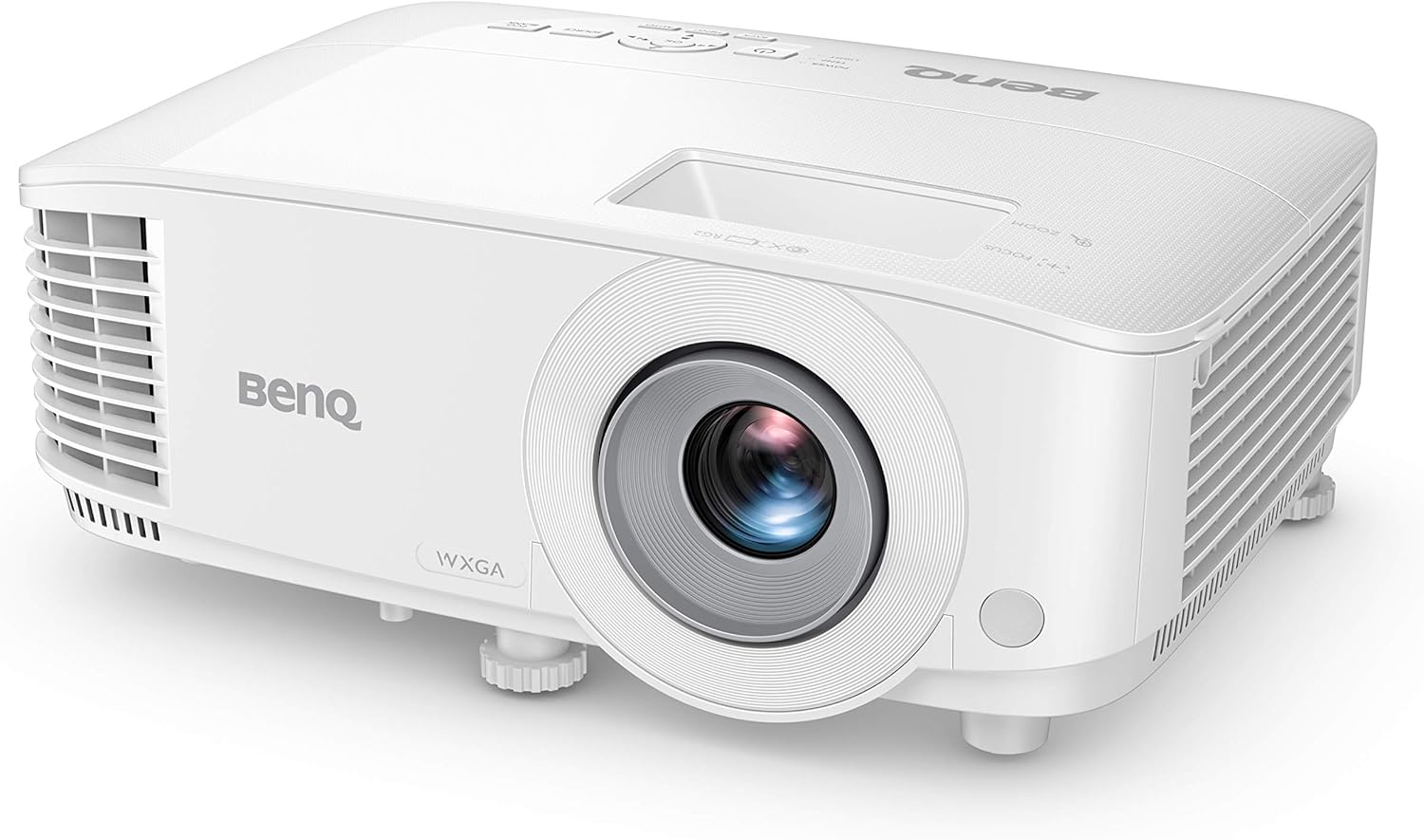
Figure 3.1: Front view of the BenQ MW560 Projector.
3.2. Connecting Power
- Connect the power cord to the projector's power inlet.
- Plug the other end of the power cord into a grounded electrical outlet.
3.3. Connecting Input Sources
The projector supports multiple input sources. Use the appropriate cable for your device.
- HDMI: Connect an HDMI cable from your source device (e.g., laptop, media player) to one of the projector's HDMI ports. The MW560 features dual HDMI ports.
- VGA: Connect a VGA cable from your computer to the projector's VGA port.
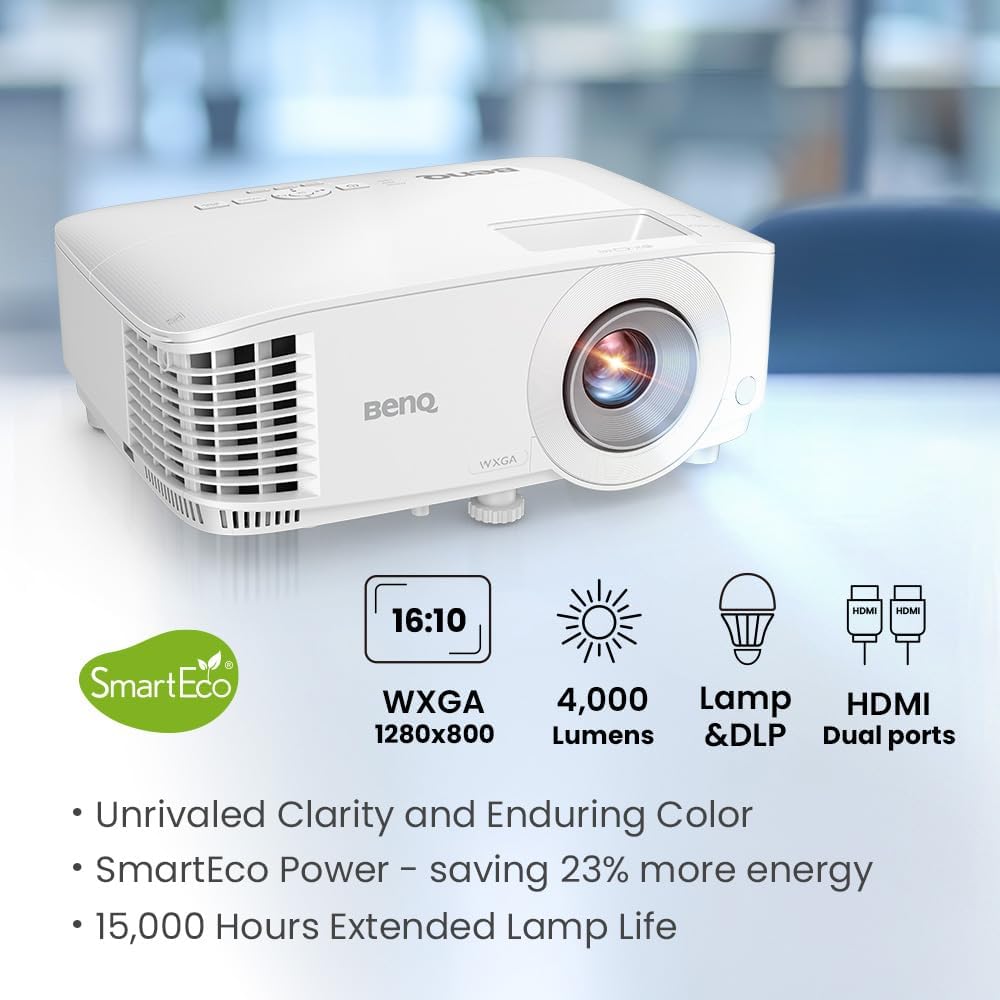
Figure 3.2: BenQ MW560 Projector highlighting WXGA, 4000 Lumens, Lamp & DLP, and Dual HDMI ports.
3.4. Adjusting Projection
- Focus: Rotate the focus ring on the lens until the image is sharp.
- Zoom: Adjust the zoom ring to change the image size.
- Keystone Correction: The projector features auto vertical keystone correction. For manual adjustments, use the remote control or the projector's on-screen display (OSD) menu.
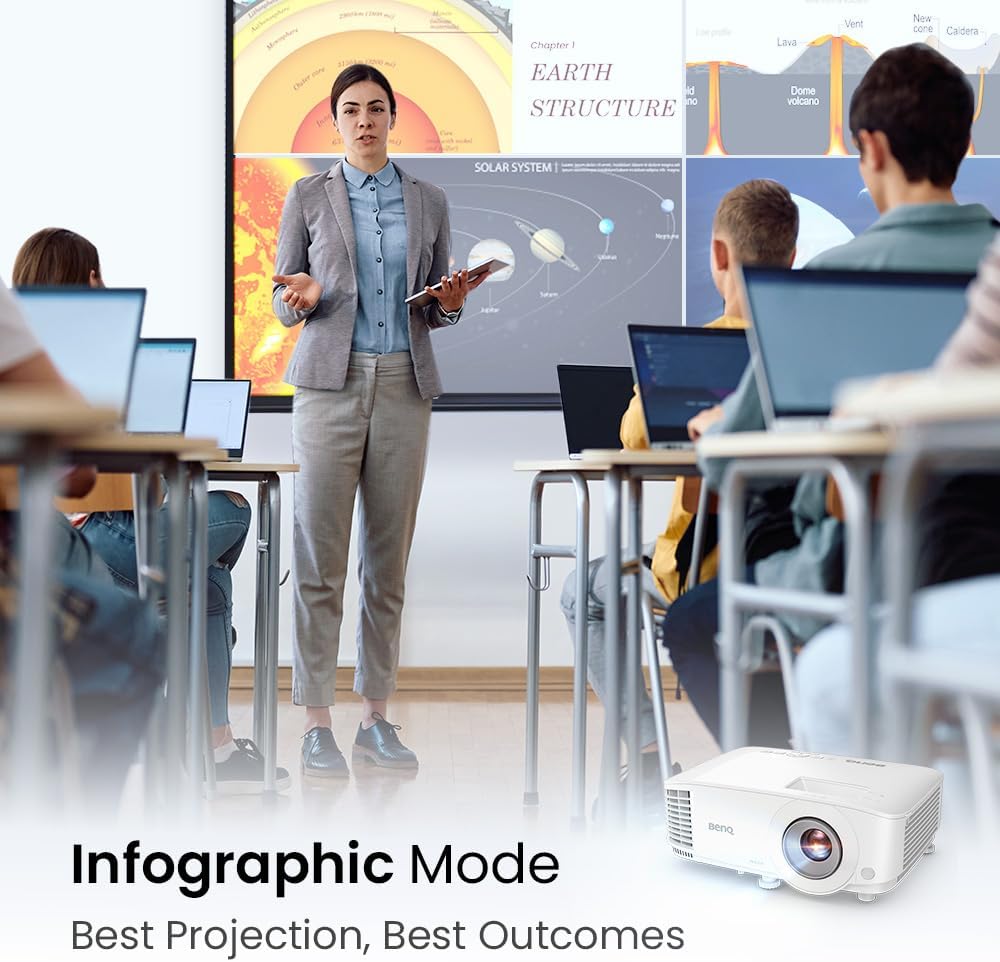
Figure 3.3: Projection distance guide for 100", 120", and 150" screen sizes with the BenQ MW560 Projector.
4. Operating Instructions
4.1. Powering On/Off
- Power On: Press the power button on the projector or the remote control. The power indicator light will turn green.
- Power Off: Press the power button twice. The projector will enter a cooling down phase before completely shutting off.
4.2. Input Source Selection
Press the "Source" button on the remote control or the projector's control panel to cycle through available input sources (HDMI1, HDMI2, VGA, etc.).
4.3. Image Modes
The projector offers various image modes optimized for different content types:
- Data Review Mode: Enhances clarity for text and numerical data, ideal for spreadsheets and documents.
- Infographic Mode: Optimizes color and brightness for detailed graphics and charts.
- Other modes may include Presentation, sRGB, User-defined, etc. Refer to the on-screen display (OSD) menu for full options.

Figure 4.1: Data Review Mode on the BenQ MW560 Projector, emphasizing contrast and clarity for reports.
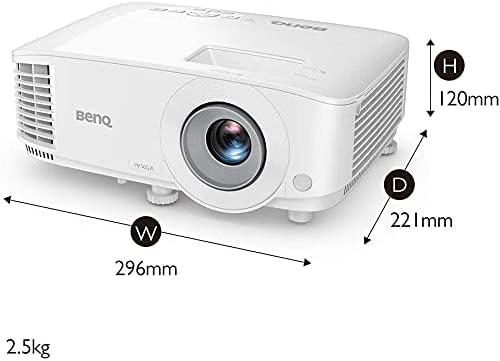
Figure 4.2: Infographic Mode on the BenQ MW560 Projector, providing optimal projection for visual information.
4.4. SmartEco Technology
SmartEco Mode intelligently adjusts lamp power to save energy and extend lamp life, reducing power consumption by up to 70% compared to standard modes.

Figure 4.3: SmartEco Mode on the BenQ MW560 Projector, illustrating intelligent light power adjustment for energy saving.
5. Maintenance
5.1. Cleaning the Lens
Use a soft, lint-free cloth specifically designed for optical lenses. Avoid abrasive cleaners or solvents.
5.2. Cleaning the Projector Casing
Wipe the casing with a soft, damp cloth. Do not use harsh chemicals.
5.3. Air Filter Maintenance
Regularly check and clean the air filter to prevent overheating and maintain optimal performance. Refer to the full user manual for specific instructions on filter access and cleaning frequency.
5.4. Lamp Replacement
The projector lamp has an estimated lifespan of up to 15,000 hours in SmartEco mode. When the lamp needs replacement, a warning message will appear on the screen. Consult the full user manual for detailed lamp replacement procedures or contact customer support.
6. Troubleshooting
| Problem | Possible Cause | Solution |
|---|---|---|
| No image displayed | Power cable loose; incorrect input source; source device off. | Check power connections; select correct input source; ensure source device is on. |
| Image is blurry | Lens out of focus; projector too close/far from screen. | Adjust the focus ring; reposition the projector. |
| Image is distorted (trapezoid shape) | Projector not perpendicular to the screen. | Use auto keystone correction or adjust manually via OSD menu. |
| Projector overheats and shuts down | Blocked ventilation; dirty air filter. | Ensure clear airflow around the projector; clean or replace the air filter. |
7. Specifications
| Feature | Detail |
|---|---|
| Brand | BenQ |
| Model Number | MW560 |
| Display Technology | DLP |
| Brightness | 4000 ANSI Lumens |
| Contrast Ratio | 20,000:1 |
| Native Resolution | WXGA (1280 x 800) |
| Connectivity | Dual HDMI, VGA |
| Special Features | Digital Keystone Correction, SmartEco Technology |
| Product Dimensions | 11.65 x 8.7 x 4.72 inches |
| Item Weight | 5.06 pounds |
8. Official Product Videos
No official product videos from the seller are available for embedding in this manual based on the provided data.
9. Warranty and Support
For warranty information, please refer to the warranty card included with your product. For technical support, driver downloads, or further assistance, please visit the official BenQ support website or contact their customer service department.
You can find additional resources and contact information on the BenQ Store on Amazon.


