
1. Introduction
Thank you for choosing the Benro BAT One Series Carbon Fiber Travel Tripod with VX20 Ball Head. This manual provides essential information for the proper setup, operation, and maintenance of your new tripod system. The Benro BAT One Series is designed for photographers and videographers who require a portable, versatile, and stable support system.
Key features of this tripod include:
- Lightweight Carbon Fiber Construction: Optimized for travel with premium carbon fiber legs and a compact folded length of approximately 15.4 inches.
- Versatile Height and Load Capacity: Extends to a maximum height of approximately 65.2 inches and supports camera systems up to 16 kg (35.2 lbs), accommodating full-frame rigs, long lenses, and hybrid photo/video workflows.
- Flexible Leg Angles: Features five independent leg positions and a reversible leg arrangement for low-angle or inverted shooting.
- Integrated Ball Head and Accessory Mounts: Comes bundled with the VX20 dual-panoramic ball head and includes 3/8"-20 accessory mounting sockets.
- Monopod Conversion: One leg can be detached and combined with the center column to form a monopod.
2. Product Components
The package includes:
- Benro BAT One Series Carbon Fiber Travel Tripod (Model: FBAT15CVX20)
- VX20 Ball Head
- Carry Case
3. Setup
3.1 Unfolding the Tripod
To unfold the tripod, release the leg locks and extend the legs outwards. The tripod features a reverse folding design, allowing for a compact storage size.
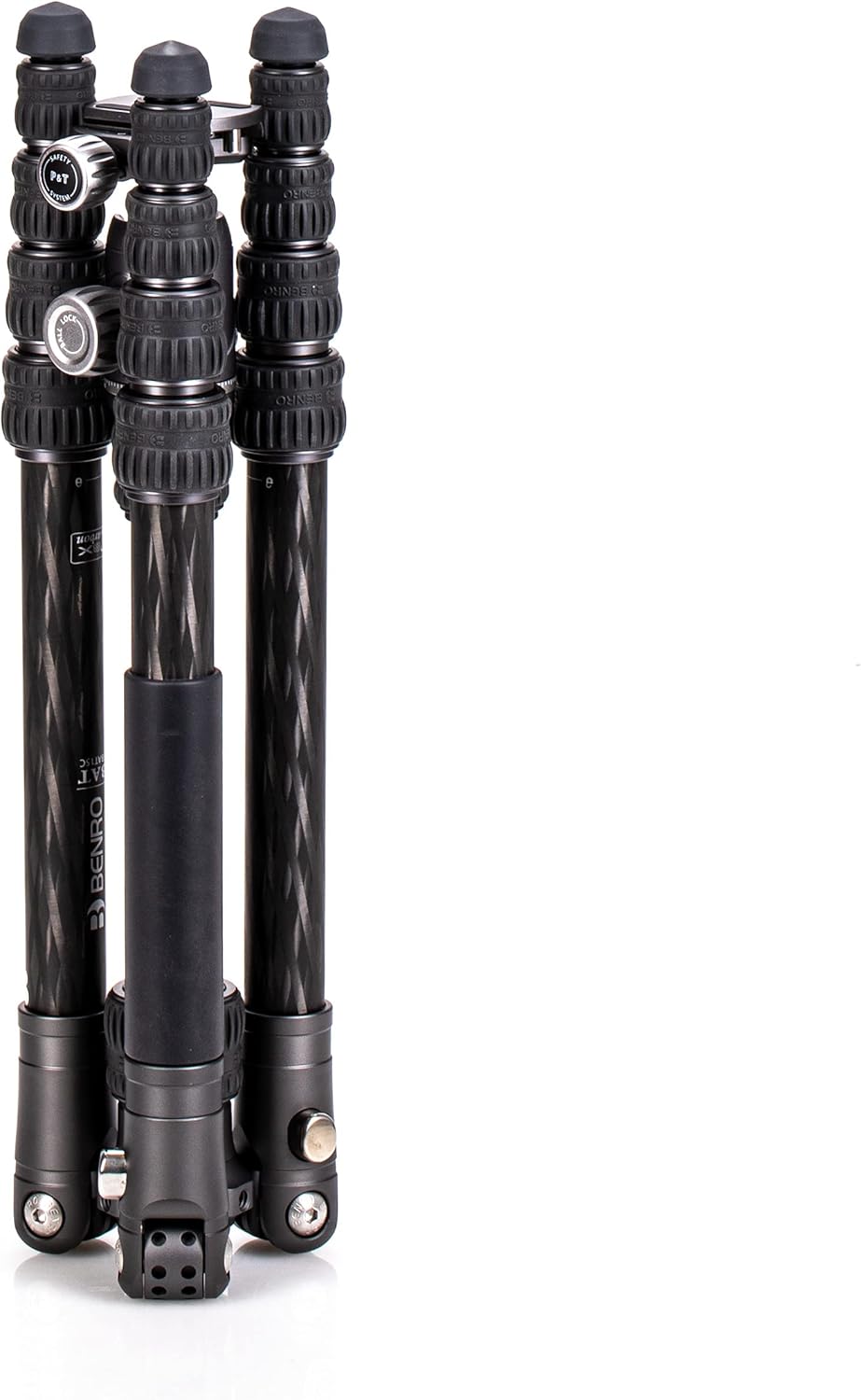
Image: The Benro BAT One Series Tripod in its compact, folded position.
3.2 Extending the Legs
Each leg consists of multiple sections. To extend a leg, twist the leg locks counter-clockwise to loosen, pull out the desired section, and then twist clockwise to secure. Repeat for all leg sections and legs until the desired height is achieved.

Image: The tripod with its legs partially extended, showing the twist-lock mechanism.
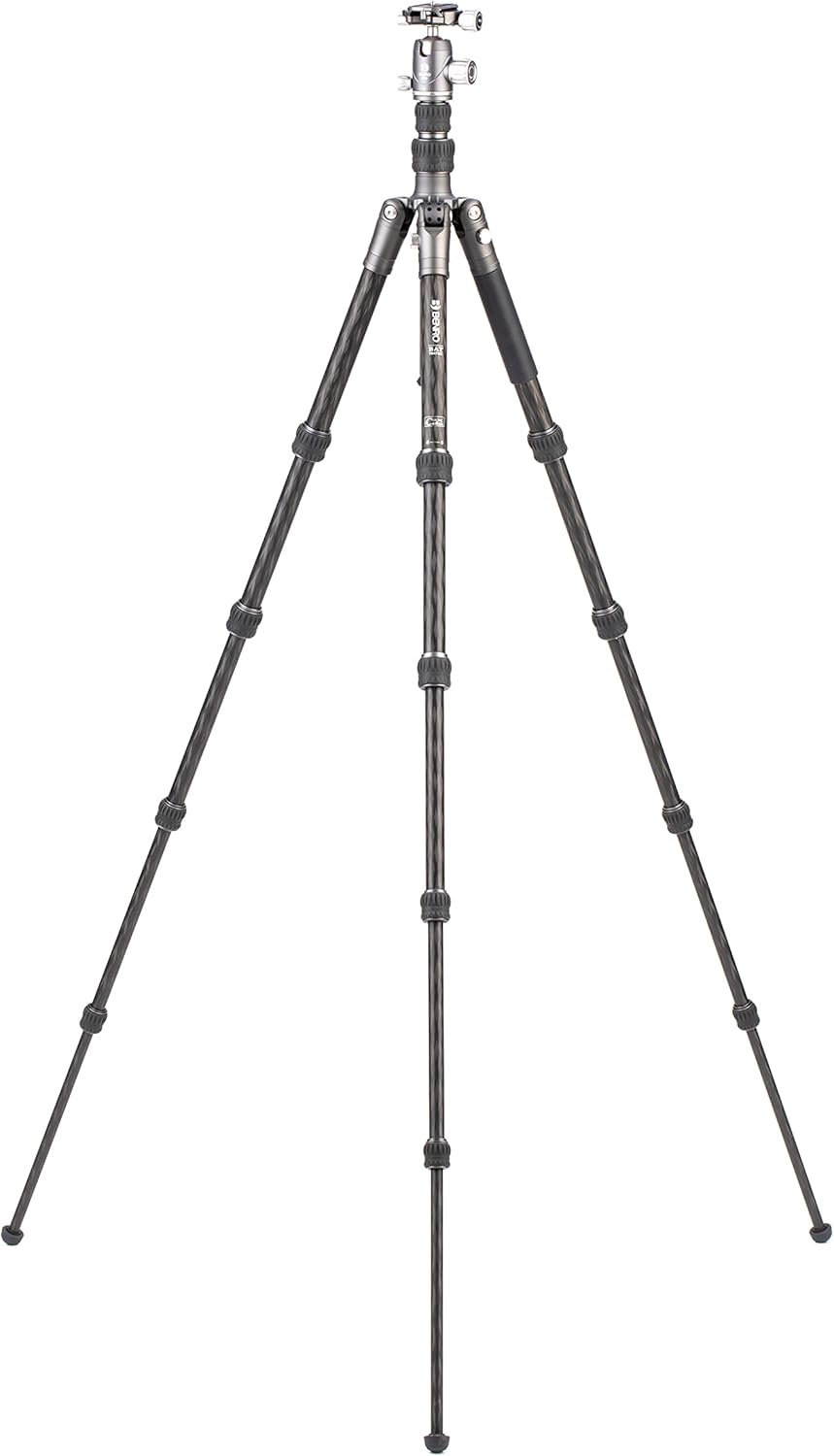
Image: The tripod with its legs fully extended to maximum height.
3.3 Adjusting Leg Angles
The tripod offers five preset leg-angle positions. To adjust, press the leg angle lock mechanism located at the top of each leg and move the leg to the desired angle. Ensure the mechanism clicks into place to secure the leg.
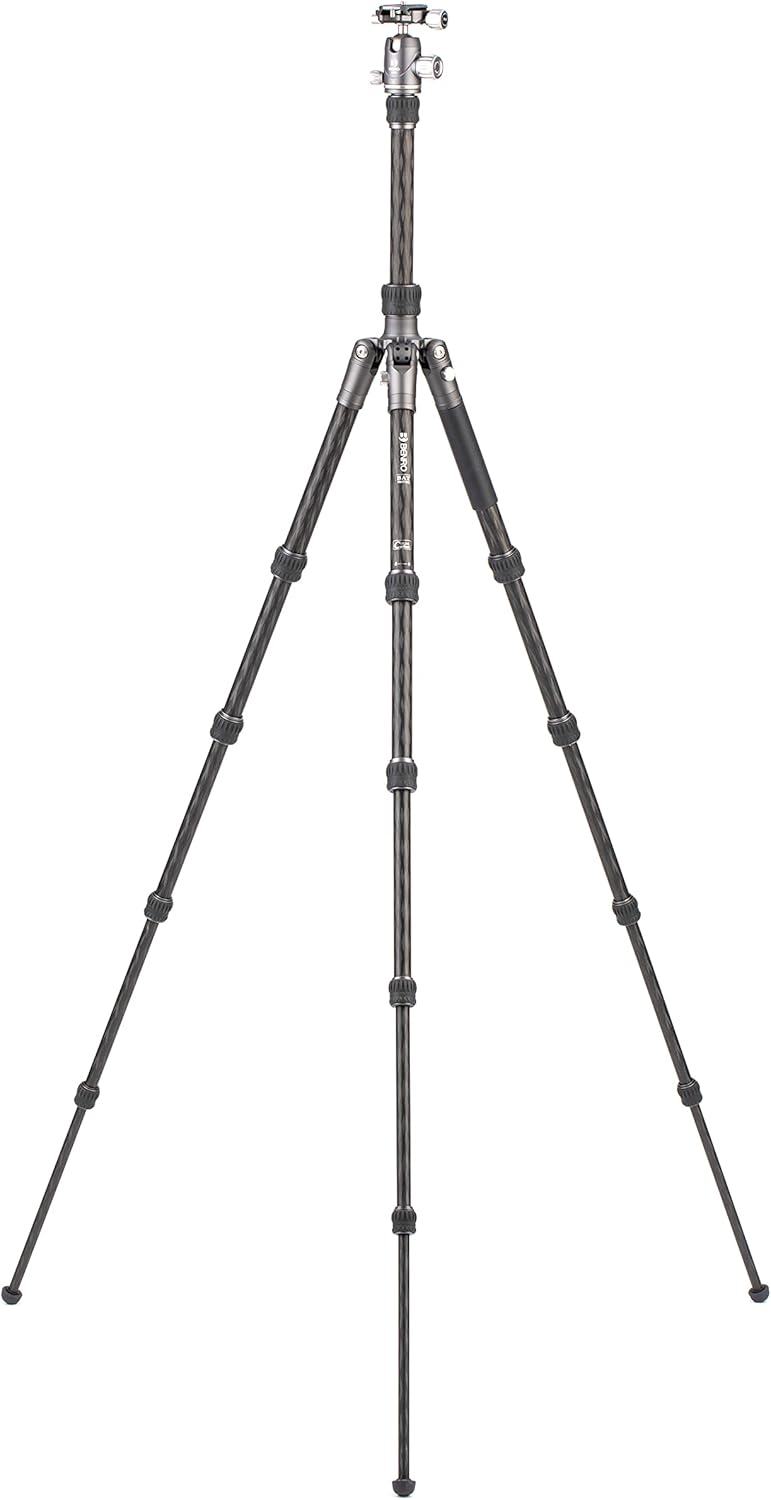
Image: The tripod configured for low-angle shooting, demonstrating leg flexibility.
4. Operating the Tripod
4.1 Attaching and Operating the VX20 Ball Head
The VX20 ball head is pre-attached to the center column. To attach your camera, ensure the quick release plate is securely fastened to your camera's tripod mount. Then, slide the quick release plate into the clamp on the ball head and tighten the locking knob.
The ball head features multiple controls:
- Main Locking Knob: Controls the movement of the ball, allowing for precise positioning of your camera.
- Pan Lock Knob: Allows for 360-degree panoramic rotation of the head independently of the ball movement.
- Friction Control: Adjusts the tension of the ball movement for smoother operation with different camera weights.

Image: The Benro BAT One Series Tripod fully set up with the VX20 Ball Head.
4.2 Center Column Adjustment
The center column can be extended for additional height. Loosen the center column locking knob, raise the column to the desired height, and tighten the knob to secure. For low-level photography, the center column can be inverted by fully extending it, removing the ball head, and reattaching the ball head to the inverted column.
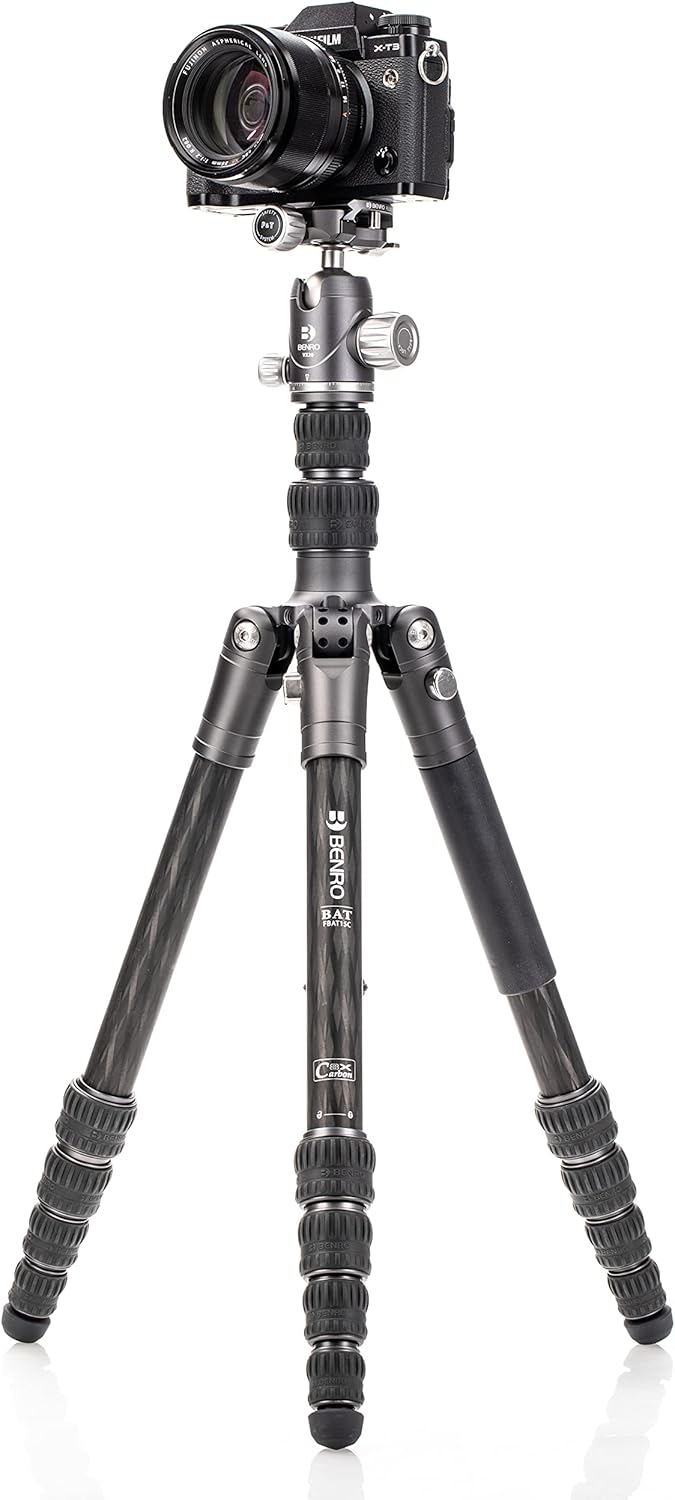
Image: The tripod with its center column extended for increased height.
4.3 Monopod Conversion
To convert the tripod into a monopod, unscrew one of the tripod legs from the main chassis. Then, remove the center column from the tripod and attach it to the detached leg. The VX20 ball head can then be mounted onto the top of this monopod assembly.

Image: A tripod leg detached, illustrating the monopod conversion process.
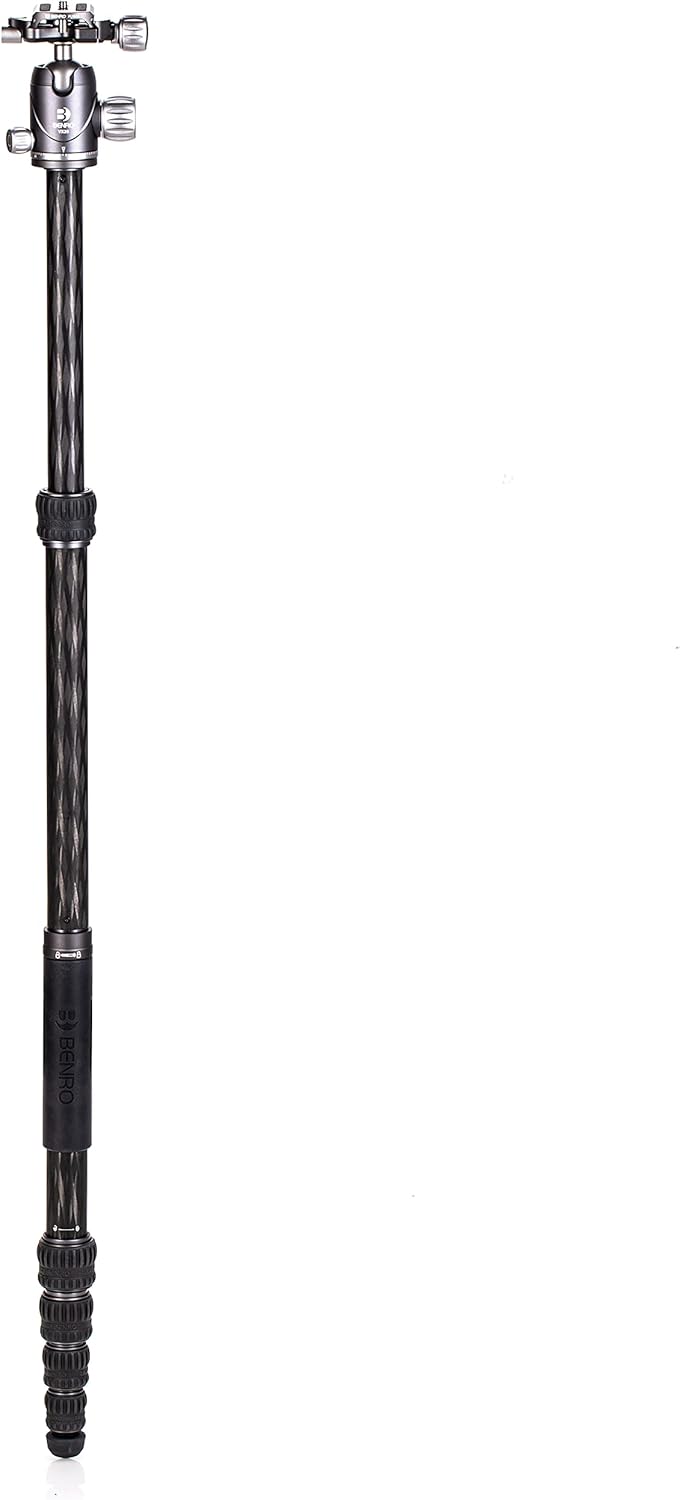
Image: The monopod assembled with the VX20 ball head, ready for use.
4.4 Product in Use Videos
Video: A review of the Benro Bat Tripod after extended use, demonstrating its features and durability.
Video: A demonstration of ball head manipulation, showcasing general operation relevant to the VX20 ball head.
5. Maintenance
Regular maintenance ensures the longevity and optimal performance of your tripod:
- Cleaning: After use, especially in dusty, sandy, or wet environments, wipe down the tripod legs and ball head with a soft, damp cloth. Avoid harsh chemicals.
- Lubrication: Periodically check leg locks and moving parts for smooth operation. Apply a small amount of silicone-based lubricant if necessary, avoiding excessive application.
- Inspection: Regularly inspect all screws, knobs, and joints for tightness. Tighten any loose components to prevent instability.
- Storage: Store the tripod in its carry case in a dry, cool place away from direct sunlight and extreme temperatures.
6. Troubleshooting
If you encounter issues with your tripod, consider the following:
- Instability: Ensure all leg locks are fully tightened and the leg angles are securely clicked into place. Check that the center column is not over-extended beyond its safety mark.
- Sticking Leg Locks: Clean the leg sections and twist locks thoroughly to remove any dirt or debris. Apply a small amount of silicone lubricant if the issue persists.
- Ball Head Movement Issues: Adjust the friction control knob on the ball head. Ensure the main locking knob is fully released when attempting to move the ball.
- Camera Not Secure: Verify that the quick release plate is correctly attached to your camera and fully seated and locked into the ball head clamp.
7. Specifications
| Feature | Specification |
|---|---|
| Product Dimensions | 17.71 x 4.72 x 4.72 inches |
| Item Weight | 3.24 pounds |
| Item Model Number | FBAT15CVX20 |
| Brand | Benro |
| Color | Black |
| Compatible Devices | Camera |
| Special Feature | Portable, Flexible, Compact, Telescopic |
| Material | Carbon Fiber (legs), Aluminum (components) |
| Weight Limit | 16 Kilograms (35.2 lbs) |
| Maximum Height | 65.15 Inches |
| Tripod Head Type | Ball Heads (VX20) |
8. Warranty and Support
8.1 Warranty Information
The standard limited warranty is 3 years from the date of purchase for the original owner. If the product is registered online, the warranty is extended by 2 additional years (for a total of 5 years) in applicable regions.
8.2 Customer Support
For further assistance, technical support, or warranty claims, please contact Benro customer service through their official website or the retailer where the product was purchased.