
Apple MHXH3AM/A
Apple MagSafe Charger User Manual
Model: MHXH3AM/A
1. Introduction
The Apple MagSafe Charger is designed to provide fast and convenient wireless charging for compatible iPhone models and AirPods with a wireless charging case. It utilizes perfectly aligned magnets to ensure optimal charging efficiency for MagSafe-compatible devices, while also supporting standard Qi wireless charging for a broader range of devices.
2. What's in the Box
- MagSafe Charger
- Integrated USB-C cable (1 meter)
Note: A 20W USB-C Power Adapter is required for optimal charging performance and is sold separately.
3. Setup
Connect the MagSafe Charger: Plug the USB-C connector of the MagSafe Charger into a compatible USB-C power adapter (e.g., Apple 20W USB-C Power Adapter) or a USB-C port on a computer.
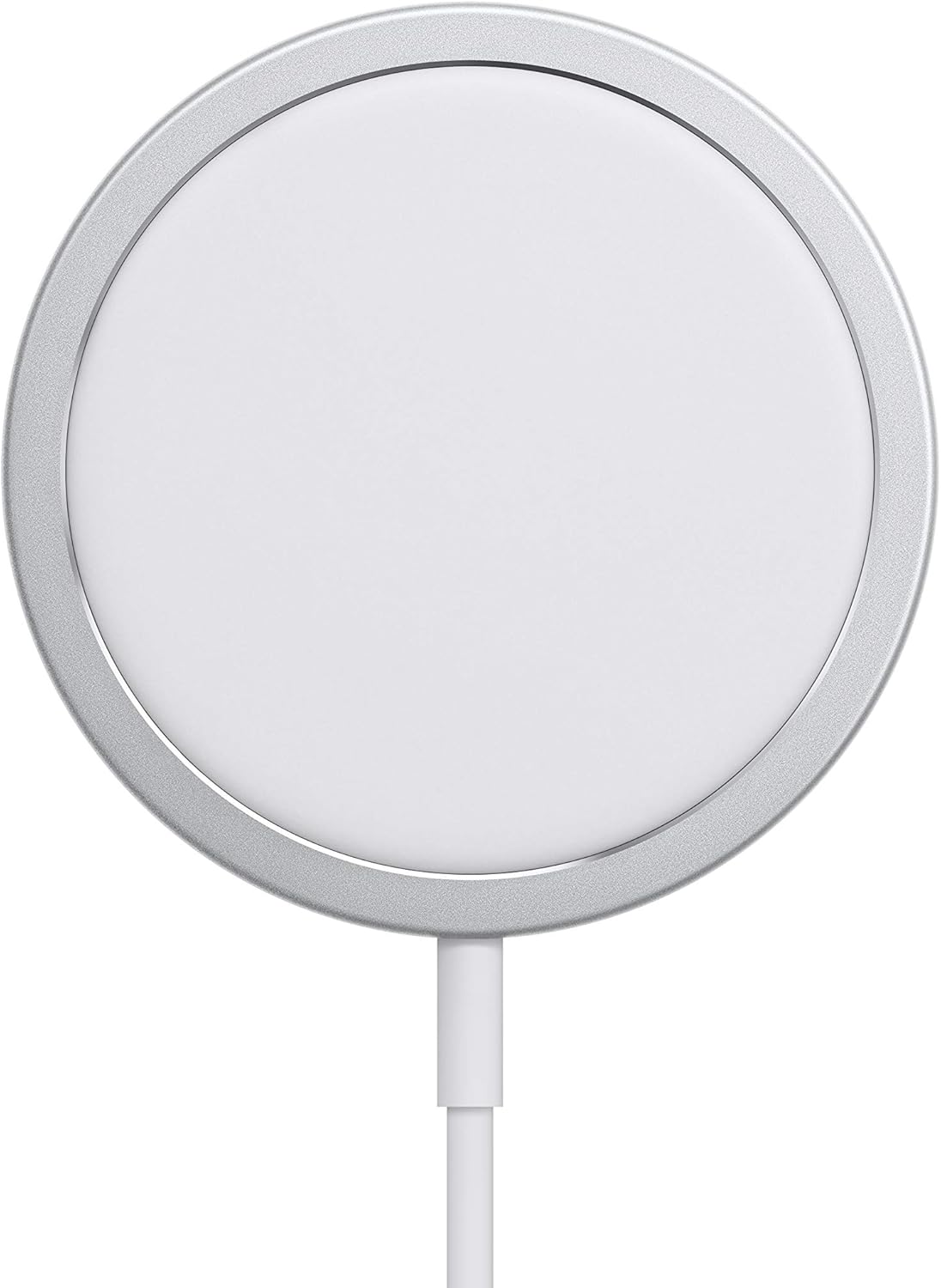
Image: Front view of the Apple MagSafe Charger, showing its circular charging pad and integrated USB-C cable.
Prepare your device: Ensure your iPhone or AirPods (with wireless charging case) are clean and free of debris on the charging surface.
Position your device: Place your MagSafe-compatible iPhone (iPhone 12 or later) onto the MagSafe Charger. The magnets will automatically align the charger to the back of your iPhone for optimal charging.

Image: The Apple MagSafe Charger is shown attached to the back of an iPhone, demonstrating the magnetic alignment.
For other Qi-compatible devices (iPhone 8 or later, AirPods with wireless charging case), simply place the device centered on the MagSafe Charger.
4. Operating Instructions
4.1 Charging iPhone 12 or Later (MagSafe)
When charging an iPhone 12, iPhone 13, iPhone 14, or iPhone 15 model, the MagSafe Charger provides up to 15W of faster wireless charging. The magnetic alignment ensures the charging coils are perfectly matched for maximum efficiency. A charging animation will appear on your iPhone screen to confirm charging has begun.
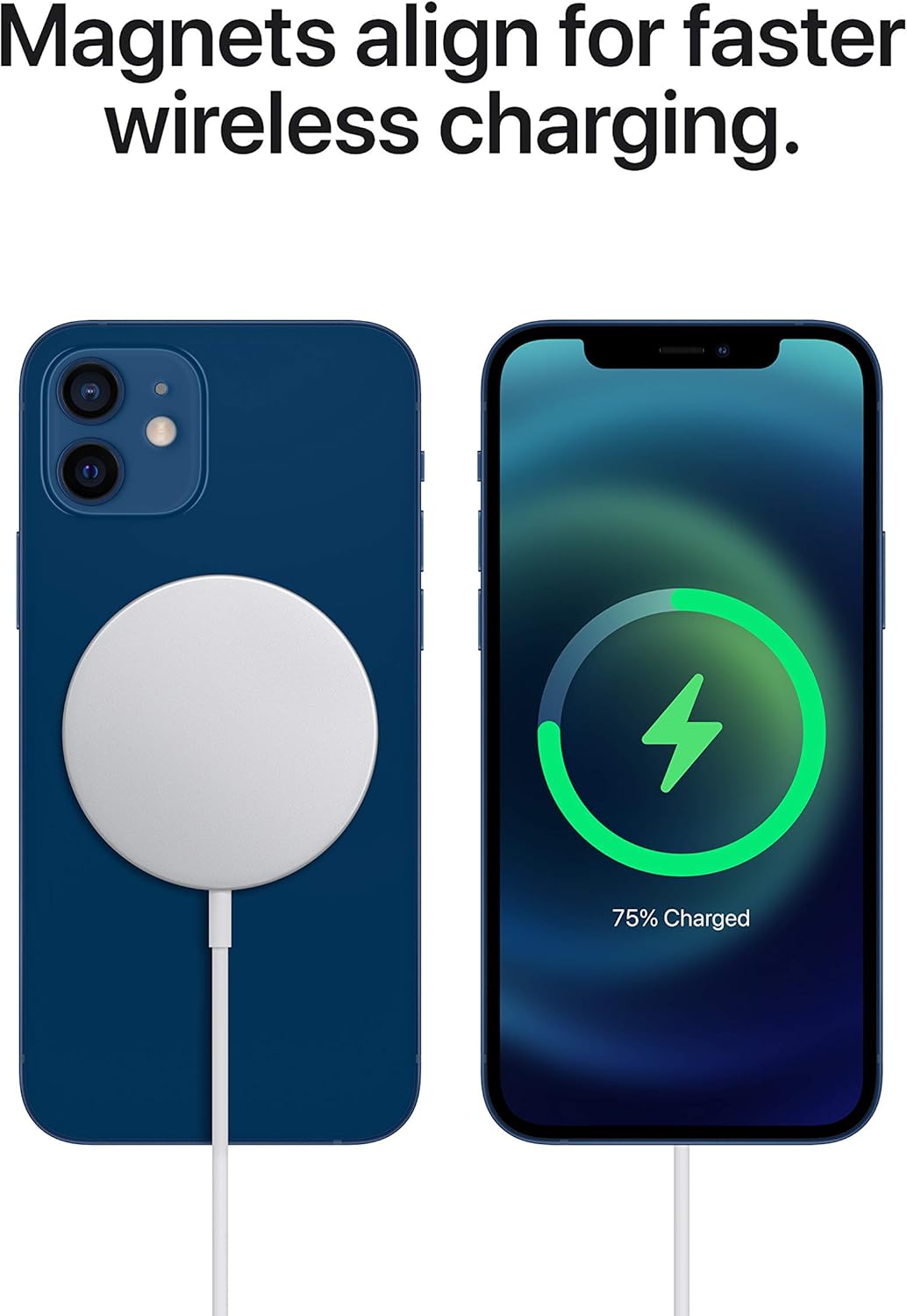
Image: An iPhone screen showing the charging animation (lightning bolt icon and battery percentage) while wirelessly charging on the MagSafe Charger.
4.2 Charging iPhone 8 or Later and AirPods (Qi Compatible)
The MagSafe Charger is also compatible with Qi charging. This allows you to wirelessly charge iPhone 8 or later models, as well as AirPods models with a wireless charging case. For these devices, simply place them centrally on the MagSafe Charger. While magnetic alignment does not apply to these devices, they will still charge wirelessly at standard Qi speeds.
4.3 Charging Indicators
Your device's screen will indicate when it is charging. For iPhones, a charging animation or battery icon will appear. For AirPods, the status light on the charging case will indicate charging status.
5. Maintenance
- Cleaning: Disconnect the MagSafe Charger from power before cleaning. Use a soft, lint-free cloth slightly dampened with water to wipe the surface. Avoid using abrasive cleaners, aerosols, or solvents.
- Storage: Store the charger in a cool, dry place away from direct sunlight and extreme temperatures.
- Handling: Avoid bending or kinking the integrated USB-C cable excessively, as this can damage the cable.
6. Troubleshooting
- Device not charging:
- Ensure the MagSafe Charger is securely connected to a power adapter and a power outlet.
- Verify that your power adapter is at least 20W for optimal performance.
- Check if your device is properly centered on the charger. For MagSafe-compatible iPhones, ensure magnetic alignment.
- Remove any thick cases or accessories that might interfere with wireless charging.
- Restart your device.
- Slow charging:
- Ensure you are using a 20W or higher USB-C power adapter. Lower wattage adapters will result in slower charging.
- Check for background apps or high power consumption activities on your device.
- Ensure the charger and device are not overheating. Charging may slow down to protect the battery if temperatures are too high.
- Magnetic alignment not working:
- Magnetic alignment is only supported for iPhone 12, iPhone 13, iPhone 14, and iPhone 15 models.
- Ensure your iPhone case is MagSafe compatible if you are using one.
7. Specifications
| Model Number | MHXH3AM/A |
| Product Dimensions | 3.24 x 3.24 x 0.72 inches |
| Item Weight | 2.56 ounces |
| Connectivity Technology | Wireless, USB |
| Connector Type | USB Type C |
| Input Voltage | 5 Volts |
| Color | White |
| Compatible Devices | AirPods Pro 2, AirPods Pro 2 with MagSafe Charging Case (Lightning), AirPods Pro (1st generation) with MagSafe Lightning Charging Case, AirPods (3rd generation) with MagSafe Charging Case, AirPods (3rd generation) with Lightning Charging Case, AirPods with Wireless Charging Case (2nd generation), iPhone 16 Pro, iPhone 16 Pro Max, iPhone 16, iPhone 16 Plus, iPhone 16e, iPhone 15 Pro, iPhone 15 Pro Max, iPhone 15, iPhone 15 Plus, iPhone 14 Pro, iPhone 14 Pro Max, iPhone 14, iPhone 14 Plus, iPhone 13 Pro, iPhone 13 Pro Max, iPhone 13 mini, iPhone 13, iPhone SE (3rd generation), iPhone 12 Pro, iPhone 12 Pro Max, iPhone 12 mini, iPhone 12, iPhone 11 Pro, iPhone 11 Pro Max, iPhone 11, iPhone SE (2nd generation), iPhone XS, iPhone XS Max, iPhone XR, iPhone X, iPhone 8, iPhone 8 Plus |
8. Warranty and Support
The Apple MagSafe Charger is covered by Apple's standard limited warranty. For detailed warranty information, technical support, and service options, please visit the official Apple Support website or contact Apple customer service directly. Keep your proof of purchase for warranty claims.
Official Apple Support: support.apple.com
Related Documents - MHXH3AM/A
 |
Apple AirPods (3rd Generation) Quick Start Guide Concise guide to setting up and using Apple AirPods (3rd generation). Learn about controls, spatial audio, charging, and connecting to devices. |
 |
Apple AirPods Safety and Handling Guide Comprehensive guide to the safe handling, charging, and use of Apple AirPods, covering potential hazards like hearing loss, skin irritation, and medical device interference. |
 |
Apple AirPods User Guide: Connecting and Using Your Earbuds A concise guide to connecting and using Apple AirPods, including instructions for pairing with devices, managing audio, and accessing features. Optimized for search engines. |
 |
Apple AirPods User Manual: Features, Setup, and Controls Comprehensive guide to Apple AirPods, covering setup, charging, features like Spatial Audio and Noise Control, and how to find your device. Information sourced from Apple's official documentation. |
 |
Accessory Design Guidelines for Apple Devices Comprehensive guidelines for designing accessories compatible with Apple devices, covering technical specifications, compliance, and best practices for seamless integration. |
 |
Apple 기기용 액세서리 디자인 지침 Apple 기기용 액세서리 디자인 및 개발을 위한 포괄적인 지침으로, 물리적 설계, 성능 표준, 프로토콜 호환성 및 테스트 절차를 다룹니다. |
Ask a question about this manual
Ask about setup, troubleshooting, compatibility, parts, safety, or missing instructions. Manuals+ will review the question and use this page’s manual context to help answer it.