
DigiKuber MT200
DigiKuber Smartwatch ECG Men User Manual
Model: MT200
1. Introduction
Thank you for choosing the DigiKuber Smartwatch ECG Men. This device is designed to help you monitor your health and fitness, offering features such as ECG, PPG, heart rate, blood pressure, blood oxygen, and body temperature monitoring, alongside various sports modes and smart notifications. Please read this manual carefully to ensure proper use and optimal performance of your smartwatch.
2. Safety Information
- Consult your doctor before starting any new exercise program or if you have pre-existing health conditions.
- The smartwatch is not a medical device and should not be used for diagnosis, treatment, or prevention of any disease. All health data is for reference only.
- Keep the device away from extreme temperatures, direct sunlight, and strong magnetic fields.
- Do not attempt to disassemble or repair the device yourself. This will void the warranty.
- Avoid exposing the watch to hot water, steam, or corrosive liquids, as this may damage the device despite its IP68 rating.
3. Package Contents
- DigiKuber Smartwatch (1 unit)
- Watch Strap (1 unit)
- USB Charging Cable (Magnetic Absorption) (1 unit)
- User Manual (this document)
4. Product Overview
The DigiKuber Smartwatch features a 1.43-inch AMOLED full-color touch screen, offering clear visuals and intuitive navigation. It is equipped with various sensors for health monitoring and a comfortable TPU strap.

This image shows the DigiKuber Smartwatch on a wrist, displaying the current time, step count, heart rate, and weather information. A smartphone screen in the background illustrates the detailed ECG data available through the companion application.

This diagram provides precise measurements of the smartwatch. It details the 1.43-inch AMOLED screen, the watch's diameter of 48mm, a thickness of 14mm, a 22mm strap width, and a total wristband size of 265mm, offering a clear understanding of its physical form.
5. Setup
5.1 Charging the Smartwatch
Before first use, fully charge your smartwatch. Connect the magnetic charging cable to the charging points on the back of the watch and plug the USB end into a power adapter (not included) or a computer USB port. Charging typically takes about 3-4 hours.
5.2 App Installation
To unlock the full potential of your smartwatch, download and install the SmartHealth application on your smartphone.
- Scan the QR code in the manual (if provided with physical product) or search for "SmartHealth" in your smartphone's app store (Google Play Store for Android, Apple App Store for iOS).
- Ensure your smartphone meets the compatibility requirements: Android 4.4 and above, or iOS 8.2 and above.
5.3 Pairing with Your Smartphone
- Enable Bluetooth on your smartphone.
- Open the SmartHealth app.
- Follow the in-app instructions to search for and connect to your smartwatch (Model: DK E80 / MT200).
- Ensure the watch is close to your phone during the pairing process.
- Once paired, the watch will synchronize time and data with your phone.
6. Operating the Smartwatch
6.1 Basic Navigation
The smartwatch features a full touch screen for navigation. Swipe left/right, up/down to access different functions and menus. Press the side button to return to the home screen or power on/off.
6.2 Health Monitoring
The smartwatch offers comprehensive health monitoring features. Access these functions directly from the watch or view detailed reports in the SmartHealth app.
- ECG + PPG + AI Diagnosis: Place your finger on the designated sensor area for an ECG reading. The app provides an AI-assisted diagnosis.
- Heart Rate Monitor: Continuously tracks your heart rate.
- Blood Pressure Monitor: Measures your blood pressure.
- Blood Oxygen (SpO2) Monitor: Measures the oxygen saturation in your blood.
- Body Temperature Measurement: Provides real-time body temperature readings.
- Sleep Monitor: Automatically tracks your sleep quality (deep sleep, light sleep, awake time).
- Respiratory Rate: Monitors your breathing rate.

This image focuses on the ECG monitoring feature. The smartwatch shows a real-time heart rate reading, while a connected smartphone displays a comprehensive ECG waveform report, including frequency, speed, and analytic results like 'Sinus rhythm'.
6.3 Sports Modes
The smartwatch supports 7 kinds of sports modes to accurately record your activity data.
- Running
- Cycling
- Skipping
- Basketball
- Table Tennis
- Badminton
- General Training
Select the desired sport mode before starting your activity. The watch will record data such as steps, calories burned, and distance.
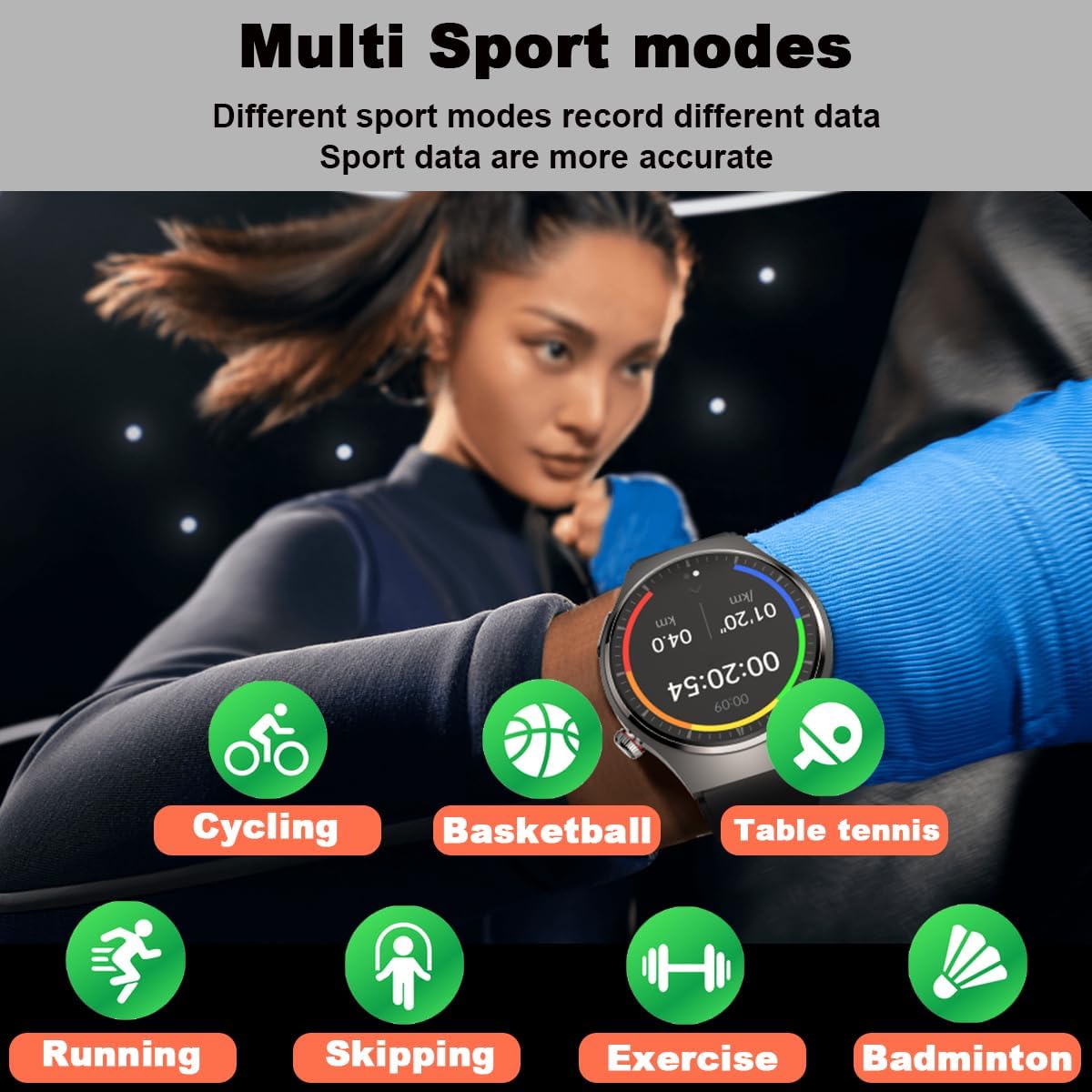
This visual highlights the multi-sport tracking capabilities of the smartwatch. A user is shown engaged in physical activity, and surrounding icons represent different sports modes the watch can track, including running, cycling, skipping, basketball, table tennis, badminton, and general exercise, each designed to record specific data for more accurate analysis.
6.4 Notifications and Calls
Stay connected by receiving notifications and managing calls directly from your wrist.
- Message Notifications: Receive alerts for SMS, email, and messages from social apps (e.g., WhatsApp, WeChat, Facebook, Twitter, LinkedIn, Instagram, Skype). Enable these notifications in the SmartHealth app settings.
- Inbound Call Notification: The watch will vibrate and display caller ID for incoming calls.
- Dial & Answer Calls: With the built-in speaker and microphone, you can dial numbers and answer calls directly from the smartwatch.
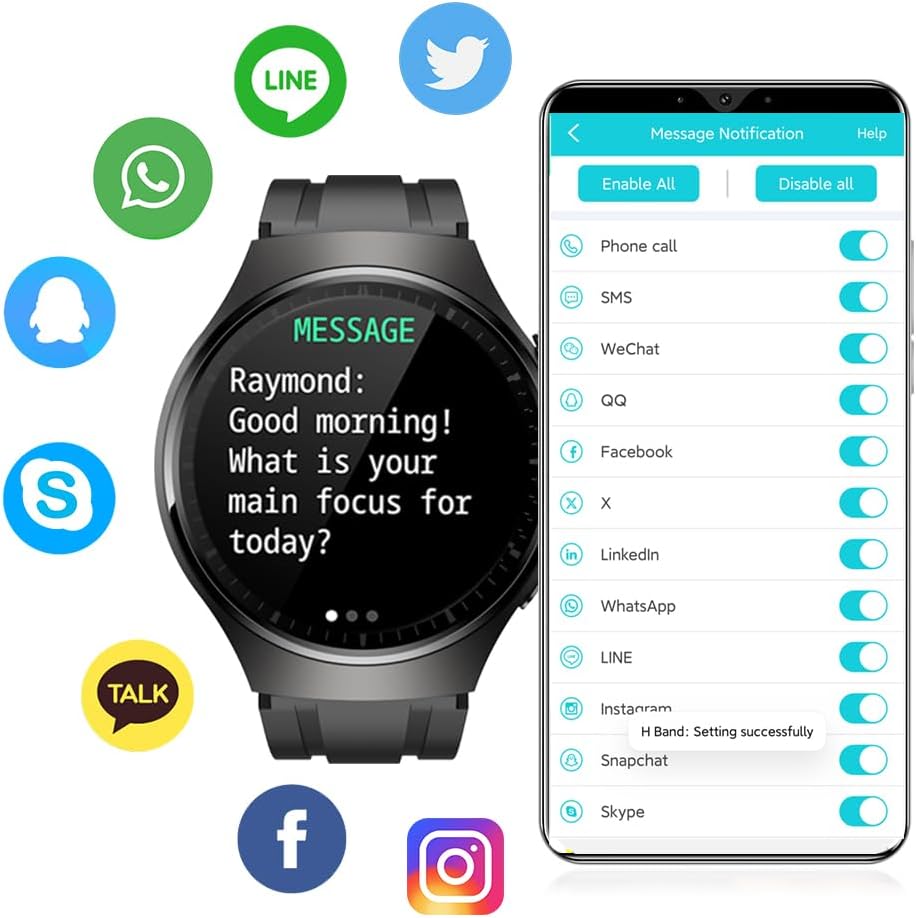
The image illustrates the smartwatch's message notification feature. The watch face displays an incoming message, and around it are logos of popular communication applications such as WhatsApp, WeChat, Facebook, Twitter, LinkedIn, and Instagram, indicating compatibility for receiving notifications from these platforms.
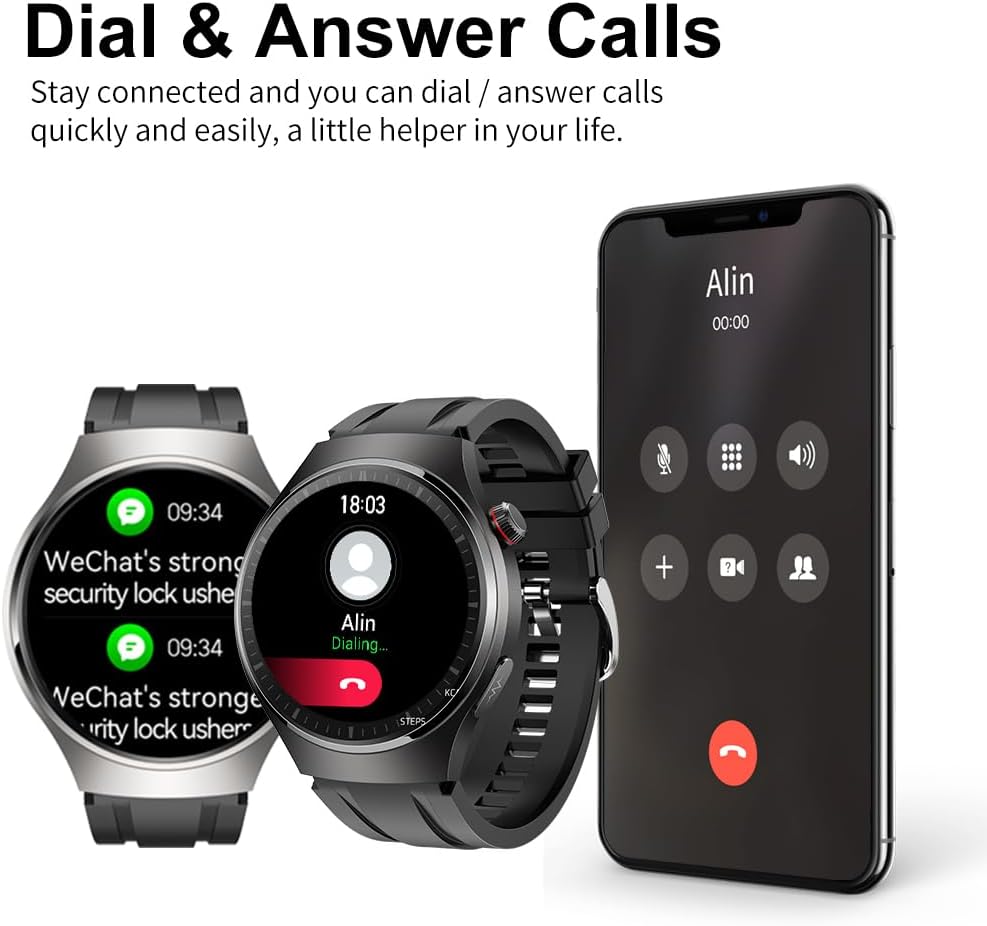
The image demonstrates the smartwatch's ability to handle calls. Two smartwatches are shown alongside a smartphone displaying an incoming call, indicating that users can dial and answer calls directly from the watch, acting as a convenient communication assistant.
6.5 Other Functions
- Pedometer: Tracks your daily step count.
- Calorie Counter: Estimates calories burned based on activity.
- Distance Display: Shows distance covered.
- Camera Control: Remotely control your phone's camera.
- Stopwatch: A built-in stopwatch function.
- Sedentary Reminder: Reminds you to move after periods of inactivity.
- Breath Training: Guided breathing exercises.
- Remote Care Function: Share real-time health data with family members via the app.
7. Maintenance
7.1 Cleaning
Regularly clean your smartwatch and strap to prevent skin irritation and maintain device longevity. Use a soft, damp cloth to wipe the watch body and strap. Do not use harsh chemicals or abrasive materials.
7.2 Water Resistance
The smartwatch has an IP68 water resistance rating, meaning it is protected against dust and can withstand immersion in water up to 1.5 meters for 30 minutes. It is suitable for daily use, such as hand washing or light rain. However, it is not recommended for swimming, diving, hot showers, or saunas, as steam and hot water can damage the seals.

The smartwatch is depicted with water droplets on its surface, emphasizing its IP67 waterproof capability. Text overlays indicate its 1.43-inch AMOLED screen with a resolution of 466x466 pixels, ensuring clear and vibrant visuals.
7.3 Storage
When not in use for extended periods, store the smartwatch in a cool, dry place. Ensure it is fully charged before storing to preserve battery health.
8. Troubleshooting
- Watch not turning on: Ensure the watch is fully charged. Connect it to the charger and wait a few minutes before attempting to power it on.
- Cannot pair with phone:
- Ensure Bluetooth is enabled on your phone.
- Make sure the watch is within Bluetooth range (typically 10 meters).
- Restart both the watch and your phone.
- Check if the SmartHealth app is updated to the latest version.
- If previously paired, try unpairing and re-pairing the device.
- Inaccurate health readings:
- Ensure the watch is worn snugly on your wrist, not too tight or too loose.
- Keep your arm still during measurements.
- Clean the sensors on the back of the watch.
- Note that readings can be affected by skin tone, hair, and movement.
- Notifications not received:
- Ensure the watch is connected to your phone via Bluetooth.
- Check notification permissions for the SmartHealth app in your phone's settings.
- Verify that app notifications are enabled within the SmartHealth app itself.
- Short battery life:
- Reduce screen brightness.
- Disable continuous heart rate monitoring if not needed.
- Limit the number of apps sending notifications to the watch.
9. Specifications
| Feature | Specification |
|---|---|
| Model | MT200 (DK E80) |
| Display | 1.43-inch AMOLED Full Color Touch Screen, IPS TFT 240*240 (Note: Product description states 1.3" and 240*240, while specifications state 1.43" and 466x466. Using 1.43" AMOLED 466x466 as per specifications and image.) |
| Compatible System | Android 4.4+ / iOS 8.2+ |
| Bluetooth | 4.2BLE (Low Power) |
| Battery Type | Li-polymer battery |
| Battery Capacity | 200mAh (Description) / 400mAh (Specifications) - Using 400mAh as per specifications. |
| Charging Type | Magnetic Absorption |
| Charging Time | Approx. 3-4 hours |
| Usage Time | 6-13 days (Description) / 5-13 days (Feature Bullet) / 7 days (Specifications) - Using 5-13 days range. |
| Standby Time | 20-40 days |
| Water Level | IP68 |
| Vibration | Speaker, Sound Dampening, Vibration |
| Case Material | Metal Alloy |
| Bottom Shell Material | PC + ABS |
| Strap Material | Environment Friendly TPU |
| Dimensions | 245 x 43.5 x 10 mm (L x W x H) (Description) / 4.8 x 4.6 x 1.4 cm (Product Dimensions) - Using Product Dimensions. |
| Weight | 150 g |
10. Warranty and Support
For warranty information and customer support, please refer to the documentation provided with your purchase or contact DigiKuber customer service through their official website or the platform where you purchased the product. Keep your proof of purchase for warranty claims.
Ask a question about this manual
Ask about setup, troubleshooting, compatibility, parts, safety, or missing instructions. Manuals+ will review the question and use this page’s manual context to help answer it.