
Important Safety Instructions
Please read these instructions carefully before using the appliance and keep them for future reference. Incorrect use may lead to electric shock, fire, or serious injury.
- Always ensure the voltage on the rating label corresponds to your mains voltage.
- Do not immerse the iron, power cord, or plug in water or other liquids.
- Do not leave the iron unattended while it is connected to the mains supply.
- Keep the iron and its cord out of reach of children.
- Always unplug the iron from the electrical outlet when filling or emptying water, and when not in use.
- Do not operate any appliance with a damaged cord or plug, or after the appliance malfunctions or has been damaged in any manner.
- Use the iron only for its intended household use.
- The iron must be used and rested on a stable, heat-resistant surface.
- Never direct steam towards people or pets.
Product Overview
The Aigostar Smooth 310000RSN steam iron is designed for efficient and convenient ironing, featuring a ceramic soleplate and multiple functions.

Image: Front view of the Aigostar Smooth 310000RSN Steam Iron, showcasing its blue and white design.
Key Features:
- 2400W High Power: Ensures rapid heating and continuous strong steam output.
- Ceramic Soleplate: Durable, non-stick, scratch-resistant, and easy to keep clean for smooth gliding.
- 210ml Water Tank: Sufficient capacity for extended ironing sessions.
- Dry and Steam Ironing: Versatile for various fabric types.
- Steam Jet Function: Provides a powerful burst of steam for stubborn creases.
- Temperature Selector: Adjustable settings for different fabrics.
- Water Spray Function: Helps to moisten fabrics for easier wrinkle removal.
- Self-Cleaning Function: Maintains the iron's internal components, preventing impurity buildup.
- Anti-Calc System: Reduces limescale accumulation, prolonging the iron's lifespan.
- Anti-Drip System: Prevents water leakage at low temperatures, protecting fabrics from stains.
- Overheat Protection: Enhances safety during operation.

Image: Close-up view of the iron's features, highlighting the 210ml water tank, self-cleaning button, and water spray nozzle.
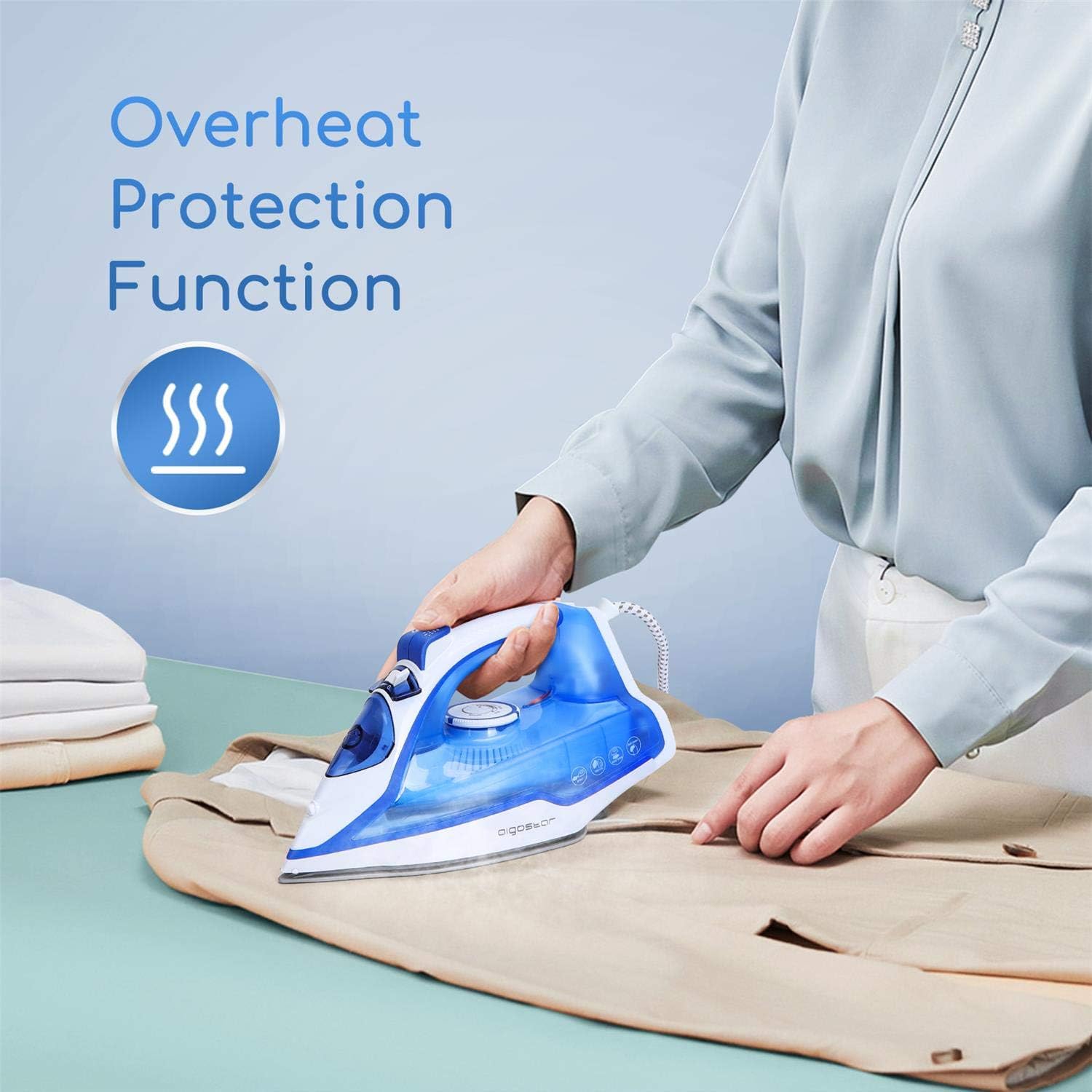
Image: A person ironing with the Aigostar Steam Iron, illustrating the overheat protection function.
Setup and First Use
Before First Use:
- Remove any labels or protective foil from the soleplate.
- It is normal for a slight odor or smoke to be emitted during the first use as manufacturing residues burn off. This will disappear after a short time.
- Test the iron on an old piece of fabric to ensure no residue is transferred to your garments.
Filling the Water Tank:
- Ensure the iron is unplugged from the power outlet.
- Set the steam control to the "Dry Ironing" position (no steam).
- Open the water inlet cover.
- Using a measuring cup, carefully pour water into the water tank up to the "MAX" level indicator. Do not overfill.
- Close the water inlet cover securely.
- For optimal performance and to prevent mineral buildup, use distilled or demineralized water.

Image: A hand pouring water into the iron's water tank using a measuring cup.
Operating Instructions
Temperature Selection:
Always check the fabric care label before ironing. Sort clothes according to ironing temperature requirements, starting with lower temperatures.

Image: The temperature dial of the iron showing settings for Linen, Silk, Cotton, Wool, and Nylon.
- Plug the iron into a suitable power outlet.
- Turn the temperature control dial to the desired setting based on the fabric type (e.g., Nylon, Silk, Wool, Cotton, Linen).
- The indicator light will illuminate, indicating the iron is heating up. It will turn off when the set temperature is reached.
Dry Ironing:
For dry ironing, ensure the steam control is set to the "Dry Ironing" position (no steam symbol).

Image: A person using the iron for dry ironing on a light-colored shirt.
- Follow the temperature selection steps above.
- Once the indicator light turns off, the iron is ready for dry ironing.
- Iron the fabric as needed.
Steam Ironing:
Steam ironing is effective for most fabrics, especially cotton and linen. Ensure the water tank is filled.

Image: A person using the iron for steam ironing, with visible steam coming from the soleplate.
- Follow the temperature selection steps, ensuring the temperature is set to a steam-suitable level (usually 3 dots or higher for cotton/linen).
- Once the indicator light turns off, adjust the steam control to the desired steam level.
- Move the iron over the fabric. Steam will be continuously emitted.
Steam Jet (Burst of Steam):
Use the steam jet for stubborn creases or for vertical steaming.
- Ensure the iron is at a high temperature (e.g., Linen or Cotton setting).
- Press the steam jet button (usually located on the handle) to release a powerful burst of steam.
- Wait a few seconds between bursts to allow the steam to regenerate.
Water Spray Function:
The spray function helps to moisten dry areas of fabric, making it easier to iron out wrinkles.
- Press the spray button (usually located on the handle) to emit a fine mist of water onto the fabric.
- This function can be used at any temperature setting.
Maintenance
Self-Cleaning Function:
The self-cleaning function helps to remove impurities and mineral deposits from the steam chamber and vents, ensuring optimal performance and extending the iron's life.
- Fill the water tank to the MAX level.
- Plug in the iron and set the temperature dial to the maximum setting.
- Once the indicator light turns off, unplug the iron.
- Hold the iron horizontally over a sink.
- Press and hold the self-clean button (often labeled "SELF CLEAN" or similar). Hot water and steam will be expelled from the soleplate, carrying impurities with it.
- Gently shake the iron back and forth until the water tank is empty.
- Release the self-clean button and plug the iron back in to heat up and dry the soleplate.
- Unplug and store once cooled.
Anti-Calc System:
This iron is equipped with an anti-calc system that helps to reduce the buildup of limescale inside the steam chamber. While this system is effective, regular use of distilled water and the self-cleaning function will further enhance its performance and longevity.
Anti-Drip System:
The anti-drip system prevents water from leaking from the soleplate when the iron is not hot enough to produce steam. This protects your garments from water spots. If you notice dripping, ensure the iron has reached the correct temperature for steam ironing.
Cleaning the Soleplate:
- After use, allow the iron to cool completely.
- Wipe the soleplate with a damp cloth and a non-abrasive cleaner if necessary.
- Do not use abrasive scouring pads or harsh chemicals, as these can damage the ceramic coating.
Storage:
- Empty the water tank after each use.
- Allow the iron to cool completely before storing.
- Store the iron upright on its heel rest in a dry, safe place.
Troubleshooting
| Problem | Possible Cause | Solution |
|---|---|---|
| Iron does not heat up. | Not plugged in; power outlet faulty; temperature dial set to MIN. | Check power connection; try another outlet; turn temperature dial to desired setting. |
| No steam or insufficient steam. | Water tank empty; temperature too low for steam; steam control set to dry ironing; steam vents blocked. | Fill water tank; set temperature to steam-suitable level; adjust steam control; perform self-cleaning. |
| Water dripping from soleplate. | Temperature too low for steam (anti-drip system active); water tank overfilled. | Increase temperature to steam-suitable level; do not overfill water tank. |
| White flakes or brown stains on fabric. | Mineral deposits (limescale) in the iron. | Perform self-cleaning function; use distilled water. |
| Iron sticks to fabric. | Temperature too high for fabric type; soleplate dirty. | Adjust temperature according to fabric care label; clean soleplate. |
Specifications
| Feature | Detail |
|---|---|
| Brand | Aigostar |
| Model | Smooth 310000RSN |
| Power | 2400 Watts |
| Voltage | 230 Volts |
| Soleplate Material | Ceramic |
| Water Tank Capacity | 210 ml |
| Item Weight | 1.35 Kilograms |
| Functions | Dry Ironing, Steam Ironing, Steam Jet, Water Spray, Self-Cleaning, Anti-Calc, Anti-Drip, Overheat Protection |
Warranty and Support
Aigostar products are manufactured to the highest quality standards and come with a warranty. For specific warranty details, please refer to the warranty card included with your product or visit the official Aigostar website.
If you have any questions or require technical assistance, please contact Aigostar customer support. Contact information can typically be found on the product packaging or the official Aigostar website.
All our products benefit from the most rigorous European quality and safety certificates.


