1. Introduction
This manual provides essential information for the proper setup, operation, and maintenance of your HCDZ Replacement Remote Control, model 6711A20034G. This remote is designed as a direct replacement for various LG Through-The-Wall Air Conditioner models, ensuring compatibility and ease of use without requiring programming.
2. Package Contents
- 1 x HCDZ Replacement Remote Control (Model 6711A20034G)
Note: Batteries and a detailed instruction booklet are not included in the package. This remote control is designed to function immediately upon battery insertion.
3. Setup
3.1 Battery Installation
The remote control requires two AAA batteries (not included) for operation. Follow these steps to install the batteries:
- Locate the battery compartment cover on the back of the remote control.
- Slide the cover downwards or press the latch and lift to open the compartment.
- Insert two AAA batteries, ensuring the positive (+) and negative (-) terminals align correctly with the markings inside the compartment.
- Replace the battery compartment cover by sliding it back into place until it clicks securely.
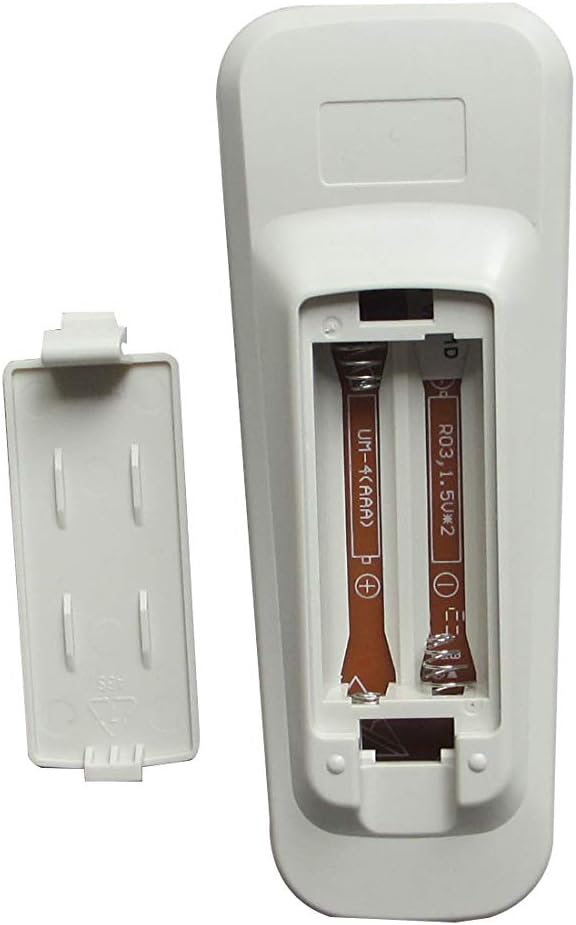
Image 1: Back of the remote control with the battery compartment open, showing where to insert two AAA batteries.
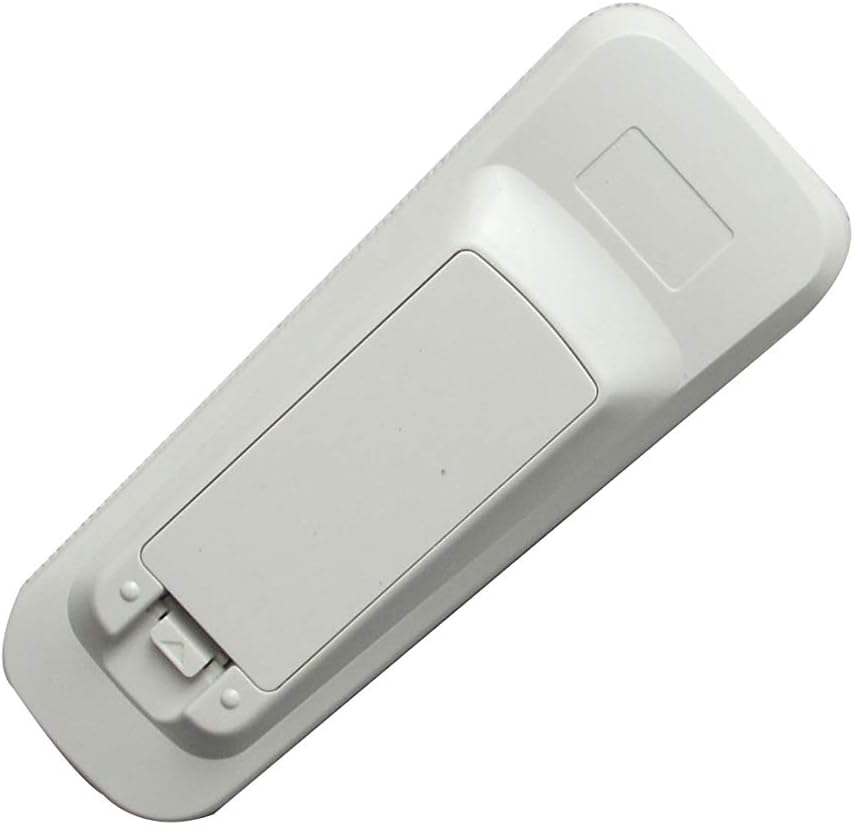
Image 2: Back of the remote control with the battery compartment closed.
Once batteries are installed, the remote control is ready for immediate use. No programming is required.
4. Operating Instructions
This replacement remote control functions identically to the original LG remote. Simply point the remote control towards your LG Through-The-Wall Air Conditioner and press the desired function buttons.
4.1 Basic Operation
- Power Button: Turns the air conditioner on or off.
- Temperature Control: Adjusts the desired temperature setting.
- Mode Selection: Cycles through various operating modes (e.g., Cool, Fan, Dry).
- Fan Speed: Adjusts the fan speed (e.g., Low, Medium, High, Auto).
- Timer Functions: Sets the air conditioner to turn on or off after a specified period.
- Swing/Louver Control: Adjusts the direction of airflow.
Refer to your LG Air Conditioner's original user manual for specific functions and button layouts, as this remote replicates those controls.
5. Maintenance and Care
Proper care ensures the longevity and reliable performance of your remote control.
- Battery Replacement: Replace both AAA batteries when the remote's performance degrades or it stops responding. Do not mix new and old batteries.
- Storage: If the remote control will not be used for an extended period, remove the batteries to prevent potential damage from battery leakage and corrosion.
- Environmental Conditions: Do not expose the remote control to extremely hot or humid environments. Avoid direct sunlight or strong lighting apparatuses, as this may cause a malfunction of the infrared sensor.
- Cleaning: Wipe the remote control with a soft, dry cloth. Do not use liquid cleaners or abrasive materials.
6. Troubleshooting
If your remote control is not functioning as expected, consider the following:
- No Response from Air Conditioner:
- Ensure the batteries are installed correctly with the correct polarity (+/-).
- Replace the batteries with fresh AAA batteries.
- Check if there are any obstructions between the remote control and the air conditioner's receiver.
- Verify that the air conditioner is powered on and receiving electricity.
- Intermittent Operation:
- This may indicate low battery power. Replace the batteries.
- Ensure the remote sensor is not exposed to strong light sources that could interfere with the signal.
If issues persist after following these steps, contact customer support for further assistance.
7. Specifications
| Feature | Detail |
|---|---|
| Model Number | 6711A20034G |
| Brand | HCDZ |
| Compatible Devices | LG Through-The-Wall Air Conditioners (e.g., LW1516ER, LW1816ER, LW2516ER, LW8016ER, LW6017R, L1006R, LWHD1209R, LB1000ER) |
| Connectivity Technology | Infrared (IR) |
| Batteries Required | 2 x AAA (not included) |
| Item Weight | 1.44 ounces (approximately 40.8 grams) |
| Package Dimensions | 6.73 x 4.53 x 1.06 inches |
| Special Feature | No programming needed, works out of the package |
8. Warranty Information
Specific warranty details for this HCDZ replacement remote control are not provided in the product information. Please refer to the retailer's return policy or contact the seller directly for information regarding warranty coverage, if any.
9. Customer Support
For further assistance or inquiries regarding your HCDZ Replacement Remote Control, please contact the seller or retailer from whom you purchased the product. No specific manufacturer customer support contact information is provided.