Product Overview
The NETGEAR 4-Stream WiFi 6 Mesh Extender (EAX15) is designed to expand your existing WiFi network, providing increased coverage and faster speeds throughout your home. Utilizing the latest WiFi 6 (802.11ax) technology, it delivers enhanced performance for a wide range of devices, including smartphones, tablets, and computers. Its convenient wall-plug design ensures easy placement, and it maintains backward compatibility with older WiFi standards (WiFi 5, WiFi 4, and earlier), ensuring seamless integration with your current setup and future devices. The extender operates within a temperature range of 32 to 140 degrees Fahrenheit.
Key Features
- Extended Wireless Coverage: Adds WiFi range coverage up to 1,500 sq. ft., and connects up to 20+ devices such as laptops, smartphones, speakers, IP cameras, tablets, IoT devices, and more.
- Seamless Smart Roaming: Plugs into any wall outlet and uses your existing network SSID name, ensuring you remain connected as you move around your home or office.
- Fast WiFi 6 Performance: AX1800 speed (up to 1.8Gbps) using Dual-Band WiFi technology (up to 600 + 1200 Mbps), with 4 simultaneous streams for increased capacity.
- Universal Compatibility: Works with any wireless router or cable modem with WiFi, optimized for all WiFi 6 routers, and compatible with both existing and new WiFi 6 devices.
- Wired Ethernet Port: Includes one Gigabit port for connecting wired devices like PCs, game consoles, or streaming players for maximum speed.
Package Contents
The following items are included in the product package:
- AX1800 4-Stream WiFi Mesh Extender (EAX15)
- Quick start guide
Setup Guide
Follow these general steps to set up your NETGEAR EAX15 WiFi 6 Mesh Range Extender. For detailed instructions, please refer to the included Quick Start Guide.
- Power On: Plug the EAX15 extender into an electrical outlet. Wait for the Power LED to light up.
- Placement: Place the extender approximately halfway between your router and the area where you want to improve WiFi coverage. Ensure it is within range of your existing router's WiFi signal.
- Connect to Extender: On a mobile device or computer, connect to the extender's default WiFi network (e.g., 'NETGEAR_EXT').
- Configuration: Open a web browser and follow the on-screen instructions to configure the extender. Alternatively, download the NETGEAR Nighthawk app for guided setup.
- WPS Setup (Optional): If your router supports WPS (Wi-Fi Protected Setup), you can press the WPS button on the extender and then on your router to establish a connection automatically.
- Verify Connection: Once configured, the Extender LED should indicate a good connection to your router. Your devices should now be able to connect to the extended network.
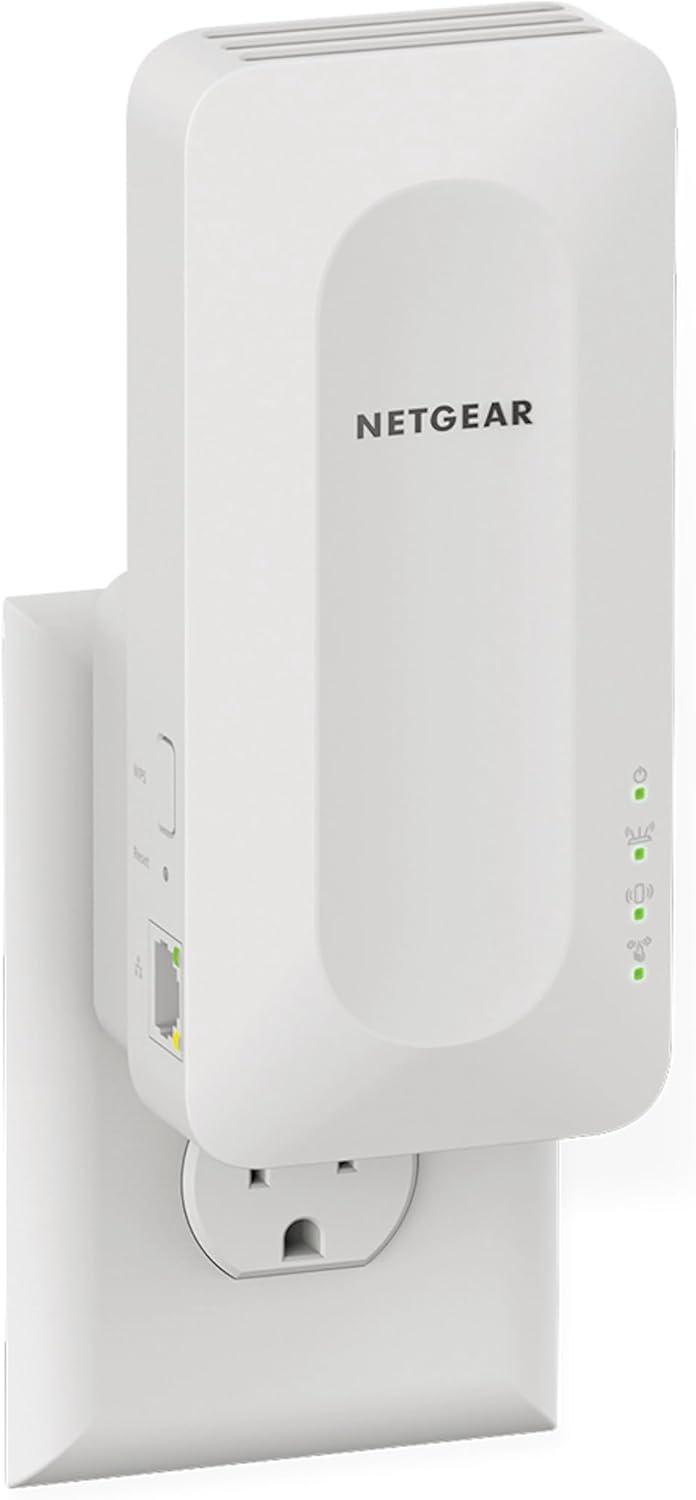
The NETGEAR EAX15 extender shown plugged into a standard wall outlet, ready for setup.
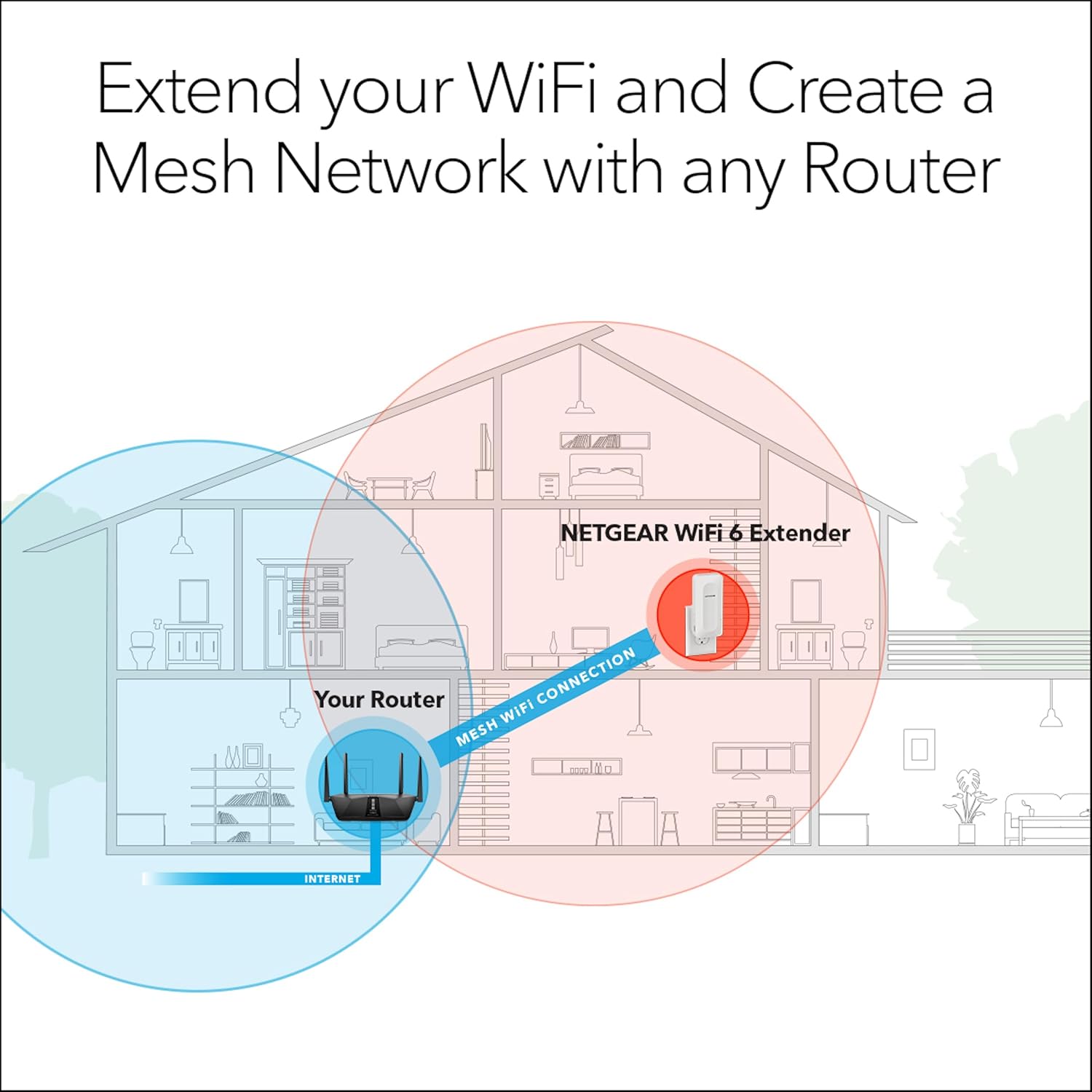
This diagram illustrates how the NETGEAR WiFi 6 Extender creates a mesh WiFi connection with your existing router to expand coverage throughout a home.
Operation
The NETGEAR EAX15 is designed for seamless operation, extending your WiFi coverage and enhancing network performance.
- Smart Roaming: The extender uses the same network name (SSID) as your existing router, allowing your devices to automatically connect to the strongest signal as you move around your home without manual switching.
- Dual-Band WiFi: The EAX15 operates on both 2.4 GHz and 5 GHz bands, providing flexibility and optimized performance for different devices and activities. The 5 GHz band offers faster speeds for demanding tasks like streaming and gaming, while the 2.4 GHz band provides broader coverage.
- Wired Connections: Use the Gigabit Ethernet port on the extender to connect wired devices such as smart TVs, gaming consoles, or desktop computers directly to the network for a stable and high-speed connection.
- Multiple Device Support: With 4 simultaneous streams, the extender can efficiently handle connections from 20+ wireless devices concurrently, ensuring smooth performance even in busy households.

A user enjoying seamless roaming with their tablet, indicating consistent connectivity throughout their space.
Maintenance
To ensure optimal performance and longevity of your NETGEAR EAX15 WiFi 6 Mesh Range Extender, consider the following maintenance tips:
- Firmware Updates: Regularly check for and install the latest firmware updates. These updates often include performance improvements, security enhancements, and bug fixes. You can typically find updates through the Nighthawk app or NETGEAR's official website.
- Proper Ventilation: Ensure the extender is plugged into an outlet with adequate airflow around it. Avoid placing it in enclosed spaces or covering its ventilation holes, as this can lead to overheating and reduced performance.
- Cleaning: Periodically wipe the exterior of the extender with a soft, dry cloth to remove dust. Do not use liquid cleaners or abrasive materials.
- Optimal Placement: While the extender is designed for wall-plug convenience, periodically assess its placement to ensure it remains in an optimal location for signal strength and coverage, especially if your home layout or furniture changes.
Troubleshooting
If you encounter issues with your NETGEAR EAX15 WiFi 6 Mesh Range Extender, try the following troubleshooting steps:
- No Power: Ensure the extender is securely plugged into a working electrical outlet. Check if the Power LED is illuminated.
- No Internet Connection: Verify that your main router has an active internet connection. Restart both your router and the extender.
- Poor Signal Strength: Relocate the extender closer to your main router. Ensure there are no major obstructions (like thick walls or large appliances) between the extender and the router, or between the extender and your devices.
- Cannot Connect to Extender: Ensure you are connecting to the correct extended network SSID. If you changed the SSID during setup, use the new name. Try resetting the extender to factory defaults (refer to the Quick Start Guide for reset instructions) and re-configure it.
- Slow Speeds: Check for interference from other electronic devices. Ensure your devices are connecting to the optimal band (2.4 GHz for range, 5 GHz for speed).
- Firmware Issues: If you suspect a firmware issue, try updating or re-installing the firmware from the NETGEAR support website.
For more advanced troubleshooting or persistent issues, refer to the comprehensive user guide available on the NETGEAR support website or contact NETGEAR customer support.
Technical Specifications
| Specification | Value |
|---|---|
| Product Dimensions | 7.2 x 4.3 x 4.6 inches |
| Item Weight | 7.8 ounces |
| ASIN | B08K2ZX2RY |
| Item Model Number | EAX15-100NAS |
| Brand | NETGEAR |
| Wireless Communication Standard | 802.11ax (WiFi 6) |
| Data Transfer Rate | Up to 1200 Megabits Per Second (AX1800) |
| Frequency Band Class | Dual-Band |
| Connector Type | RJ45 (Gigabit Ethernet) |
| Manufacturer | NETGEAR |
| Date First Available | October 13, 2020 |
Product Visuals
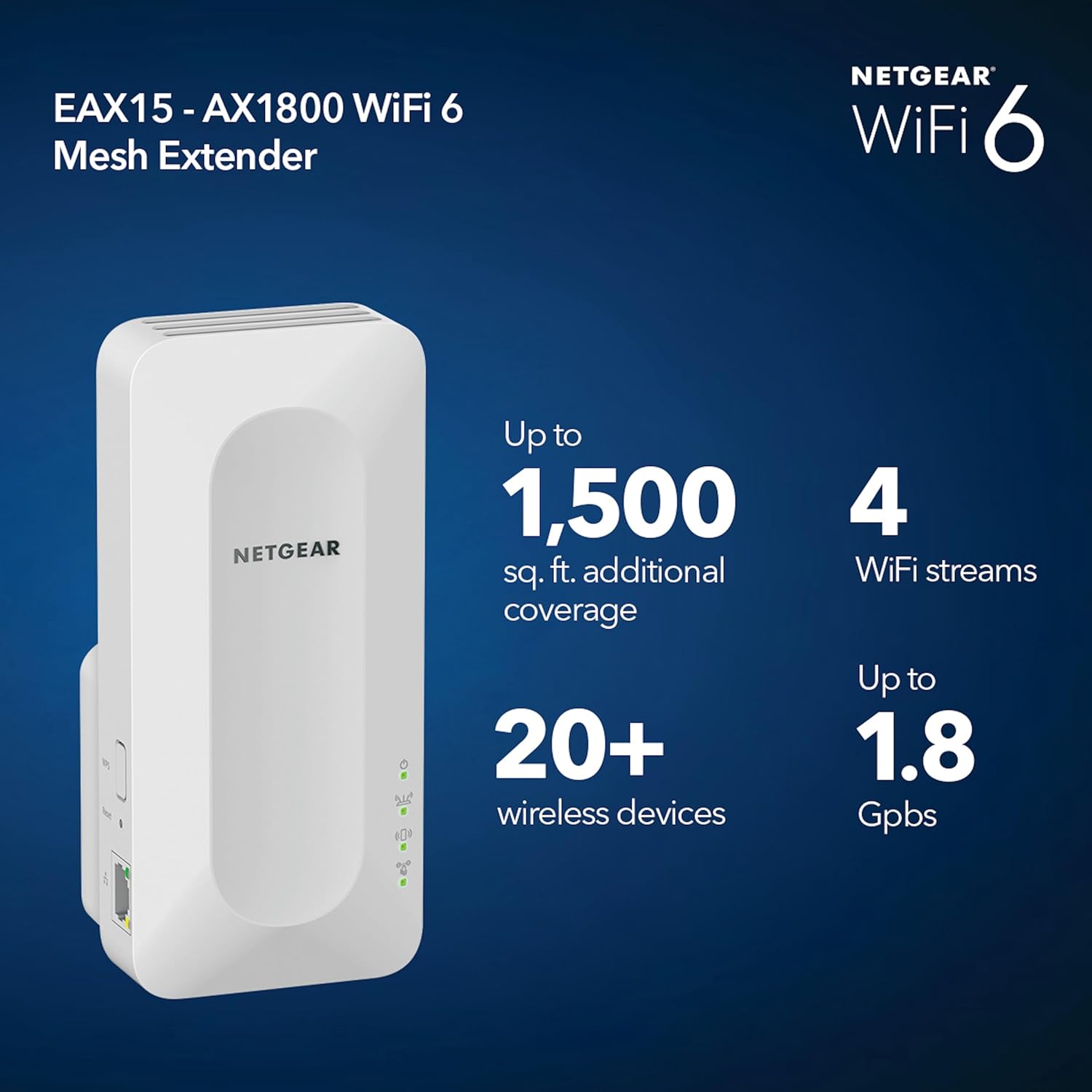
An overview image highlighting the EAX15's capabilities: up to 1,500 sq. ft. additional coverage, 20+ wireless devices, 4 WiFi streams, and up to 1.8 Gbps speed.
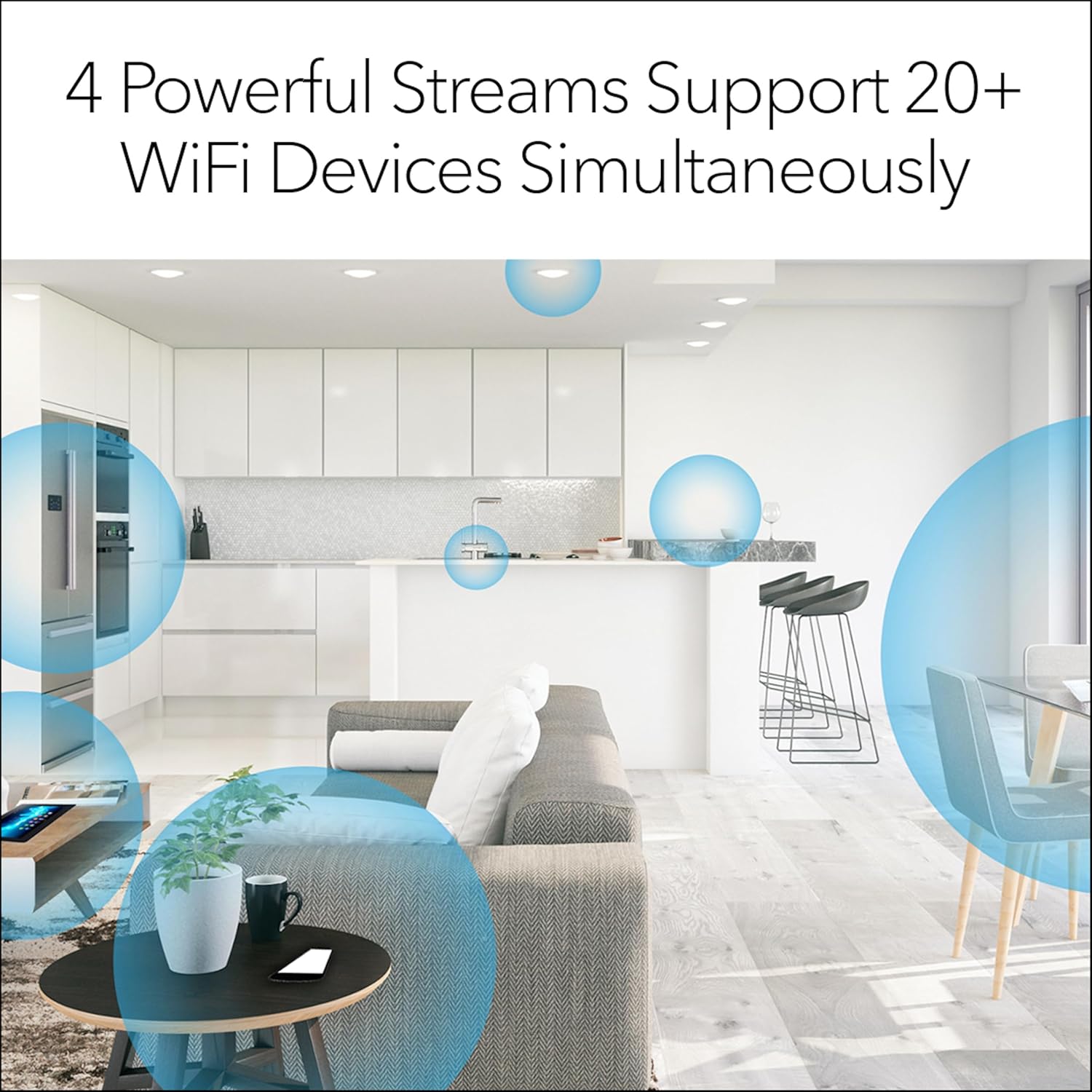
This visual demonstrates how the EAX15's 4 powerful streams can support over 20 WiFi devices concurrently, ensuring smooth connectivity throughout a modern home environment.
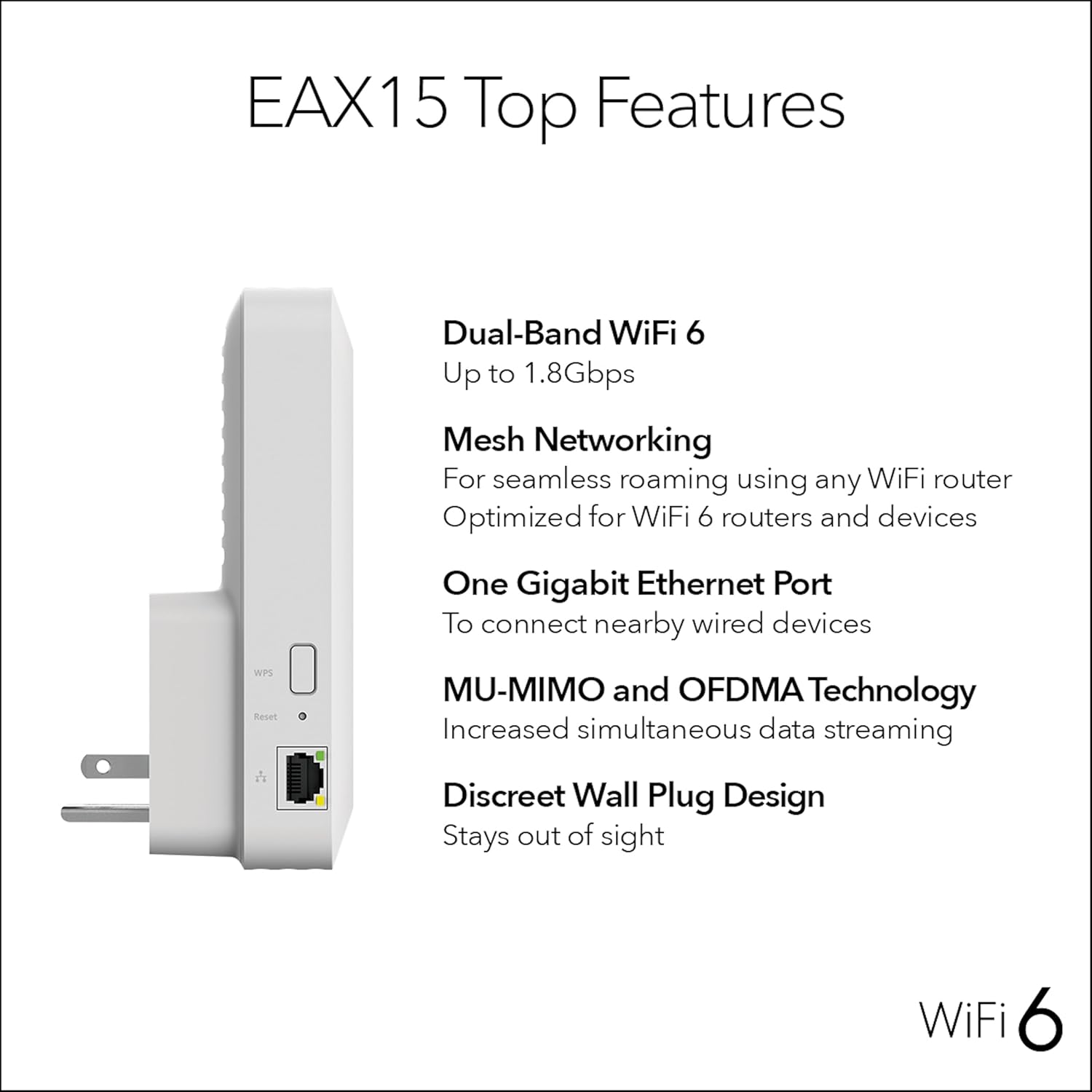
A detailed side view of the EAX15, showcasing its physical features including the WPS button, Reset pinhole, and Gigabit Ethernet port, alongside a summary of its key technological benefits.

This image provides the physical dimensions of the NETGEAR EAX15 extender, indicating its height, depth, and width for placement consideration.
Warranty and Support
NETGEAR products are backed by a manufacturer's warranty. For specific warranty terms and conditions, please refer to the documentation included with your product or visit the official NETGEAR support website. The date first available for this product was October 13, 2020.
For technical assistance, product registration, or to download the latest user guides and firmware, please visit the NETGEAR support portal. You can also find additional support resources and FAQs on their website.
Official user manuals and guides are available for download: