
GIGABYTE GP-P850GM
Contents
GIGABYTE GP-P850GM 850W Power Supply User Manual
Model: GP-P850GM
Brand: GIGABYTE
Product Overview
The GIGABYTE GP-P850GM is an 850W power supply unit designed for high-performance computing systems. It features an 80 PLUS Gold certification, ensuring high efficiency and reduced energy consumption. Its fully modular design allows for cleaner cable management and improved airflow within your PC case. Equipped with a 120mm Smart Hydraulic Bearing (HYB) Fan, it provides quiet and efficient cooling. The unit incorporates main Japanese capacitors for enhanced reliability and a powerful single +12V rail for stable power delivery. Comprehensive protection features including OVP (Over Voltage Protection), OPP (Over Power Protection), SCP (Short Circuit Protection), UVP (Under Voltage Protection), OCP (Over Current Protection), and OTP (Over Temperature Protection) safeguard your components. The compact size makes it suitable for various PC builds.
Key Features
- 80 PLUS Gold certified
- Fully modular design
- 120mm Smart Hydraulic Bearing (HYB) Fan
- Main Japanese capacitors
- Powerful single +12V rail

This image displays the GIGABYTE GP-P850GM 850W Power Supply unit alongside its retail packaging, highlighting its 80 PLUS Gold certification and modular design.
Installation Guide
Safety Precautions
- Always disconnect the power cord from the wall outlet before installing or removing the power supply.
- Ensure your hands are dry when handling the power supply.
- Do not open the power supply casing. There are no user-serviceable parts inside, and dangerous voltages may be present.
- Install the power supply in a well-ventilated area, away from heat sources and moisture.
Component Identification
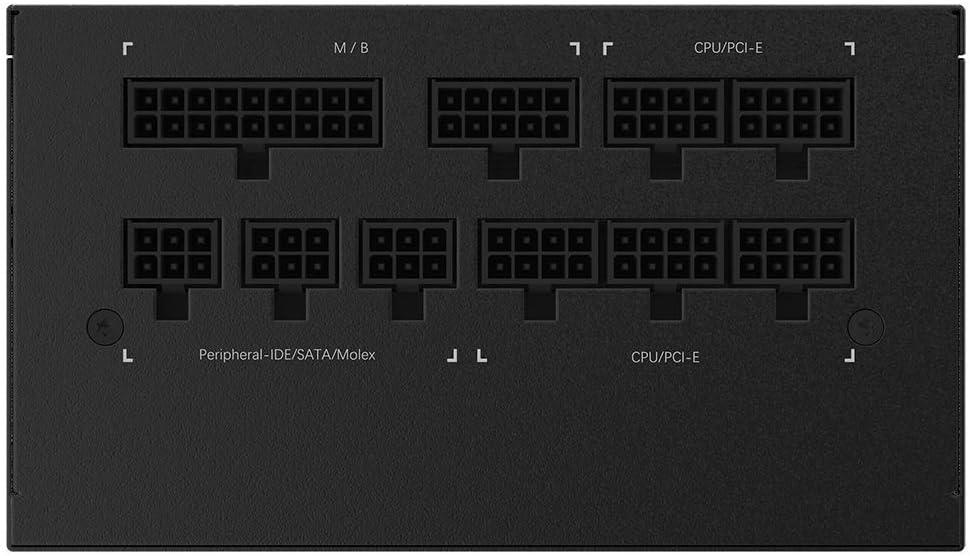
This image shows the various modular cable connection ports on the power supply, including those for motherboard (M/B), CPU/PCI-E, and peripheral/SATA/Molex connections. Each port is clearly labeled for correct cable insertion.
Installation Steps
- Prepare Your System: Ensure your computer case is open and accessible. Identify the power supply mounting area, typically at the top or bottom rear of the case.
- Mount the PSU: Carefully slide the GIGABYTE GP-P850GM into the designated power supply bay. Align the screw holes on the PSU with those on the case and secure it using the provided screws.
- Connect Essential Cables:
- Connect the 24-pin ATX cable from the PSU to the corresponding port on your motherboard.
- Connect the 4+4 pin (or 8-pin) CPU power cable to the CPU power connector on your motherboard.
- Connect GPU Cables (PCI-E): If your graphics card requires external power, connect the appropriate 6+2 pin PCI-E power cables from the PSU to your graphics card(s).
- Connect Peripheral Cables: Connect SATA power cables to your storage drives (HDDs, SSDs) and optical drives. Use Molex connectors for any other peripherals that require them.
- Secure Cables: Utilize cable ties or routing channels in your case to manage and secure all connected cables. This improves airflow and aesthetics.
- Power On: Once all connections are secure, close your computer case. Connect the AC power cord to the power supply and then to a wall outlet. Flip the power switch on the back of the PSU to the 'ON' position. You can now power on your computer.
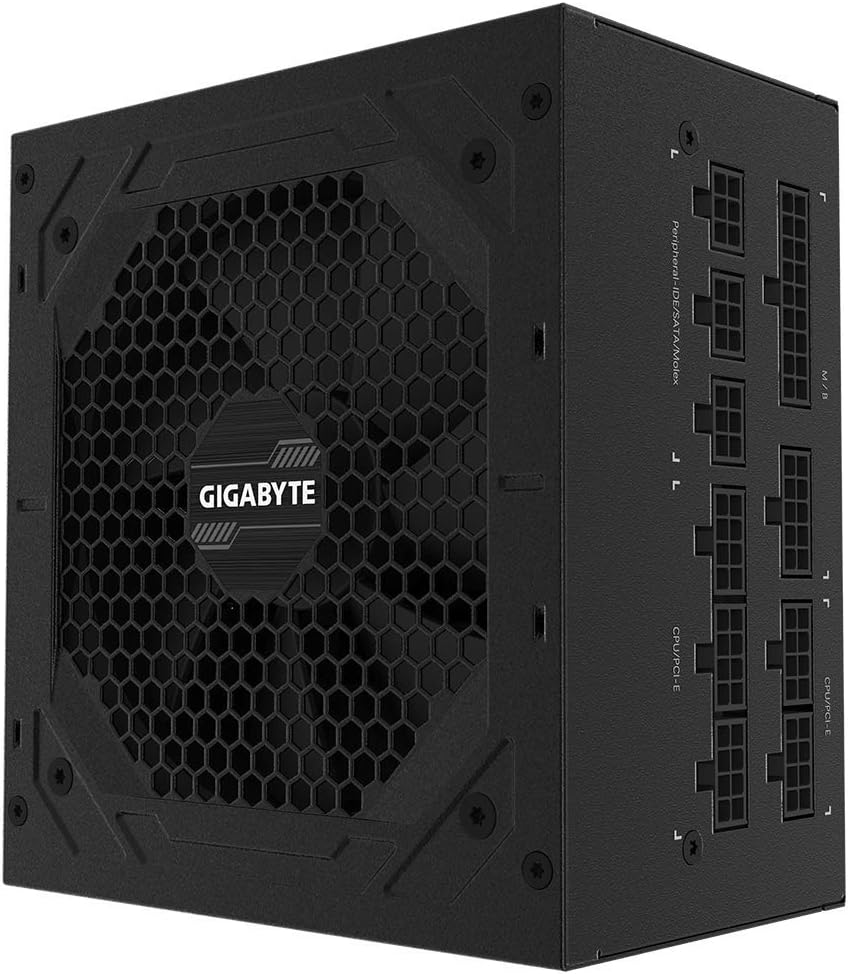
This image provides a side view of the power supply, emphasizing the modular cable connection panel. Users can connect only the necessary cables, reducing clutter and improving airflow within the PC case.
Operation
Operating the GIGABYTE GP-P850GM power supply is straightforward. After installation, ensure the power switch on the back of the unit is in the 'ON' position (usually indicated by 'I'). Your computer can then be powered on via its case power button. The power supply will automatically provide the necessary power to your system components.
Smart Fan Functionality
The GP-P850GM features a 120mm Smart Hydraulic Bearing (HYB) Fan. This intelligent fan operates based on the power supply's internal temperature and load. At lower loads and temperatures, the fan may spin at a very low RPM or even stop completely to minimize noise. As the load or temperature increases, the fan speed will automatically adjust to provide optimal cooling, ensuring stable performance and longevity of the unit.
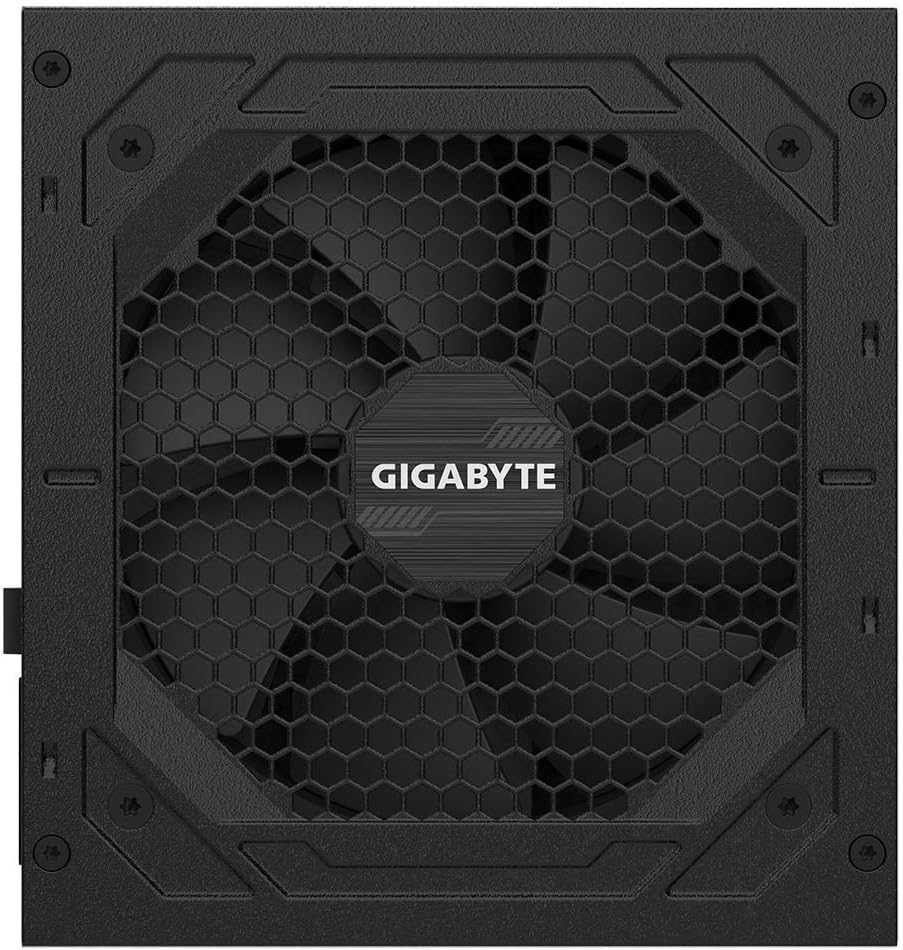
This image displays the top of the power supply unit, featuring the large fan grille designed for optimal airflow and cooling. The GIGABYTE logo is prominently displayed in the center of the fan.
Maintenance and Care
Proper maintenance can extend the lifespan of your power supply and ensure stable system operation.
- Keep Clean: Periodically clean the exterior of the power supply and the fan grille to prevent dust buildup. Use compressed air to gently clear dust from the fan blades and internal components (ensure the PSU is powered off and unplugged before cleaning).
- Ensure Proper Airflow: Make sure there are no obstructions blocking the air intake or exhaust vents of the power supply. Good airflow is crucial for efficient cooling.
- Avoid Liquid Contact: Never expose the power supply to liquids. Moisture can cause short circuits and severe damage.
- Regular Checks: Occasionally check cable connections to ensure they are secure and not loose.
Troubleshooting
If you encounter issues with your GIGABYTE GP-P850GM power supply, refer to the following common problems and solutions:
| Problem | Possible Cause | Solution |
|---|---|---|
| PSU not powering on / System not booting | Power switch off, loose cables, faulty power outlet, component short. | Ensure PSU switch is ON. Check all modular cable connections. Test power outlet. Disconnect non-essential components to isolate issue. |
| System instability / Random shutdowns | Insufficient power, overheating, faulty components. | Verify total system wattage requirements. Ensure proper case airflow. Check for dust buildup. |
| Excessive fan noise | Dust buildup, high load/temperature. | Clean the fan and vents. Ensure adequate case cooling. Fan speed will increase under load, which is normal. |
| Burning smell or smoke | Internal component failure. | Immediately disconnect power. Do NOT attempt to use the PSU. Contact GIGABYTE support for assistance. |
Technical Specifications
| Feature | Specification |
|---|---|
| Brand | GIGABYTE |
| Series | GP-P850GM |
| Model Number | GP-P850GM |
| Output Wattage | 850 watts |
| 80 PLUS Certification | Gold |
| Form Factor | ATX |
| Fan Size | 120mm |
| Fan Bearing Type | Hydraulic Bearing (HYB) |
| Capacitors | Main Japanese capacitors |
| Protection Features | OVP, OPP, SCP, UVP, OCP, OTP |
| Dimensions (LxWxH) | 5.51 x 5.91 x 3.39 inches (140 x 150 x 86 mm) |
| Item Weight | 5.51 pounds (2.5 kg) |
| Compatible Devices | Personal Computer |
| Connector Type | PCI Express |
| Cooling Method | Air |

This image shows the detailed label on the rear of the power supply, providing crucial electrical specifications such as input voltage, current, and output wattage for different voltage rails. It also displays various safety certifications.
Warranty and Support
The GIGABYTE GP-P850GM power supply comes with a 5-year warranty (adjusted according to different regions). This warranty covers defects in materials and workmanship under normal use.
For detailed warranty terms, technical support, or service inquiries, please refer to the official GIGABYTE website or the comprehensive user manual PDF.
Official User Manual (PDF): Download PDF
GIGABYTE Store: For additional product information and support resources, visit the GIGABYTE Store on Amazon.
Ask a question about this manual
Ask about setup, troubleshooting, compatibility, parts, safety, or missing instructions. Manuals+ will review the question and use this page’s manual context to help answer it.