1. Product Overview
The SYSKA HT1250 BeardPro is a versatile grooming tool designed for precise beard trimming. It offers both corded and cordless operation, featuring self-sharpening titanium-coated blades and multiple length settings for various styling needs.
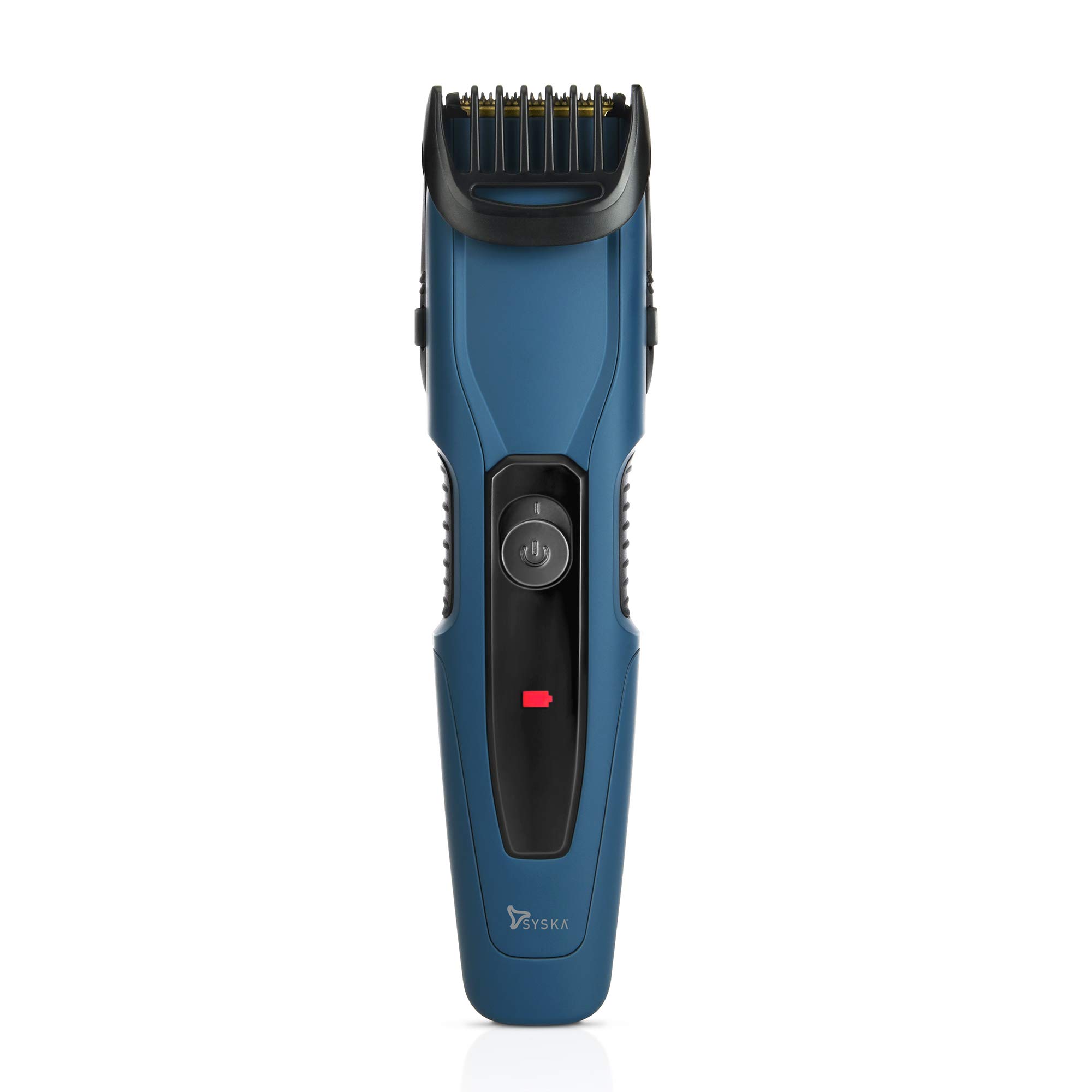
Image 1: SYSKA HT1250 BeardPro Trimmer, front view.
Video 1: Overview of the SYSKA HT1250 BeardPro Trimmer's features and design.
2. Safety Instructions
- Read all instructions before using the appliance.
- Keep the appliance dry. Do not immerse in water or use near water.
- Do not use the appliance if the blades are damaged or broken, as this may cause injury.
- Keep the appliance out of reach of children.
- Only use the provided USB cord for charging.
- Unplug the appliance before cleaning.
- Do not attempt to repair the appliance yourself. Contact customer support for assistance.
3. What's in the Box
The package includes the following components:
- 1N Trimmer
- 1N USB Cord
- 1N Stubble Comb with Jog Dial
- 1N Cleaning Brush
- 1N User Manual & Warranty Card
4. Product Features
The SYSKA HT1250 BeardPro Trimmer incorporates several features for efficient grooming:
- Self-Sharpening Titanium Coated Blades: Designed to maintain sharpness over time for consistent performance.
- 20 Lock-in Length Settings: Offers precision trimming from 1mm to 10mm with 0.5mm increments.
- Jog Dial Attachment: Allows for easy and accurate adjustment of trimming length.
- Corded and Cordless Usage: Provides flexibility for use with or without a power cord.
- Fast Charge Function: Enables quick charging for convenience.
- LED Charging Indicator: Displays the charging status of the device.
- Up to 90 Minutes Cordless Use: Provides extended operation after a 2-hour charge.
- Ergonomic Design: Ensures a comfortable grip during use.
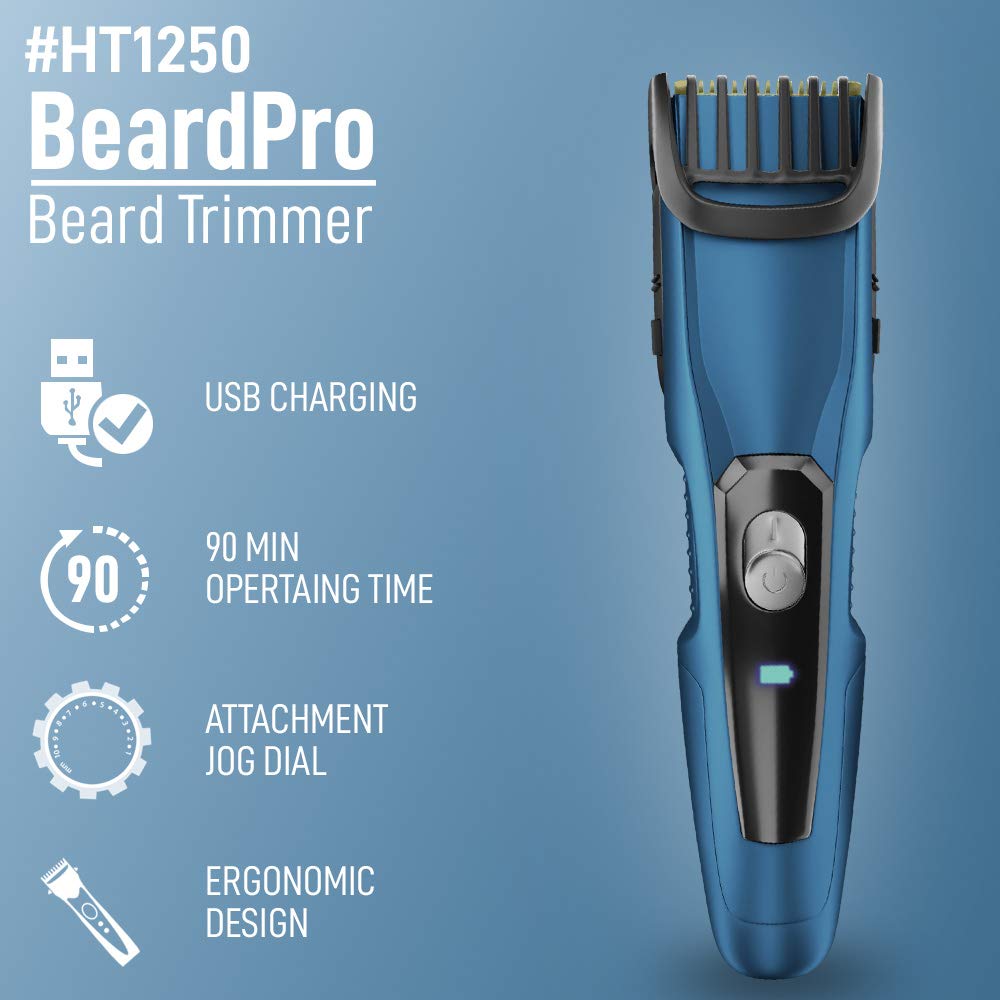
Image 2: Key features of the HT1250 BeardPro Trimmer including USB charging, operating time, jog dial, and ergonomic design.

Image 3: Labeled components of the trimmer, including blades, on/off button, charging indicator, and comfortable grip.

Image 4: Close-up view of the self-sharpening titanium coated stainless steel blades.
5. Setup
5.1 Initial Charging
- Ensure the trimmer is switched off.
- Connect the USB cord to the trimmer's charging port.
- Plug the other end of the USB cord into a compatible USB power adapter (not included) or a USB port.
- The LED charging indicator will illuminate to show that the trimmer is charging.
- Allow approximately 2 hours for a full charge, which provides up to 90 minutes of cordless use.
5.2 Attaching the Stubble Comb
- Align the stubble comb with the trimmer head.
- Gently push the comb onto the trimmer head until it clicks into place.
- To remove, gently pull the comb away from the trimmer head.

Image 5: Stubble comb attachment with jog dial for accurate length setting.
6. Operating Instructions
6.1 Adjusting Trimming Length
- With the stubble comb attached, rotate the jog dial to select your desired trimming length.
- The available settings range from 1mm to 10mm, with 0.5mm precision.
- Ensure the comb is securely locked at the chosen setting before use.
6.2 Trimming Your Beard
- Press the On/Off button to start the trimmer.
- For best results, ensure your beard is clean and dry.
- Hold the trimmer with the blades facing upwards and move it against the direction of hair growth.
- Use light, even strokes.
- For detailing or shaping, remove the comb attachment and use the bare blades carefully.
- After trimming, press the On/Off button to switch off the trimmer.

Image 6: Examples of beard styles achievable with precision trimming, including stubble, shortbeard, beardstache, goatee, and chevron.
7. Maintenance
7.1 Cleaning the Trimmer
- Ensure the trimmer is switched off and unplugged before cleaning.
- Remove the stubble comb attachment.
- Use the provided cleaning brush to remove loose hairs from the blades and the trimmer head.
- The blades can be rinsed under running water. Ensure the trimmer body remains dry.
- Allow the blades to air dry completely before reattaching the comb or storing the trimmer.
7.2 Blade Care
The titanium-coated blades are self-sharpening and require minimal maintenance. For optimal performance, ensure they are clean and free of debris after each use.
8. Troubleshooting
- Trimmer not turning on: Ensure the trimmer is fully charged. If using corded, check the power connection.
- Poor trimming performance: Clean the blades and comb to remove any accumulated hair. Ensure the comb is correctly attached and the desired length setting is selected.
- Charging indicator not working: Verify the USB cord and power source are functioning correctly.
- Excessive noise or vibration: Discontinue use and contact customer support.
9. Specifications
| Feature | Specification |
|---|---|
| Model Number | HT1250 |
| Brand | SYSKA |
| Power Source | Corded Electric, Battery Powered |
| Blade Material | Titanium Coated |
| Length Settings | 20 (1mm - 10mm with 0.5mm precision) |
| Runtime | Up to 90 minutes (cordless) |
| Charging Time | 2 hours |
| Battery Type | Lithium Polymer |
| Item Weight | 210 g |
| Dimensions (LxWxH) | 18 x 7 x 7 cm |
| Recommended Use | Beard Trimming |
10. Warranty and Support
The SYSKA HT1250 BeardPro Trimmer comes with a standard manufacturer's warranty. Please refer to the included Warranty Card for specific terms and conditions, including the warranty period and coverage details.
For technical support, service, or warranty claims, please contact SYSKA customer service using the contact information provided in your product packaging or on the official SYSKA website.


