
Introduction
Welcome to the Philips Wet & Dry Epilator BRE700/00 user manual. This epilator is designed for efficient and gentle hair removal, suitable for use on various body areas, both wet and dry. Please read these instructions carefully before first use to ensure safe and optimal performance of your device.
Important Safety Information
Always follow basic safety precautions when using electrical appliances.
- Do not use the appliance on irritated skin, varicose veins, moles, or sunburned skin.
- Consult a doctor if you have a skin condition or disease.
- Keep the appliance dry when not in use.
- This appliance is waterproof and suitable for use in the bath or shower. For safety, it will not operate when connected to the mains charger.
- Do not use abrasive cleaning agents or harsh chemicals on the appliance.
- Keep out of reach of children.
Package Contents
The Philips Wet & Dry Epilator BRE700/00 package includes:
- Philips Wet & Dry Epilator BRE700/00
- 2 accessories (specific types may vary, refer to packaging for details)
- Power adapter
- Cleaning brush
- User manual
Product Overview
Familiarize yourself with the main components of your epilator.

Image Description: A detailed diagram of the Philips BRE700/00 epilator, highlighting its key features such as the extra-wide 30mm head, ceramic discs, ergonomic handle, two speed settings, 6.8mm longer tweezers, and 40 minutes of battery life. It also shows an additional shaving head accessory.
- Epilation Head: Equipped with ceramic discs for effective hair removal.
- On/Off Button: Powers the device on or off.
- Speed Settings: Two adjustable speeds for personalized use.
- Ergonomic Handle: Designed for comfortable grip and control.
- Indicator Light: Shows battery status and charging.
- Charging Port: For connecting the power adapter.
Setup
1. Charging the Device
Before first use, fully charge your epilator.
- Ensure the epilator is switched off.
- Connect the power adapter to the charging port on the epilator.
- Plug the adapter into a wall socket. The indicator light will show charging status.
- A full charge takes approximately 2 hours and provides up to 40 minutes of cordless use.
- The epilator cannot be operated while charging.
2. Attaching Accessories
Your epilator comes with various accessories for different body areas and preferences.
- To attach an accessory, align it with the epilation head and press it firmly until it clicks into place.
- To remove an accessory, gently pull it off the epilation head.
- Choose the appropriate accessory based on the area you intend to epilate (e.g., sensitive area cap, efficiency cap).
Operating Instructions
1. Preparing Your Skin
- For best results, ensure your skin is clean and dry, or wet if using in the shower/bath.
- If using wet, you may apply a mild exfoliating product to help lift hairs and prevent ingrown hairs.
- Hair length should ideally be between 0.5mm and 3mm for optimal epilation.
2. Epilation Technique
- Turn on the epilator by pressing the On/Off button. Select your desired speed setting.
- Hold the epilator at a 90-degree angle to your skin.
- Stretch your skin taut with your free hand.
- Move the epilator slowly against the direction of hair growth. Apply light pressure.
- Do not press too hard, as this can reduce efficiency and cause irritation.
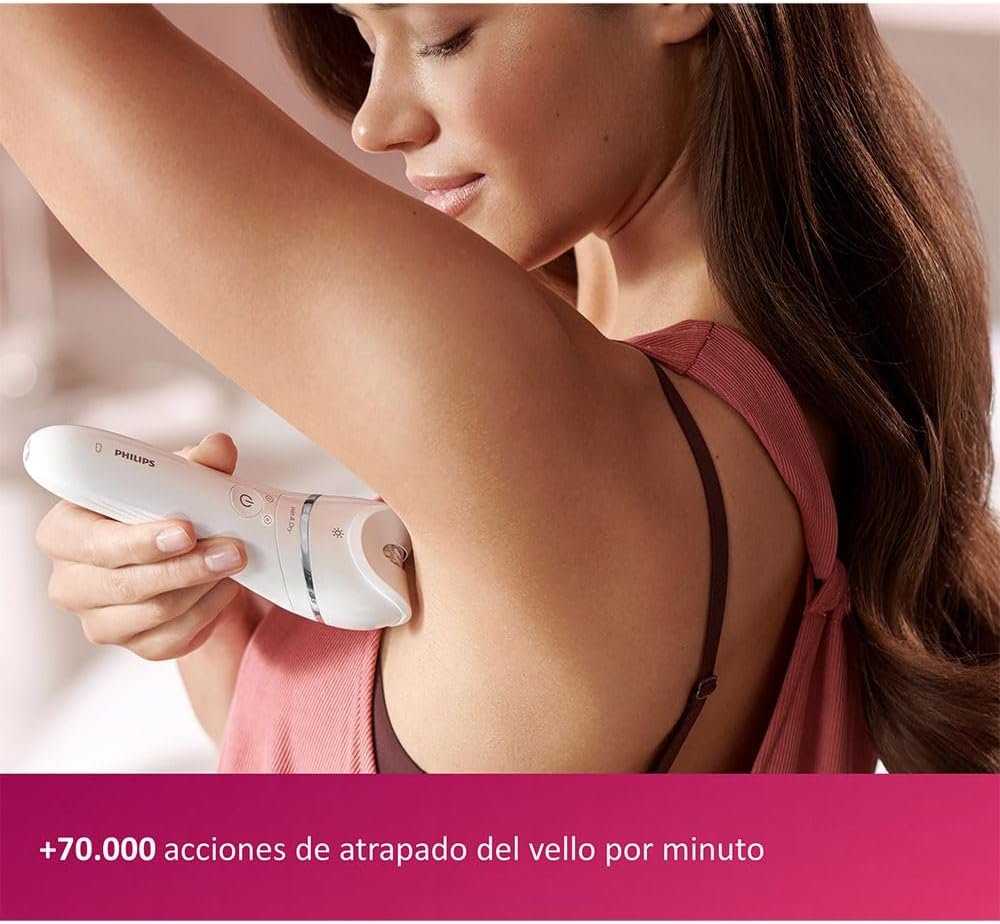
Image Description: A woman is shown using the Philips epilator on her underarm, demonstrating the correct angle and technique for hair removal in this sensitive area.
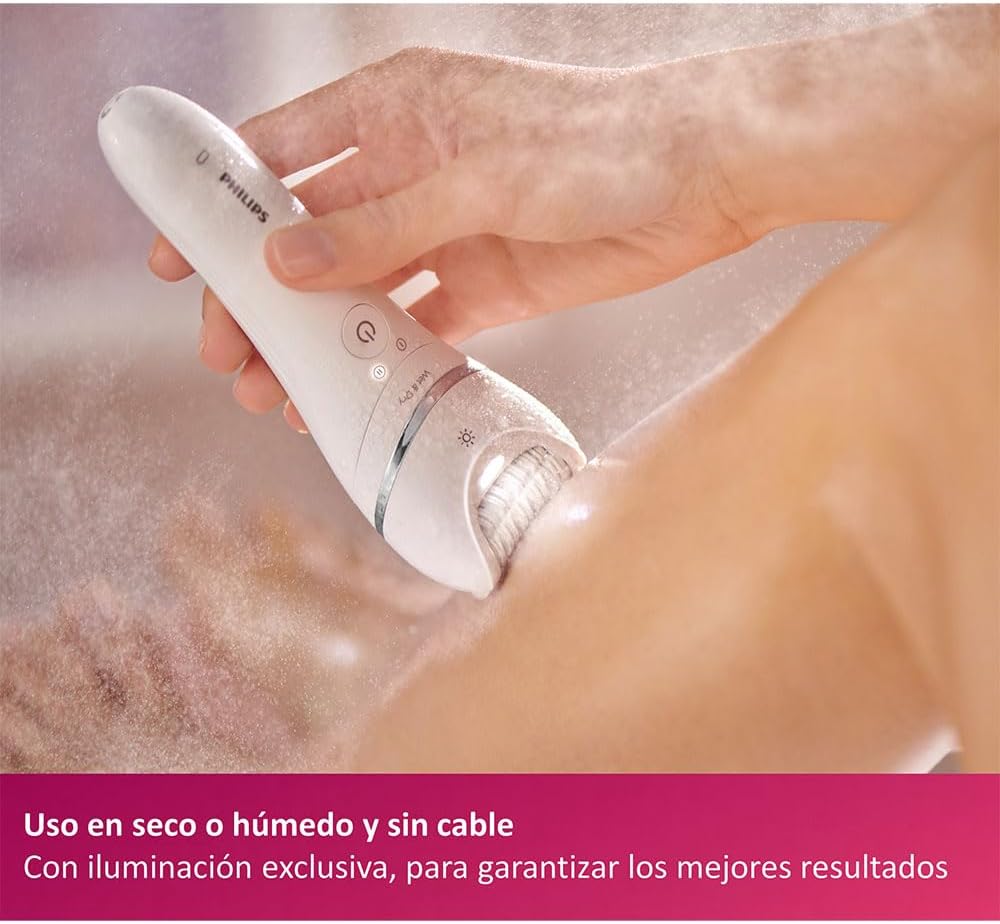
Image Description: The Philips epilator is being used on a woman's leg, with water droplets visible, illustrating its Wet & Dry functionality for comfortable use in the shower or bath.

Image Description: A woman is using the Philips epilator on her lower leg, demonstrating a typical dry epilation scenario for larger body areas.
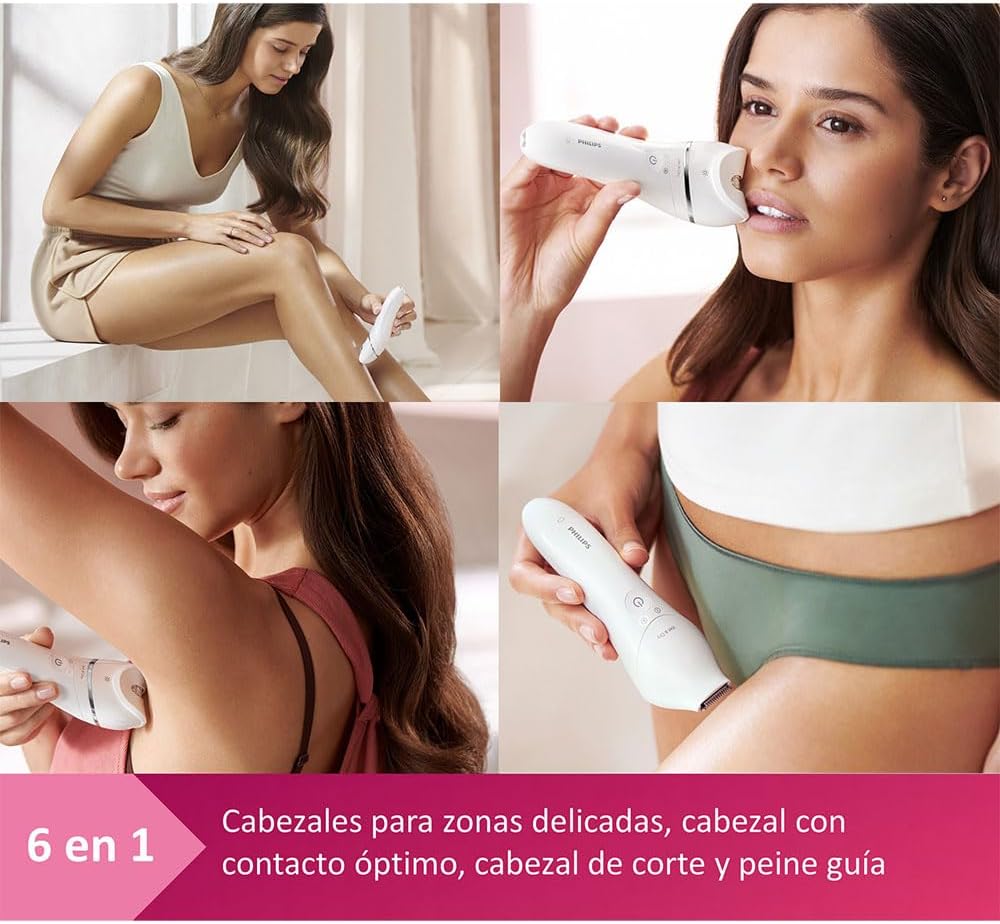
Image Description: A collage showing the Philips epilator being used on different body areas, including legs, face, underarms, and bikini line, highlighting its versatility with various attachments.
3. Post-Epilation Care
After epilation, you may experience some redness or irritation, especially during initial uses. This is normal and should subside quickly.
- Apply a soothing lotion or aloe vera to calm the skin.
- Avoid direct sun exposure or harsh chemicals on the epilated area for 24 hours.
- Regular exfoliation between epilation sessions can help prevent ingrown hairs.
Cleaning and Maintenance
Regular cleaning ensures optimal performance and hygiene of your epilator.
- Turn off the epilator and disconnect it from the power source (if applicable).
- Remove the epilation head or accessory.
- Use the provided cleaning brush to remove any trapped hairs from the epilation discs and head.
- Rinse the epilation head and accessories under running water.
- You can also rinse the main body of the epilator under running water as it is waterproof.
- Allow all parts to air dry completely before reassembling or storing.
- Do not use alcohol, abrasive cleaners, or corrosive liquids to clean the appliance.
Troubleshooting
If you encounter issues with your Philips epilator, refer to the following common problems and solutions:
| Problem | Possible Cause | Solution |
|---|---|---|
| Epilator does not turn on. | Battery is depleted or not charged. | Charge the epilator for at least 2 hours. Ensure it is not connected to the charger when attempting to use. |
| Poor hair removal performance. | Incorrect technique, dirty epilation head, or hair too short/long. | Ensure you are holding the epilator at a 90-degree angle and moving against hair growth. Clean the epilation head. Ensure hair length is optimal (0.5mm-3mm). |
| Skin irritation or redness. | First-time use, sensitive skin, or pressing too hard. | This is normal for initial uses. Apply soothing lotion. Ensure you are not pressing too hard. Use the sensitive area cap if available. |
| Epilator stops during use. | Battery is low. | Recharge the epilator. |
Specifications
| Feature | Detail |
|---|---|
| Model Number | BRE700/00 |
| Brand | Philips |
| Power Source | Battery powered (1 Lithium-ion battery included) |
| Charging Time | Approximately 2 hours |
| Operating Time | Up to 40 minutes |
| Water Resistance | Waterproof (Wet & Dry use) |
| Dimensions (L x W x H) | 6.5 x 14.8 x 1.5 cm |
| Weight | 265 Grams |
| Voltage | 15 Volts |
| Included Components | Epilator, 2 accessories, power adapter, cleaning brush |
Warranty Information
Philips products are manufactured to the highest quality standards. This product is covered by a standard manufacturer's warranty. Please refer to the warranty card included in your package or visit the official Philips website for detailed warranty terms and conditions specific to your region. Keep your proof of purchase for warranty claims.
Customer Support
For further assistance, product registration, or to find replacement parts and accessories, please visit the official Philips support website or contact Philips customer service in your country.
Philips Official Website: www.philips.com


