
iHome iBT700B
Contents
iHome iBT700 Waterproof Bluetooth Speaker User Manual
Model: iBT700B
Introduction
This manual provides detailed instructions for the operation and maintenance of your iHome iBT700 Waterproof Bluetooth Speaker. Designed for both indoor and outdoor use, this portable speaker offers high-quality audio, a long-lasting rechargeable battery, and robust waterproof and sand-proof capabilities. Please read this manual thoroughly to ensure proper use and to maximize the lifespan of your device.

The iHome iBT700 speaker, showcasing its compact and durable design.
Setup
Charging the Speaker
Before first use, fully charge the iBT700 speaker. Connect the provided USB charging cable to the charging port on the speaker and to a USB power adapter (not included) or a computer's USB port. The charging indicator light will illuminate during charging and turn off when fully charged. A full charge provides up to 20 hours of wireless audio playback.

The iBT700 speaker, highlighting its rechargeable battery and compact dimensions.
Powering On/Off
To power on the speaker, press and hold the Power On/Off button located on the top panel until you hear an audible tone. To power off, press and hold the same button again until the speaker shuts down.
Bluetooth Pairing
- Ensure the speaker is powered on. The Bluetooth pairing LED will flash rapidly, indicating it is in pairing mode.
- On your Bluetooth-enabled device (smartphone, tablet, etc.), go to the Bluetooth settings and enable Bluetooth.
- Select "iHome iBT700" from the list of available devices.
- Once successfully paired, the Bluetooth pairing LED will glow solid blue, and you will hear a confirmation tone.
- The speaker will automatically attempt to reconnect to the last paired device when powered on.
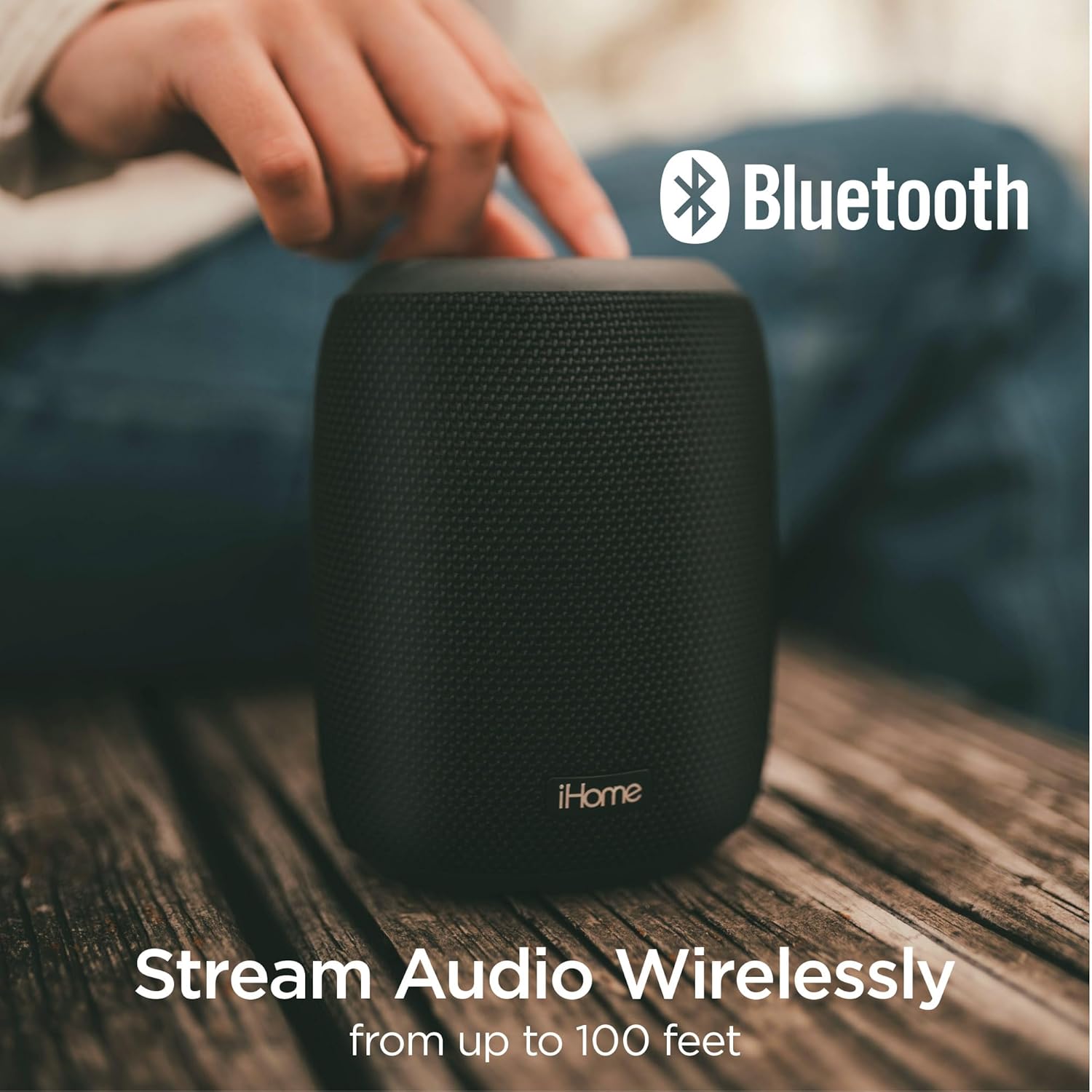
Interacting with the speaker's controls for Bluetooth pairing and audio streaming.
Operating Instructions
Audio Playback
- Play/Pause: Press the Play/Pause button to start or pause audio playback.
- Volume Control: Press the Volume Up (+) or Volume Down (-) buttons to adjust the speaker's volume.
- Track Navigation: Double-press the Volume Up (+) button for the next track, and double-press the Volume Down (-) button for the previous track.

An illustration of the speaker's internal components, demonstrating its powerful sound capabilities with a full-range driver and passive subwoofer.
Speakerphone Function
The iBT700 features a built-in hands-free speakerphone with digital echo canceling. When a call comes in while connected via Bluetooth:
- Answer Call: Press the Talk/End button (often integrated with Play/Pause).
- End Call: Press the Talk/End button again.
- Reject Call: Press and hold the Talk/End button.
Audio Caller ID is compatible with Apple iOS 10+ devices.
Outdoor Mode (EQ Mode)
For enhanced sound performance in outdoor environments, activate the Outdoor Mode. Press the EQ Mode button on the top panel to toggle between standard and outdoor audio profiles. The outdoor mode provides an audio boost suitable for open spaces.
Wireless Stereo (TWS) Pairing
If you have a second iHome iBT700 speaker (sold separately), you can pair them wirelessly for true stereo sound. Refer to the specific instructions provided with your second speaker for TWS pairing, as this feature allows for an immersive audio experience.

Detailed view of the speaker's features including wireless stereo capability, durable weave, speakerphone, and carry strap.
Maintenance
Waterproof and Sand-proof Care
The iBT700 is certified IP67 waterproof and sand-proof. This means it can be submerged in water up to 1 meter for 30 minutes and is protected from dust and sand ingress. To maintain its integrity:
- Ensure the charging port cover is securely closed before exposing the speaker to water or sand.
- After exposure to saltwater or chlorinated water, rinse the speaker with fresh water and allow it to air dry completely before charging or using.
- Avoid exposing the speaker to extreme temperatures or harsh chemicals.

The iBT700 speaker on a sandy surface, highlighting its durable and sand-proof design.
Cleaning
Wipe the speaker with a soft, damp cloth. Do not use abrasive cleaners or solvents.
Battery Care
To prolong battery life, avoid fully discharging the battery frequently. If storing the speaker for an extended period, charge it to about 50% every few months.
Troubleshooting
| Problem | Solution |
|---|---|
| Speaker does not power on. | Ensure the battery is charged. Connect the speaker to a power source and try again. |
| Cannot pair with Bluetooth device. |
|
| No sound or low volume. |
|
| Poor sound quality. |
|
Specifications
| Feature | Detail |
|---|---|
| Model Name | iHome |
| Model Number | iBT700B |
| Speaker Type | Outdoor |
| Special Features | Portable, Waterproof, Built In Microphone |
| Connectivity Technology | Bluetooth |
| Wireless Communication Range | Up to 100 Feet |
| Battery Life | Up to 20 Hours |
| Water Resistance Level | IP67 Waterproof |
| Product Dimensions | 3.11"D x 4.26"W x 5.52"H |
| Item Weight | 1.14 Pounds |
| Included Components | iHome PLAYPRO Portable Bluetooth Speaker, USB charging cable (not explicitly listed but implied) |
Warranty and Support
Warranty Information
The iHome iBT700 speaker comes with a Limited Warranty or Full Warranty as specified at the time of purchase. Please retain your proof of purchase for warranty claims. For detailed warranty terms and conditions, refer to the warranty card included with your product or visit the official iHome support website.
Customer Support
For further assistance, technical support, or to inquire about replacement parts, please visit the official iHome brand store or support website. You can find contact information and FAQs there.
Official iHome Store: iHome Store on Amazon
Documents and downloads
Ask a question about this manual
Ask about setup, troubleshooting, compatibility, parts, safety, or missing instructions. Manuals+ will review the question and use this page’s manual context to help answer it.