
1. Introduction
Welcome to the user manual for your Maclean MCE340 LED Wall Light. This energy-efficient LED lamp features an integrated infrared motion sensor and a twilight sensor, making it ideal for automatic illumination in various indoor and outdoor settings.
Please read these instructions carefully before installation and use to ensure safe and optimal performance.
2. Safety Information
Important Warnings
- This product is designed for permanent installation by a qualified electrician.
- Ensure the power supply is disconnected at the circuit breaker before installation, maintenance, or repair.
- The product is rated IP54, providing protection against dust and splashing water. It is suitable for outdoor use but should not be submerged in water.
- Protection class against electric shock: II.
- Do not attempt to modify or repair the device yourself. Contact qualified personnel for service.
- Keep packaging materials away from children.
General Safety Guidelines
- Use only with the specified voltage (240V AC).
- Avoid looking directly into the LED light source when illuminated.
- Ensure the mounting surface is stable and can support the weight of the fixture.
3. Package Contents
Verify that all components are present:
- Maclean MCE340 LED Wall Light
- Mounting screws and wall plugs
- User Manual (this document)

Image: The product packaging for the Maclean MCE340 LED Wall Light, showing the lamp and key features.

Image: Included mounting hardware, consisting of two screws and two wall plugs.
4. Technical Specifications
| Feature | Specification |
|---|---|
| Brand | Maclean |
| Model Number | MCE340 |
| Product Dimensions | 21.6 x 5.2 x 12.6 cm |
| Weight | 350 g |
| Protection Class | IP54 |
| Voltage | 240V AC |
| Power Consumption | 15W |
| Luminous Flux | 1100 lm |
| Color Temperature | 4000K (Neutral White) |
| Average Lifespan | 30,000 hours |
| Sensor Type | Infrared Motion Sensor, Twilight Sensor |
| Detection Angle | 140° |
| Detection Range | Up to 9m |
| Mounting Type | Wall Mount |
| Material | Fiberglass |

Image: Technical drawing showing the dimensions of the Maclean MCE340 LED Wall Light.
5. Installation and Setup
This section provides general guidance for installing your Maclean MCE340 LED Wall Light. Professional installation by a qualified electrician is recommended to ensure safety and compliance with local electrical codes.
5.1 Before Installation
- Disconnect the main power supply at the circuit breaker before starting any electrical work.
- Ensure the mounting location is suitable for the fixture's weight and dimensions, and that it is within reach of the electrical wiring.
- Unpack the fixture carefully and inspect for any damage.
5.2 Mounting the Fixture
- Mark the desired mounting position on the wall.
- Use the fixture's base as a template to mark the drilling points for the mounting screws.
- Drill holes at the marked points and insert the provided wall plugs.
- Secure the fixture's base to the wall using the mounting screws.
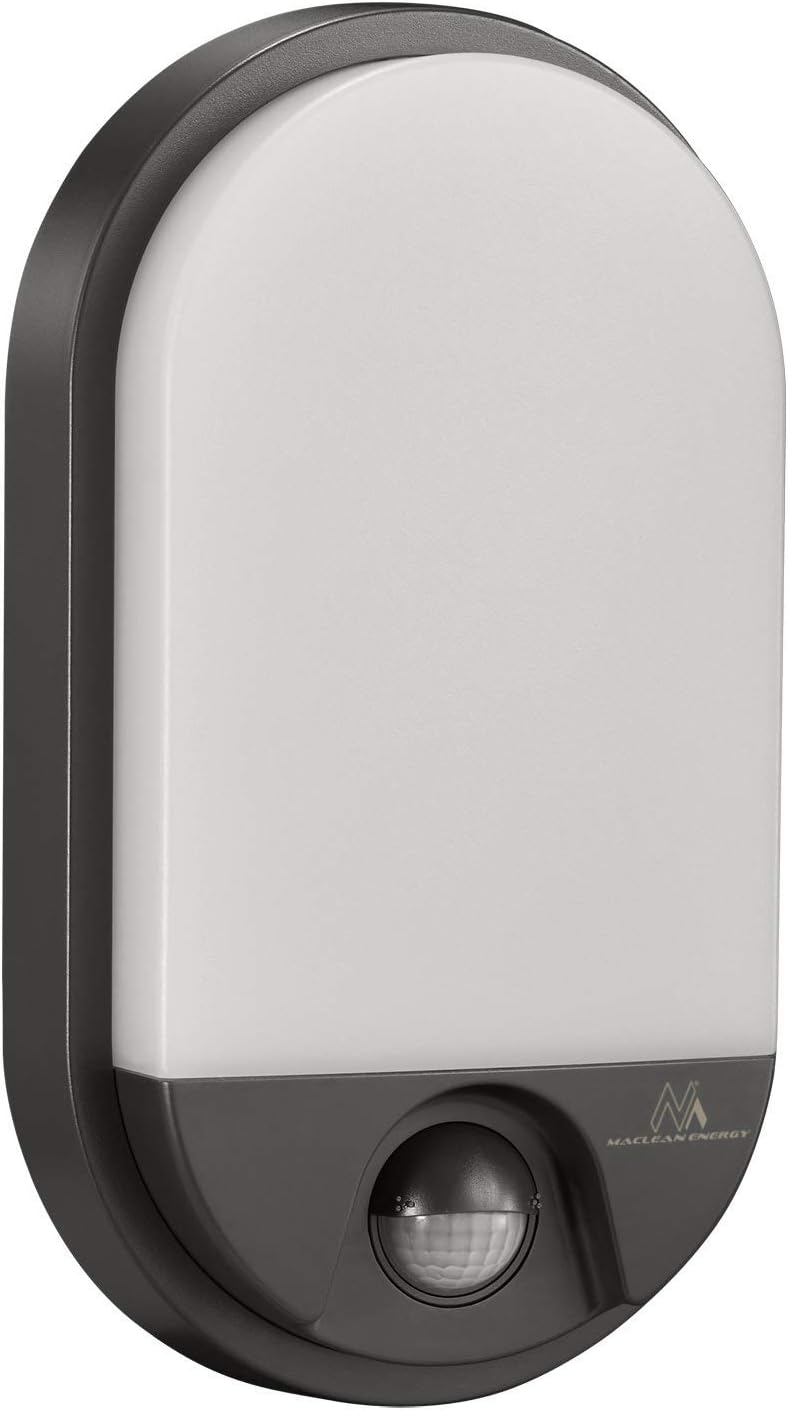
Image: Front view of the Maclean MCE340 LED Wall Light, showing its oval shape and integrated motion sensor.

Image: Angled view of the Maclean MCE340 LED Wall Light, highlighting its sleek design.
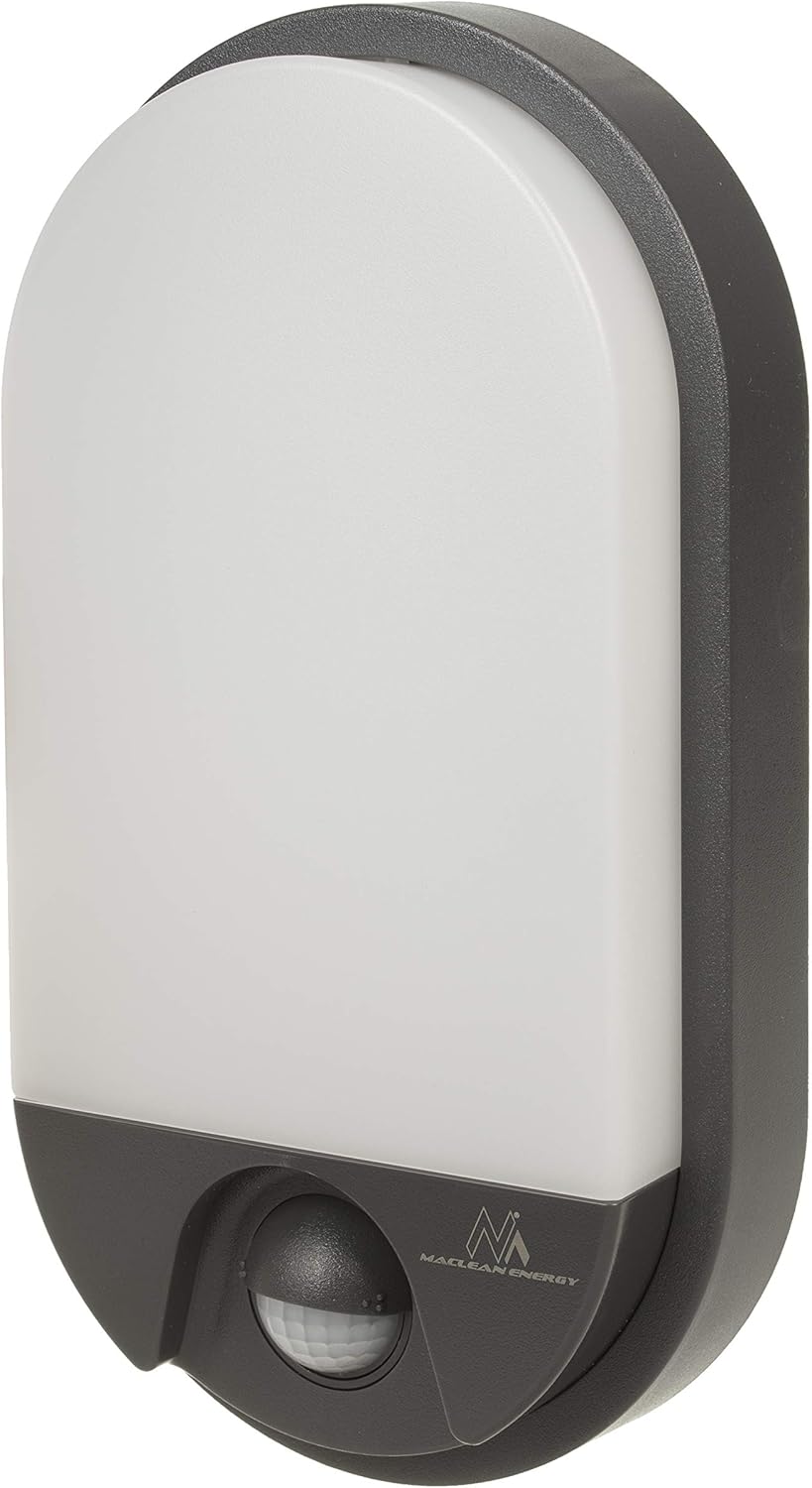
Image: Side profile of the Maclean MCE340 LED Wall Light, showing its slim depth.
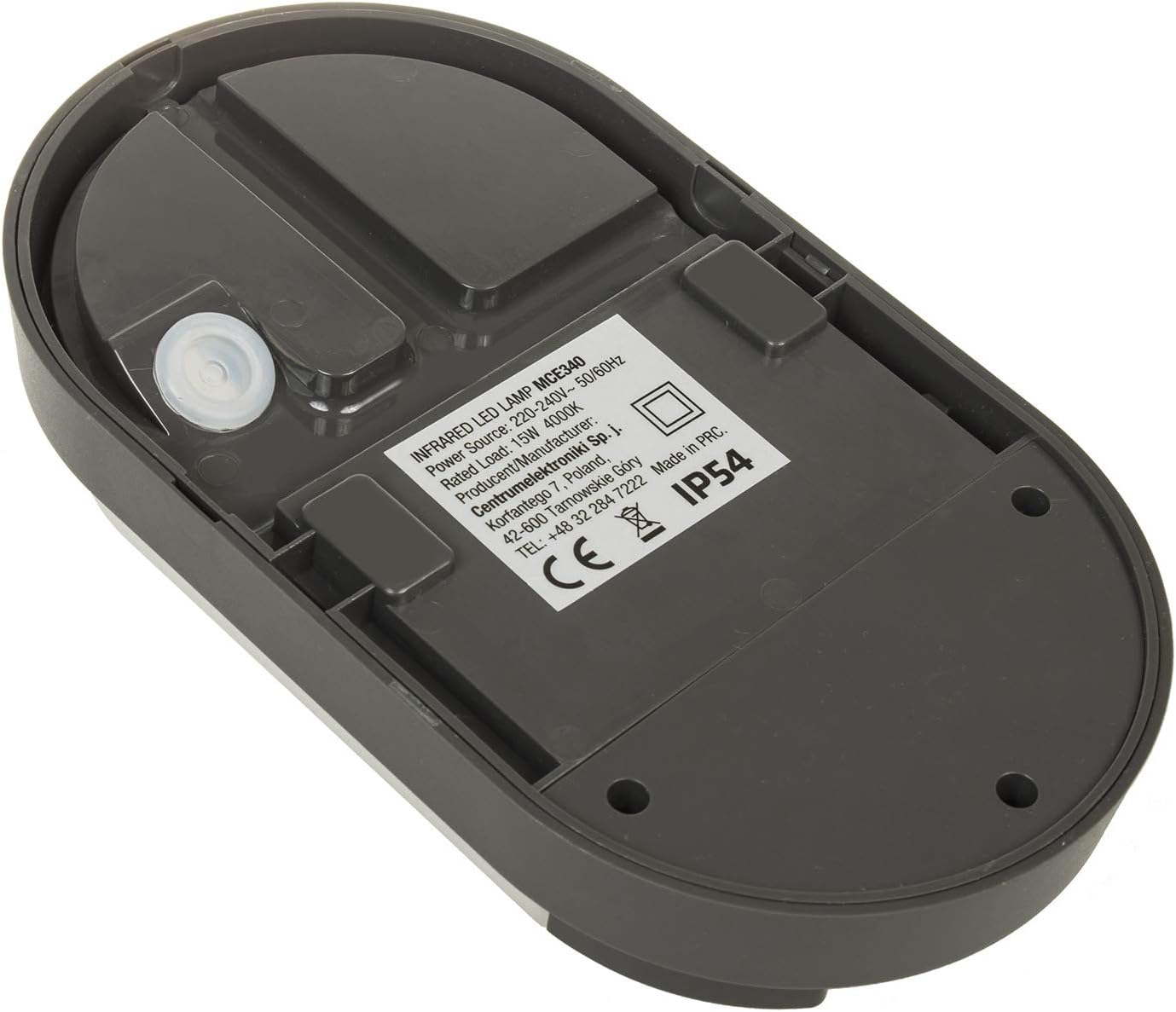
Image: Rear view of the Maclean MCE340 LED Wall Light, displaying the product label with model number and IP54 rating.
5.3 Electrical Connection
- Connect the live (L), neutral (N), and ground (GND) wires from your electrical supply to the corresponding terminals on the fixture. Ensure all connections are secure.
- Close the wiring compartment securely to maintain the IP54 rating.
- Restore power at the circuit breaker.
6. Operation and Settings
The Maclean MCE340 features adjustable settings for motion detection and ambient light sensitivity.

Image: Close-up of the two adjustment dials located on the motion sensor for 'TIME' and 'LUX' settings.
6.1 Adjusting the 'TIME' Setting
The 'TIME' dial controls how long the light remains on after motion is detected and the sensor no longer detects movement.
- Rotate the 'TIME' dial clockwise to increase the duration.
- Rotate the 'TIME' dial counter-clockwise to decrease the duration.
- Typical range: A few seconds to several minutes.
6.2 Adjusting the 'LUX' Setting (Ambient Light Sensitivity)
The 'LUX' dial determines the ambient light level at which the motion sensor becomes active.
- Rotate the 'LUX' dial towards the 'sun' symbol (clockwise) for the sensor to activate in brighter ambient light conditions (e.g., during dusk).
- Rotate the 'LUX' dial towards the 'moon' symbol (counter-clockwise) for the sensor to activate only in darker ambient light conditions (e.g., at night).
- This setting prevents the light from turning on unnecessarily during daylight hours.
6.3 Motion Sensor Coverage
- The infrared motion sensor has a detection angle of 140° and a range of up to 9 meters.
- Position the light to cover the desired area for optimal motion detection. Avoid placing it near heat sources or objects that might cause false triggers.
7. Maintenance
The Maclean MCE340 LED Wall Light requires minimal maintenance.
- Cleaning: Periodically wipe the fixture with a soft, damp cloth to remove dust and dirt. Do not use abrasive cleaners or solvents.
- Inspection: Regularly check the fixture for any signs of damage or loose connections. If any issues are found, disconnect power and consult a qualified electrician.
- LEDs: The integrated LED light source is designed for long life and is not user-replaceable.
8. Troubleshooting
| Problem | Possible Cause | Solution |
|---|---|---|
| Light does not turn on. | No power supply; LUX setting too high (daylight); Motion not detected; Faulty wiring. | Check circuit breaker; Adjust LUX dial towards 'moon' symbol; Verify motion sensor coverage; Consult electrician. |
| Light stays on continuously. | Continuous motion detected; TIME setting too long; LUX setting too low (always dark). | Check for constant movement in detection area; Adjust TIME dial; Adjust LUX dial towards 'sun' symbol. |
| Light turns on randomly. | False triggers (e.g., moving branches, pets, heat sources); Sensor sensitivity too high. | Relocate fixture or adjust sensor angle; Reduce sensor sensitivity if possible (not explicitly stated as adjustable, but common for motion sensors). |
| Light is dim or flickers. | Unstable power supply; Internal component issue. | Consult electrician; Contact customer support. |
9. Warranty Information
Maclean products are manufactured to high-quality standards. This product is covered by a standard manufacturer's warranty against defects in materials and workmanship from the date of purchase. Please retain your proof of purchase for warranty claims.
The warranty does not cover damage caused by improper installation, misuse, unauthorized modifications, or normal wear and tear. For specific warranty terms and conditions, please refer to the documentation provided with your purchase or contact Maclean customer support.
10. Customer Support
If you have any questions, require technical assistance, or need to report a problem with your Maclean MCE340 LED Wall Light, please contact our customer support team.
- Website: Visit the official Maclean website for FAQs and support resources.
- Email: Refer to your product packaging or purchase documentation for customer service email addresses.
- Phone: Contact details may be available on the manufacturer's website or your purchase invoice.
When contacting support, please have your product model number (MCE340) and proof of purchase readily available.


