1. Introduction
Thank you for purchasing the Bonvoisin Digital Electronic Scale YLX-13. This manual provides essential information for the safe and efficient operation of your new scale. Please read it thoroughly before use and keep it for future reference.
This high-precision digital electronic scale is designed for accurate measurements up to 10kg with 0.1g precision. It features a durable stainless steel weighing pan and an easy-to-read LCD display. Its dual power options make it versatile for various environments, from schools and laboratories to jewelry stores.

Figure 1: Bonvoisin Digital Electronic Scale YLX-13 with a petri dish on the weighing pan, displaying a weight of 128.7g.
2. Safety Information
To ensure safe operation and prolong the lifespan of your scale, please observe the following safety precautions:
- Do not exceed the maximum load capacity of 10kg.
- Avoid dropping or subjecting the scale to strong impacts.
- Operate the scale on a stable, level surface to ensure accurate readings.
- Keep the scale away from strong electromagnetic fields, extreme temperatures, and high humidity.
- Do not immerse the scale in water unless specifically designed for waterproof use (refer to specifications). This model has IP67 waterproof rating, allowing for washing, but ensure power ports are dry before connecting power.
- Use only the specified power adapter or AA batteries.
- Keep out of reach of children.
3. Setup
3.1 Unpacking and Initial Inspection
- Carefully remove the scale from its packaging.
- Inspect the scale for any signs of damage during transit. If damaged, contact customer support immediately.
- Ensure all components are present: the scale unit, stainless steel weighing pan, and power cable. (AA batteries are sold separately).
3.2 Removing Shipping Protection Screws
Before first use, locate and remove any shipping protection screws from the underside of the scale. These screws secure the weighing mechanism during transport and must be removed for proper function.
Video 1: Demonstration of removing shipping protection screws and basic operation of an electronic scale. This video shows a similar model and general steps for setup and calibration.
3.3 Power Supply
The scale can be powered by two methods:
- AC Power Cable: Connect the provided power cable to the scale and a suitable power outlet.
- AA Batteries: Insert 4 AA batteries (not included) into the battery compartment located on the underside of the scale. Ensure correct polarity.
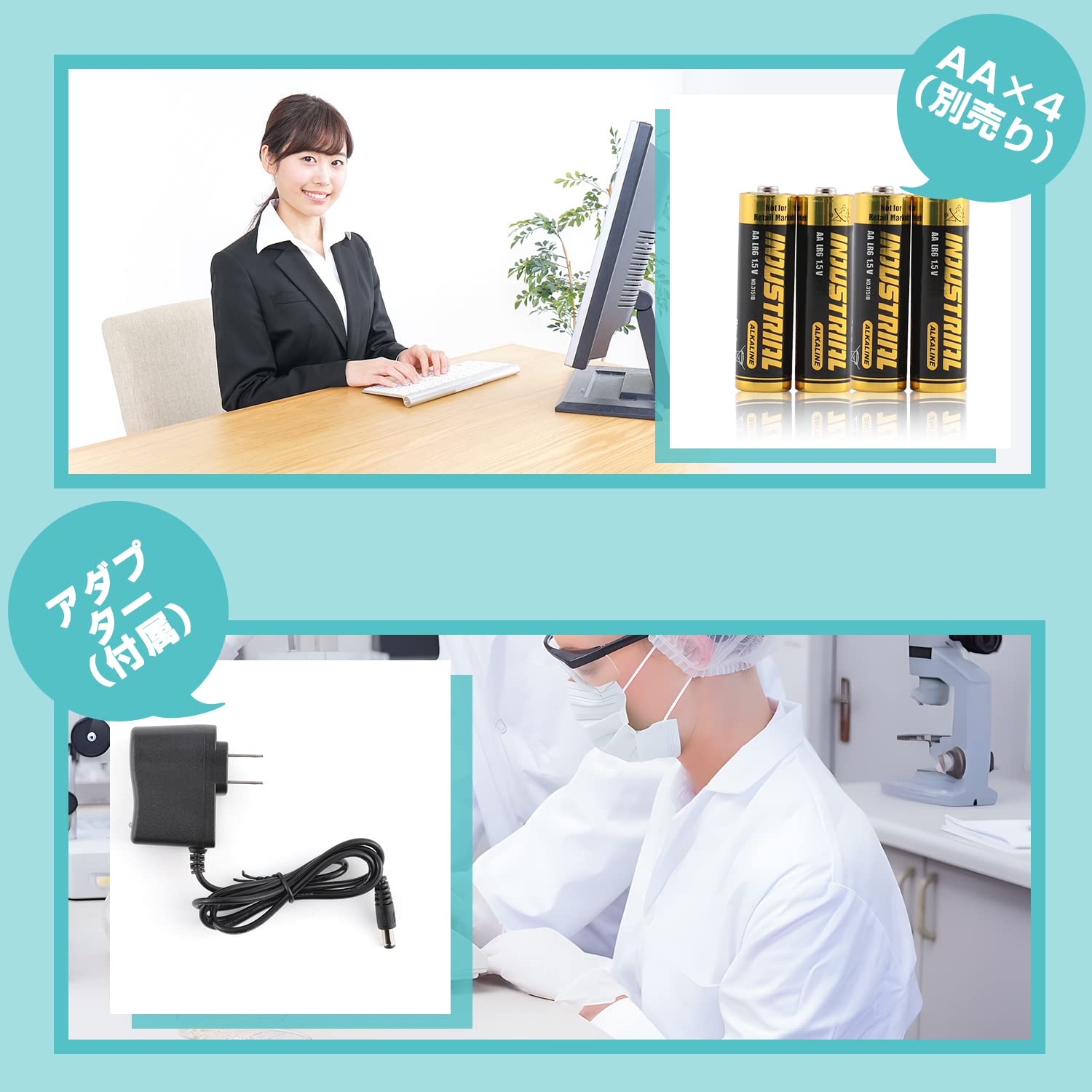
Figure 2: Illustration of the dual power options for the scale, showing the AC adapter and AA battery compartment.
3.4 Leveling the Scale
For accurate measurements, the scale must be perfectly level. Use the adjustable feet on the bottom of the scale and the built-in bubble level to achieve a level position.
- Place the scale on a firm, flat surface.
- Adjust the leveling feet by rotating them until the bubble in the level indicator is centered.
Video 2: Demonstration of adjusting the leveling feet and using the bubble level for accurate scale placement.
4. Operating Instructions
4.1 Basic Weighing
- Press the ON/OFF button to turn on the scale.
- Wait for the display to show "0.0g" before placing any items on the weighing pan.
- Place the item to be weighed on the center of the stainless steel pan.
- Read the weight displayed on the LCD screen.

Figure 3: The scale's LCD display with backlight, showing clear readings in different lighting conditions.
4.2 Unit Conversion
Press the MODE button to cycle through available weighing units (e.g., grams, kilograms, pounds, ounces).
4.3 Tare Function
The tare function allows you to subtract the weight of a container, so only the weight of the contents is measured.
- Place an empty container on the weighing pan.
- Wait for the weight to stabilize.
- Press the TARE button. The display will reset to "0.0g".
- Add the items to be weighed into the container. The display will show the net weight of the items.

Figure 4: Step-by-step visual guide for using the Tare function to measure the net weight of items.
5. Advanced Functions
5.1 Counting Function (PCS)
The counting function allows you to count a large number of small, identical items by weight.
- Place a sample quantity of items (e.g., 10, 20, 50, or 100 pieces) on the weighing pan.
- Press and hold the PCS button until "PCS" appears on the display.
- Select the sample quantity (e.g., "20" for 20 pieces) using the number keys or by repeatedly pressing the MODE button.
- Press TARE to confirm the sample quantity. The scale will now display the count of items.
- You can now add more items, and the scale will automatically count them.

Figure 5: Demonstration of the PCS (counting) function, showing screws being counted on the scale.
Video 3: Detailed demonstration of the counting function and alarm settings on a similar Bonvoisin scale model.
5.2 Auto-Off Time Setting
The scale features an adjustable auto-off function to save power. Refer to the detailed Japanese instruction manual for specific steps to set the auto-off time (e.g., 0, 2, 5, or 8 minutes).
6. Maintenance
6.1 Cleaning
The stainless steel weighing pan can be cleaned with a damp cloth and mild detergent. For the main unit, wipe with a soft, dry cloth. Avoid abrasive cleaners or solvents.
This scale has an IP67 waterproof rating, meaning it can withstand immersion in water up to 1 meter for 30 minutes. This allows for thorough washing. However, ensure all ports are dry before connecting the power cable.
Video 4: Demonstration of the IP67 waterproof capability of a DIHAKARI digital scale, showing it being washed under running water.
6.2 Storage
Store the scale in a cool, dry place, away from direct sunlight and extreme temperatures. If storing for an extended period, remove the batteries to prevent leakage.
6.3 Calibration
Regular calibration ensures the accuracy of your scale. Calibration weights (5kg/10kg depending on your model) are sold separately. Please refer to the detailed Japanese instruction manual for the calibration procedure.
7. Troubleshooting
| Problem | Possible Cause | Solution |
|---|---|---|
| Scale does not turn on. | No power, low batteries, or faulty power connection. | Check power cable connection. Replace batteries if using battery power. Ensure batteries are inserted correctly. |
| Inaccurate readings. | Scale not level, unstable surface, overloaded, or needs calibration. | Ensure scale is on a stable, level surface. Do not exceed maximum capacity. Perform calibration using appropriate weights. |
| Display shows "EEEE" or "O_Ld". | Overload error. | Remove excess weight immediately. Do not exceed the maximum capacity. |
| Display is unstable or flickering. | Unstable environment (vibrations, drafts), electromagnetic interference. | Move the scale to a more stable location. Keep away from electronic devices that may cause interference. |
If the problem persists after attempting these solutions, please contact Bonvoisin customer support.
8. Product Specifications
- Brand: Bonvoisin
- Model: YLX-13
- Capacity: 10 kg
- Accuracy: 0.1 g
- Weighing Pan Size: 178 x 178 mm (Stainless Steel)
- Material: ABS (Shell), Stainless Steel (Weighing Pan)
- Color: White
- Display: LCD with Backlight
- Power Supply: AC Power Cable (included) or 4 x AA Batteries (not included)
- Item Weight: 2.4 kg
- Package Dimensions: 33.78 x 27.94 x 15.75 cm
- Special Features: Tare Function, Counting Function (PCS), Auto-Off, Level Indicator, IP67 Waterproof Rating

Figure 6: Visual representation of the scale's dimensions (17.5cm x 26cm x 8cm).
9. Warranty and Support
Bonvoisin products are manufactured to high-quality standards. For warranty information, technical support, or any inquiries regarding your product, please refer to the contact details provided in the separate warranty card or visit the official Bonvoisin website.
Please have your model number (YLX-13) and purchase date ready when contacting support.


