1. Introduction
This manual provides essential instructions for the safe and efficient use of your ST 36V 2A Li-ion Battery Charger (Model STC-8101LC). This charger is designed to provide a 42V 2A output, making it suitable for charging 36V Lithium-ion battery packs commonly found in e-bikes, hoverboards, and electric scooters equipped with a DC2.1 charging port. Please read this manual thoroughly before first use and retain it for future reference.
2. Safety Instructions
WARNING: Failure to follow these safety instructions may result in electric shock, fire, or serious injury.
- Indoor Use Only: This charger is designed for indoor use in dry conditions. Do not expose it to rain, moisture, or extreme temperatures.
- Correct Battery Type: Only use this charger with 36V Lithium-ion battery packs. Using it with other battery types (e.g., lead-acid, NiMH) can cause damage to the battery and charger, and may lead to fire or explosion.
- Voltage Compatibility: Ensure the battery pack's voltage matches the charger's output (42V for 36V Li-ion).
- Proper Ventilation: Always place the charger in a well-ventilated area during use. Do not cover the charger.
- Avoid Damage: Do not operate the charger if the power cord, plug, or charger casing is damaged. Contact customer support for assistance.
- Unplug When Not in Use: Disconnect the charger from the power outlet and the device when not in use or during cleaning.
- Keep Away from Children: This product is not a toy. Keep it out of reach of children.
- No Disassembly: Do not attempt to open or modify the charger. There are no user-serviceable parts inside.
3. Product Features
The STC-8101LC charger is designed for convenience and safety, incorporating several protective features:
- Compact Design: Its small size makes it highly portable and easy to store.
- Over-Current Protection: Prevents damage from excessive current flow.
- Over-Voltage Protection: Safeguards against voltage surges.
- Short Circuit Protection: Automatically shuts off in case of a short circuit.
- Reverse Polarity Protection: Protects against incorrect connection.
- Over-Temperature Protection: Prevents overheating during operation.

Image: The charger features multiple protection mechanisms including over-current, over-voltage, short circuit, reverse polarity, and over-temperature protection, indicated by corresponding icons.
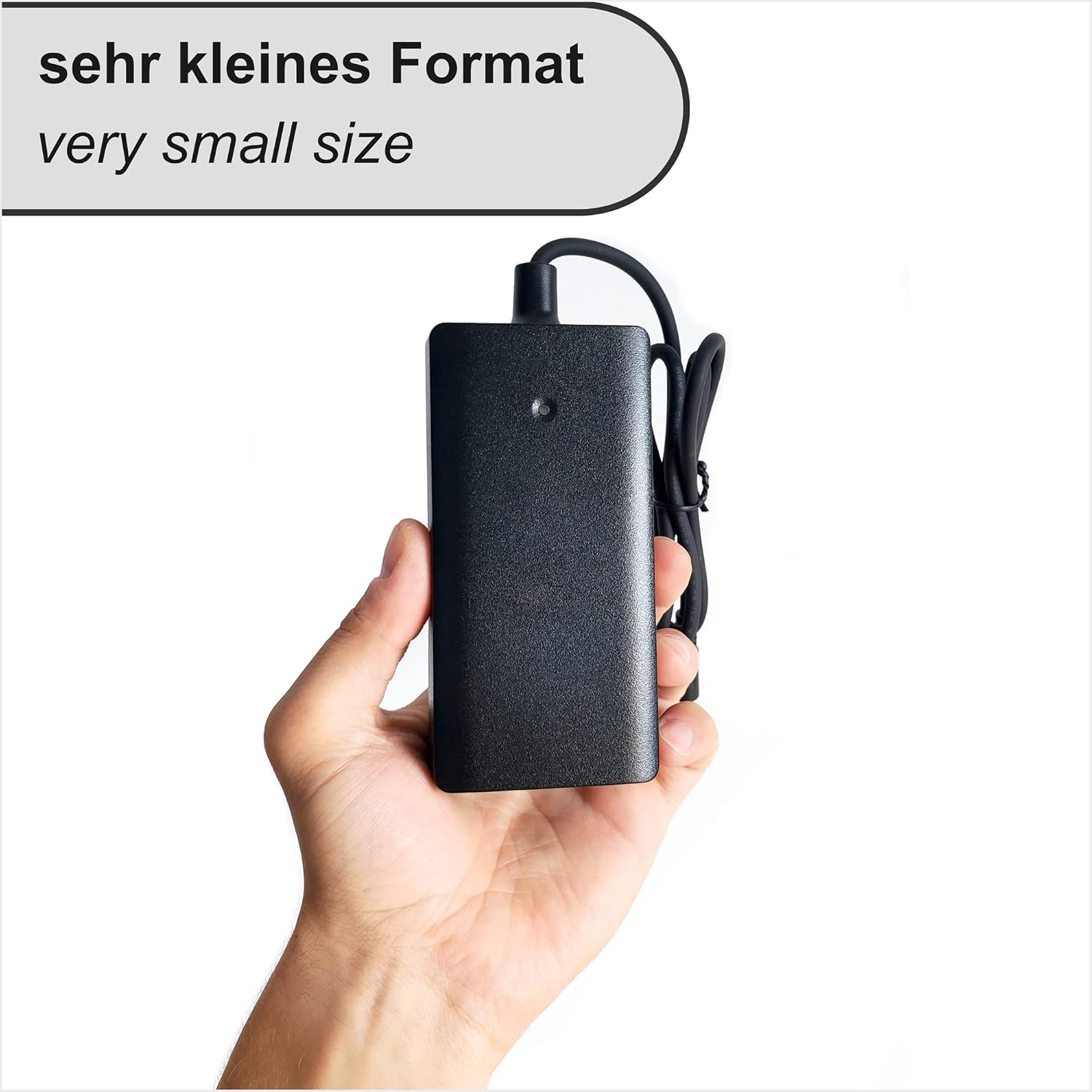
Image: A hand holding the charger, demonstrating its compact and portable design.
4. Setup
- Unpack: Carefully remove the charger and power cable from its packaging. Inspect for any visible damage.
- Connect Power Cable: Insert the 2-pole power cable into the charger's AC input port.
- Connect to Outlet: Plug the other end of the power cable into a standard wall outlet (100-240V AC).
- Connect to Device: Insert the DC2.1 charging plug into the charging port of your e-bike, hoverboard, scooter, or battery pack. Ensure the connection is secure.

Image: Detailed view of the DC2.1 charging port (5.5mm outer, 2.1mm inner diameter) and the 1.5m 2-pole power cable.
5. Operating Instructions
The charger features an LED indicator to show its status:
- Red LED: Indicates that the battery is currently charging.
- Green LED: Indicates that the battery is fully charged or the charger is powered on but not connected to a battery.
- Once connected as per the 'Setup' section, the LED indicator will turn Red, signifying that charging has begun.
- When the battery is fully charged, the LED indicator will turn Green.
- After charging is complete, first disconnect the charger from the device, then unplug it from the wall outlet.

Image: Visual guide to the charger's LED indicators: Red for 'Charging' and Green for 'On / Charged'.
6. Applications
This charger is compatible with various devices that use 36V Lithium-ion battery packs and a DC2.1 charging port. Common applications include:
- E-bikes (Electric Bicycles)
- E-scooters (Electric Scooters)
- Hoverboards
- General 36V Li-ion Battery Packs with DC2.1 input
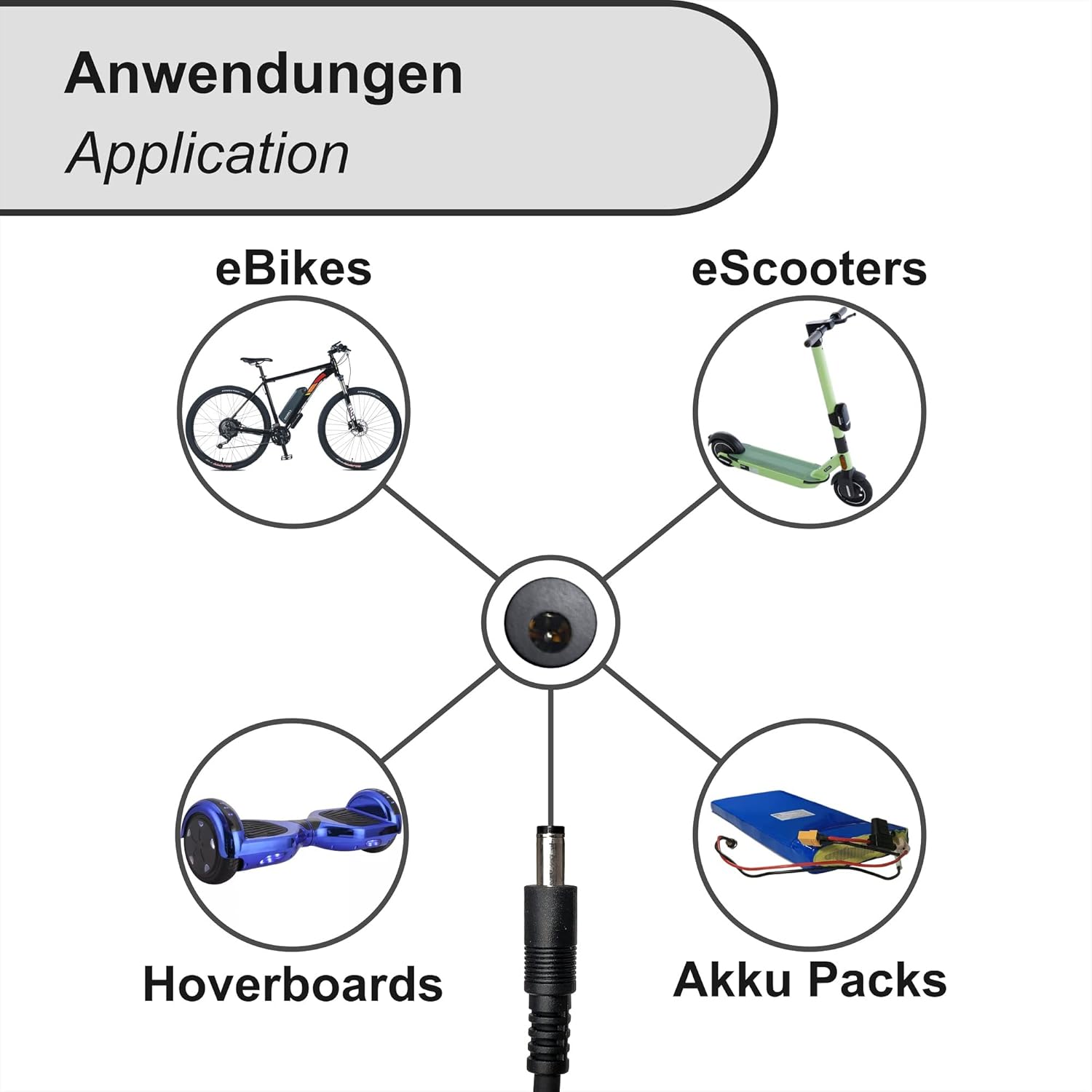
Image: The charger is suitable for various applications including e-bikes, e-scooters, hoverboards, and general battery packs.
7. Maintenance
- Cleaning: Disconnect the charger from all power sources before cleaning. Use a soft, dry cloth to wipe the exterior. Do not use liquid cleaners or solvents.
- Storage: Store the charger in a cool, dry place away from direct sunlight and extreme temperatures. Ensure the cables are not kinked or tangled.
- Inspection: Periodically inspect the charger, power cord, and connectors for any signs of wear or damage.
8. Troubleshooting
| Problem | Possible Cause | Solution |
|---|---|---|
| Charger LED not lighting up. | No power from outlet; loose connection; damaged charger. | Check power outlet with another device. Ensure all connections are secure. If still no light, the charger may be faulty. |
| LED is Green but battery is not charging. | Battery already full; incorrect battery type/voltage; faulty battery; loose connection to device. | Verify battery charge level. Confirm battery compatibility. Ensure DC2.1 plug is fully inserted. Test with another compatible battery if possible. |
| Charger feels excessively hot. | Poor ventilation; prolonged use; internal fault. | Unplug immediately. Allow to cool in a well-ventilated area. Ensure charger is not covered during use. If overheating persists, discontinue use and contact support. |
9. Specifications
| Feature | Detail |
|---|---|
| Brand | ST |
| Model Number | STC-8101LC |
| Output Voltage | 42 Volt |
| Output Current | 2 Ampere |
| Compatible Battery Type | 36V Lithium-ion |
| Connector Type | DC2.1 (5.5mm outer, 2.1mm inner diameter) |
| Product Dimensions (L x W x H) | 12.5 x 6.2 x 3.6 cm |
| Item Weight | 350 Grams |

Image: Dimensions of the charger, measuring 125mm in length, 60mm in width, and 35mm in height.
10. Warranty and Support
For warranty information or technical support, please refer to the documentation provided with your purchase or contact your retailer. Keep your proof of purchase for any warranty claims.