
Artemide TOL0015
Artemide Tolomeo Classic LED Table Lamp with Clamp User Manual
Model: TOL0015 | Brand: Artemide
1. Introduction
Thank you for choosing the Artemide Tolomeo Classic LED Table Lamp with Clamp. This sophisticated lamp, designed by Giancarlo Fassina and Michele De Lucchi, features a fully adjustable, articulated anodized aluminum arm and body with die-cast aluminum joints and tension control knobs. It is designed to provide versatile and efficient lighting for various professional and private spaces. This manual will guide you through the proper installation, operation, and care of your new lamp.
2. Safety Instructions
WARNING: To reduce the risk of fire, electric shock, or injury to persons, please read and follow all instructions carefully.
- Ensure the power supply is disconnected before installation, cleaning, or replacing the bulb.
- This lamp is designed for indoor use only. Do not expose to water or high humidity.
- Use only the specified bulb type (1 X 100W max 120V E26 A19 compatible incandescent, compact fluorescent or LED lamp). Exceeding the maximum wattage can cause overheating and damage.
- Do not operate the lamp with a damaged cord or plug. If the cord is damaged, it must be replaced by the manufacturer or a qualified service agent.
- Avoid placing the lamp in direct sunlight or near heat sources.
- Keep the lamp away from flammable materials.
- Do not attempt to modify or disassemble the lamp beyond what is described in this manual.
3. Package Contents
Carefully unpack your lamp and verify that all components are present:
- Articulated Arm Structure
- Lamp Head with Shade
- Clamp Base
- Power Cord
- Instruction Manual (this document)
Note: Bulb is not included and must be purchased separately.
4. Setup
Follow these steps to set up your Artemide Tolomeo lamp:
- Attach the Clamp Base: Securely attach the clamp base to a stable surface, such as a desk or shelf edge. Ensure the surface thickness is compatible with the clamp's opening. Tighten the clamp screw firmly to prevent wobbling.
- Insert the Arm: Insert the base of the articulated arm into the designated slot on the clamp base. Ensure it is fully seated and stable.
- Install the Bulb: With the lamp unplugged, carefully screw an E26 (medium base) A19 compatible incandescent, compact fluorescent, or LED bulb (max 100W) into the lamp head socket. Do not overtighten.
- Connect Power: Plug the power cord into a standard 120V electrical outlet.
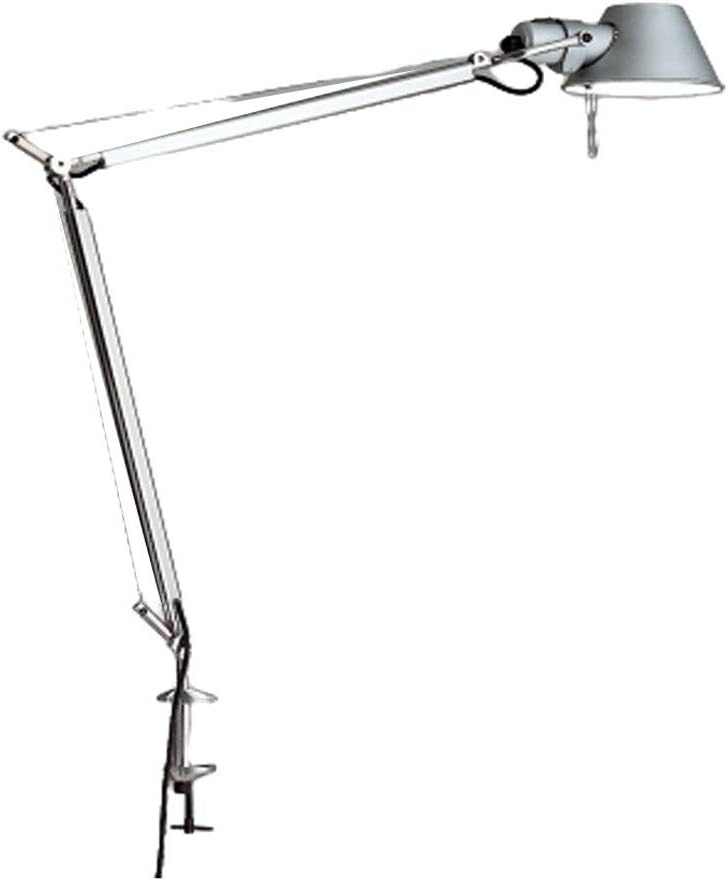
Figure 1: Artemide Tolomeo Classic LED Table Lamp with Clamp, showing its full articulated arm and clamp base.
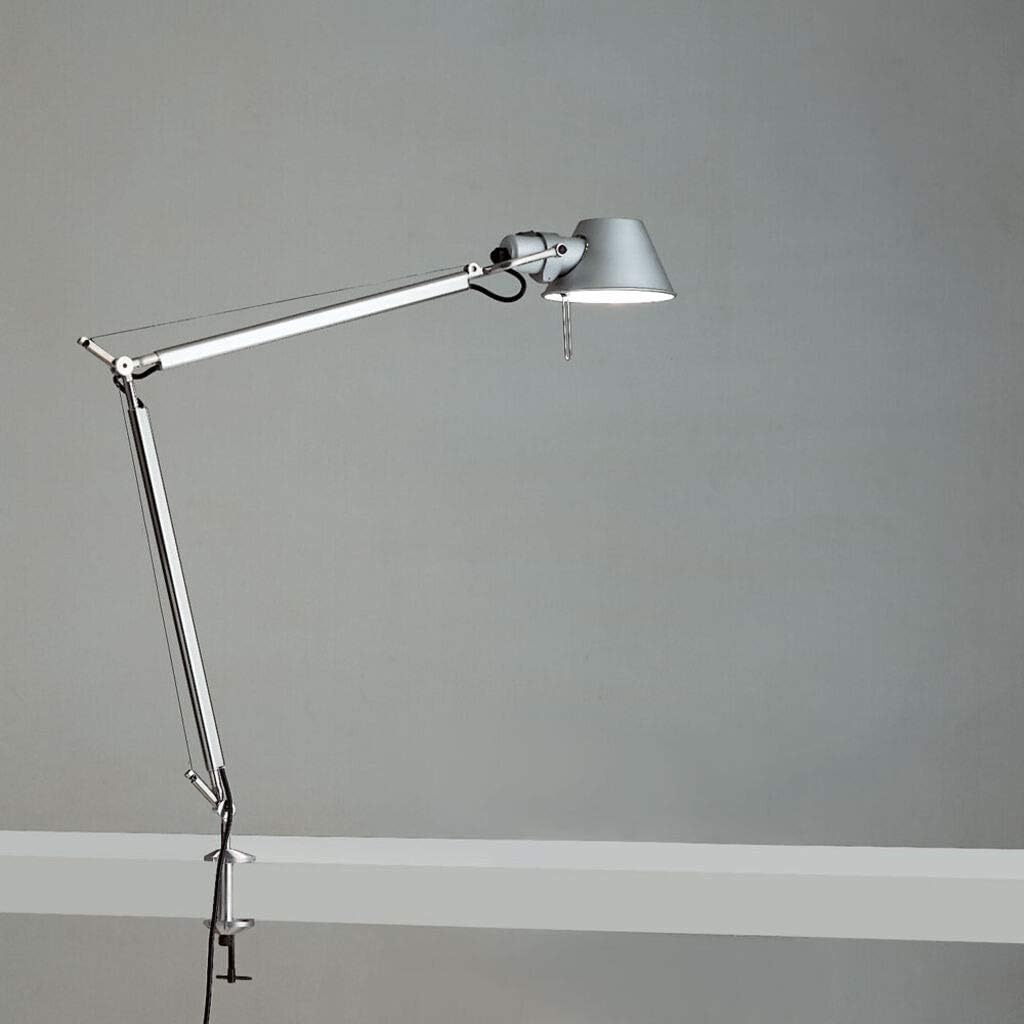
Figure 2: The Artemide Tolomeo lamp securely clamped to a desk surface, demonstrating its operational setup.
5. Operating Instructions
The Artemide Tolomeo lamp is designed for intuitive use:
- Power On/Off: The lamp features a touch control switch located on the lamp head. Simply touch the designated area on the lamp head to turn the light on or off.
- Adjusting the Arm: The articulated arm allows for extensive movement. Gently move the arm to position the light exactly where needed. The tension control knobs at the joints can be adjusted to increase or decrease the stiffness of the arm's movement.
- Adjusting the Shade: The lamp shade can rotate 360 degrees, allowing you to direct the light beam precisely.
6. Maintenance
Regular maintenance will help preserve the appearance and functionality of your lamp:
- Cleaning: Disconnect the lamp from power before cleaning. Use a soft, dry cloth to wipe down the aluminum surfaces. For stubborn marks, a slightly damp cloth with mild soap can be used, followed by immediate drying. Avoid abrasive cleaners or solvents.
- Bulb Replacement: Ensure the lamp is unplugged and the bulb has cooled down completely. Unscrew the old bulb and replace it with a new E26 A19 compatible bulb (max 100W).
- Joint Tension: Periodically check the tension control knobs on the arm joints. If the arm feels too loose or too stiff, gently adjust the knobs to achieve the desired resistance.
7. Troubleshooting
If you encounter issues with your lamp, refer to the following common problems and solutions:
| Problem | Possible Cause | Solution |
|---|---|---|
| Lamp does not turn on. | No power, faulty bulb, loose connection, faulty switch. | Check if the lamp is properly plugged into a working outlet. Ensure the bulb is screwed in tightly and is not burnt out; replace if necessary. Verify the touch switch is clean and responsive. |
| Light flickers. | Loose bulb, incompatible bulb, unstable power supply. | Tighten the bulb. Ensure the bulb type is compatible with the lamp. Try plugging the lamp into a different outlet. |
| Arm does not hold position. | Loose tension control knobs. | Adjust and tighten the tension control knobs at the lamp's joints until the desired resistance is achieved. |
| Lamp feels hot. | Over-wattage bulb, poor ventilation. | Ensure the bulb wattage does not exceed 100W. Provide adequate air circulation around the lamp head. |
8. Specifications
| Feature | Detail |
|---|---|
| Brand | Artemide |
| Model Number | TOL0015 |
| Lamp Type | Table Lamp with Clamp |
| Material | Aluminum (extruded and die-cast) |
| Finish Type | Matte Finish, Polished |
| Color | Aluminium |
| Light Source Type | LED compatible (Lamp type LED-T) |
| Bulb Base | E26 (medium base) |
| Max Wattage | 100W |
| Voltage | 120 Volts |
| Control Method | Touch (On Head) |
| Shade Rotation | 360 degrees |
| Installation Type | Tabletop (Clamp) |
| Product Dimensions | Classic: 30.75"W X 50.8125" max height |
| Item Weight | 0.16 ounces (approx. 4.54 g) |
9. Warranty and Support
Specific warranty details for the Artemide Tolomeo Classic LED Table Lamp are not provided in this document. For information regarding warranty coverage, claims, or technical support, please contact Artemide directly or refer to the official Artemide website. Keep your purchase receipt as proof of purchase.
For further assistance, you may also contact the retailer from whom you purchased the product.
Ask a question about this manual
Ask about setup, troubleshooting, compatibility, parts, safety, or missing instructions. Manuals+ will review the question and use this page’s manual context to help answer it.