
Introduction
The Goal Zero Torch 500 is a versatile, weatherproof LED flashlight and solar lantern designed for multi-use applications. It features a built-in solar panel for convenient recharging and can also function as a power bank to charge your small electronic devices. This manual provides comprehensive instructions for the safe and efficient use, maintenance, and troubleshooting of your Torch 500.

Image: The Goal Zero Torch 500, showcasing its compact and robust design.
Product Overview
The Torch 500 is engineered for durability and functionality, offering multiple lighting solutions and portable power. Key features include:
- Waterproof and Sand Dust Resistant: Built to withstand various environmental conditions.
- 500 Lumen Modular Light: Provides bright illumination with adjustable settings.
- 5200mAh Power Bank Function: Capable of charging small USB-powered devices.
- Built-in Solar Panel: Allows for convenient solar recharging when off-grid.

Image: The Torch 500 demonstrating its multi-directional light and waterproof capability while being used for vehicle maintenance.
Getting Started
Package Contents
Ensure all components are present upon unboxing:
- Goal Zero Torch 500 Rechargeable Torch
- USB-A to USB-C charging cable (typically included)
Initial Charge
Before first use, it is recommended to fully charge your Torch 500 via the USB-C port. This ensures the internal Lithium-ion NMC battery is conditioned for optimal performance and longevity. A full charge via USB typically takes approximately 4 hours.
Operating Instructions
Light Modes
The Torch 500 features both a focused flashlight and a broad floodlight (lantern) with multiple brightness settings. Locate the power button(s) on the device to cycle through the modes:
- Flashlight Mode: Press the dedicated flashlight button to activate. Cycle through low, medium, and high brightness settings with subsequent presses.
- Floodlight (Lantern) Mode: Press the dedicated floodlight button to activate the side panel light. Cycle through low, medium, and high brightness settings.
- Combined Mode: Some models may allow simultaneous use of both lights. Refer to the specific button layout on your device.
Power Bank Function
To use the Torch 500 as a power bank, connect your USB-powered device (e.g., smartphone, tablet) to the USB-A output port on the Torch 500 using your device's charging cable. The Torch 500 will automatically begin charging your device. The internal 5200mAh battery capacity is suitable for topping up smaller electronics.

Image: Demonstrations of the Torch 500's versatility in different emergency and outdoor situations.
Charging the Torch 500
Your Torch 500 can be recharged using two primary methods:
Solar Charging
The built-in solar panel on the back of the Torch 500 allows for convenient recharging from sunlight. For optimal solar charging, place the Torch 500 with the solar panel facing direct sunlight. Charging time will vary depending on sunlight intensity. While effective for maintaining charge or slow recharging, solar charging is generally slower than USB charging.
USB Charging
For faster and more reliable charging, use the included USB-C cable to connect the Torch 500 to any standard USB power source, such as a wall adapter, computer USB port, or power bank. A full charge via USB typically takes approximately 4 hours.

Image: Visual representation of the two charging methods for the Torch 500.
Maintenance and Care
To ensure the longevity and optimal performance of your Goal Zero Torch 500, follow these maintenance guidelines:
- Cleaning: Wipe the exterior of the Torch 500 with a soft, damp cloth. Avoid using harsh chemicals or abrasive cleaners.
- Storage: Store the Torch 500 in a cool, dry place away from direct sunlight when not in use for extended periods. It is recommended to fully charge the device every 3-6 months to maintain battery health.
- Water and Dust Resistance: While the Torch 500 is waterproof and sand dust resistant, ensure the charging port cover is securely closed when exposed to water or dusty environments to prevent damage.
- Temperature: Avoid exposing the device to extreme temperatures, both hot and cold, as this can affect battery performance and lifespan.
Troubleshooting
If you encounter issues with your Torch 500, refer to the following common problems and solutions:
- Device Not Turning On:
- Ensure the battery is charged. Connect the Torch 500 to a USB power source for at least 30 minutes.
- Press and hold the power button for a few seconds to ensure it's not just a quick press. - Solar Charging Not Working / Very Slow:
- Ensure the solar panel is clean and free of obstructions.
- Place the Torch 500 in direct, unobstructed sunlight. Indirect light or cloudy conditions will significantly reduce charging efficiency.
- Note that solar charging is a trickle charge and will be slower than USB charging. It may not fully charge a completely depleted battery quickly.
- Avoid placing the device in direct sun on hot surfaces for prolonged periods, as excessive heat can affect charging and battery health. - USB Charging Not Working:
- Try a different USB-C cable and a different USB power adapter/port.
- Ensure the charging cable is fully inserted into the port. - Power Bank Function Not Charging Devices:
- Ensure the Torch 500 has sufficient charge.
- Try a different USB cable for your device.
- Ensure your device is compatible with the Torch 500's USB output. - Light Output is Dim or Flickering:
- The battery may be low. Recharge the Torch 500.
- Ensure the light modes are set to the desired brightness.
If problems persist, contact Goal Zero customer support for further assistance.
Technical Specifications
| Feature | Specification |
|---|---|
| Model Number | GZ90115 |
| Dimensions (L x W x H) | 2.36"L x 4.72"W x 9.06"H |
| Item Weight | 12.8 ounces (363 Grams) |
| Battery Type | Lithium-ion NMC |
| Battery Capacity | 18.7Wh (5200mAh) |
| Brightness | Up to 500 lumens (300 lumen listed in some specs) |
| Water Resistance Level | Waterproof |
| Voltage | 5 Volts |
| Light Source Type | Light Emitting Diode (LED) |
| UPC | 847974008065 |
Warranty and Support
The Goal Zero Torch 500 comes with a 12-month warranty from the date of purchase, covering manufacturing defects. Please retain your proof of purchase for warranty claims.
For technical support, warranty inquiries, or replacement parts, please visit the official Goal Zero website or contact their customer service. Goal Zero is committed to providing award-winning customer support and stands behind the premium build quality of their products.
You can find more information and support resources by visiting the Goal Zero Store on Amazon.
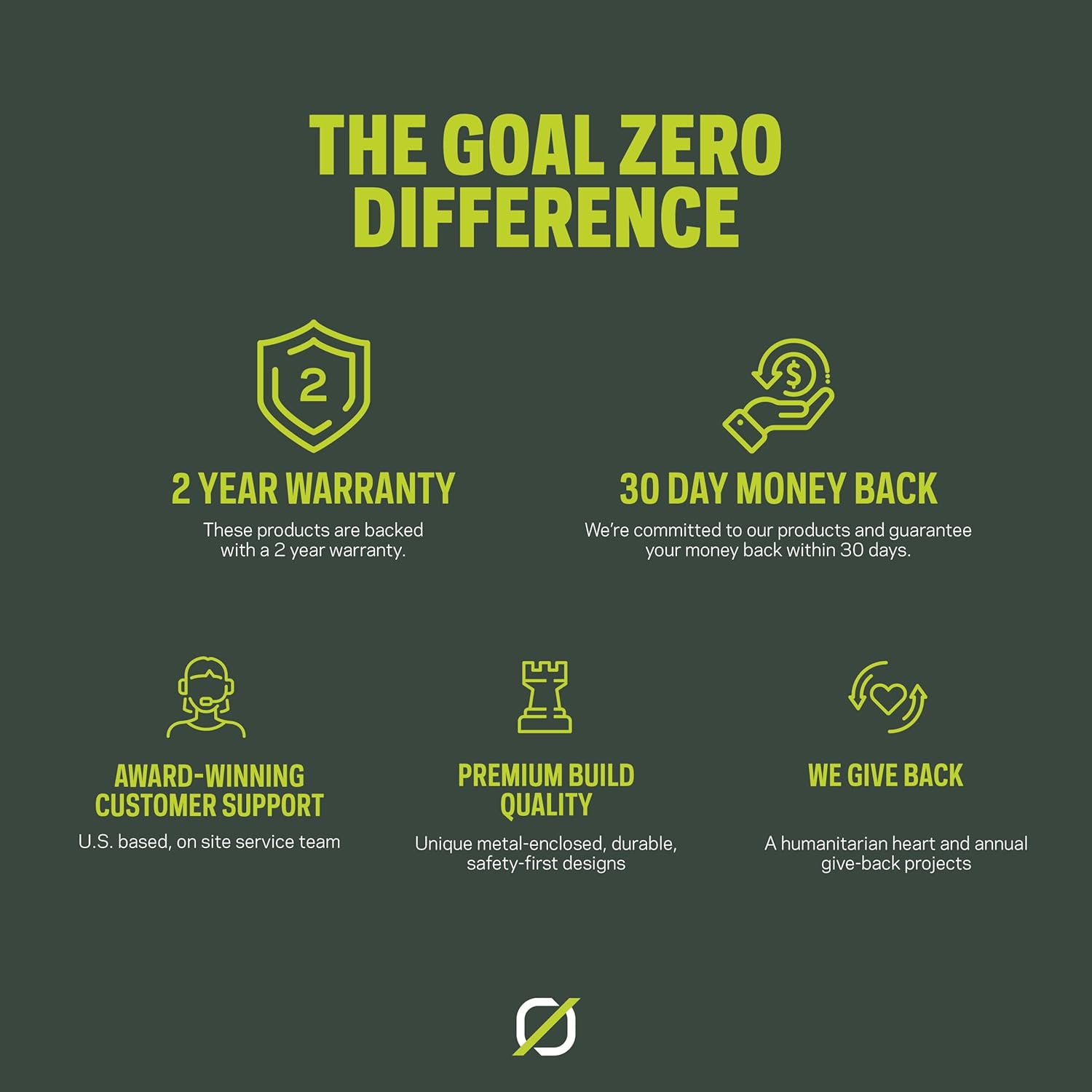
Image: An overview of Goal Zero's commitment to quality, support, and customer satisfaction.
