
Introduction
Thank you for choosing the Meross MSS620 Outdoor Smart Plug. This device allows you to control your outdoor appliances remotely and integrate them into your smart home ecosystem. Please read this manual carefully before installation and use to ensure proper operation and safety.
Important Safety Information
- Ensure the device is installed in a location protected from direct water exposure, despite its IP44 rating.
- Do not immerse the device in water or other liquids.
- Do not use with appliances that exceed the maximum load rating of 1200W (10A).
- Keep out of reach of children.
- Do not disassemble or attempt to repair the device. Contact customer support for assistance.
- Ensure the power source is appropriate for the device's voltage (110V).
Package Contents
- 1 x Meross MSS620 Outdoor Smart Plug
- 1 x User Manual
Product Overview
The Meross MSS620 features two independently controllable AC outlets, a power button, and an LED indicator. Its robust design is suitable for outdoor environments.

Image: The Meross MSS620 Outdoor Smart Plug, showing its compact design with two outlets and a flexible power cord.
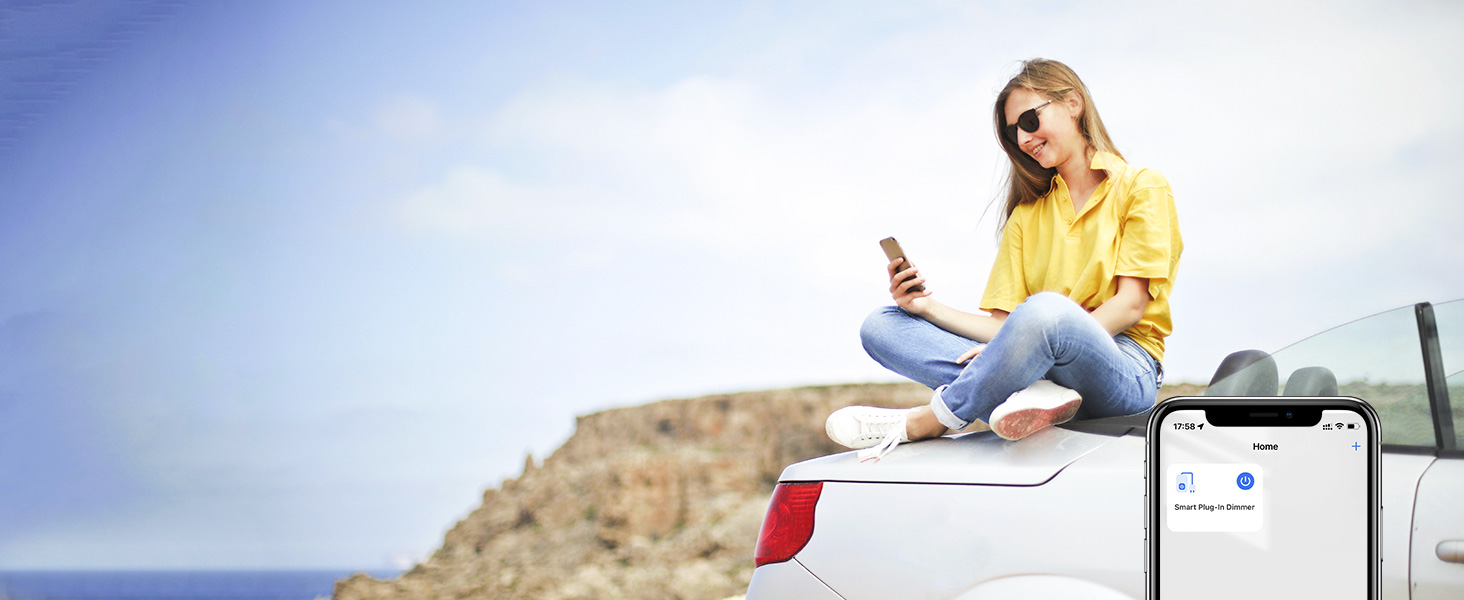
Image: Illustration highlighting the two individual outlets on the smart plug, each capable of independent control.
Setup Instructions
1. Download the Meross App
Search for 'Meross' in the Apple App Store or Google Play Store and download the application. Create a new account or log in to your existing account.
2. Physical Installation
- Plug the Meross MSS620 into a standard outdoor electrical outlet.
- Ensure the LED indicator on the smart plug is blinking green and orange, indicating it is ready for setup. If not, press and hold the power button for 5 seconds to reset.
- Connect your outdoor appliances to the two outlets on the smart plug.
3. Connect to Wi-Fi and Smart Home System
The Meross MSS620 supports 2.4GHz Wi-Fi networks only. Ensure your smartphone is connected to a 2.4GHz Wi-Fi network during the setup process. If you have a combined 2.4GHz/5GHz network, you may need to temporarily disable the 5GHz band on your router or connect your phone to a dedicated 2.4GHz network.
- Open the Meross app and tap the '+' icon to add a new device.
- Follow the on-screen instructions to connect the smart plug to your Wi-Fi network.
- For Apple HomeKit integration, scan the QR code located on the device or its packaging when prompted.
- For Amazon Alexa or Google Assistant, link your Meross account within their respective apps after the Meross setup is complete.

Image: Visual representation of multiple Meross smart plugs integrated into a home network, controlled via a smartphone app.
Operating Instructions
1. Remote Control via Meross App
Once connected, you can control each of the two outlets independently from anywhere using the Meross app, provided you have an internet connection.
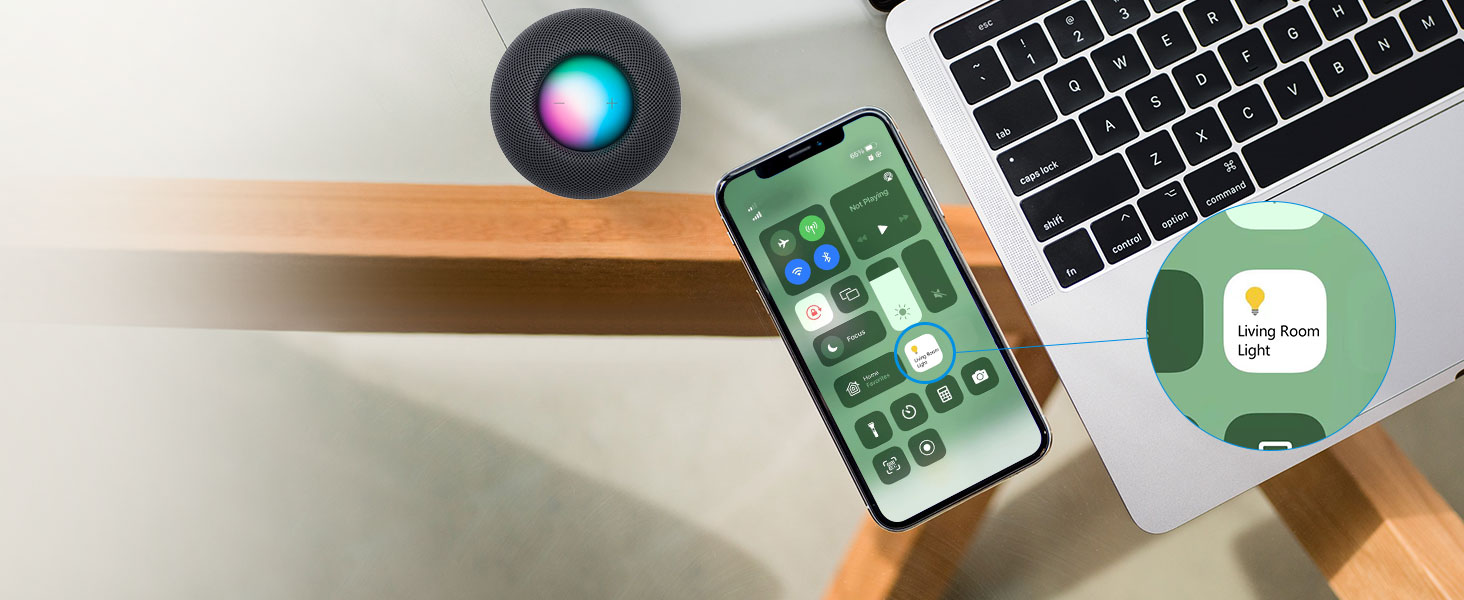
Image: A person using a smartphone to remotely control outdoor lighting connected to the smart plug.
2. Voice Control
The Meross MSS620 is compatible with Apple HomeKit (Siri), Amazon Alexa, and Google Assistant. Use simple voice commands to control your connected devices.
- Siri: "Hey Siri, turn on the outdoor lights." (Requires an Apple Home Hub for remote control).
- Alexa: "Alexa, turn off the patio fan."
- Google Assistant: "Hey Google, turn on the sprinkler."
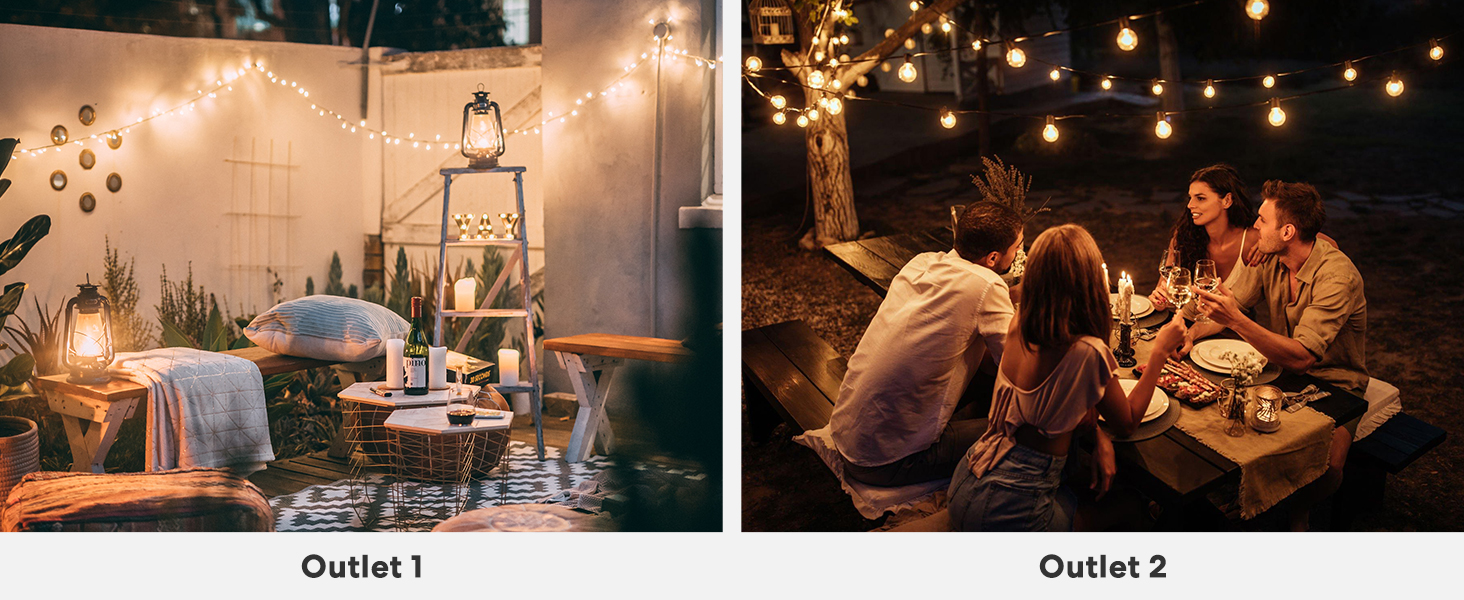
Image: Examples of voice commands for Siri, Alexa, and Google Assistant to control outdoor devices.
3. Scheduling and Timer Functions
Set schedules and timers for each outlet within the Meross app. This allows for automated control of your devices, such as turning lights on at sunset and off at sunrise.
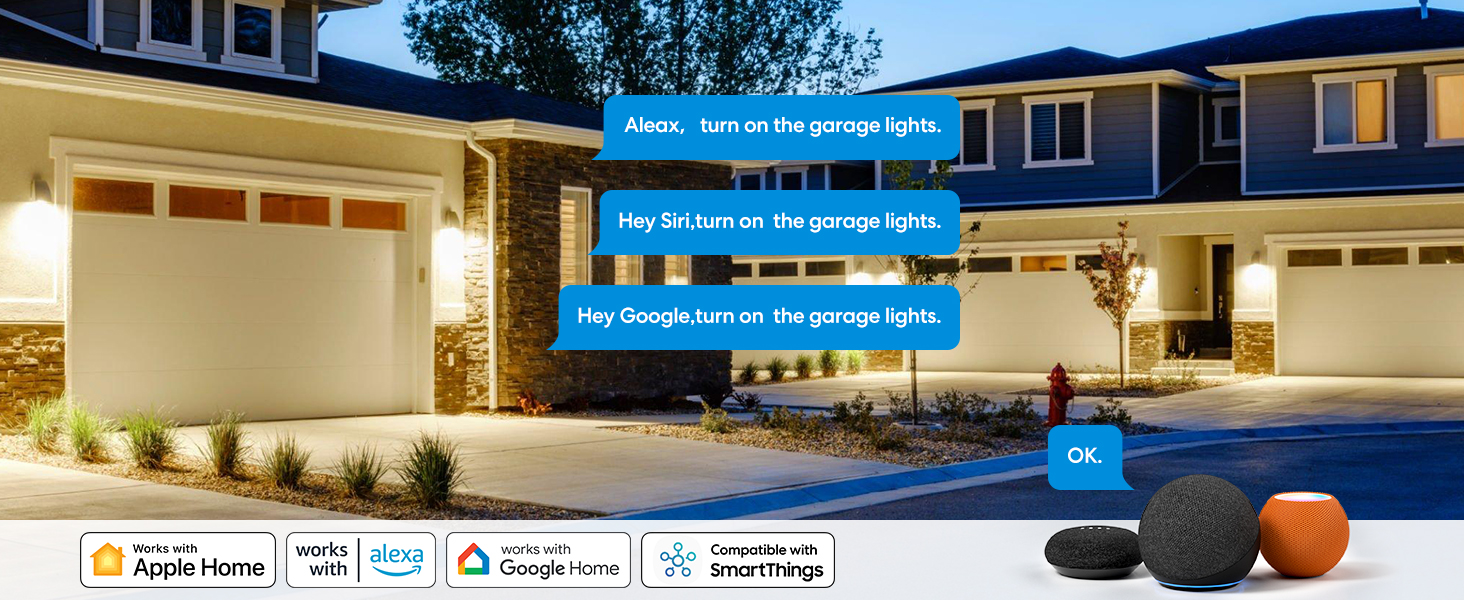
Image: A screenshot from the Meross app demonstrating how to set schedules for outdoor devices, including sunset and sunrise triggers.
Maintenance
- Regularly inspect the smart plug and connected cords for any signs of damage or wear.
- Clean the device with a soft, dry cloth. Do not use harsh chemicals or abrasive cleaners.
- Ensure the outlet covers are properly sealed when not in use to maintain IP44 weather resistance.

Image: The Meross smart plug mounted outdoors, demonstrating its weatherproof construction against splashes.
Troubleshooting
Device Not Connecting to Wi-Fi
- 2.4GHz Network: Ensure your router is broadcasting a 2.4GHz Wi-Fi network and your phone is connected to it during setup. The MSS620 does not support 5GHz Wi-Fi.
- Router Settings: If you have a combined 2.4GHz/5GHz network, try temporarily disabling the 5GHz band or creating a separate 2.4GHz SSID for setup.
- Signal Strength: Place the smart plug within good range of your Wi-Fi router.
- Reset Device: Press and hold the power button on the smart plug for 5 seconds until the LED blinks green and orange to reset it, then try setup again.
Remote Control Not Working
- Ensure your smart plug has a stable internet connection. Check the LED indicator; a solid green light indicates a successful connection.
- Verify your smartphone has an active internet connection.
- For HomeKit remote control, an Apple Home Hub (e.g., HomePod, Apple TV, iPad) is required and must be online.
Voice Control Issues
- Confirm that your Meross account is correctly linked to your Alexa, Google Assistant, or HomeKit app.
- Check the device names in your smart home app; ensure they are easy to pronounce and recognize.
Specifications
| Model Number | MSS620 |
| Input Voltage | 110 Volts AC |
| Maximum Load | 1200 Watts (10A) |
| Number of Outlets | 2 (Independently Controlled) |
| Wireless Standard | IEEE 802.11 b/g/n, 2.4GHz |
| Operating Temperature | Refer to product packaging for specific range |
| Waterproof Rating | IP44 |
| Certifications | FCC, ETL |
| Dimensions | 3 x 3.1 x 1.6 inches |
| Weight | 3.2 ounces |
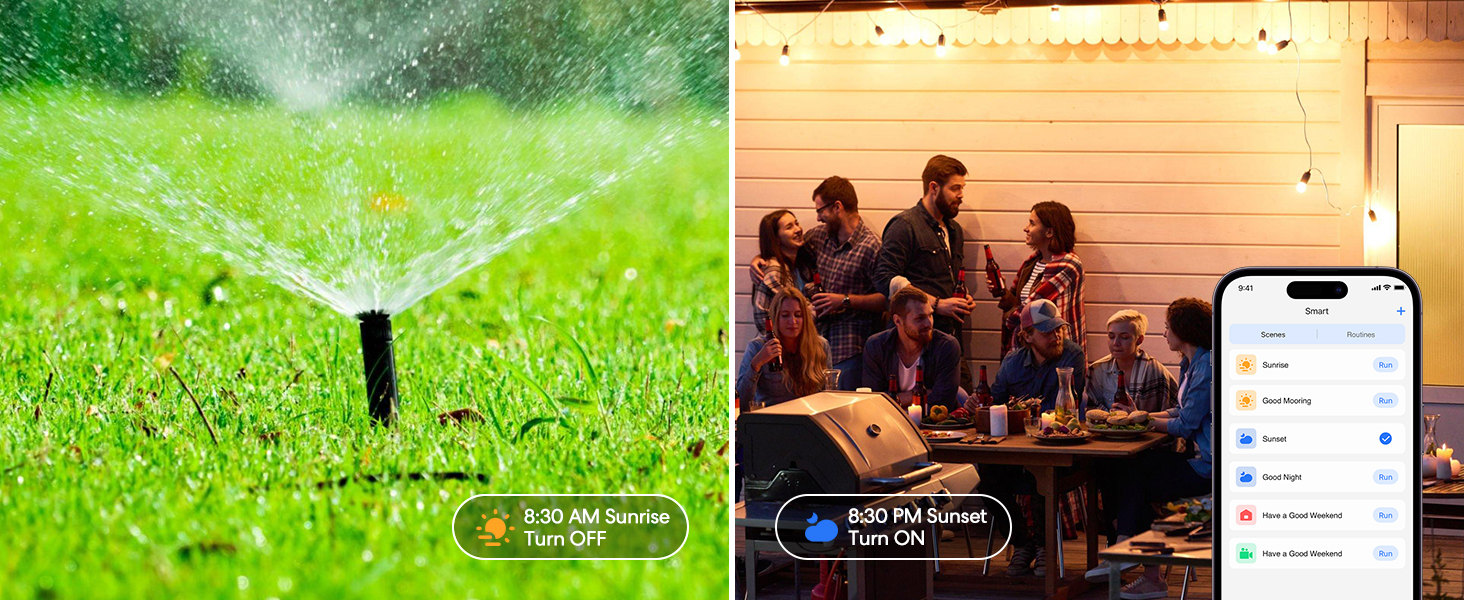
Image: The Meross smart plug highlighting its IP44 waterproof rating and FCC certification.
Warranty and Support
Meross products typically come with a standard manufacturer's warranty. For specific warranty details, technical support, or to report any issues, please visit the official Meross website or contact their customer service directly. You can also find more information and support resources on the Meross Brand Store on Amazon.


