
Introduction
This manual provides detailed instructions for the Amkette Evo Fox Elite Pro Wireless Gamepad. This device is designed for use with PC (X Input), PS3, and Android TV, offering a high-performance wireless gaming experience with dual vibration and extended battery life.


Setup Instructions
Follow these steps to set up your Amkette Evo Fox Elite Pro Wireless Gamepad for various platforms.
Package Contents:
- Amkette Evo Fox Elite Pro Wireless Gamepad
- High Performance USB Receiver
- Charging Cable (Charger included)
Charging the Gamepad:
Before initial use, ensure the gamepad is fully charged. Connect the charging cable to the gamepad and a power source. A full charge typically takes approximately 2 hours. The gamepad contains 2 Lithium Ion batteries.
Connecting to Devices:
The gamepad utilizes a 2.4 GHz wireless USB receiver for connectivity.
- Insert the USB Receiver: Plug the high-performance USB receiver into an available USB port on your PC, PS3 console, or Android TV.
- Power On the Gamepad: Press the central 'Evo Fox' button to power on the gamepad. The gamepad will automatically attempt to connect to the receiver.
- Automatic Detection: The gamepad features auto-detect functionality for PC, PS3, and Android TV. Once connected, the device should recognize the gamepad. For PC, it supports X Input.


Operating Instructions
Understand the features and functions of your gamepad for optimal gaming performance.
Basic Controls:
- Analog Sticks: Two high-precision analog sticks for movement and camera control.
- D-Pad: Directional pad for precise directional input.
- Action Buttons: Standard A, B, X, Y buttons (or corresponding PlayStation symbols) for in-game actions.
- Shoulder Buttons/Triggers: L1/R1 (bumpers) and L2/R2 (triggers) for additional controls.
- Start/Select/Home Buttons: For menu navigation and system functions.
Dual Vibration Feedback:
The gamepad is equipped with dual vibration motors that provide immersive haptic feedback during gameplay, enhancing realism for impacts, explosions, and other in-game events.

Battery Life:
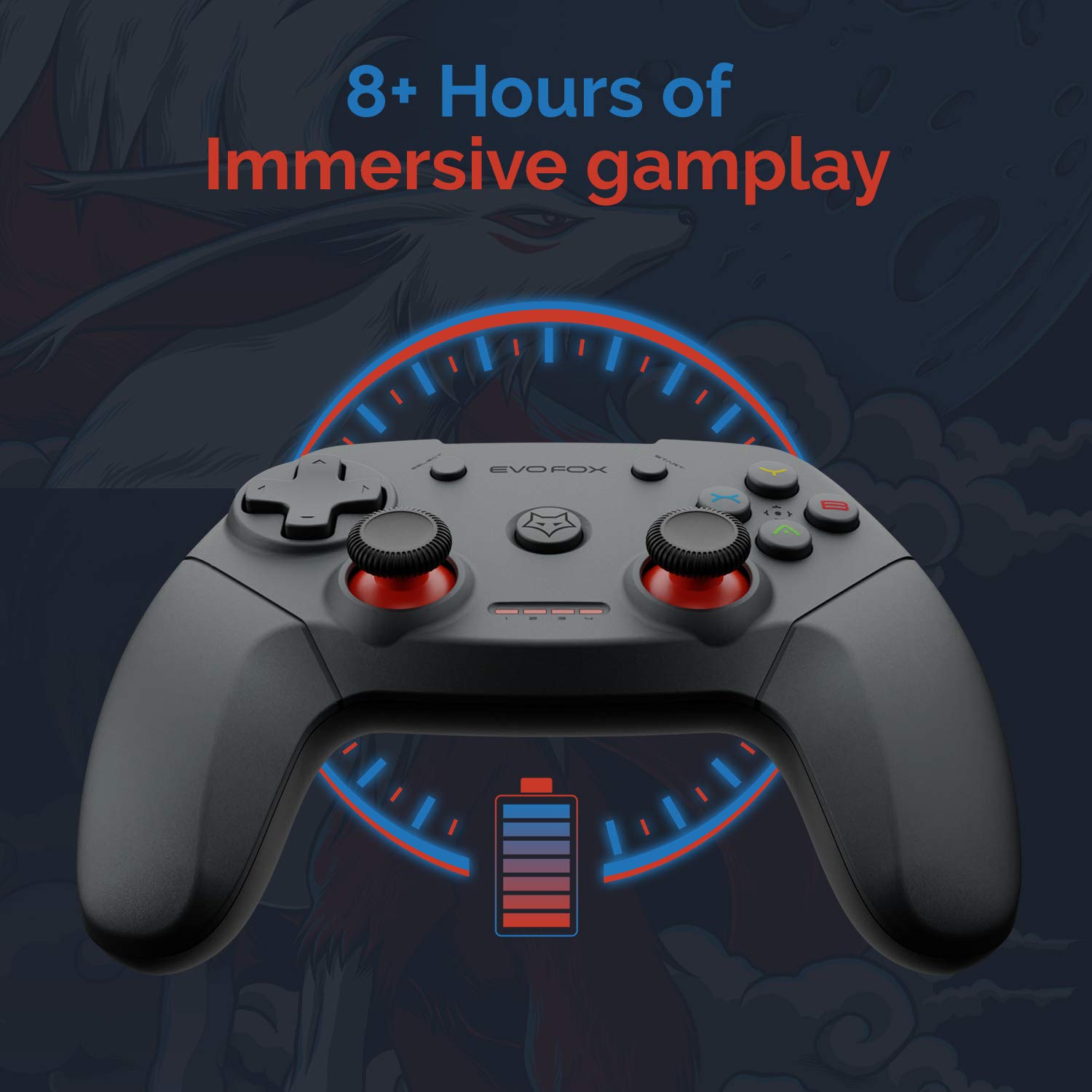
The gamepad offers an average battery life of 8+ hours on a single charge, allowing for extended gaming sessions. The battery indicator lights on the gamepad will provide an indication of the remaining charge.
Power Management:
The gamepad does not feature a dedicated 'off' button. To conserve battery life, it is recommended to remove the USB dongle from the connected device when the gamepad is not in use. Leaving the dongle connected may cause the gamepad to remain active and drain its battery, especially with wall-mounted TVs where the dongle might be less accessible.
Maintenance
Proper care and maintenance will extend the life of your Amkette Evo Fox Elite Pro Wireless Gamepad.
- Cleaning: Use a soft, dry cloth to clean the surface of the gamepad. Avoid using harsh chemicals or abrasive materials.
- Storage: Store the gamepad in a cool, dry place away from direct sunlight and extreme temperatures.
- Battery Care: Recharge the gamepad when the battery indicator is low. Avoid completely draining the battery frequently to prolong its overall lifespan.
- USB Receiver: Keep the USB receiver protected from dust and physical damage.
Troubleshooting
If you encounter issues with your gamepad, refer to the following common problems and solutions.
Connectivity Issues:
- Gamepad Disconnects Frequently:
- Ensure the USB receiver is not in a hidden spot or obstructed, which can cause range issues. Consider using a USB extension cable if the receiver is far from the gamepad or in an obstructed location.
- Some users have reported conflicts with USB 3.0 ports or other USB devices (like a mouse) when connected to the same USB controller. Try connecting the gamepad's USB receiver to a USB 2.0 port, preferably on the back panel of a PC, and ensure other peripherals are on different USB controllers if possible.
- Ensure the gamepad is sufficiently charged.
- Gamepad Not Connecting:
- Verify the USB receiver is securely plugged into the device.
- Press the central 'Evo Fox' button on the gamepad to ensure it is powered on.
- Try plugging the USB receiver into a different USB port.
- Resetting the Gamepad: If the gamepad is unresponsive, a hard reset may be required. Locate a small pinhole on the gamepad (often on the back or bottom). Use a thin object like a paperclip to press and hold the reset button inside for a few seconds.
Battery Issues:
- Gamepad Not Charging:
- Check the charging cable and power source for proper connection.
- Try a different charging cable or USB port.
- Short Battery Life:
- Ensure the gamepad is fully charged before use (approx. 2 hours).
- Remember to remove the USB dongle when not in use to prevent passive battery drain.
Buttons/Joysticks Unresponsive:
- Perform a gamepad reset as described above.
- Ensure the gamepad is properly connected and recognized by your device.
- Test the gamepad with another game or application to rule out software-specific issues.
Specifications
| Feature | Detail |
|---|---|
| Brand | Amkette |
| Model Number | 827 |
| Colour | Black |
| Connectivity Technology | 2.4 GHz Wireless (via USB Receiver) |
| Compatible Devices | PC (X Input), PS3, Android TV |
| Controller Type | Gamepad |
| Hardware Platform | Desktop |
| Operating System | Android |
| Product Dimensions | 18 x 12 x 12 cm |
| Item Weight | 210 g |
| Batteries | 2 Lithium Ion batteries (included) |
| Battery Charge Time | 2 Hours |
| Average Battery Life | 8 Hours |
| Lithium Battery Energy Content | 8 Watt Hours |
| Included Components | Gamepad, USB Receiver, Charger |
| First Available Date | 1 September 2020 |
Warranty and Support
Amkette provides comprehensive support for its products.
Warranty Information:
The Amkette Evo Fox Elite Pro Wireless Gamepad comes with a 1-Year Manufacturing Warranty. This warranty covers defects in materials and workmanship under normal use.
Customer Support:
For any technical assistance, warranty claims, or product-related inquiries, please contact Amkette customer support:
- Phone/WhatsApp: +919312691448
- Email: techsupport@amkette.in
Please have your product model number (827) and purchase details ready when contacting support.