1. Introduction
This manual provides detailed instructions for the operation and maintenance of your CAMMHD TLH3 Body Camera. Please read this manual thoroughly before using the device to ensure proper function and to maximize its lifespan. This body camera is designed for reliable video and audio recording in various professional and personal security applications.

Image 1.1: CAMMHD Body Camera overview, highlighting its audio recording capability.
2. Product Overview
2.1 Package Contents
- CAMMHD TLH3 Body Camera
- USB Charging/Data Cable
- Mounting Clips (various sizes)
- User Manual
2.2 Key Features
- High-Definition Recording: Up to 1440P HD video resolution with a 140° wide-angle lens.
- High-Resolution Photos: 36 million pixel photo capture.
- Extended Battery Life: 3200mAh battery provides up to 17 hours of continuous 1080P recording.
- Infrared Night Vision: Automatic infrared LEDs for clear black and white recording in low-light conditions, visible up to 10 meters.
- Loop Recording: Automatically overwrites the oldest footage when memory is full, ensuring continuous recording.
- Expandable Storage: Supports external memory cards from 16GB up to 512GB. (Note: Product may come with a pre-installed 64GB card).
- Durable Design: IP66 waterproof rating for protection against rain and snow.
- Warning Lights: Integrated red and blue flashing lights for signaling.
- 2-inch Display: For live view and playback.
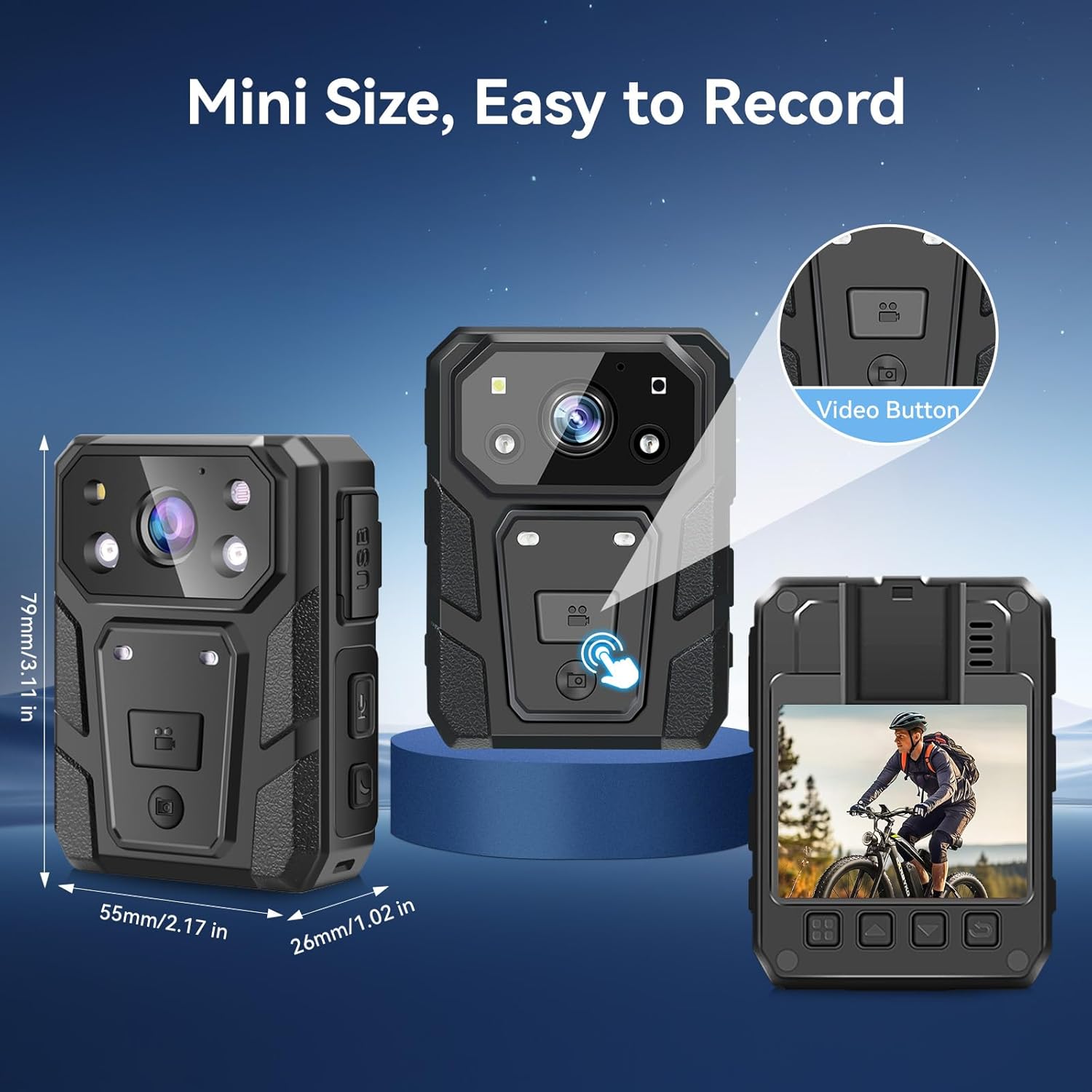
Image 2.1: The compact size of the CAMMHD TLH3 Body Camera, with approximate dimensions of 79mm (height) x 55mm (width) x 26mm (thickness).
3. Setup
3.1 Charging the Battery
Before first use, fully charge the camera's internal 3200mAh lithium battery. Connect the camera to a power source using the provided USB cable. The charging indicator light will show the charging status. A full charge can provide up to 17 hours of continuous 1080P recording.

Image 3.1: The CAMMHD TLH3 Body Camera highlighting its 17-hour continuous recording capability on a single charge.
3.2 Inserting a Memory Card
The camera supports external memory cards from 16GB to 512GB. Locate the memory card slot, typically protected by a rubber flap or cover. Gently insert the memory card until it clicks into place. Ensure the camera is powered off before inserting or removing the memory card.
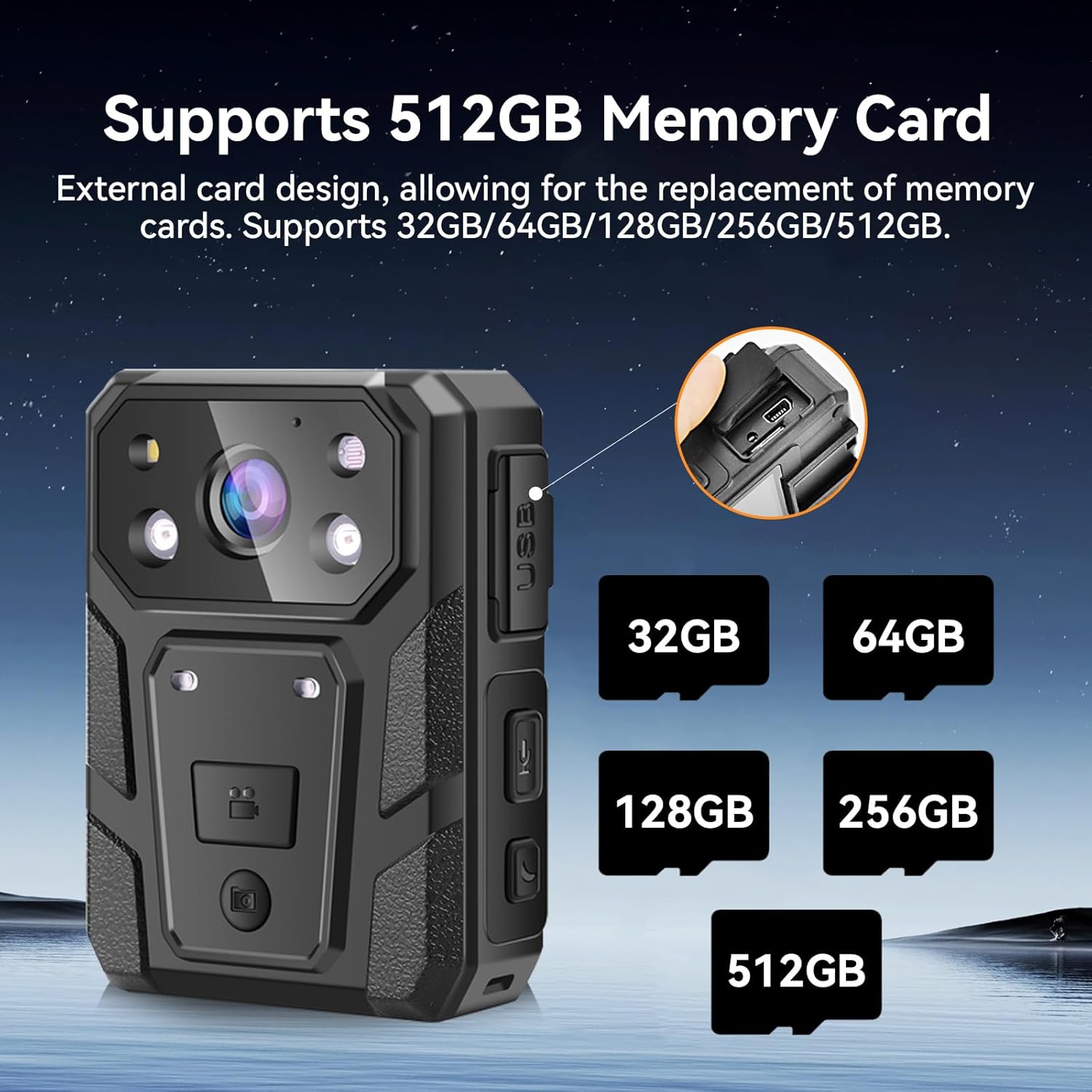
Image 3.2: The CAMMHD TLH3 Body Camera illustrating its support for various memory card sizes, up to 512GB.
3.3 Powering On/Off
To power on the camera, press and hold the Power button for a few seconds until the screen illuminates. To power off, press and hold the Power button again until the device shuts down.
4. Operating Instructions
4.1 Video Recording
Press the dedicated Video Record button to start recording. The camera supports up to 1440P HD video quality with a 140-degree wide-angle view. Press the button again to stop recording. Ensure sufficient memory card space is available or enable loop recording.
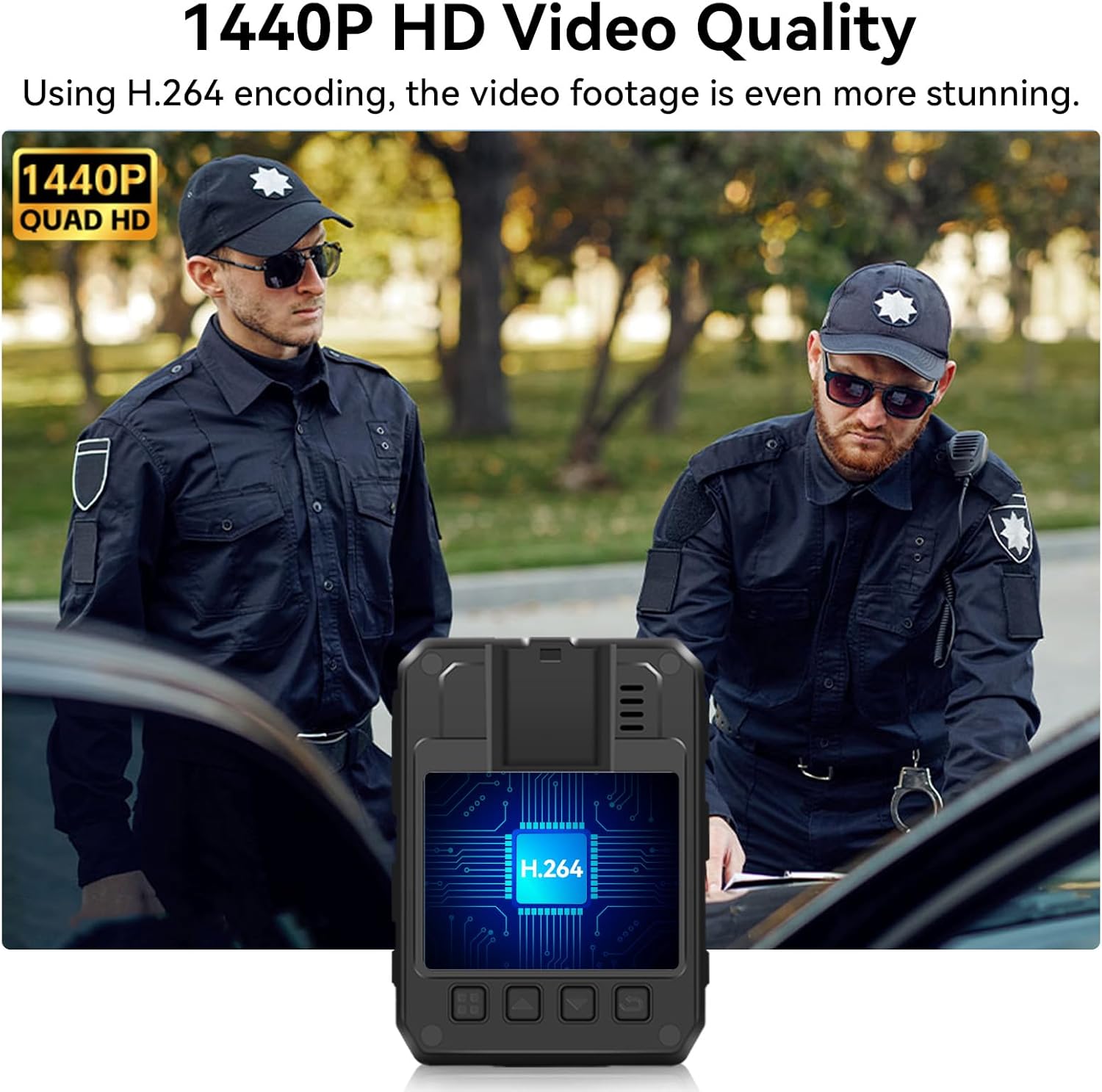
Image 4.1: The CAMMHD TLH3 Body Camera showcasing its 1440P HD video recording capability.
4.2 Photo Capture
Press the Photo Capture button to take still images. The camera captures photos at 36 million pixels resolution.
4.3 Infrared Night Vision
The camera features automatic infrared night vision. In low-light conditions, the camera will automatically activate its infrared LEDs to record clear black and white video, visible up to 10 meters. This function is ideal for night operations.

Image 4.2: The CAMMHD TLH3 Body Camera demonstrating its infrared night vision capability, allowing recording in darkness up to 10 meters.

Image 4.3: Visual comparison of day recording versus infrared night vision recording.
4.4 Loop Recording
When loop recording is enabled, the camera will automatically overwrite the oldest video files once the memory card is full. This ensures continuous recording without manual intervention to clear space.
4.5 Warning Lights
The camera is equipped with red and blue flashing lights that can be activated for signaling or warning purposes. Refer to the on-screen menu for activation options.

Image 4.4: The CAMMHD TLH3 Body Camera demonstrating its IP66 waterproof rating and the functionality of its red and blue flashing warning lights.
4.6 Connecting to a Computer
To transfer or view recorded files, connect the camera to a computer using the provided USB cable. The camera will appear as a removable storage device, allowing you to access and manage your video and photo files.
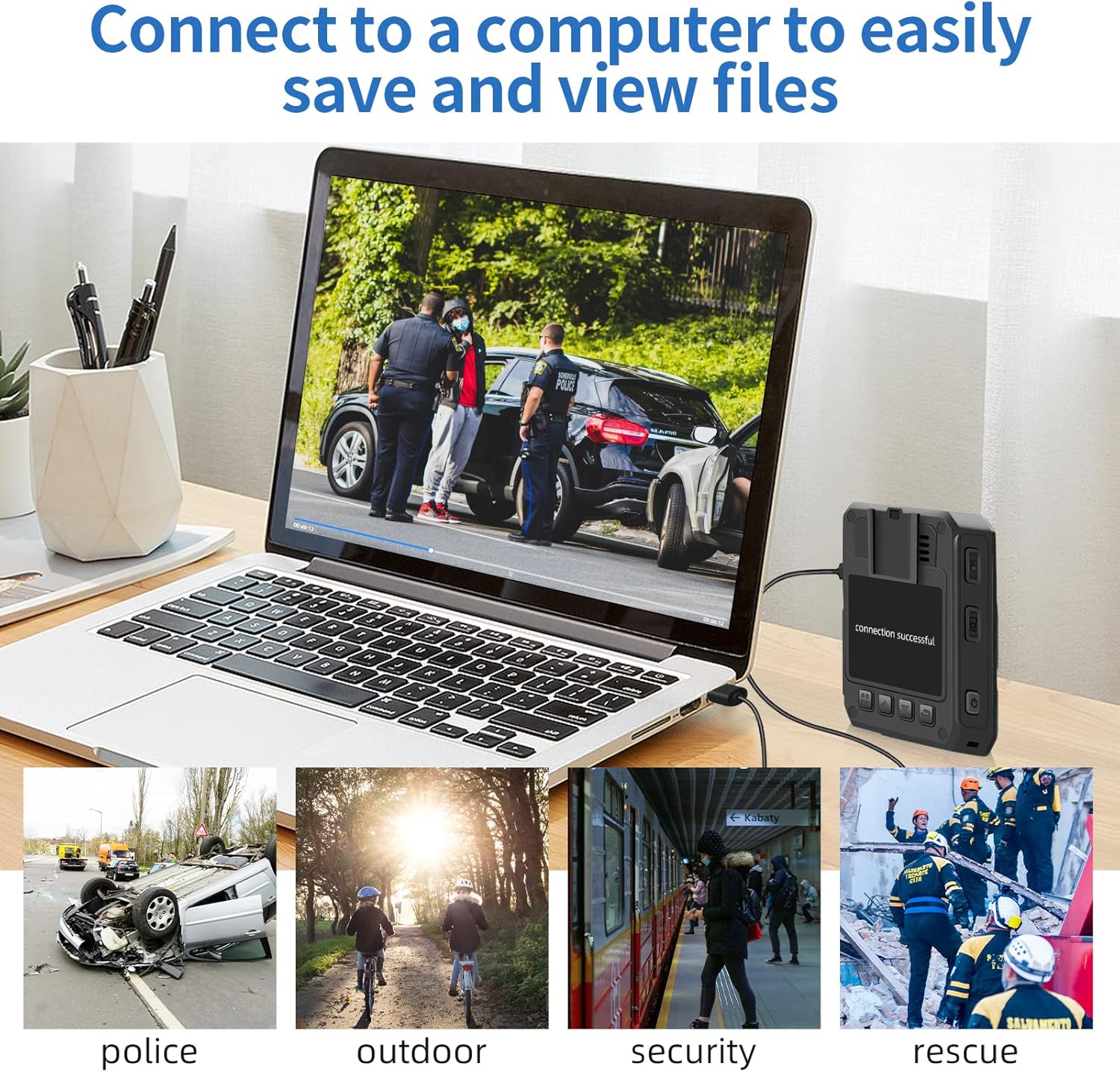
Image 4.5: The CAMMHD TLH3 Body Camera connected to a laptop, illustrating how to save and view files.
5. Maintenance
5.1 Cleaning
Wipe the camera body with a soft, dry cloth. For the lens, use a specialized lens cleaning cloth and solution to avoid scratches. Do not use harsh chemicals or abrasive materials.
5.2 Storage
Store the camera in a cool, dry place away from direct sunlight and extreme temperatures. If storing for an extended period, ensure the battery is partially charged (around 50%) to preserve battery health.
6. Troubleshooting
- Camera not powering on: Ensure the battery is charged. Connect to a power source and try again.
- Recording issues: Check if the memory card is inserted correctly and has sufficient free space. Format the memory card if necessary (this will erase all data).
- Poor video/photo quality: Ensure the lens is clean and free from smudges. Check recording resolution settings.
- Computer not recognizing camera: Try a different USB port or cable. Ensure the camera is powered on when connected.
- Sound quality issues: While the camera records audio, some users have reported sound quality can be muffled. Ensure the microphone port is clear and unobstructed.
7. Specifications
| Feature | Specification |
|---|---|
| Model Number | TLH3 |
| Video Recording Resolution | Up to 1440P HD (also supports 1080P) |
| Photo Resolution | 36 Million Pixels |
| Lens Angle | 140 Degrees |
| Battery Capacity | 3200mAh |
| Continuous Recording Time | Up to 17 hours (at 1080P) |
| Night Vision | Infrared, Automatic, up to 10 meters |
| Waterproof Rating | IP66 |
| Memory Card Support | 16GB - 512GB (MicroSD) |
| Screen Size | 2 Inches |
| Video Format | AVI |
| Connectivity | Wired (USB) |
| Dimensions (H x W x T) | 79mm x 55mm x 26mm |
| Weight | 450 grams |
| Image Stabilization | No |
8. Warranty and Support
Specific warranty information for the CAMMHD TLH3 Body Camera is not provided in this manual. For details regarding warranty coverage, return policies, or technical support, please refer to the product packaging, the seller's website, or contact CAMMHD customer service directly.
Always retain your proof of purchase for warranty claims.


