
1. Product Overview
The MOTPK L Shaped Gaming Desk is designed to maximize space and provide a functional workstation for gaming, studying, or office use. It features a durable carbon fiber surface, a detachable monitor shelf, and convenient accessories like a cup holder and headphone hook.

Image: The MOTPK L Shaped Gaming Desk in a gaming setup, showcasing its L-shape design and accessories.
2. Safety Information
- Always assemble the desk according to the provided instructions.
- Ensure the desk is fully assembled and stable before use.
- Do not place heavy objects on the desk that exceed the maximum weight limit.
- Always use the desk on a stable, flat surface.
- Keep the desk away from heat sources and do not expose it to direct sunlight for extended periods.
- Avoid overtightening bolts during assembly to prevent damage to the desktop surface.
3. Package Contents
Before beginning assembly, verify that all parts are present and undamaged. Refer to the included parts list in your physical manual for detailed identification.
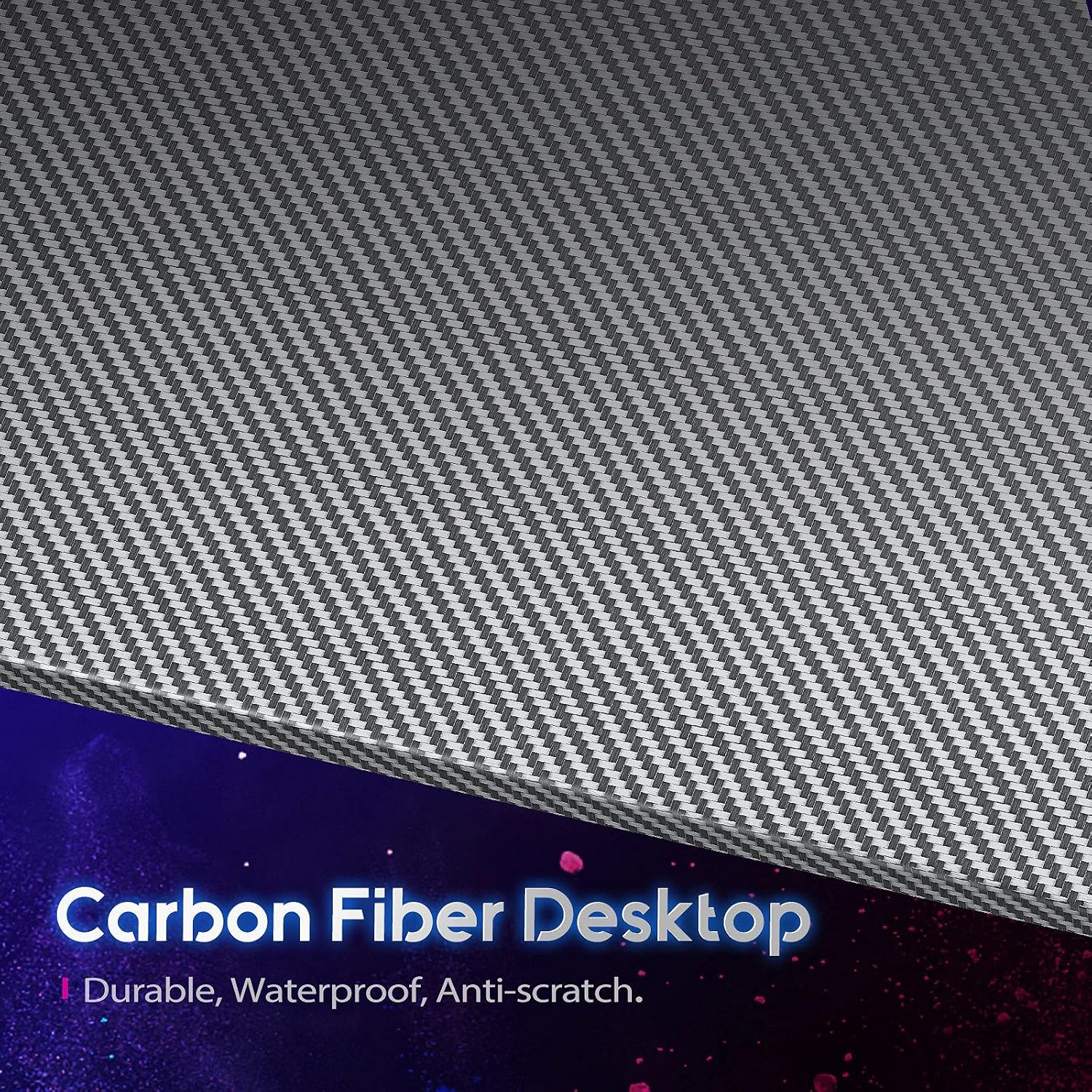
Image: An exploded diagram showing all components of the L-shaped gaming desk, including the frame, desktop panels, monitor stand, and accessories.
4. Setup and Assembly
Follow these steps for proper assembly. It is recommended to have a second person assist with certain steps for ease and safety.
- Unpack Components: Carefully remove all parts from the packaging and lay them out on a soft, clean surface to prevent scratches. Identify each part using the provided labels and the parts list.
- Assemble Frame: Connect the main frame components using the provided screws and Allen wrenches. Ensure all connections are secure but do not overtighten initially.
- Attach Desktop Panels: Place the carbon fiber desktop panels onto the assembled frame. Align the pre-drilled holes and secure them with the appropriate fasteners. Tighten all screws firmly but avoid excessive force to prevent damage.
- Install Monitor Stand: The monitor stand is detachable and can be installed on either the left or right side of the desk. Secure it using the designated attachment points.
- Attach Accessories: Install the cup holder and headphone hook to your preferred locations on the desk edges.
- Adjust Leveling Feet: The desk includes adjustable leveling foot pads. Adjust them to ensure the desk is stable and level on uneven floors.
Video: Official MOTPK L-Shaped Gaming Desk assembly and feature overview. This video demonstrates the ease of assembly and highlights key features.

Image: Close-up view of the sturdy metal frame construction of the desk, designed to support multiple monitors.
5. Operating and Features
The MOTPK L Shaped Gaming Desk offers several features designed for convenience and functionality:
- L-Shape Design: Provides ample workspace and fits efficiently into corner spaces, optimizing room layout.
- Carbon Fiber Surface: The desktop is made of a carbon fiber textured surface, which is anti-skidding, anti-scratch, and easy to clean.
- Detachable Monitor Stand: An elevated monitor riser stand can be placed on either the left or right side, providing ergonomic viewing and additional storage space.
- Cup Holder: A convenient, rotatable cup holder helps prevent spills and keeps beverages within reach.
- Headphone Hook: A dedicated hook allows for easy storage of headphones, keeping your desk clutter-free.
- Ample Legroom: The design ensures plenty of legroom for comfort during extended use.

Image: Detailed view of the removable headphone hook and cup holder, designed for user convenience.
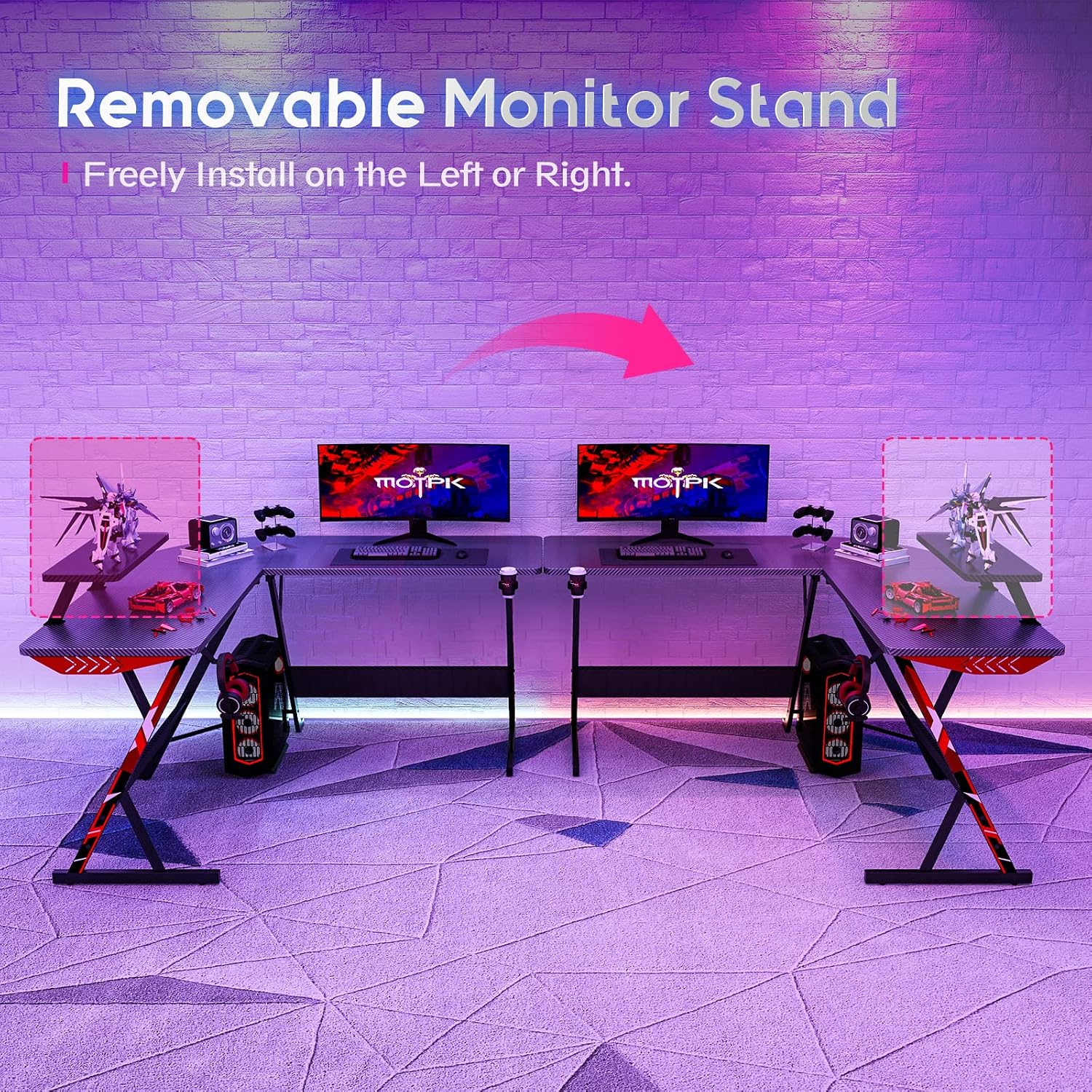
Image: The removable monitor stand, illustrating its flexibility to be installed on either side of the desk.
6. Maintenance
- Cleaning: The carbon fiber surface is anti-skidding and anti-scratch, making it easy to clean. Use a soft, damp cloth with mild soap and water. Avoid abrasive cleaners or harsh chemicals that could damage the finish.
- Inspection: Periodically check all screws and fasteners to ensure they remain tight. Retighten if necessary to maintain stability.
- Protection: While the surface is wear-resistant, using coasters for drinks and mouse pads can further protect the desktop from prolonged wear and tear.
7. Troubleshooting
| Problem | Possible Cause | Solution |
|---|---|---|
| Desk is wobbly. | Uneven floor; loose fasteners. | Adjust the leveling foot pads. Check and tighten all assembly screws. |
| Parts do not align during assembly. | Incorrect orientation of parts. | Review the instruction manual carefully to ensure each piece is facing the correct direction before tightening. |
| Desktop surface appears scratched or damaged. | Damage during shipping or assembly. | Contact customer service for assistance. Avoid dragging heavy objects across the surface. |
| Missing parts. | Packaging error. | Verify against the parts list. Contact customer service for replacement parts. |
8. Specifications
| Feature | Detail |
|---|---|
| Brand | MOTPK |
| Shape | L-Shape |
| Product Dimensions (D x W x H) | 48"D x 51"W x 29.5"H |
| Color | Black |
| Style | Gaming |
| Top Material Type | Carbon Fiber |
| Base Material | Carbon Fiber |
| Special Features | Adjustable, Ergonomic, Waterproof, Wear Resistant, Adjustable Height |
| Included Components | Detachable & switchable monitor riser stand, monitor shelf |
| Required Assembly | Yes |
| Item Weight | 19.1 Kilograms |
| Tabletop Thickness | 7.39 Inches |

Image: A detailed diagram illustrating the dimensions of the L-shaped gaming desk, including the monitor shelf.
9. Warranty and Support
Warranty Type: Limited Warranty.
For detailed warranty information, claims, or technical support, please contact MOTPK customer service. Refer to the contact information provided in your product packaging or visit the official MOTPK website.
MOTPK is committed to customer satisfaction. If you encounter any issues regarding product quality or during your purchase, please reach out for assistance. Easy and fast response and replacement are guaranteed.


