
1. Introduction and Overview
The AeroGarden Farm 24XL is an advanced indoor hydroponic gardening system designed for growing up to 24 plants simultaneously. This system provides optimal conditions for plant growth without the need for soil or natural sunlight, allowing for year-round cultivation of herbs, vegetables, or flowers. It features two independent 60W LED grow lights, a touchscreen control panel, and Wi-Fi connectivity for remote monitoring and control.
Key features include:
- Capacity: Grow up to 24 plant varieties.
- LED Grow Lights: Two customizable 60W full-spectrum LED lights.
- Adjustable Height: Grow height extends up to 36 inches.
- Control System: Intuitive touchscreen panel and Wi-Fi enabled app control.
- Automated Reminders: System provides alerts for water and plant food.
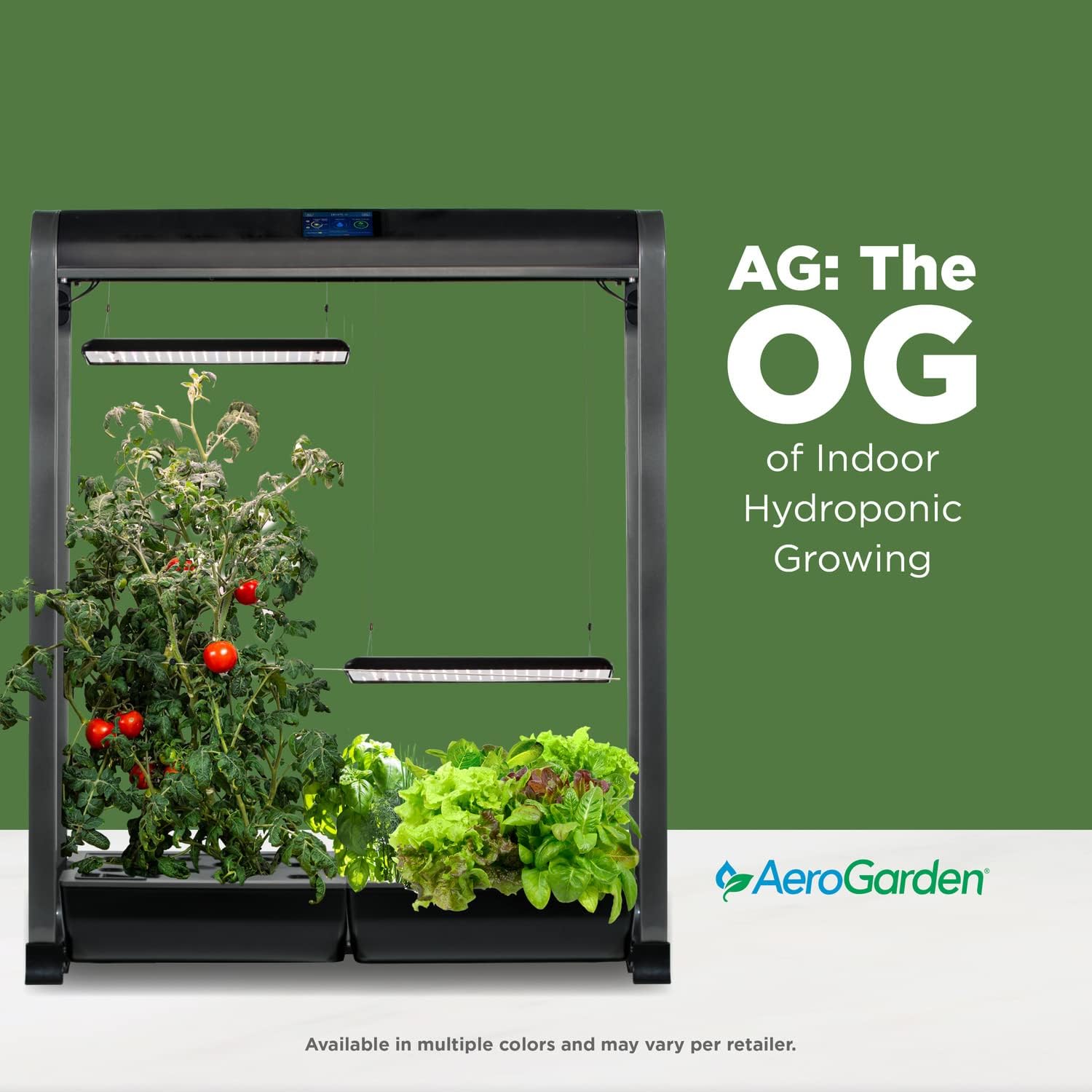
Image 1.1: The AeroGarden Farm 24XL, an indoor hydroponic gardening system.
2. Setup Instructions
Follow these steps to set up your AeroGarden Farm 24XL:
- Unpack Components: Carefully remove all parts from the packaging. Ensure you have the main frame, two grow decks, two LED light panels, power cords, seed pods, grow domes, liquid plant food, and the quick planting guide.
- Assemble Frame: Connect the frame components according to the quick planting guide. Ensure all connections are secure.
- Install Grow Decks: Place the two grow decks into their designated positions on the frame.
- Attach LED Light Panels: Secure the two LED light panels to the adjustable suspension system on the frame. Ensure they are level and can be moved up and down freely.
- Connect Power: Plug the power cords into the appropriate ports on the unit and then into a standard electrical outlet.
- Add Water: Fill the water reservoirs in each grow deck with fresh water up to the indicated fill line.
- Add Plant Food: Refer to the quick planting guide for the correct dosage of liquid plant food based on your plant type and add it to the water reservoirs.
- Insert Seed Pods: Place the included seed pods into the openings on the grow decks. Cover each seed pod with a grow dome.
- Initial Power On: Turn on the unit. The touchscreen control panel will guide you through initial settings, including plant type selection and light cycle preferences.

Image 2.1: Included components for setting up your AeroGarden Farm 24XL.

Image 2.2: Visual guide for the three simple steps to start your AeroGarden Farm 24XL.
3. Operating Instructions
The AeroGarden Farm 24XL is designed for automated operation, but understanding its controls ensures optimal plant growth.
3.1 Touchscreen Control Panel
The integrated touchscreen displays vital garden statistics and allows for adjustments. It provides information on water levels, days planted, and reminders for adding plant food.
- Light Control: Adjust the intensity of the LED grow lights and set the automatic on/off cycle. The system can simulate sunrise/sunset.
- Water Level: The screen indicates when water needs to be added. Ensure the reservoir is kept full.
- Plant Food Reminders: The system will remind you when it's time to add plant food, typically every two weeks.
- Wi-Fi Connectivity: Connect your AeroGarden to your home Wi-Fi network to monitor and control it remotely via the AeroGarden app.
3.2 Adjusting Grow Lights
The two 60W LED grow lights are independently adjustable. As your plants grow, raise the lights to maintain an appropriate distance from the plant canopy. This ensures even light distribution and prevents burning.
- Use the light adjustment mechanism on the frame to raise or lower each light panel.
- For optimal growth, maintain a distance of approximately 4-6 inches between the top of the plants and the LED lights.

Image 3.1: Overview of the AeroGarden Farm 24XL's operational features.
4. Maintenance
Regular maintenance ensures the longevity and efficiency of your AeroGarden Farm 24XL.
- Monthly Reservoir Cleaning: Every month, it is recommended to drain and rinse the water reservoirs. Mineral buildup from plant food can accumulate and affect plant health.
- Draining Process: Access the 'Drain' function through the touchscreen menu. Connect the provided drain hose to the nipple in the center of each bowl and direct the other end into a bucket. Activate the pump in drain mode to empty the reservoir.
- Refill and Re-fertilize: After draining and rinsing, refill the reservoirs with fresh water and add the appropriate amount of liquid plant food.
- Pruning: Regularly prune your plants to encourage bushier growth and prevent overcrowding, which can lead to reduced yield or pest issues.
- Cleaning Components: Periodically wipe down the exterior of the unit, light panels, and grow decks with a damp cloth. For stubborn mineral deposits, a vinegar solution can be used.
5. Troubleshooting
This section addresses common issues you might encounter with your AeroGarden Farm 24XL.
| Problem | Possible Cause | Solution |
|---|---|---|
| Plants not sprouting | Expired seed pods, improper setup, or environmental factors. | Ensure seed pods are fresh and correctly inserted. Verify light and water cycles. Contact AeroGarden support for germination guarantee replacement. |
| Lights not turning on/off | Incorrect light settings, power issue, or faulty component. | Check light cycle settings on the touchscreen. Ensure power connections are secure. If only one side is affected, verify individual light controls. |
| Water level sensor inaccurate | Sensor obstruction or malfunction. | Clean the water reservoir and sensor area to remove any debris or mineral buildup. |
| Slow plant growth | Insufficient nutrients, incorrect light distance, or water quality issues. | Ensure plant food is added regularly and reservoirs are clean. Adjust light height. Check water pH if possible. |
6. Specifications
Detailed technical specifications for the AeroGarden Farm 24XL:
- Brand: AeroGarden
- Model Number: Farm 24XL
- Product Dimensions: 36"L x 14"W x 46"H
- Item Weight: 3 Ounces (Note: This weight seems unusually low for the product size and may refer to a specific component or be an error in the source data. Actual product weight will be significantly higher.)
- Frame Material: Plastic
- Inner Material: Mylar
- Outer Material: Plastic
- Light Source Wattage: 60 Watts (per light panel, total 120W)
- GTIN/UPC: 810705017865
7. Warranty and Support
AeroGarden provides support for its products, including a germination guarantee.
7.1 Germination Guarantee
If any seed pod included with your AeroGarden Farm 24XL fails to sprout within 21 days, AeroGarden offers a replacement. Contact customer service for assistance.
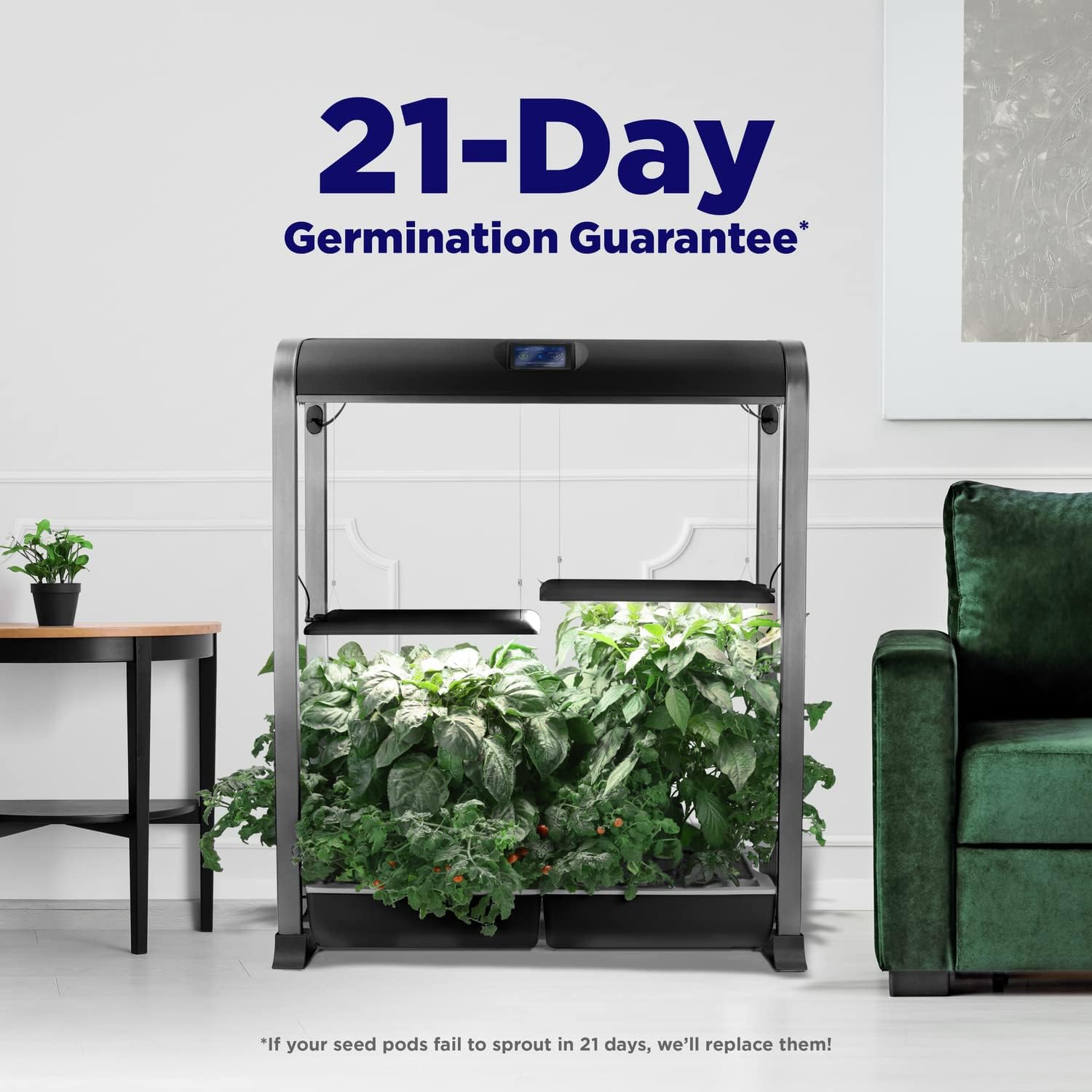
Image 7.1: AeroGarden's 21-Day Germination Guarantee.
7.2 Customer Support
For any product-related inquiries, missing parts, or technical assistance, please contact AeroGarden customer support. Refer to the contact information provided in your product packaging or on the official AeroGarden website.


