Introduction
This manual provides essential instructions for the safe and efficient operation of your Intempo Tempo Portable LED Speaker, Model EE5913BLKSTKEU7. Please read this guide thoroughly before using the device and retain it for future reference.
The Intempo Tempo Portable LED Speaker allows you to enjoy your favorite music with exceptional sound quality. Designed for portability, it features a convenient carry handle and a wireless range of 25 meters, making it suitable for travel or outdoor use. The integrated LED lights offer a color-changing display to enhance your listening experience. With USB and TF ports, you have multiple options for audio playback. The speaker is equipped with a built-in battery and delivers 5W of output power, ensuring clear, wireless sound wherever you go.

Front view of the Intempo Tempo Portable LED Speaker, showcasing its compact design and illuminated LED grille.

The Intempo Tempo speaker being held by its convenient carry handle, emphasizing its portability.
Safety Information
- Read all instructions carefully before using the speaker.
- Keep this manual for future reference.
- Do not expose the device to water, moisture, or extreme temperatures.
- Do not attempt to disassemble, repair, or modify the unit yourself. This will void the warranty.
- Use only the provided charging cable and a compatible USB power source (DC 5V).
- Keep the speaker away from heat sources, direct sunlight, and flammable materials.
- Avoid listening at high volume levels for extended periods to prevent hearing damage.
Setup
1. Charging the Speaker
The speaker is equipped with a rechargeable Lithium-ion battery. Before first use, fully charge the speaker to ensure optimal performance.
- Locate the DC5V charging port on the back of the speaker.
- Connect the micro USB end of the provided charging cable to the DC5V port on the speaker.
- Connect the USB-A end of the cable to a compatible USB power source (e.g., computer USB port, USB wall adapter).
- The charging indicator light will illuminate during charging and turn off or change color when fully charged (refer to product specific indicator behavior).

Illustration of connecting the USB charging cable to the speaker's DC5V input port.
2. Powering On/Off
To power the speaker on or off:
- Locate the ON/OFF switch on the back panel of the speaker.
- Slide the switch to the 'ON' position to power on the device. You will hear an audible prompt, and the LED lights may activate.
- Slide the switch to the 'OFF' position to power off the device.

Detailed view of the speaker's rear panel, highlighting the USB, TF card, power switch, and charging port.
Operating Instructions
1. Bluetooth Pairing
Connect your speaker wirelessly to a Bluetooth-enabled device.
- Ensure the speaker is powered on and within 25 meters of your Bluetooth device.
- The speaker will automatically enter Bluetooth pairing mode, indicated by a flashing LED light or an audible prompt.
- On your smartphone, tablet, or other Bluetooth-enabled device, navigate to the Bluetooth settings.
- Search for available devices and select 'Intempo Tempo' from the list.
- A confirmation sound will indicate successful pairing. You can now play audio from your device through the speaker.
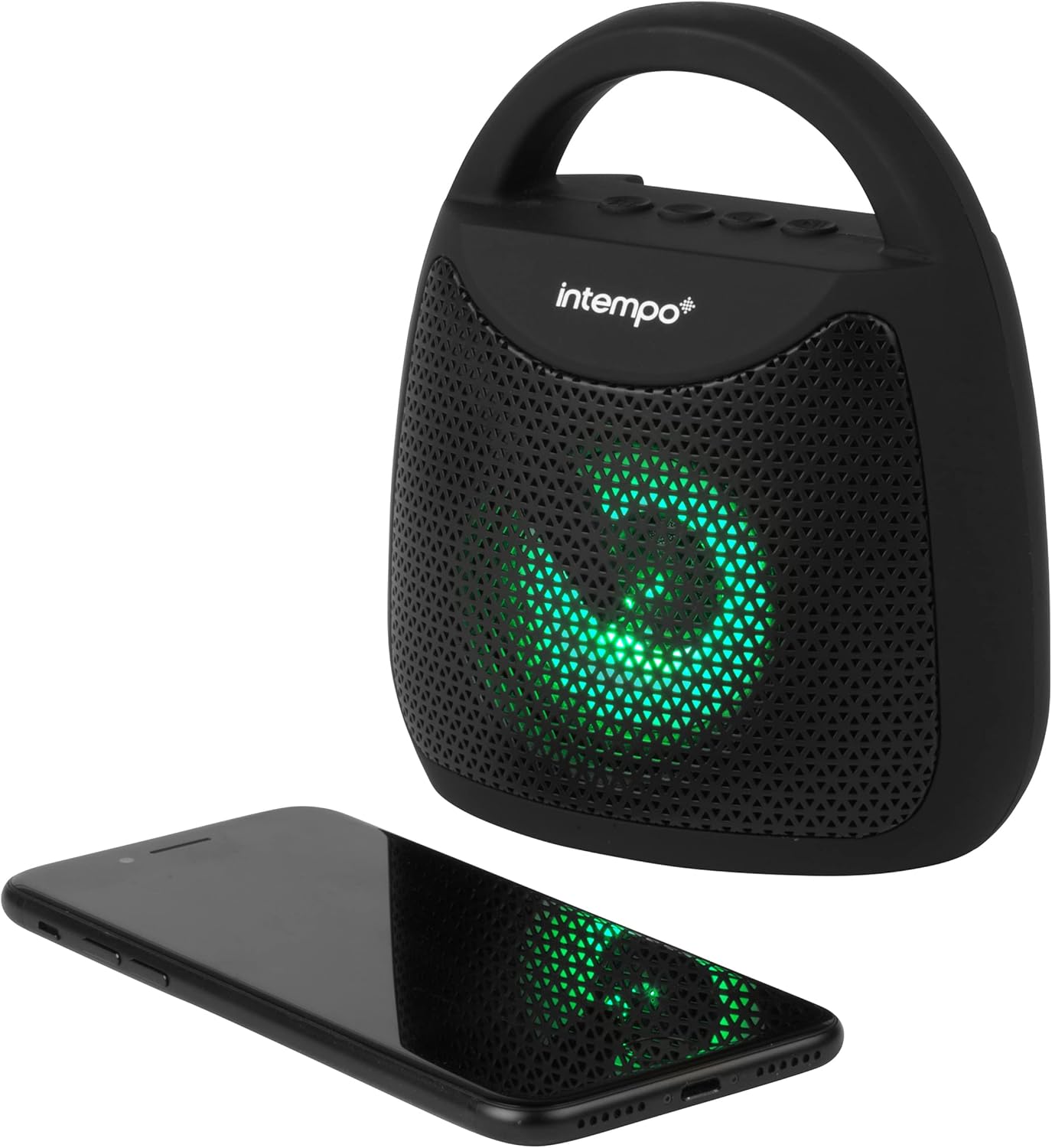
The Intempo Tempo speaker positioned beside a smartphone, demonstrating its wireless connection capability.
2. USB/TF Card Playback
Play audio directly from a USB flash drive or TF (microSD) card.
- Insert a USB flash drive into the USB port or a TF card into the TF card slot on the back of the speaker.
- The speaker will automatically detect the media and begin playing compatible audio files.
- Use the control buttons on the speaker to navigate tracks (Next/Previous) and adjust volume.
3. Control Buttons
The speaker features several control buttons on its top panel:
- Play/Pause Button: Press to play or pause audio. Press to answer or end a phone call.
- Volume Up (+) Button: Press to increase volume. Long press for next track.
- Volume Down (-) Button: Press to decrease volume. Long press for previous track.
- Mode Button (M): Press to switch between Bluetooth, USB, and TF card modes.
- LED Light Button: Press to cycle through different LED light modes or turn them off.
4. LED Light Modes
The speaker features dynamic color-changing LED lights to enhance your listening experience.
- Press the dedicated LED Light button to cycle through various light patterns and colors.
- Continue pressing the button to find your preferred light mode or to turn the lights off.

The Intempo Tempo speaker displaying its dynamic color-changing LED light feature.
5. Hands-Free Calling
When connected via Bluetooth to a smartphone, the speaker can be used for hands-free calls.
- When an incoming call is received, the speaker will ring.
- Press the Play/Pause button to answer the call.
- Press the Play/Pause button again to end the call.
Maintenance
Cleaning
- Ensure the speaker is powered off and disconnected from any power source before cleaning.
- Wipe the exterior of the speaker with a soft, dry, lint-free cloth.
- Do not use abrasive cleaners, solvents, or harsh chemicals, as these may damage the finish or internal components.
Storage
- When not in use for extended periods, store the speaker in a cool, dry place.
- Avoid storing in areas with extreme temperatures or high humidity.
- It is recommended to fully charge the battery every few months to maintain battery health if stored for a long time.
Troubleshooting
| Problem | Possible Cause | Solution |
|---|---|---|
| Speaker does not power on. | Battery is depleted. ON/OFF switch is in 'OFF' position. | Charge the speaker fully. Ensure the ON/OFF switch is in the 'ON' position. |
| No sound from the speaker. | Volume is too low. Device not properly connected. Incorrect mode selected. | Increase volume on both the speaker and the connected device. Re-pair Bluetooth or re-insert USB/TF card. Press the 'M' button to select the correct input mode. |
| Cannot pair via Bluetooth. | Speaker not in pairing mode. Device Bluetooth is off. Speaker too far from device. | Ensure speaker is powered on and in Bluetooth mode (flashing LED). Turn Bluetooth off and on again on your device. Move speaker closer to your device (within 25m). |
| LED lights are not working. | Lights are turned off. Speaker is off. | Press the LED Light button to activate or cycle through modes. Ensure the speaker is powered on. |
| Poor audio quality. | Device too far from speaker. Obstructions between devices. Low battery. | Move the connected device closer to the speaker. Remove any obstructions. Charge the speaker. |
Specifications
| Model Number | EE5913BLKSTKEU7 |
| Brand | Intempo |
| Output Power | 5 Watts |
| Connectivity Technology | Bluetooth |
| Wireless Range | Up to 25 meters |
| Power Source | Battery Powered (1 Lithium-ion battery included) |
| Dimensions (L x W x H) | 12 x 13.7 x 7.4 cm |
| Weight | 430 grams |
| Special Features | Wireless, Color-Changing LED Lights, USB Playback, TF Card Playback, Hands-free Microphone |
| Components Included | 1 Intempo Portable LED Speaker |
Warranty Information
This Intempo product is covered by a manufacturer's warranty. The specific terms and duration of the warranty may vary by region and retailer. Please refer to the warranty card included in your product packaging for detailed information regarding coverage, limitations, and how to make a claim. Retain your proof of purchase for warranty validation.
Customer Support
Should you encounter any issues, require technical assistance, or have questions not covered in this manual, please contact Intempo customer support. Contact details can typically be found on the product packaging, the official Intempo website, or through your retailer.
- Before contacting support, please have your product model number (EE5913BLKSTKEU7) and proof of purchase ready.
- You may also find additional resources, FAQs, and updated information on the official Intempo website.