
1. Introduction
Thank you for purchasing the Salora SBO680 Soundbar. This manual provides essential information for the safe and efficient operation of your new audio system. Please read it thoroughly before use and retain it for future reference.
The Salora SBO680 is a sophisticated audio solution designed to enhance your home entertainment experience. Featuring 2.1 audio output channels, it delivers immersive sound with a 60W RMS rated power, ensuring crystal-clear audio reproduction. The soundbar speaker has an RMS power of 40W and a 6.35 cm (2.5 inch) tweeter diameter, providing crisp highs and detailed mid-range frequencies. Its active subwoofer, with an RMS power of 20W, adds rich, deep bass to your audio, improving the overall listening experience. The product is available in an elegant black color, complementing any interior decor, and is ideal for home use. Volume control is conveniently managed via buttons, offering ease of use. With wired and wireless connectivity technology, the Salora SBO680 offers versatile options for seamless integration into your entertainment setup.

Image: Front cover of the Salora SBO680 Soundbar instruction manual.
2. Important Safety Information
- Read Instructions: Read all safety and operating instructions before using the product.
- Retain Instructions: Keep the safety and operating instructions for future reference.
- Heed Warnings: Adhere to all warnings on the product and in the operating instructions.
- Follow Instructions: Follow all operating and use instructions.
- Cleaning: Unplug this product from the wall outlet before cleaning. Do not use liquid cleaners or aerosol cleaners. Use a damp cloth for cleaning.
- Attachments: Do not use attachments not recommended by the product manufacturer as they may cause hazards.
- Water and Moisture: Do not use this product near water – for example, near a bathtub, washbowl, kitchen sink, laundry tub, in a wet basement, or near a swimming pool.
- Ventilation: Slots and openings in the cabinet are provided for ventilation to ensure reliable operation of the product and to protect it from overheating. These openings must not be blocked or covered.
- Power Sources: Operate this product only from the type of power source indicated on the marking label. If you are not sure of the type of power supply to your home, consult your product dealer or local power company.
- Power-Cord Protection: Power-supply cords should be routed so that they are not likely to be walked on or pinched by items placed upon or against them.
- Lightning: For added protection for this product during a lightning storm, or when it is left unattended and unused for long periods of time, unplug it from the wall outlet.
- Servicing: Do not attempt to service this product yourself as opening or removing covers may expose you to dangerous voltage or other hazards. Refer all servicing to qualified service personnel.
3. Package Contents
Please check that all items are present and in good condition.
- Salora SBO680 Soundbar
- Remote Control (requires 2 AAA batteries, not always included)
- User Manual (this document)
- Power Cable
4. Product Overview
4.1 Front and Side View
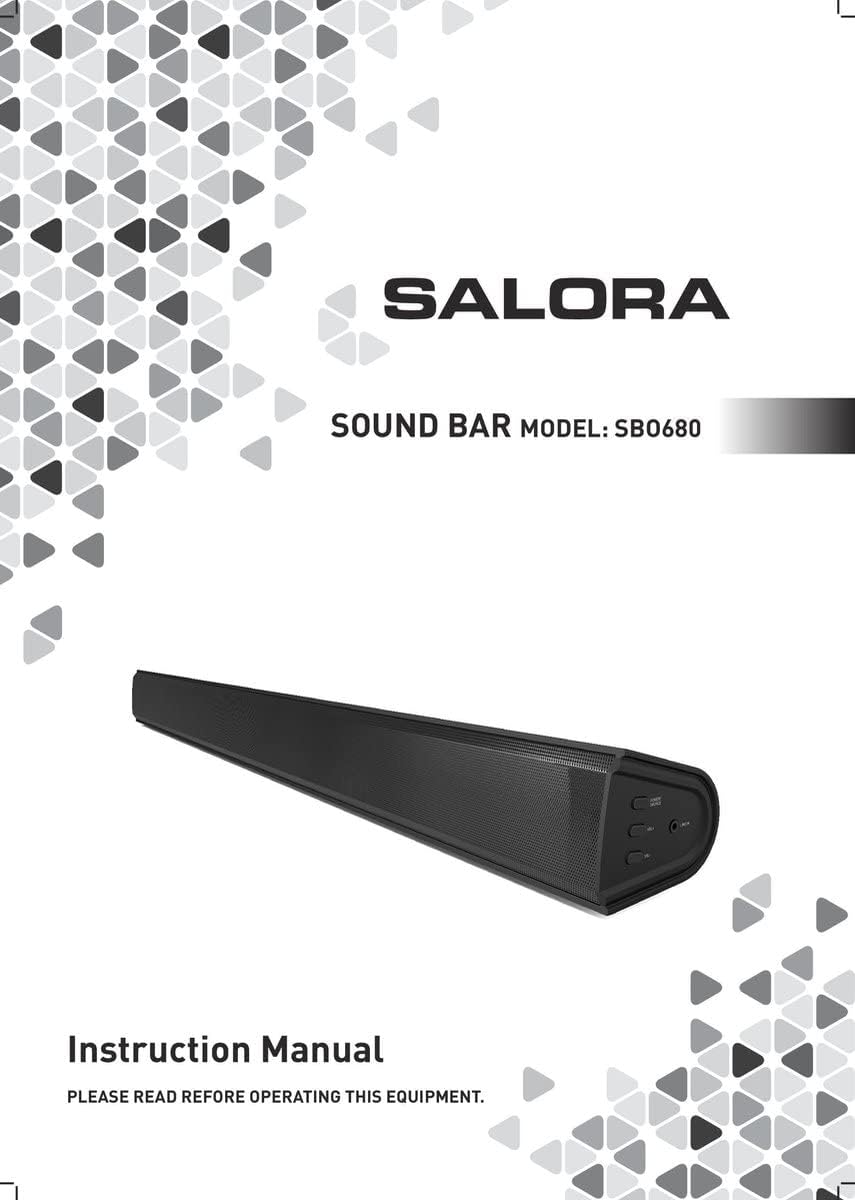
Image: Front view of the Salora SBO680 Soundbar, showing the speaker grille.

Image: Close-up of the side panel controls, including Power/Source, Volume Up, Volume Down, and Line In port.
- Power/Source Button: Press to turn on/off or switch input modes.
- Volume Up (+): Increase volume.
- Volume Down (-): Decrease volume.
- LINE IN Port: 3.5mm audio input for external devices.
4.2 Rear View and Connections

Image: Rear view of the Salora SBO680 Soundbar, showing various input ports and mounting points.

Image: Close-up of the rear connection panel, featuring USB, HDMI ARC, Optical, and DC 20V power input.
- USB Port: For playing audio files from a USB drive.
- HDMI ARC Port: Connect to a TV's HDMI ARC port for audio and control.
- OPTICAL Port: Digital audio input from devices like TVs or game consoles.
- DC 20V Port: Power input for the soundbar.
4.3 Remote Control

Image: The included remote control for the Salora SBO680 Soundbar, showing various buttons for power, volume, input, and sound modes.
The remote control allows you to manage volume, bass/treble, and input selection. It requires 2 AAA batteries (not always included).
- Power Button: Turns the soundbar on or off.
- Input Button: Cycles through input sources (HDMI ARC, Optical, AUX, Bluetooth, USB).
- Volume +/-: Adjusts the main volume.
- BA+/-: Adjusts bass levels.
- TR+/-: Adjusts treble levels.
- Music/TV/Movie: Pre-set equalizer modes for different audio content.
- PAIR: Initiates Bluetooth pairing mode.
- DEFAULT: Resets sound settings to factory defaults.
5. Setup and Connections
Before connecting, ensure the soundbar and all devices are powered off.
5.1 Power Connection
- Connect the power cable to the DC 20V port on the back of the soundbar.
- Plug the other end of the power cable into a wall outlet.
5.2 Connecting to a TV (Recommended)
The Salora SBO680 offers multiple ways to connect to your TV. HDMI ARC is recommended for the best audio quality and ease of control.
5.2.1 HDMI ARC Connection
HDMI ARC (Audio Return Channel) allows you to send audio from your TV to the soundbar using a single HDMI cable and control the soundbar with your TV remote.
- Connect one end of an HDMI cable (not included) to the HDMI ARC port on the soundbar.
- Connect the other end of the HDMI cable to the HDMI ARC port on your TV. (Look for a port labeled "HDMI ARC" or "HDMI IN (ARC)").
- Turn on the soundbar and select the HDMI ARC input using the remote or the Power/Source button.
- Ensure your TV's audio output settings are configured for HDMI ARC or external speakers.
5.2.2 Optical Connection
Use an optical cable for high-quality digital audio if your TV does not support HDMI ARC.
- Connect one end of an optical cable (not included) to the OPTICAL port on the soundbar.
- Connect the other end of the optical cable to the optical digital output port on your TV or other audio source.
- Turn on the soundbar and select the OPTICAL input.
- Ensure your TV's audio output settings are configured for optical output.
5.3 Bluetooth Connection
Stream audio wirelessly from your smartphone, tablet, or other Bluetooth-enabled devices. The soundbar remembers up to 8 devices.
- Turn on the soundbar and select the BLUETOOTH input using the remote or the Power/Source button. The indicator light will flash, indicating pairing mode.
- On your Bluetooth device, enable Bluetooth and search for available devices.
- Select "Salora SBO680" from the list of devices.
- Once paired, the indicator light on the soundbar will stop flashing and remain solid.
- You can now play audio from your device through the soundbar.
- To disconnect, disable Bluetooth on your device or select a different input on the soundbar.
5.4 AUX (Line In) Connection
Connect older devices or devices without digital audio outputs using a 3.5mm audio cable.
- Connect one end of a 3.5mm audio cable (not included) to the LINE IN port on the side of the soundbar.
- Connect the other end to the headphone jack or audio output of your external device.
- Turn on the soundbar and select the AUX input.
- Play audio from your device.
5.5 USB Playback
Play audio files directly from a USB flash drive.
- Insert a USB flash drive (containing compatible audio files) into the USB port on the back of the soundbar.
- Turn on the soundbar and select the USB input.
- The soundbar will automatically begin playing audio files from the USB drive. Use the remote control to navigate tracks.
6. Operating Instructions
6.1 Basic Operation
- Power On/Off: Press the Power button on the remote or the Power/Source button on the soundbar.
- Volume Adjustment: Use the Volume +/- buttons on the remote or the soundbar.
- Input Selection: Press the Input button on the remote or the Power/Source button on the soundbar to cycle through available inputs (HDMI ARC, Optical, AUX, Bluetooth, USB).
- Mute: Press the Mute button on the remote to temporarily silence the audio. Press again to unmute.
6.2 Sound Modes and Equalizer
The Salora SBO680 offers pre-set equalizer modes and manual bass/treble adjustments to optimize your listening experience.
- Pre-set Modes: Use the MUSIC, TV, or MOVIE buttons on the remote to select an optimized sound profile for your content.
- Bass Adjustment: Use the BA+/- buttons on the remote to increase or decrease bass levels.
- Treble Adjustment: Use the TR+/- buttons on the remote to increase or decrease treble levels.
- Default Settings: Press the DEFAULT button on the remote to reset all sound settings to their factory defaults.

Image: Illustration showing the soundbar and remote control, with sound waves emanating from the soundbar, symbolizing immersive audio.
7. Maintenance
7.1 Cleaning
- Always unplug the soundbar from the power outlet before cleaning.
- Use a soft, dry cloth to wipe the exterior surfaces.
- Do not use liquid cleaners, abrasive cleaners, or chemical solvents, as these may damage the finish.
- For the speaker grille, use a soft brush or a vacuum cleaner with a brush attachment to gently remove dust.
7.2 Storage
- If storing the soundbar for an extended period, unplug it from the power source.
- Store it in a cool, dry place, away from direct sunlight and extreme temperatures.
- It is recommended to keep the original packaging for storage and transport.
8. Troubleshooting
If you encounter issues with your Salora SBO680 Soundbar, refer to the following common problems and solutions.
| Problem | Possible Cause | Solution |
|---|---|---|
| No power | Power cable not connected or power outlet not active. | Ensure the power cable is securely connected to the soundbar and a working power outlet. |
| No sound | Incorrect input selected, volume too low, or incorrect TV audio settings. |
|
| Bluetooth pairing fails | Soundbar not in pairing mode, device too far, or interference. |
|
| Remote control not working | Batteries depleted or remote not aimed correctly. |
|
| Distorted sound | Volume too high, poor audio source, or incorrect equalizer settings. |
|
9. Specifications
| Model Name | Salora SBO680 |
| Brand | SALORA |
| Output Power (RMS) | 60W (Soundbar: 40W, Subwoofer: 20W) |
| Speaker Type | Soundbar with Built-in Subwoofer |
| Audio Output Mode | Stereo (2.1 Channel) |
| Connectivity Technology | Bluetooth, HDMI ARC, Optical, USB, AUX (3.5mm Line In) |
| Wireless Communication | Bluetooth |
| Compatible Devices | Smartphone, Tablet, Television |
| Control Method | Remote Control, On-device Buttons |
| Product Dimensions (L x W x H) | 81 x 9 x 7.85 cm (31.9 x 3.5 x 3.1 inches) |
| Item Weight | 2.6 kilograms (5.73 lbs) |
| Color | Black |
| Material | Plastic |
| Power Source | Electric Cable (DC 20V) |
| Remote Batteries | 2 x AAA (not always included) |
| Maximum Range (Bluetooth) | 12 Meters |
| Special Features | High-resolution audio support |
10. Warranty and Support
For warranty information, please refer to the warranty card included with your product or contact your local retailer.
If you require technical support or have questions not covered in this manual, please visit the official SALORA website or contact their customer service department.

