
1. Introduction
This manual provides essential information for the setup, operation, and maintenance of your Glorious Elements Fire Gaming Mousepad. Please read these instructions carefully to ensure optimal performance and longevity of your product.

Image 1.1: Top-down view of the Glorious Elements Fire Gaming Mousepad.
2. Product Features
- Hybrid Cloth Surface: Engineered for a balance of speed and control.
- Foam Core (3mm): Provides a comfortable and stable base.
- Non-Slip Rubber Base: Ensures the mousepad remains securely in place during use.
- Precision Tracking: Optimized for consistent X/Y axis movement.
- Durable Design: Anti-fray and crease-resistant laminated fabric.

Image 2.1: Features of the Glorious Elements Fire Mousepad.
3. Setup
- Unpack: Carefully remove the mousepad from its packaging.
- Placement: Lay the mousepad flat on your desired desk surface. Ensure the surface is clean and free of debris to maximize the non-slip base's effectiveness.
- Flattening: If the mousepad has any minor creases from packaging, gently roll it in the opposite direction or place heavy, flat objects on it for a few hours to help it flatten completely.

Image 3.1: Mousepad placed on a desk with a gaming mouse.
4. Operating Instructions
The Glorious Elements Fire Gaming Mousepad is designed for immediate use with any optical or laser mouse. Simply place your mouse on the pad and begin operation. The hybrid surface is optimized for various mouse sensors and sensitivities, providing consistent tracking and smooth glide.

Image 4.1: Close-up of a gaming mouse on the mousepad surface.
5. Maintenance
To maintain optimal performance and glide, regular cleaning of your mousepad is recommended. The unique surface can be affected by oils from hands and other grime.
- Routine Cleaning: Use a soft, damp cloth to wipe down the surface. For best results, use a small amount of mild soap diluted in water.
- Drying: Allow the mousepad to air dry completely before reuse. Do not use heat to dry.
- Avoid Harsh Chemicals: Do not use abrasive cleaners or harsh chemicals, as these can damage the surface material.
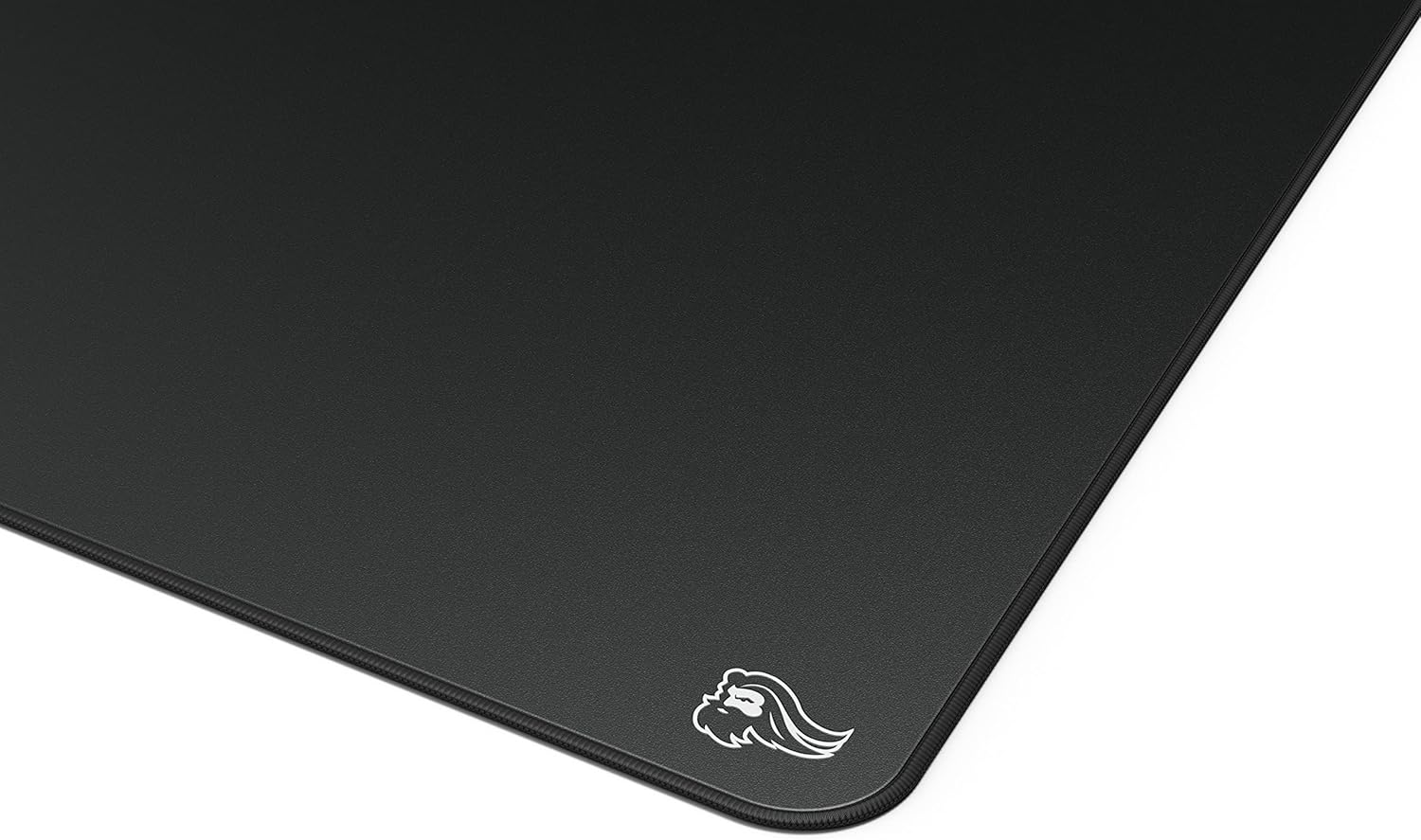
Image 5.1: Detailed view of the mousepad's surface texture.
6. Troubleshooting
- Mousepad Slides: Ensure the desk surface beneath the mousepad is clean and dry. The non-slip rubber base requires a clean surface for maximum grip.
- Inconsistent Mouse Tracking/Glide: This is often due to accumulated oils or grime on the mousepad surface. Refer to the Maintenance section for cleaning instructions.
- Creases or Unevenness: While designed to be crease-resistant, if minor unevenness occurs, place the mousepad on a flat surface and apply a heavy, flat object (like a book) over the affected area for several hours.
7. Specifications
| Model Number | GLO-MP-ELEM-FIRE |
| Product Dimensions | 17 x 15 x 0.1 inches (43.18 x 38.1 x 0.25 cm) |
| Item Weight | 11.2 ounces (317.5 grams) |
| Material | Fabric (Hybrid Cloth Surface, 3mm Foam Core) |
| Color | Fire (Black) |
| Special Feature | Artisan Mousepad, Treated Cloth Surface |
| Recommended Uses | Gaming, Office Work, School Work |
| Manufacturer | Glorious |
| Date First Available | August 18, 2020 |
8. Warranty
Glorious provides a 2-Year Warranty for the Elements Fire Gaming Mousepad. This warranty covers hassle-free return and replacement for any manufacturing defects or issues with the product up to two years from the date of purchase. For warranty claims, please retain your proof of purchase.
9. Support
For further assistance, technical support, or inquiries regarding your Glorious Elements Fire Gaming Mousepad, please visit the official Glorious PC Gaming Race store or contact customer service through their website.
Official Brand Store: Glorious PC Gaming Race Store