
havit HV-MP858-W
Contents
Havit RGB Gaming Mouse Pad User Manual
Brand: havit | Model: HV-MP858-W
Introduction
Thank you for choosing the Havit RGB Gaming Mouse Pad. This extended mouse pad is designed to enhance your gaming and work experience with its large surface, smooth tracking, and vibrant RGB lighting. This manual provides detailed instructions on how to set up, operate, and maintain your new mouse pad to ensure optimal performance and longevity.
Product Features
- Large Surface Area: Measuring 800 x 300 mm, providing ample space for both your keyboard and mouse.
- Vibrant RGB Lighting: Features 14 lighting modes, including 7 static colors and 7 dynamic effects, to personalize your setup.
- Smooth Surface: Optimized for precise mouse tracking and smooth gliding.
- Anti-Slip Rubber Base: Ensures the mouse pad stays firmly in place during intense gaming sessions.
- Durable Stitched Edges: Prevents fraying and increases the lifespan of the mouse pad.
- Plug and Play: Easy to connect via USB, no drivers required.

Figure 1: The Havit RGB Gaming Mouse Pad showcasing its vibrant lighting effects.

Figure 2: Detail of the soft mouse pad surface and durable stitched edge, designed for comfort and longevity.

Figure 3: The large size design of the mouse pad, measuring 800mm in length and 300mm in width, shown with the white variant.
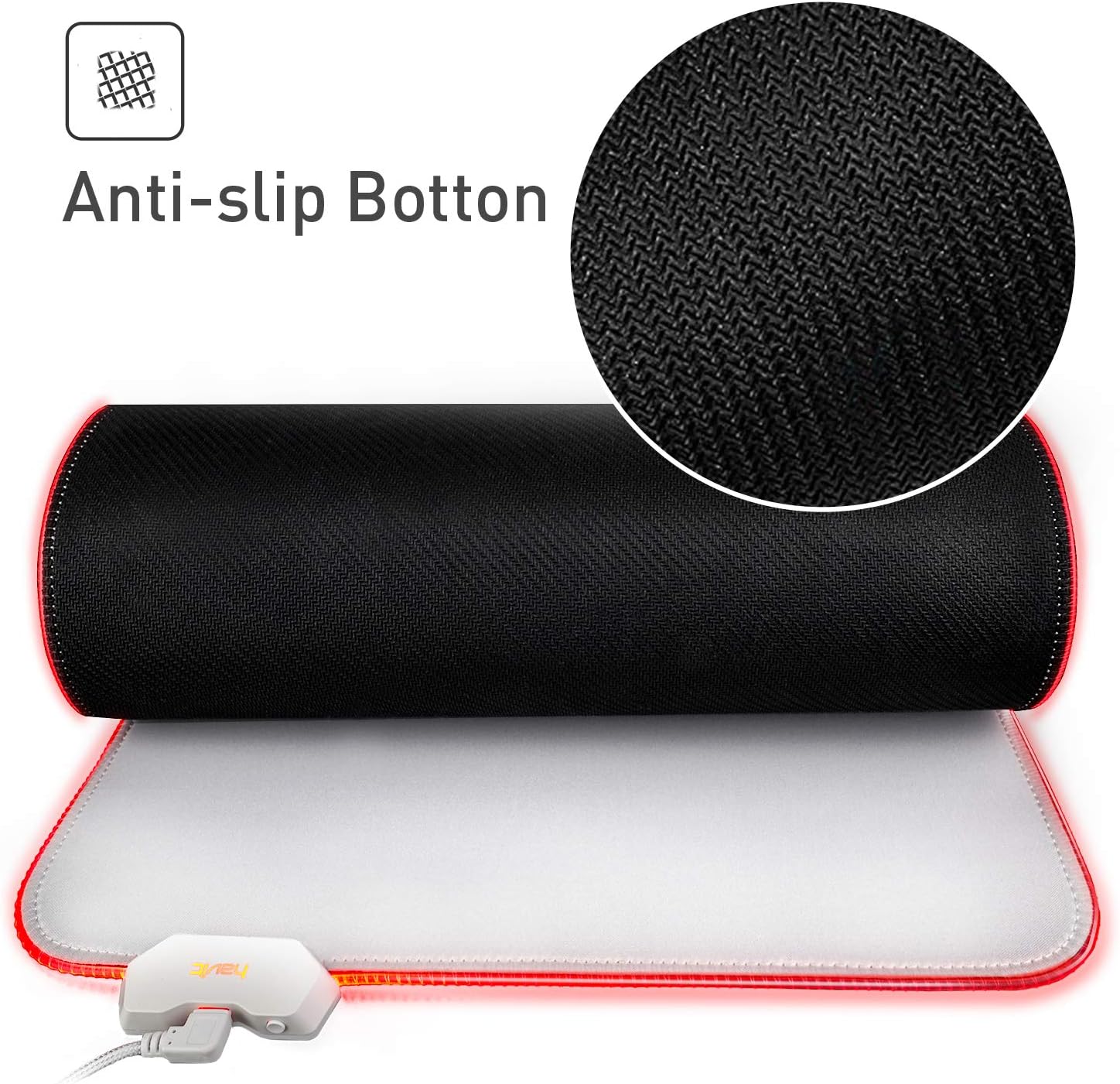
Figure 4: The anti-slip rubber bottom of the mouse pad, ensuring stability on your desk.
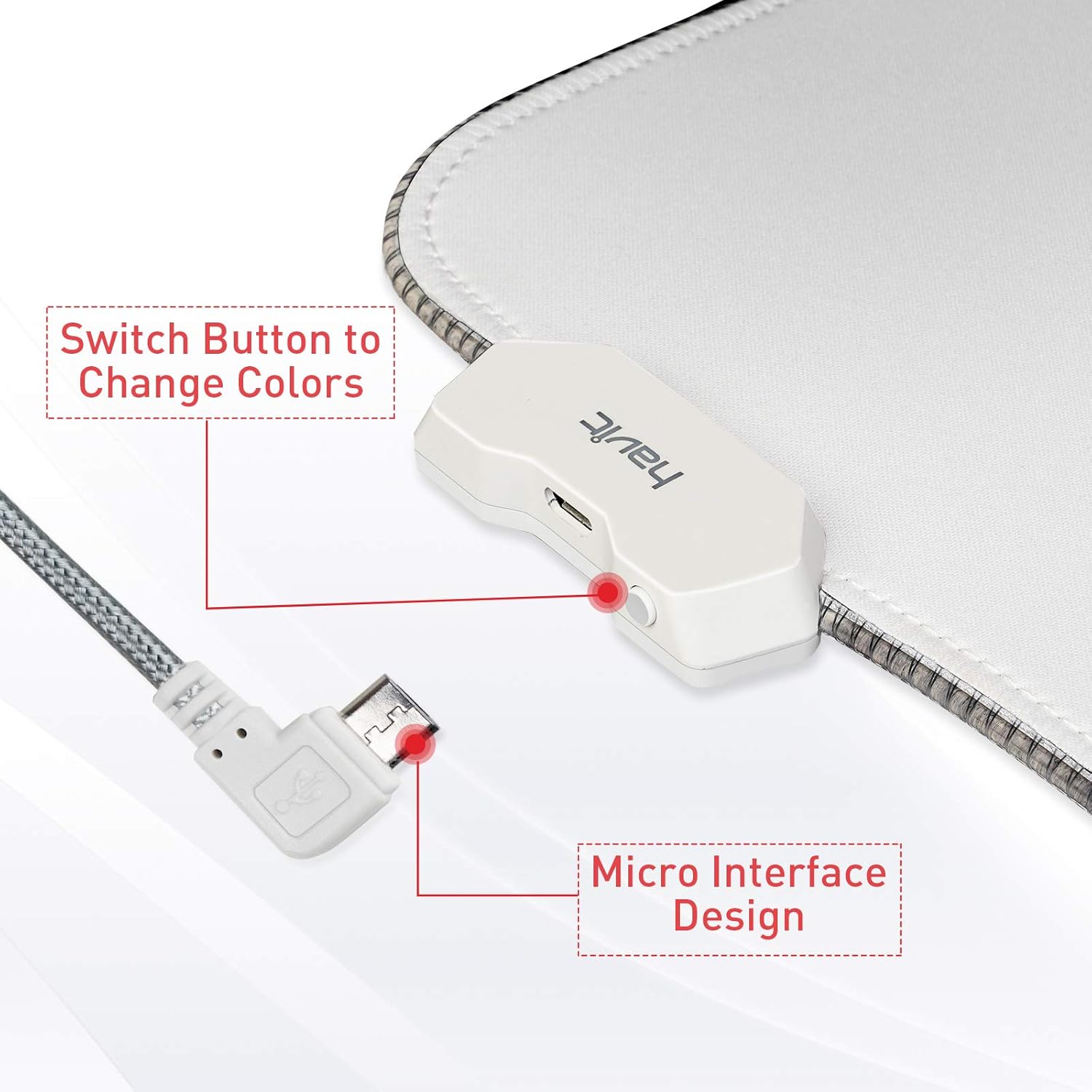
Figure 5: The control button for changing lighting modes and the micro USB interface for power connection.
Setup Instructions
- Unpack the Mouse Pad: Carefully remove the mouse pad from its packaging. Allow it to flatten completely if it was rolled up.
- Position the Mouse Pad: Place the mouse pad on a clean, flat surface where you intend to use your keyboard and mouse.
- Connect to Power: Locate the micro USB port on the mouse pad's control box. Connect the provided USB cable to this port and then plug the other end into an available USB port on your computer or a USB power adapter.
- Power On: The RGB lighting should illuminate automatically once connected. If not, press the control button on the mouse pad to turn it on.
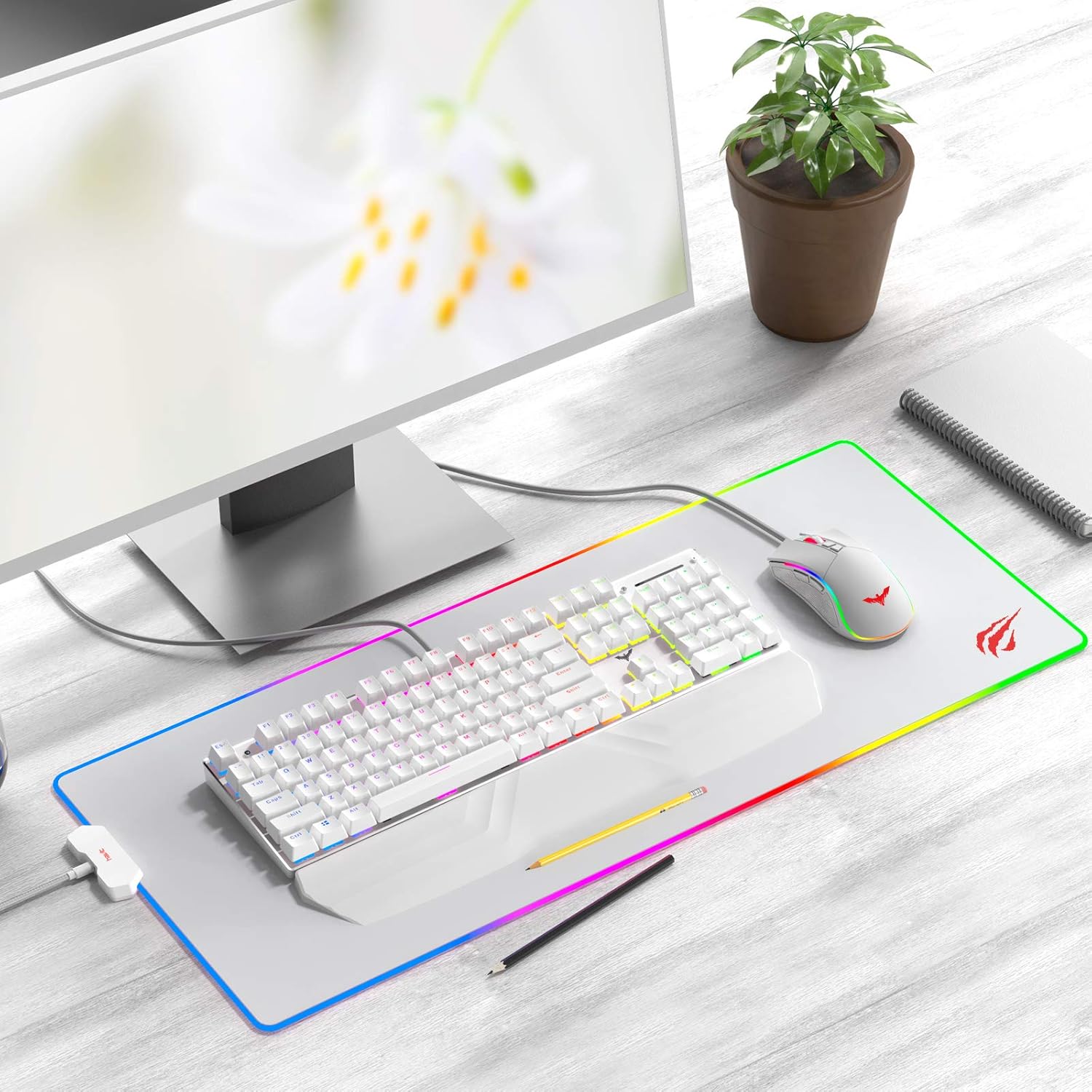
Figure 6: The Havit RGB Gaming Mouse Pad fully set up on a desk with a keyboard and mouse, demonstrating its large surface area.
Operating Instructions
The Havit RGB Gaming Mouse Pad features a simple one-button control for its lighting effects.
- Changing Lighting Modes: Press the control button located on the mouse pad's control box to cycle through the 14 available lighting modes. Each press will switch to the next mode.
- Power On/Off: Press and hold the control button for approximately 3 seconds to turn the RGB lighting on or off.
- Memory Function: The mouse pad will remember your last selected lighting mode when powered off and on again.

Figure 7: Visual representation of the 14 different lighting modes available, including static and dynamic options.
Maintenance
Proper maintenance will help extend the life of your Havit RGB Gaming Mouse Pad.
- Cleaning the Surface: For general cleaning, use a soft, damp cloth to gently wipe the surface of the mouse pad. For stubborn stains, a small amount of mild soap can be used, but ensure to wipe it off thoroughly with a clean, damp cloth.
- Do NOT Machine Wash: The mouse pad contains electronic components for the RGB lighting. Do not machine wash or submerge the mouse pad in water, as this will damage the lighting system and void the warranty.
- Avoid Harsh Chemicals: Do not use strong detergents, abrasive cleaners, or solvents, as these can damage the surface material and colors.
- Drying: Allow the mouse pad to air dry completely before reconnecting it to power.
Troubleshooting
| Problem | Possible Cause | Solution |
|---|---|---|
| RGB lighting does not turn on. |
|
|
| Lighting flickers or is inconsistent. |
|
|
| Mouse tracking is inconsistent. |
|
|
Specifications
| Model Number | HV-MP858-W |
| Dimensions | 800 x 300 x 4 mm (Length x Width x Thickness) |
| Material | Rubber (Base), Fabric (Surface) |
| Weight | 721 Grams |
| Lighting Modes | 14 (7 Static, 7 Dynamic) |
| Interface | Micro USB (for power) |
| UPC | 020201502233 |
Warranty and Support
Havit products are designed for quality and reliability. Specific warranty information for this product was not provided in the available data. For detailed warranty terms, technical support, or to inquire about replacement parts, please visit the official Havit website or contact their customer service directly. Keep your purchase receipt as proof of purchase for any warranty claims.
You can visit the Havit store on Amazon for more information: Havit Official Store
Ask a question about this manual
Ask about setup, troubleshooting, compatibility, parts, safety, or missing instructions. Manuals+ will review the question and use this page’s manual context to help answer it.