
X9 Performance X9MEDIAPALM
X9 Wired Keyboard Instruction Manual
Model: X9MEDIAPALM | Brand: X9 Performance
1. Introduction
The X9 Wired Keyboard is a full-size USB keyboard designed for comfortable and efficient typing. Featuring an ergonomic design with an integrated wrist rest, dedicated multimedia keys, and a numeric keypad, it is ideal for office, multimedia, and everyday use. This manual provides essential information for setting up, operating, and maintaining your keyboard.

Figure 1: X9 Wired Keyboard Overview
2. Setup
The X9 Wired Keyboard offers a simple plug-and-play setup, requiring no additional software or drivers. It is compatible with Windows and Chrome OS.
2.1 Connecting the Keyboard
- Locate an available USB-A port on your computer (desktop, laptop, or PC).
- Insert the USB-A connector of the keyboard cable firmly into the USB-A port.
- The keyboard will be automatically recognized by your operating system and ready for use within seconds.

Figure 2: Plug and Play Setup

Figure 3: Simple Wired Connection
2.2 Official Product Video: Setup and Features
Video 1: This video demonstrates the plug-and-play setup of the X9 Wired Keyboard and highlights its key features, including the integrated wrist rest and multimedia keys.
3. Operating the Keyboard
The X9 Wired Keyboard features a full-size 114-key layout designed for optimal productivity and comfort.
3.1 Key Layout and Features
- Full-Size Layout: Includes a complete alphanumeric section, a dedicated numeric keypad, and navigation keys.
- Multimedia Keys: 10 dedicated multimedia keys located above the function keys provide quick access to media controls such as play/pause, volume up/down, mute, and track navigation.
- Shortcut Keys: 14 convenient shortcut keys enhance workflow efficiency.
- Integrated Wrist Rest: Provides ergonomic support to help prevent wrist strain during extended typing sessions.
- Adjustable Kickstand: Located on the underside of the keyboard, the kickstand allows you to adjust the typing angle for personalized comfort.

Figure 4: Multimedia Keys for Easy Navigation
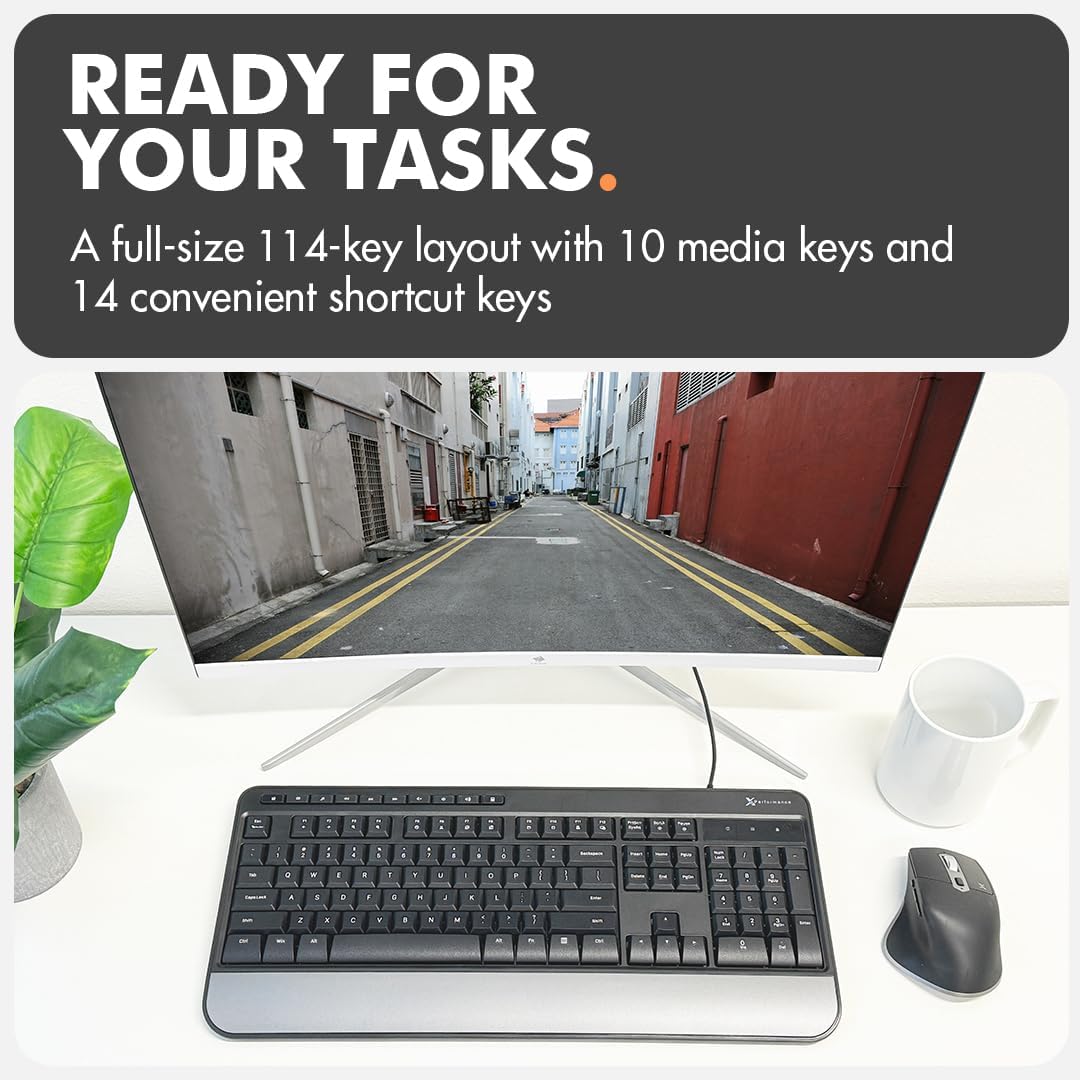
Figure 5: Ready for Any Task with Full Layout
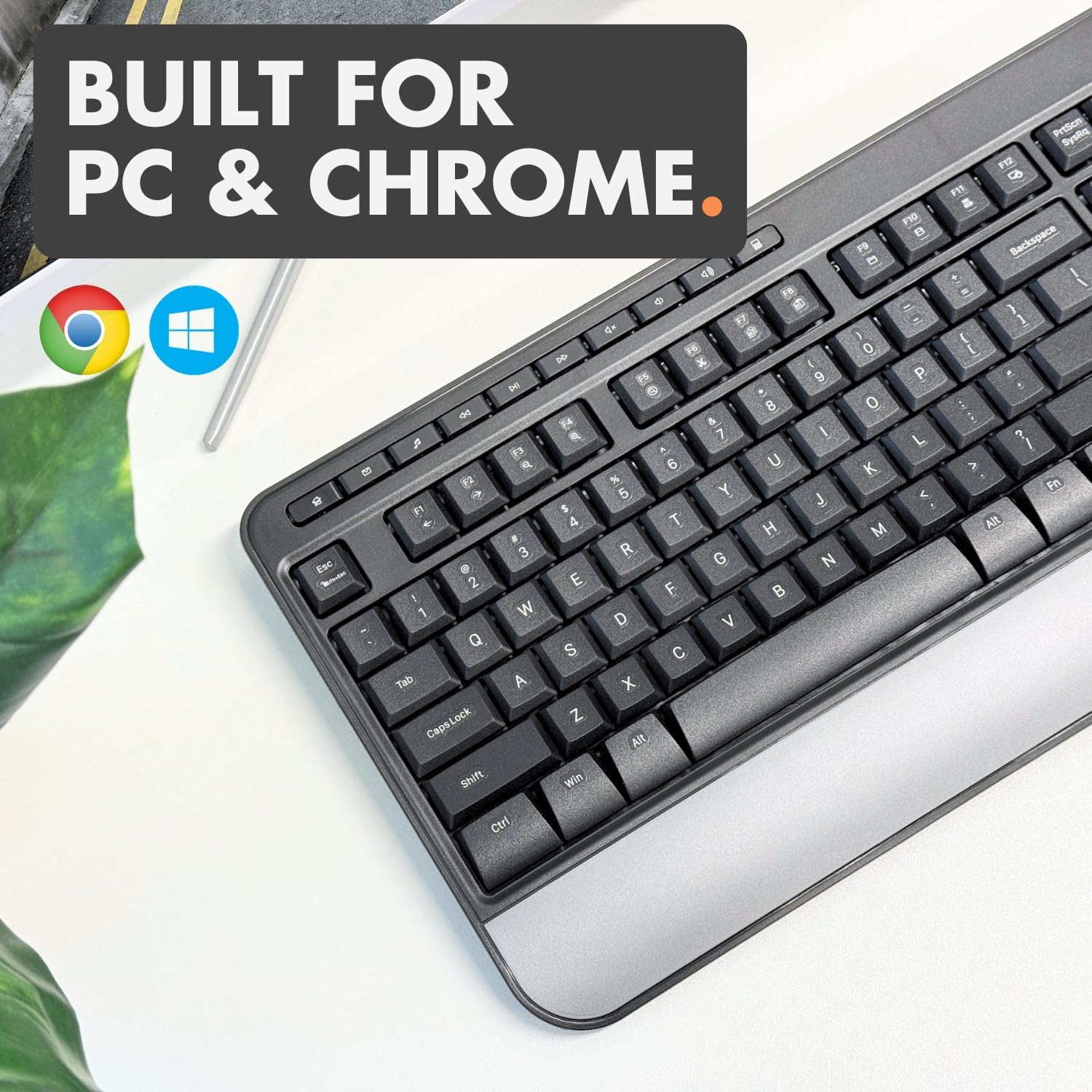
Figure 6: Built for PC & Chrome
4. Maintenance
To ensure the longevity and optimal performance of your X9 Wired Keyboard, follow these simple maintenance guidelines:
- Cleaning: Regularly wipe the keyboard surface with a soft, dry, lint-free cloth. For deeper cleaning, slightly dampen the cloth with water or a mild, non-abrasive cleaner. Avoid spraying liquids directly onto the keyboard.
- Dust Removal: Use compressed air to remove dust and debris from between the keys.
- Avoid Spills: Keep liquids away from the keyboard to prevent damage to internal components.
- Storage: When not in use, store the keyboard in a clean, dry environment away from extreme temperatures.
5. Troubleshooting
If you encounter any issues with your X9 Wired Keyboard, please refer to the following common troubleshooting steps:
- Keyboard Not Responding:
- Ensure the USB-A cable is securely plugged into a working USB port on your computer.
- Try plugging the keyboard into a different USB port.
- Restart your computer.
- Specific Keys Not Working:
- Check for any debris or obstructions under the affected key. Gently try to dislodge them.
- Ensure the keyboard is clean (refer to Maintenance section).
- Unexpected Characters or Input:
- Verify that your operating system's keyboard language settings are correct.
- Restart your computer.
As a plug-and-play device, the X9 Wired Keyboard does not require specific driver installations. If issues persist after these steps, please contact customer support.
6. Specifications
| Feature | Detail |
|---|---|
| Product Dimensions | 17.25 x 7.25 x 1 inches |
| Item Weight | 2 pounds |
| Manufacturer | X9 Performance |
| Item Model Number | X9MEDIAPALM |
| Connectivity Technology | USB-A |
| Keyboard Description | Multimedia Wired Keyboard |
| Number of Keys | 114 |
| Special Features | Integrated Wrist Rest, Adjustable Kickstand, Multimedia Keys, Shortcut Keys |
| Compatible Devices | Laptop, Desktop PC (Windows, Chrome OS) |
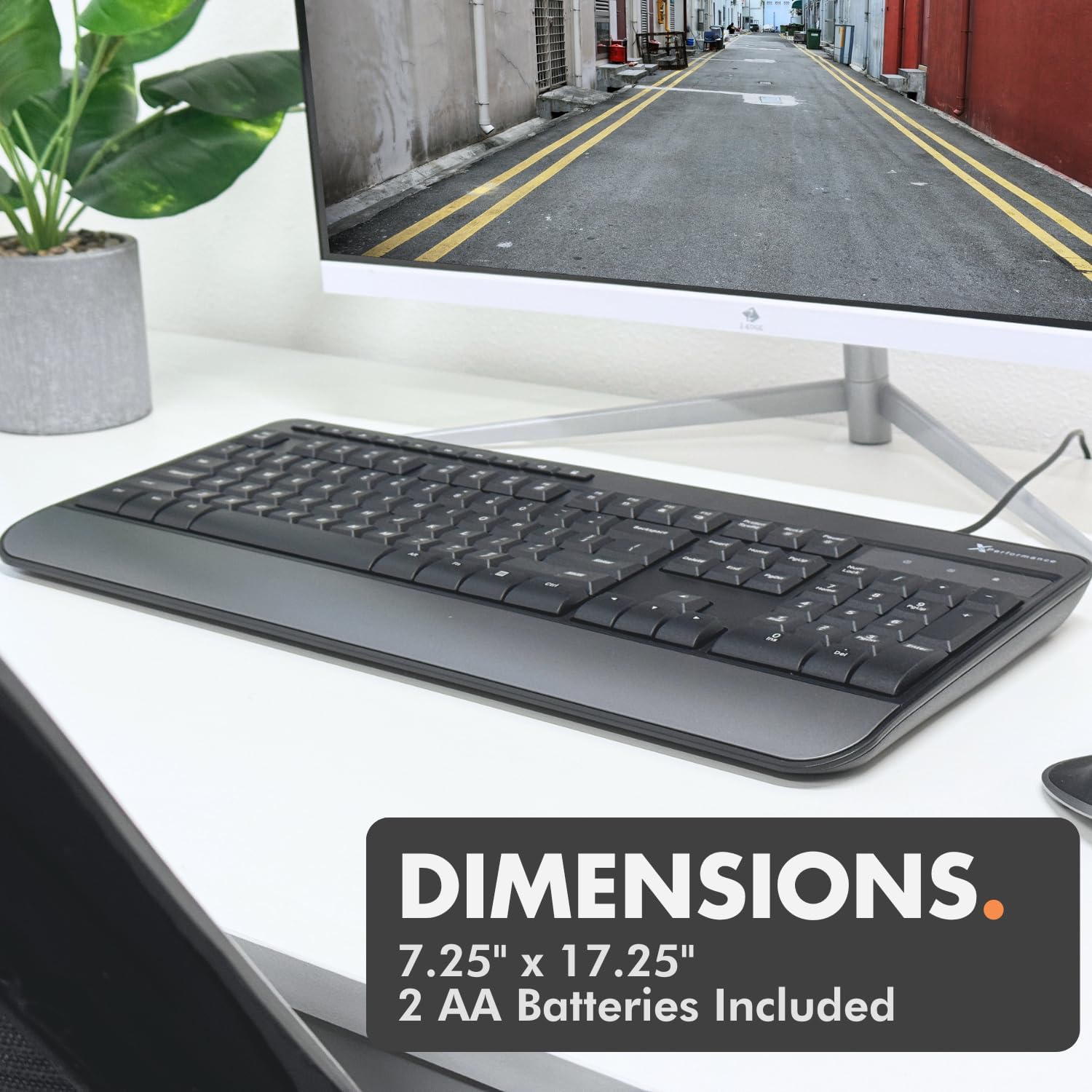
Figure 7: Keyboard Dimensions
7. Warranty and Support
The X9 Wired Keyboard comes with up to 2 years of warranty. For any questions, technical assistance, or warranty claims, please contact X9 Performance customer support. Our friendly support team is ready to assist you.
Please refer to the product packaging or the official X9 Performance website for the most current contact information and detailed warranty terms.
Related documentsX9MEDIAPALM


Ask a question about this manual
Ask about setup, troubleshooting, compatibility, parts, safety, or missing instructions. Manuals+ will review the question and use this page’s manual context to help answer it.