1. Introduction
This manual provides instructions for the VINABTY IR6 replacement remote control, designed for use with various Panasonic Blu-Ray Disc Players. This remote offers direct functionality without the need for programming, serving as a convenient replacement for your original remote.

Image 1.1: Front view of the VINABTY IR6 replacement remote control, showing all buttons and their labels.
2. Setup
2.1 Battery Installation
The VINABTY IR6 remote control requires two (2) AA batteries for operation. Follow these steps to install the batteries:
- Locate the battery compartment cover on the back of the remote control.
- Slide the cover downwards or press the latch to open the compartment.
- Insert two AA batteries, ensuring the positive (+) and negative (-) terminals align correctly with the markings inside the compartment.
- Replace the battery compartment cover by sliding it back into place until it clicks securely.
No programming is required for this remote; it is ready for use once batteries are installed.
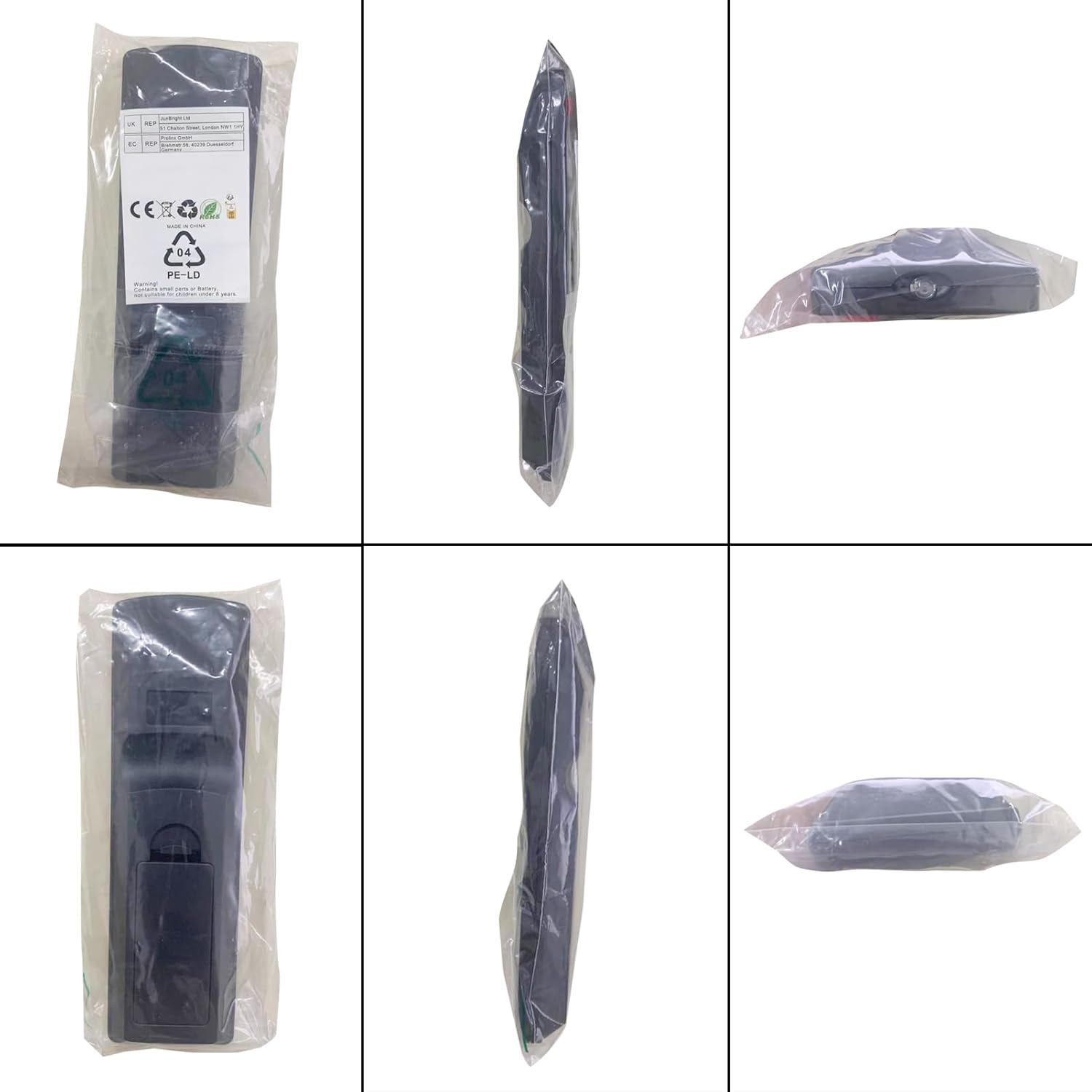
Image 2.1: Back view of the remote control, illustrating the battery compartment area, along with its packaging.
3. Operating Instructions
This section outlines the primary functions of the buttons on your VINABTY IR6 replacement remote control.
| Button | Function |
|---|---|
| POWER (Red) | Turns the Blu-Ray Disc Player on or off. |
| POWER (TV) | Turns the connected TV on or off. |
| INPUT / AV | Selects the input source on the connected TV. |
| VOL + / - | Adjusts the volume of the connected TV. |
| 0-9 (Number Buttons) | Direct selection of tracks, chapters, or menu options. |
| OPEN/CLOSE | Opens or closes the disc tray. |
| DISPLAY | Shows on-screen display information. |
| PIP | Activates Picture-in-Picture function (if supported by player/TV). |
| CANCEL | Cancels current operation or input. |
| AUDIO | Selects audio tracks or formats. |
| NETFLIX | Direct access to the Netflix application. |
| SEARCH | Initiates search functions within menus or media. |
| PLAY (►) | Starts or resumes playback. |
| SLOW | Activates slow-motion playback. |
| SKIP (◀◀ / ►►) | Skips to the previous or next track/chapter. |
| PAUSE (▮▮) | Pauses playback. |
| STOP (■) | Stops playback. |
| EXIT (X) | Exits the current menu or screen. |
| STATUS | Displays current status information. |
| NETWORK | Accesses network features or menus. |
| TOP MENU | Accesses the main menu of a disc. |
| POP-UP MENU | Accesses the pop-up menu of a disc. |
| HOME | Returns to the player's home screen. |
| OK | Confirms selections. |
| Navigation (▲ ◀ ► ▼) | Navigates through menus and options (Up, Left, Right, Down). |
| RETURN (↩) | Goes back to the previous screen or menu. |
| SUB MENU (S) | Accesses sub-menus. |
| Colored Buttons (R, G, B, Y) | Perform specific functions as indicated on-screen or by the Blu-Ray Disc Player. |
4. Maintenance
To ensure the longevity and proper functioning of your VINABTY IR6 remote control, follow these maintenance guidelines:
- Cleaning: Wipe the remote with a soft, dry cloth. Do not use liquid cleaners, abrasive pads, or chemical solvents, as these can damage the surface or internal components.
- Battery Replacement: Replace batteries promptly when the remote's performance diminishes. Remove batteries if the remote will not be used for an extended period to prevent leakage.
- Storage: Store the remote in a cool, dry place away from direct sunlight, extreme temperatures, and high humidity.
- Handling: Avoid dropping the remote or subjecting it to strong impacts, which can damage internal circuitry.
5. Troubleshooting
If you encounter issues with your VINABTY IR6 remote control, refer to the following common troubleshooting steps:
- Remote Not Responding:
- Ensure batteries are inserted correctly with the correct polarity (+/-).
- Replace old batteries with new AA batteries.
- Check for any obstructions between the remote and the Blu-Ray Disc Player's infrared sensor.
- Ensure you are within the effective range and line of sight of the player.
- Specific Buttons Not Working:
- Clean the remote's surface, especially around the unresponsive buttons, to remove any debris.
- If only TV control buttons (e.g., TV Power, Volume) are not working, ensure your TV is compatible with the remote's universal TV codes (if applicable, though this remote is primarily for Blu-Ray players).
- No Programming Needed: This remote is designed to work directly with compatible Panasonic Blu-Ray Disc Players without any setup codes or programming. If it does not function, verify compatibility with your specific player model.
6. Specifications
| Feature | Detail |
|---|---|
| Brand | VINABTY |
| Model | IR6 |
| Compatible Devices | Panasonic Blu-Ray Disc Players (e.g., N2QAYB000575, DMP-BD75, DMP-BD755, DMP-BD755P, DMP-BD75P, DMP-BD75PC, DMP-MST60, DMP-MS10, DMP-BDT210, DMP-BDT110, DMP-BDT215, DMP-BDT310) |
| Connectivity Technology | Infrared (IR) |
| Power Source | 2 x AA Batteries (not included) |
| Product Dimensions | Approximately 5 x 1.9 x 0.5 inches (12.7 x 4.8 x 1.3 cm) |
| Item Weight | Approximately 2.54 ounces (72 grams) |
| Special Feature | Ergonomic design |
7. Support
For any questions or concerns regarding your VINABTY IR6 replacement remote control, please contact our customer support. We aim to provide a response within 24 hours.
Please refer to your purchase platform or product packaging for specific contact details.


