Introduction
This manual provides detailed instructions for the assembly, operation, and maintenance of your Neewer 80x80cm Professional Photo Light Box Kit. This kit is designed to provide consistent and adjustable lighting for high-quality product photography, featuring a spacious shooting tent, adjustable LED light panels, and multiple background options.
Package Contents
Please verify that all components listed below are included in your package:
- 1x 80x80x80cm Shooting Tent
- 3x LED Light Panels
- 3x Backgrounds (Black, White, Orange)
- 1x Carry Bag
- 1x Power Adapter
- 12x Frame Tubes
- 10x Corner Pieces
- 1x Soft Diffuser Cloth
Setup Instructions
Follow these steps to assemble your Neewer Photo Light Box:
- Connect the Frame Tubes: Assemble the 12 frame tubes using the corner pieces to form a cubic frame. Ensure all connections are secure.
- Cover the Frame: Drape the shooting tent fabric over the assembled frame.
- Secure the Tent: Pull the zipper along the frame tubes to fully enclose the frame within the tent fabric.
- Attach the Background: Select your desired background color (black, white, or orange). Attach it to the top inside of the tent using the fastening tape.
- Secure Background Bottom: Fix the bottom edge of the background cloth under the frame tube at the base of the tent.
- Hook LED Light Panels: Attach the three LED light panels to the designated hooks or rails inside the top of the tent.
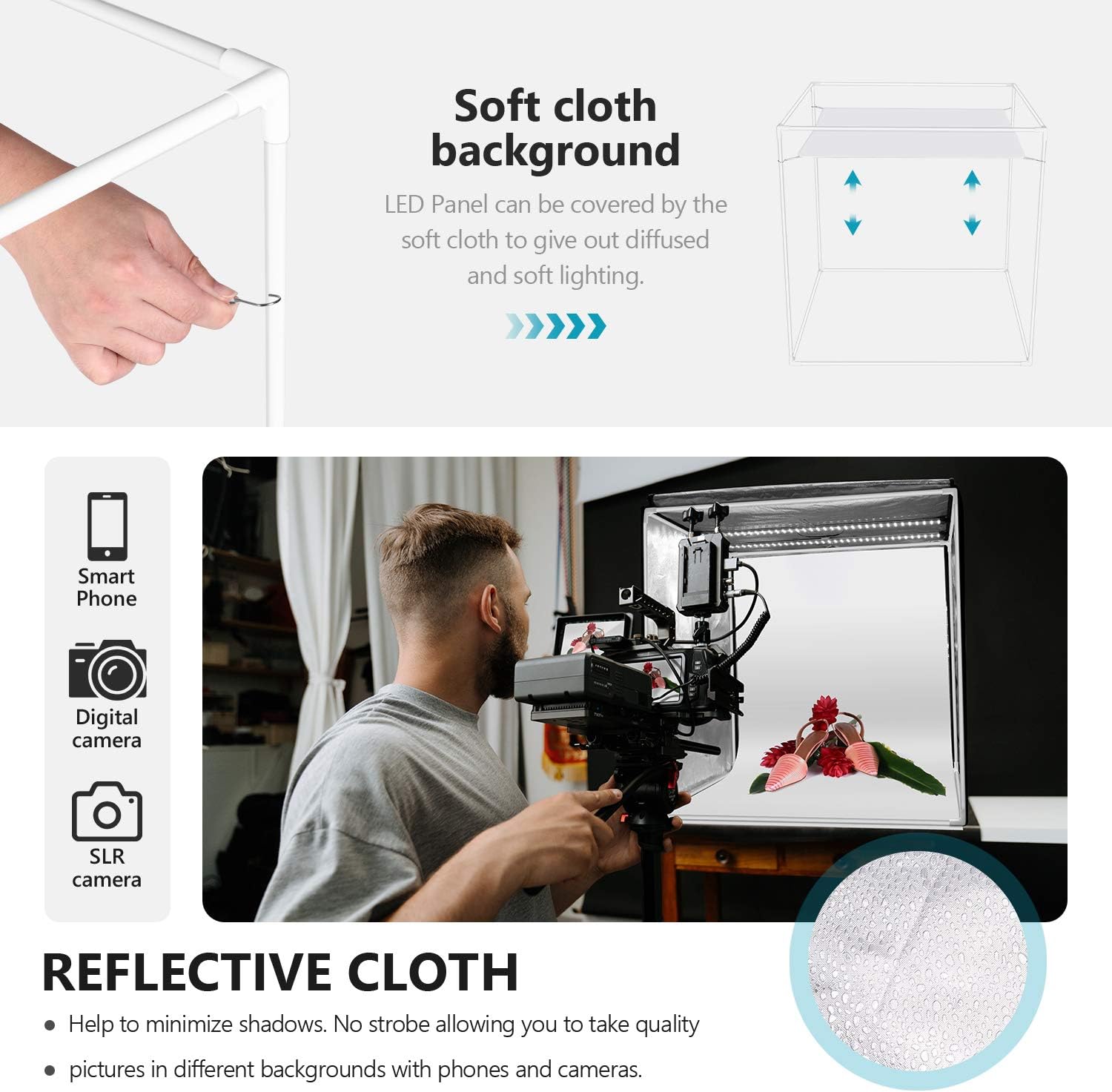
- Install Diffuser Cloth (Optional): For softer, more diffused lighting, hook the soft diffuser cloth to the frame tubes, positioning it below the LED panels.
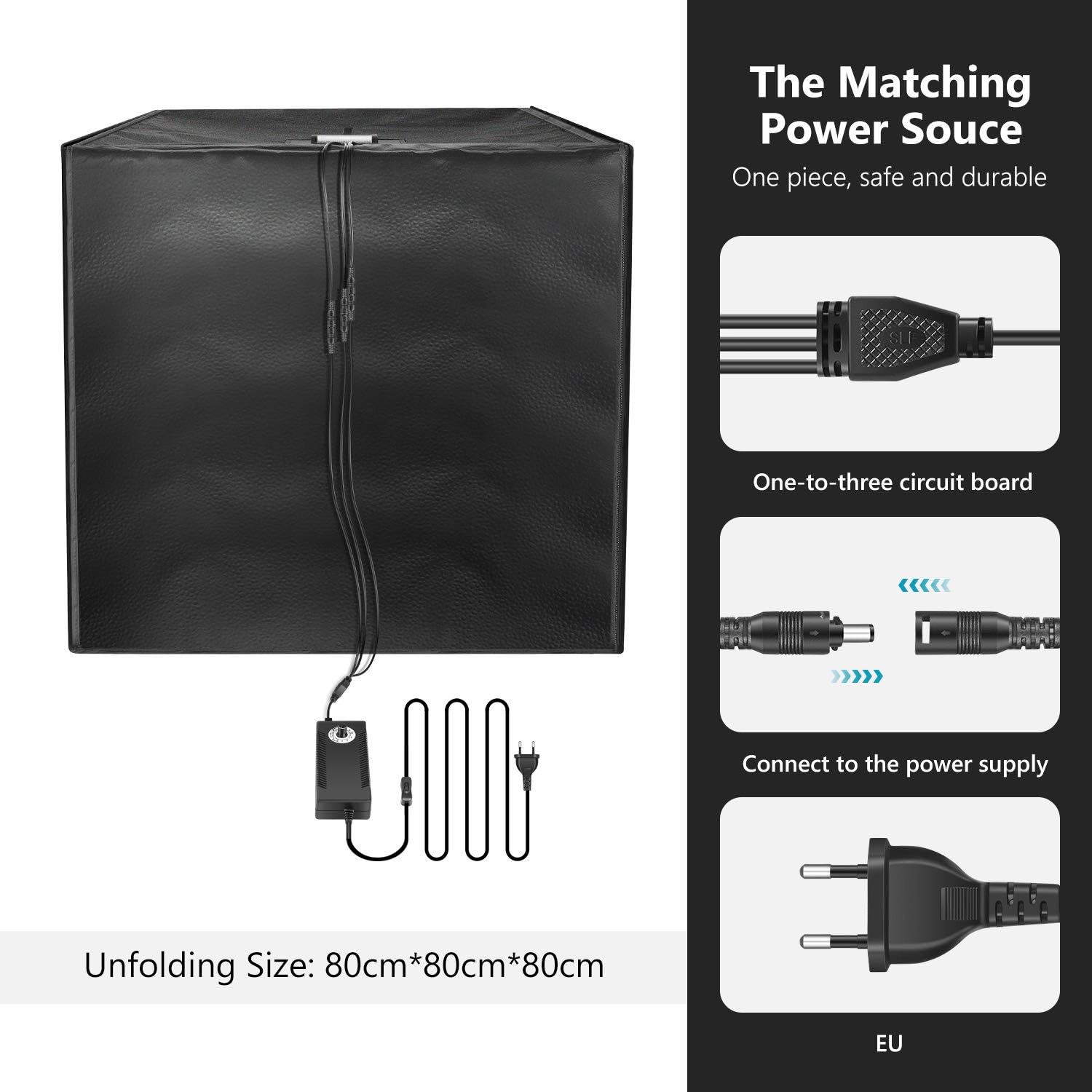
- Connect Power: Connect the LED light panels to the power supply adapter, then plug the adapter into a suitable power outlet.
- Final Check: Ensure all components are securely in place before use.

Operating Instructions
Powering On/Off and Brightness Adjustment
The LED light panels feature adjustable brightness. Use the inline dimmer switch to turn the lights on or off and to gradually adjust the brightness level from 10% to 100% to achieve your desired lighting effect.

Changing Backgrounds
The kit includes three different colored backgrounds (black, white, orange) to suit various product photography needs. To change a background, simply detach the current one from the fastening tape at the top and replace it with another.
Multi-Angle Shooting
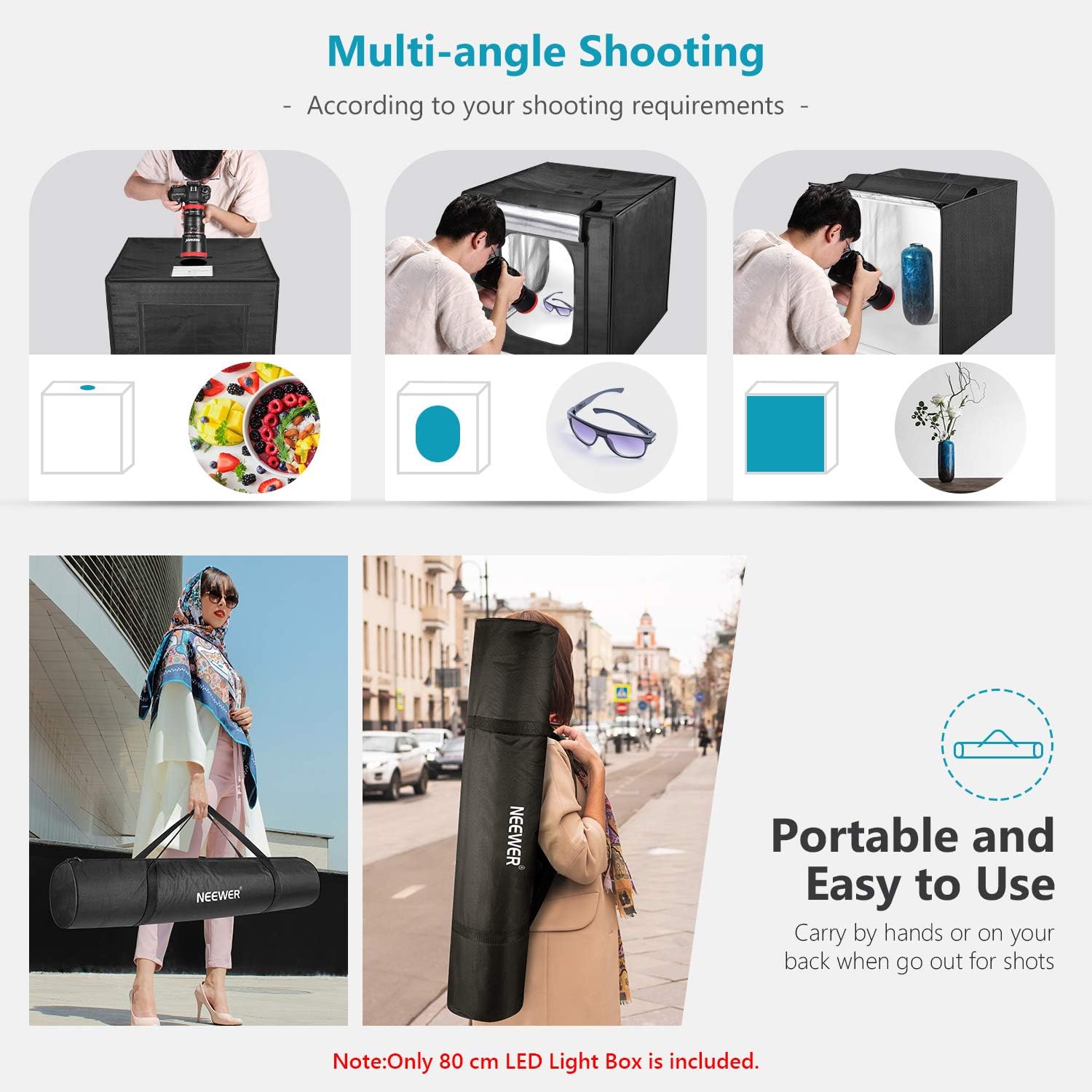
The light box is designed with multiple openings on the front and top, allowing for versatile shooting angles. Choose the most suitable opening based on the size and type of object being photographed to capture optimal shots.

Using the Diffuser Cloth
The included soft diffuser cloth can be hooked to the frame tubes to provide a more even and softer light distribution, minimizing harsh shadows and reflections on your subjects.

Maintenance
To ensure the longevity and optimal performance of your light box kit, follow these maintenance guidelines:
- Cleaning: Use a soft, dry cloth to wipe down the exterior of the tent and the LED panels. For stubborn marks on the tent fabric, a slightly damp cloth with mild soap can be used, followed by drying.
- Storage: When not in use, disassemble the light box and store all components in the provided carry bag to protect them from dust and damage.
- Handling: Avoid sharp objects near the tent fabric and LED panels to prevent punctures or damage.
- Electrical Safety: Always unplug the power adapter from the wall outlet when not in use or during cleaning.
Troubleshooting
If you encounter any issues with your light box, refer to the following common solutions:
- Lights Not Turning On:
- Ensure the power adapter is securely plugged into both the LED panels and a working wall outlet.
- Check the inline dimmer switch to ensure it is in the 'ON' position and the brightness is not set to minimum.
- Uneven Lighting:
- Verify that all three LED panels are properly hooked and functioning.
- Consider using the soft diffuser cloth to spread the light more evenly.
- Wrinkled Backgrounds:
- The backgrounds are designed to be anti-wrinkle. Ensure they are stretched taut when installed. Minor wrinkles may smooth out over time or with gentle handling.
Specifications
| Feature | Specification |
|---|---|
| Brand | NEEWER |
| Model Number | 10097687 |
| Unfolded Dimensions | 80 x 80 x 80 cm |
| Package Dimensions | 98 x 18 x 18 cm |
| Product Weight | 5 kg |
| Light Source Type | LED |
| LED Count (per panel) | 70 SMD LEDs |
| Power Output | 2-80W |
| Color Temperature | 6000-6500K |
| Color Rendering Index (CRI) | 80+ |
| Voltage | 220 Volts |
| Materials | Aluminum, Polypropylene, Oxford Fabric |
| Included Background Colors | Black, White, Orange |
Warranty and Support
For warranty information, technical support, or any inquiries regarding your Neewer product, please visit the official Neewer brand store or contact their customer service directly. You can find more information at the NEEWER Brand Store.


