Introduction
Welcome to the user manual for your new Fossil Gen 5E Smartwatch. This guide provides essential information on setting up, operating, maintaining, and troubleshooting your device. Your 42mm Gen 5E touchscreen smartwatch offers speaker functionality, 4GB storage capacity, and three smart battery modes to extend battery life for multiple days. It is compatible with both iPhone and Android phones, providing seamless integration with your digital life.
Please read this manual thoroughly to ensure optimal performance and longevity of your smartwatch.
Setup
1. Unboxing and Initial Charge
Upon unboxing your Fossil Gen 5E Smartwatch, ensure all components are present: the smartwatch, charging cable, and user documentation. Before first use, fully charge your smartwatch.

Figure 1: Front view of the Fossil Gen 5E Smartwatch.
- Connect the magnetic charger to the rings on the watch caseback. The charger is designed to snap into place and spins 360 degrees for ease of use.
- Plug the USB end of the cable into a compatible USB power adapter (not included) or a computer USB port.
- The watch will display a charging indicator. It takes approximately 50 minutes to reach 80% charge.
- Important: Only use the included charger. Do not use a USB hub, USB splitter, USB y-cable, battery pack, or other peripheral device to charge, as this may damage your watch.
2. Pairing with Your Smartphone
Your Fossil Gen 5E Smartwatch is compatible with phones running the latest version of Android (excluding Go edition) or iOS.
- Download the 'Wear OS by Google' app from the Google Play Store (for Android) or Apple App Store (for iOS) on your smartphone.
- Open the Wear OS by Google app on your phone and follow the on-screen instructions to begin pairing.
- On your smartwatch, select your preferred language and tap to begin.
- The watch will display a watch name (e.g., Fossil 5e O031). Select this name in the Wear OS app on your phone.
- Confirm the pairing code displayed on both your watch and phone.
- Follow the remaining prompts in the app to complete setup, including signing into your Google account and granting necessary permissions.
Video 1: Unboxing and Initial Setup of the Fossil Gen 5E Smartwatch. This video demonstrates the watch's packaging, charging cable, and the initial pairing process with a smartphone, highlighting the touch screen responsiveness and compatibility with both Android and iOS devices.
Operating Your Smartwatch
Navigation and Controls
The Fossil Gen 5E features a responsive touchscreen and a single side button for navigation.
- Touchscreen: Swipe left/right, up/down, and tap to navigate menus, select apps, and interact with notifications.
- Side Button: Press to return to the watch face, access the app drawer, or long-press to activate Google Assistant.
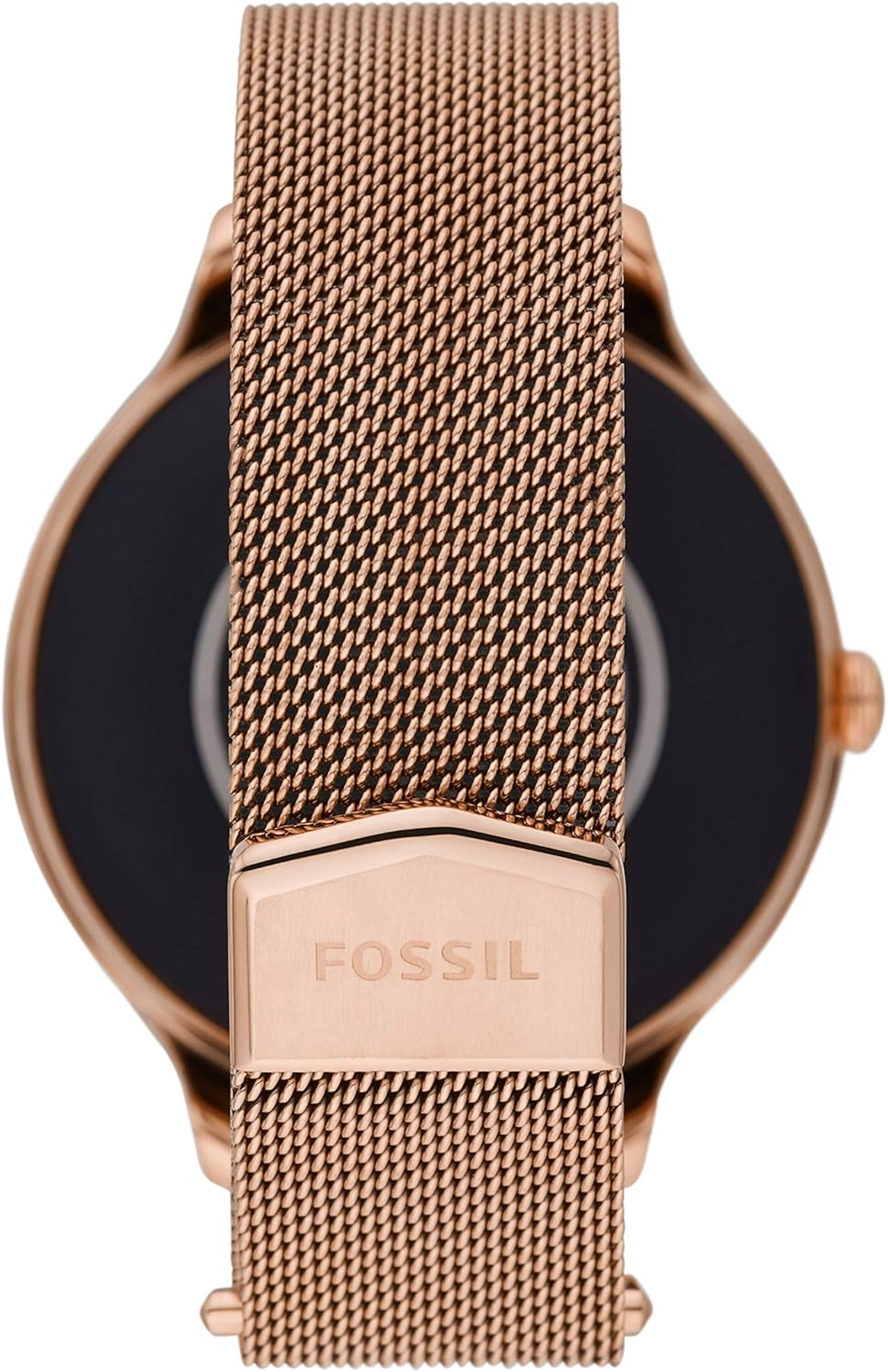
Figure 2: Side view of the smartwatch, highlighting the single button for control.
Key Features
- Notifications: Receive alerts for calls, texts, and app notifications directly on your wrist. You can answer and make calls directly on your watch when your phone is out of reach, thanks to the built-in speaker.
- Activity Tracking: Automatically tracks activity goals, steps, sleep, heart rate, and cardio level. Activity modes with tethered GPS keep you on track with your distance and path. Advanced sensors provide data for health and fitness apps.
- Google Assistant: Access quick news and information, check the weather, set timers and alarms, and control smart home devices using voice commands.
- Customizable Watch Faces: Personalize your watch with thousands of available watch faces.
- Swimproof Design: The watch is designed to be swimproof, making it suitable for various activities including swimming.

Figure 3: Heart rate tracking feature displayed on the smartwatch screen.

Figure 4: Overview of various smart features including Google Assistant, Google Pay, and notifications.
Maintenance
Cleaning Your Smartwatch
To keep your smartwatch in optimal condition, regularly clean the device and its strap.
- Wipe the screen and case with a soft, lint-free cloth. For stubborn smudges, slightly dampen the cloth with water.
- For silicone or leather straps, wipe with a damp cloth and allow to air dry. Avoid harsh chemicals or abrasive materials.
- Ensure the charging contacts on the caseback are clean and free of debris for efficient charging.
Battery Care
The smartwatch battery offers 24+ hours of use with multi-day Extended Battery Mode. Battery life varies based on usage and after updates install.
- Charge your watch regularly to maintain battery health.
- Utilize the smart battery modes (Daily, Extended, Custom, Time Only) to optimize battery life based on your needs.
- Avoid exposing the watch to extreme temperatures, which can degrade battery performance.
Troubleshooting
| Problem | Possible Solution |
|---|---|
| Watch not turning on | Ensure the watch is fully charged. Connect to the charger and wait a few minutes. If it still doesn't turn on, perform a hard reset by holding the side button for 15-20 seconds. |
| Cannot pair with phone | Make sure Bluetooth is enabled on your phone and the Wear OS by Google app is open. Restart both your watch and phone. Ensure your phone's operating system is up to date. |
| Inaccurate activity tracking | Ensure the watch is worn snugly on your wrist. Calibrate the fitness tracking settings in the Wear OS app. Check for any software updates for your watch. |
| Short battery life | Adjust battery mode settings to 'Extended' or 'Custom' to disable non-essential features. Reduce screen brightness and turn off always-on display. Limit background app refresh. |
| Voice Assistant not responding | Ensure your watch is connected to your phone and has an active internet connection. Speak clearly and directly into the watch's microphone. Check microphone settings in the Wear OS app. |
Specifications
- Model Number: FTW6068
- Case Size: 42mm
- Display: Touchscreen
- Storage: 4GB
- Operating System: Wear OS by Google
- Compatibility: Android (excluding Go edition) and iOS
- Sensors: Heart Rate, Activity Tracker, GPS (tethered)
- Connectivity: Bluetooth, Wi-Fi
- Water Resistance: Swimproof
- Battery Life: 24+ hours, multi-day Extended Battery Mode
- Charging: Fast Charging (50 minutes to 80%)
- Dimensions: 1.65 x 0.71 x 0.47 inches; 2.65 ounces
Warranty Information
Your Fossil Gen 5E Smartwatch comes with a limited warranty covering defects in materials and workmanship. Please refer to the included "Warranty (PDF)" document for full details regarding warranty coverage, terms, and conditions.
For warranty claims or service, please retain your proof of purchase.
Support
For additional assistance, frequently asked questions, or to contact customer support, please visit the official Fossil website or refer to the "User Manual (PDF)" and "User Guide (PDF)" documents provided with your product.
- Online Resources: www.fossil.com
- User Manual (PDF): Download User Manual
- User Guide (PDF): Download User Guide
Product should be kept more than 20cm away from implanted medical devices to minimize potential for RF interference. See product insert for full details.


