
SupplySource 22MN430M-B
SupplySource AC Adapter Charger User Manual
Model: 22MN430M-B
Introduction
This user manual provides essential information for the safe and efficient use of your SupplySource AC Adapter Charger, specifically designed for the LG 22MN430M-B 22 FHD IPS Monitor. Please read this manual thoroughly before use and retain it for future reference.
Important Safety Notice:
- Ensure the DC output and tip size of the AC adapter are compatible with your device before connecting.
- When using the adapter for extended periods, ensure adequate ventilation and humidity control. Avoid placing it on skin products or flammable surfaces.
Product Overview
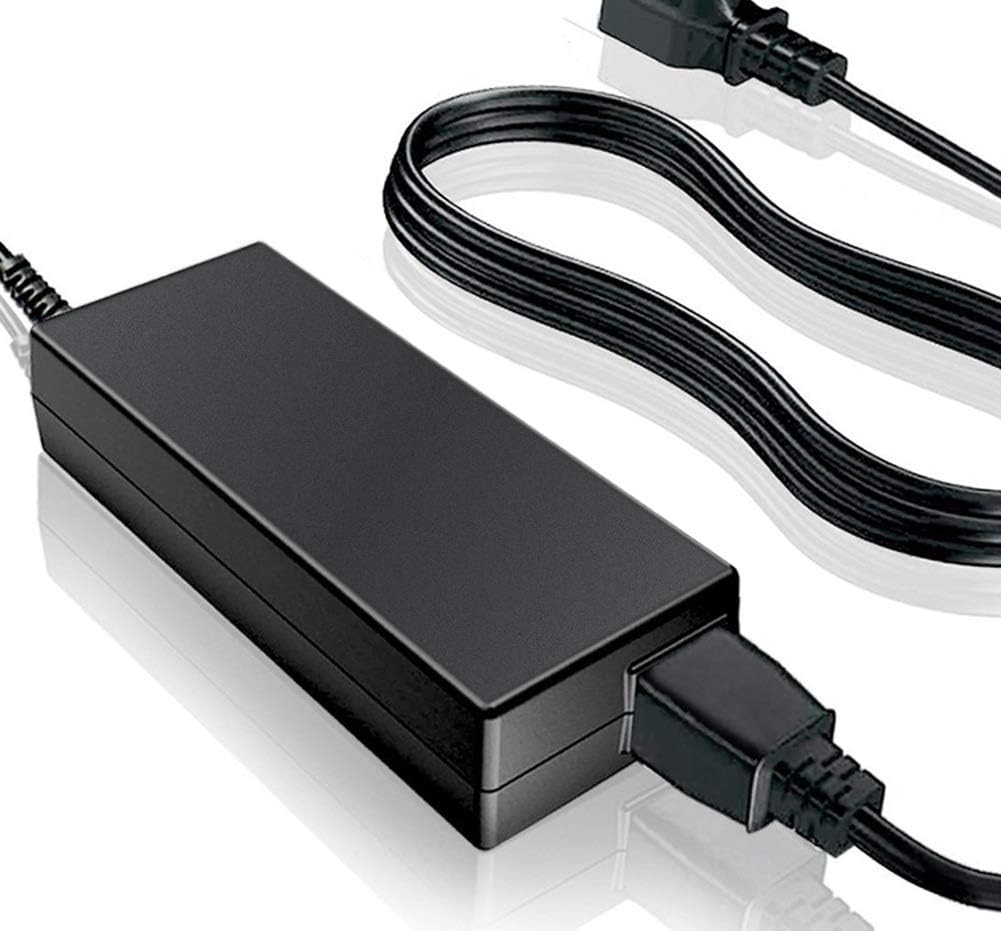
Figure 1: SupplySource AC Adapter Charger. This image shows the main adapter unit connected to its power cord, ready for use. The adapter is black and rectangular, with a standard two-prong plug on the cord.

Figure 2: Detailed view of the AC Adapter's features. This diagram highlights the stable output voltage, overload protection, and short circuit protection features. It also illustrates that the power cord is made of high-quality 3x0.5 mm copper core for antioxidant and corrosion resistance, and the shell is constructed from flame-retardant and high-temperature resistant ABS and PC synthetic materials for durability.
Setup Instructions
- Verify Compatibility: Before connecting, ensure that the voltage and current requirements of your LG 22MN430M-B monitor match the output specifications of this SupplySource AC adapter. Also, confirm the physical compatibility of the DC output tip with your monitor's power input port.
- Connect to Monitor: Insert the DC output tip of the AC adapter firmly into the power input port of your LG 22MN430M-B monitor.
- Connect to Power Outlet: Plug the AC power cord into a standard 100-240V wall outlet. Ensure the outlet is easily accessible.
- Power On: Once connected, your monitor should receive power. If your monitor has a power button, press it to turn on the display.
Operating Guidelines
The SupplySource AC Adapter is designed for continuous operation within its specified voltage and frequency ranges. It incorporates safety features such as protection against incorrect voltage (IV), short circuit (SC), and internal overheating (IO).
- Always use the adapter in a well-ventilated area to prevent overheating.
- Do not expose the adapter to water, moisture, or extreme temperatures.
- Avoid placing heavy objects on the power cord or adapter.
- Disconnect the adapter from the power outlet when not in use for extended periods.
Care and Maintenance
- Cleaning: Disconnect the adapter from the power source and your device before cleaning. Use a soft, dry cloth to wipe the surface. Do not use liquid cleaners or aerosols.
- Storage: Store the adapter in a cool, dry place away from direct sunlight and extreme temperatures. Avoid tightly coiling the power cord to prevent damage.
- Inspection: Periodically inspect the adapter and power cord for any signs of damage, such as frayed wires or cracked casing. If damage is observed, discontinue use immediately.
Troubleshooting
| Problem | Possible Cause | Solution |
|---|---|---|
| Monitor not powering on. |
|
|
| Adapter feels hot. |
|
|
Product Specifications
| Feature | Detail |
|---|---|
| Brand | SupplySource |
| Model | For LG 22MN430M-B Monitor |
| Input Voltage Range | 100-240V |
| Input Frequency | 50-60Hz |
| Wattage | 24 watts |
| Connector Type | Barrel Connector |
| Compatible Devices | Monitors (specifically LG 22MN430M-B) |
| Safety Certifications | CE, FCC |
| Material | Metal, Plastic (Flame retardant and high temperature resistant ABS and PC synthetic materials for shell) |
| Power Source | Corded Electric |
Warranty and Support
SupplySource products are manufactured with high-quality materials and undergo rigorous testing to ensure safety and performance.
For any questions or concerns regarding your AC adapter, please contact SupplySource customer support. We are committed to assisting you.
Note: This adapter is a brand new, high-quality (non-OEM) product.
Ask a question about this manual
Ask about setup, troubleshooting, compatibility, parts, safety, or missing instructions. Manuals+ will review the question and use this page’s manual context to help answer it.