
Devanti FD-E-383B-ST-BK
Devanti Food Dehydrator User Manual
Model: FD-E-383B-ST-BK
Introduction
The Devanti Food Dehydrator is designed to efficiently dry various foods such as fruits, vegetables, meats, and herbs, preserving their nutrients and extending their shelf life. This appliance features a complete drying system with adjustable temperature and timer controls, allowing for precise dehydration. Its stainless steel trays and transparent door enhance usability and monitoring.
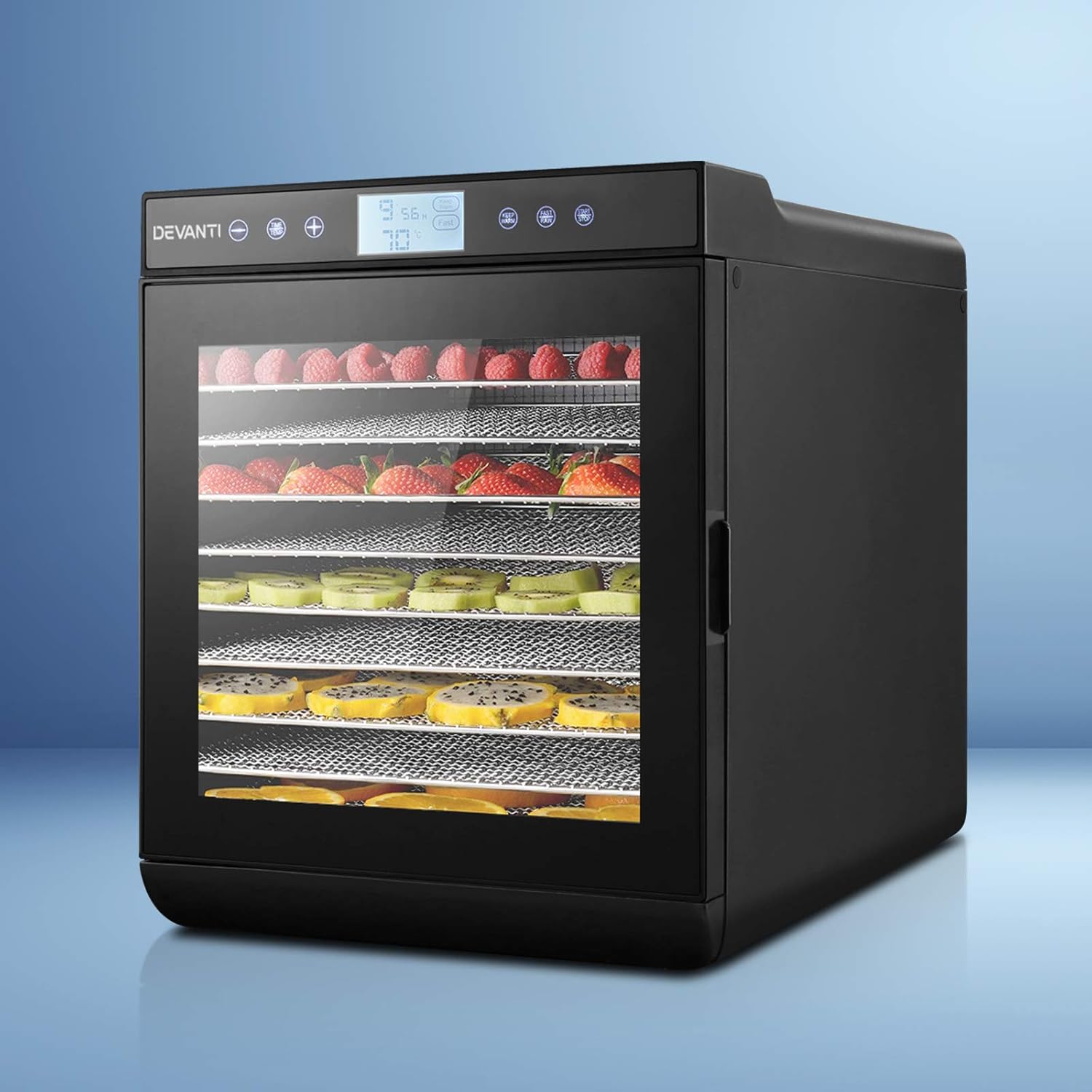
Image: The Devanti Food Dehydrator, showcasing its sleek black design and transparent door filled with various fruits and vegetables undergoing dehydration.
Important Safety Instructions
Please read all instructions carefully before using the appliance. Failure to follow these instructions may result in electric shock, fire, or serious injury.
- Always ensure the dehydrator is placed on a stable, flat, heat-resistant surface, away from water sources.
- Do not immerse the main unit, cord, or plug in water or other liquids.
- Keep the appliance out of reach of children and pets.
- Unplug the dehydrator from the power outlet when not in use, before cleaning, or during assembly/disassembly.
- Do not operate the appliance if the cord or plug is damaged, or if the appliance malfunctions or has been damaged in any manner.
- Ensure proper ventilation around the unit during operation. Do not block air vents.
- The dehydrator is equipped with overheating protection for safe use. If the unit overheats, it will automatically shut off.
- Use only accessories and attachments recommended by the manufacturer.
- This appliance is for household use only. Do not use outdoors.
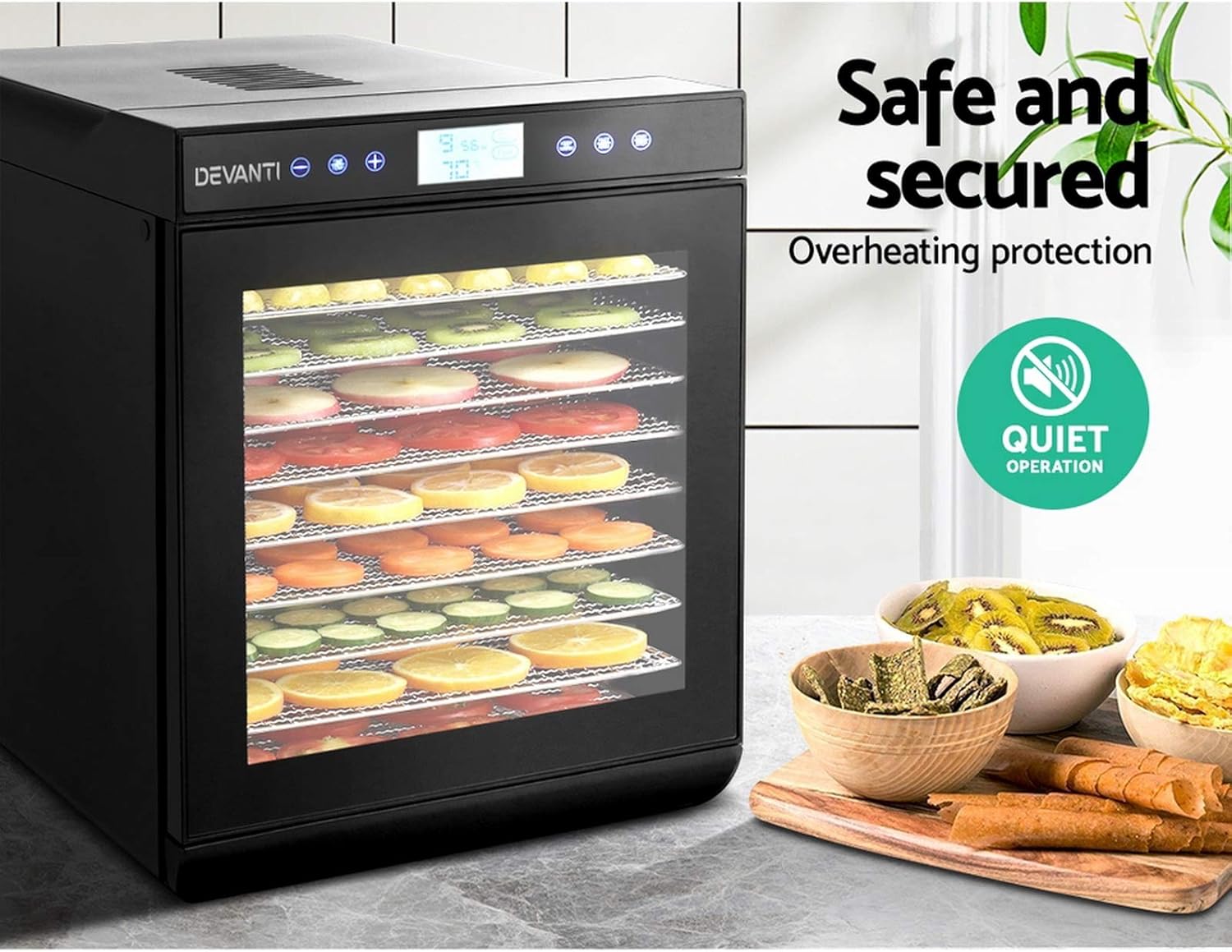
Image: The Devanti Food Dehydrator highlighting its quiet operation and built-in overheating protection, ensuring safe and secure use.
Product Components
The Devanti Food Dehydrator consists of the following main components:
- Main Unit: Houses the heating element, fan, and control panel.
- LCD Touch Control Panel: For setting temperature and timer.
- Transparent Tempered Glass Door: Allows monitoring of the drying process and prevents heat loss.
- Stainless Steel Trays (10): Food-grade trays for holding items to be dehydrated. These are removable for easy cleaning and to accommodate larger items.
- Power Cord and SAA-certified Plug: For connecting to an electrical outlet.

Image: A detailed view of the dehydrator's interior, emphasizing its large capacity with 10 removable food-grade stainless steel trays, suitable for various ingredients.
Setup
- Unpacking: Carefully remove the dehydrator and all its components from the packaging. Retain packaging for future storage or transport.
- Initial Cleaning: Before first use, wash all stainless steel trays and the interior of the dehydrator with warm, soapy water. Wipe the exterior with a damp cloth. Ensure all parts are completely dry before assembly.
- Placement: Place the dehydrator on a clean, dry, stable, and heat-resistant surface. Ensure there is adequate space around the unit (at least 15 cm) for proper air circulation. Do not place it near heat sources or in direct sunlight.
- Tray Installation: Insert the clean, dry stainless steel trays into the dehydrator's internal racks.
- Power Connection: Plug the power cord into a standard electrical outlet.
Operating Instructions
Follow these steps to operate your Devanti Food Dehydrator:
- Prepare Food: Wash, peel (if necessary), and slice your food items evenly. Even slicing ensures uniform drying.
- Load Trays: Arrange the prepared food in a single layer on the stainless steel trays. Do not overlap items to allow for optimal airflow.
- Close Door: Securely close the transparent tempered glass door.
- Power On: Press the START/STOP button on the LCD touch control panel to turn on the unit.
- Set Temperature: Press the TIME/TEMP button, then use the + and - buttons to adjust the desired drying temperature. The temperature range is 35°C to 70°C.
- Set Timer: Press the TIME/TEMP button again to switch to timer setting. Use the + and - buttons to set the drying time. The timer can be set from 0.5 to 24 hours.
- Start Dehydration: Press the START/STOP button to begin the dehydration process. The display will show the remaining time and current temperature.
- Monitor Progress: The transparent door allows you to monitor the drying progress without opening the door and losing heat.
- Special Functions:
- KEEP WARM: Activates a low-temperature setting to keep food warm after drying is complete.
- FAST/RAW: Provides preset settings for faster drying or raw food preparation. Refer to the display for specific values.
- Completion: Once the timer reaches zero, the dehydrator will automatically shut off. Unplug the unit and allow the food and trays to cool before handling.

Image: A detailed view of the LCD touch control panel, illustrating the timer setting (0.5-24 hours) and temperature setting (35°C-70°C) controls.

Image: An internal diagram of the dehydrator, demonstrating the 360-degree cycle heating system with a centrally located fan at the rear for even and thorough dehydration.
Maintenance and Cleaning
Regular cleaning ensures optimal performance and longevity of your dehydrator.
- Always Unplug: Before cleaning, ensure the dehydrator is unplugged from the power outlet and has completely cooled down.
- Clean Trays: The stainless steel trays can be easily removed and washed by hand with warm, soapy water or placed in a dishwasher. Rinse thoroughly and dry completely before re-inserting.
- Clean Interior: Wipe the interior surfaces of the dehydrator with a damp cloth. For stubborn food residues, use a mild detergent. Avoid abrasive cleaners or scouring pads.
- Clean Exterior: Wipe the exterior of the unit with a soft, damp cloth. Do not use harsh chemicals or abrasive materials.
- Storage: Store the dehydrator in a cool, dry place when not in use.
Troubleshooting
If you encounter issues with your Devanti Food Dehydrator, refer to the following common problems and solutions:
| Problem | Possible Cause | Solution |
|---|---|---|
| Dehydrator does not turn on. | Not plugged in; power outlet malfunction; unit overheated. | Ensure the power cord is securely plugged into a working outlet. Check circuit breaker. Allow unit to cool down if it was recently in use and shut off due to overheating protection. |
| Food is not drying evenly. | Overloaded trays; unevenly sliced food; blocked air vents. | Do not overload trays; ensure food is sliced uniformly. Check that air vents are not obstructed. Rotate trays periodically for very large batches. |
| Dehydrator is too noisy. | Normal fan operation; unit not on a stable surface. | A low hum from the fan is normal. Ensure the unit is placed on a flat, stable surface to minimize vibrations. |
| Food is taking too long to dry. | Temperature too low; timer set too short; high humidity; food too thick. | Increase temperature setting. Extend drying time. Ensure room humidity is not excessively high. Slice food thinner. |
Specifications
| Feature | Detail |
|---|---|
| Brand | Devanti |
| Model Number | FD-E-383B-ST-BK |
| Power/Wattage | 700 watts (600W-700W) |
| Voltage | 220-240V/50-60Hz |
| Material | Stainless Steel (Food-grade 304) |
| Tray Quantity | 10 |
| Temperature Range | 35°C - 70°C |
| Timer Range | 0.5 - 24 hours |
| Product Dimensions | 49.5 x 39 x 47 cm (approx.) |
| Item Weight | 11.4 kg |
| Certification | SAA-certified plug |

Image: Technical drawing illustrating the dimensions of the Devanti Food Dehydrator, with measurements for height, width, and depth.
Warranty and Support
For warranty information and customer support, please refer to the documentation included with your purchase or visit the official Devanti website. Keep your proof of purchase for any warranty claims.
For further assistance or technical support, please contact Devanti customer service through their official channels. You can often find contact details on the brand's official website or through the retailer where the product was purchased.
Note: Specific warranty terms and conditions may vary.
Related documentsFD-E-383B-ST-BK


Ask a question about this manual
Ask about setup, troubleshooting, compatibility, parts, safety, or missing instructions. Manuals+ will review the question and use this page’s manual context to help answer it.